How to Check Real-Time Server Latency in the PUBG HUD

Enable PUBG’s network statistics HUD to monitor ping and packet loss in a match. See where to find it, what the numbers mean, and what they cannot diagnose.
If Minecraft shows a getsockopt error while joining through Radmin VPN, check the connection in layers: confirm both players are in the same Radmin network, verify Minecraft edition and version, make sure the host has opened a Java LAN world, and review firewall permissions on the host PC. The word “getsockopt” alone does not identify one exact cause or a universal error code.
This guide focuses on Minecraft Java Edition over Radmin VPN on Windows, which is the common LAN-style setup. The interface images are illustrations, not live screenshots or proof of a test; use the labels as a visual guide and expect small differences between app versions.
getsockopt is a networking function name used when software reads a socket setting. When it appears in a Minecraft connection message, it can accompany a failed socket operation, but the word does not tell you whether the problem is the host, the VPN route, a firewall, or the game setup. Check the full error text and where the failure occurs before changing settings.
It is also misleading to treat every getsockopt message as Windows error 10014. Microsoft defines WSAEFAULT 10014 as an invalid pointer or buffer problem; its Winsock reference lists other codes separately. Unless your complete message includes a specific code, troubleshoot the connection rather than assuming that code applies.
| What happens | Check next |
|---|---|
| Radmin cannot show or reach the other player | Network name, connection status, Radmin service, adapter, and firewall on both PCs. |
| Radmin can reach the peer, but Minecraft cannot join | Host world state, LAN port, destination address, Minecraft edition/version, and Java firewall permission on the host. |
| Everyone fails to join one host | Start the world again and check the host’s LAN setup and firewall rule. |
| Only one player fails | Compare that player’s Radmin network membership, Minecraft edition, release, and local firewall. |
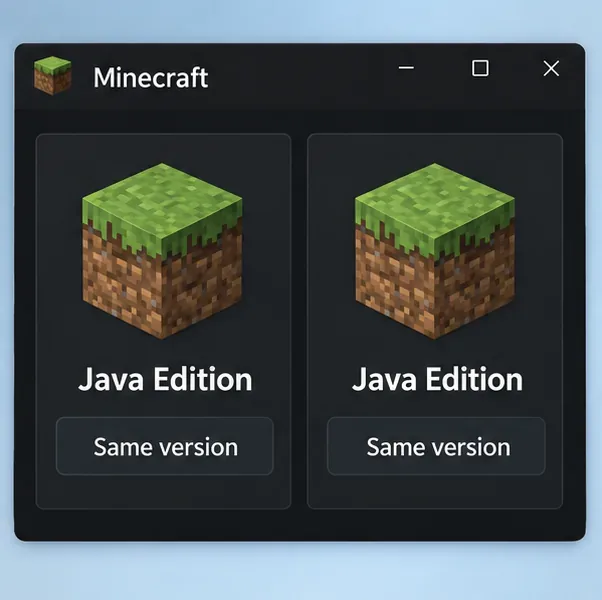
Make sure everyone is launching the same edition. A Java Edition player cannot join a Bedrock Edition world using the Java LAN flow below. Then compare the actual game release or snapshot on every computer; using the same launcher does not guarantee that two players selected the same installation. If you use a modded profile, first compare the exact profiles and mod sets, or try a clean vanilla profile to isolate the connection from mods.
Minecraft’s multiplayer requirements call for the matching edition and a compatible, current game version. Fix a mismatch before changing router or firewall settings.
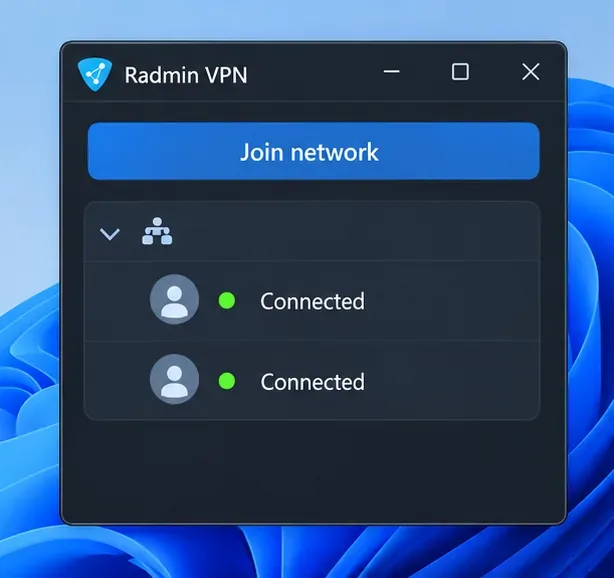
On each computer, open Radmin VPN and check that the host and guest joined the identical network name with its current password. The host should be online, and the other player should appear in the network’s peer list. If either person joined a similarly named network or the host has not joined, Minecraft will not be able to reach that PC through this tunnel.
Reconnect to the correct network, then restart Radmin VPN if the status stays offline. Radmin’s own multiplayer checklist says players should be on the same Radmin VPN network and use the same game version.
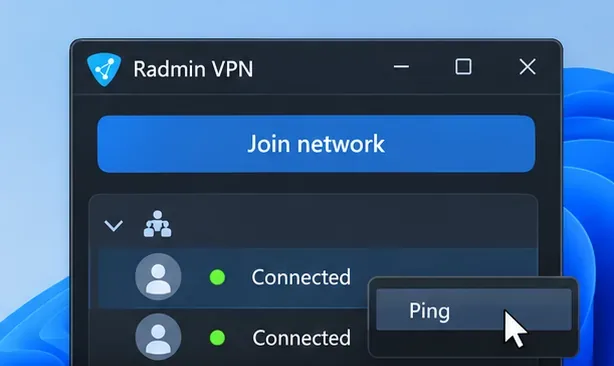
In Radmin VPN, right-click the host’s peer entry and choose Ping. This checks whether the PCs can communicate over the VPN before Minecraft is involved. If the ping cannot reach the host, stay on the Radmin and Windows network side: confirm both peers are connected, restart the VPN app, and check whether security software is blocking Radmin VPN on either computer.
If the peer responds but Minecraft still fails, the tunnel is at least reachable; continue with the host world, address, and firewall checks below. Radmin documents the peer-menu ping as a connection check. It also notes that Relay/TCP means a direct connection could not be established; if most peers show that status, the internet provider or network path may be involved.
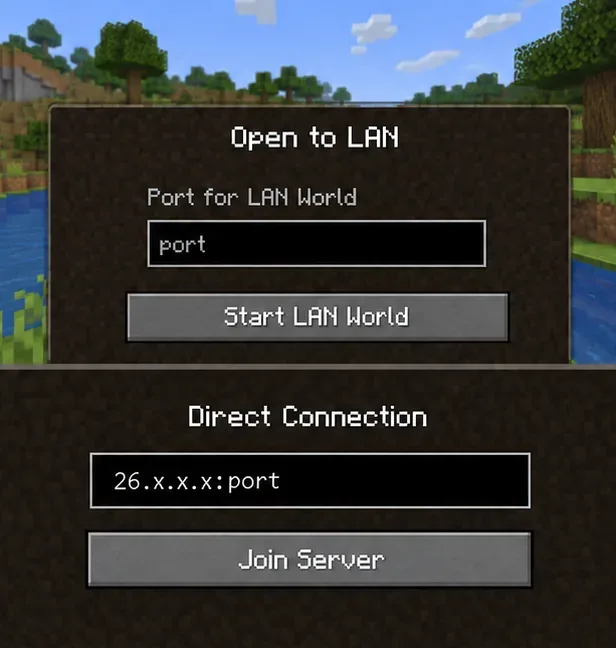
On the host computer, start the Minecraft Java world, press Esc, choose Open to LAN, and select Start LAN World. Minecraft displays a message in chat with the port used for that session. Keep the world open: closing it or starting another LAN session can invalidate the old port.
If the world does not appear automatically in Multiplayer, the host can share the Radmin VPN address shown in Radmin along with the current LAN port. The guest can enter that address in Multiplayer > Direct Connection, using the format host-Radmin-IP:LAN-port. Do not reuse a port from yesterday’s session or substitute the router’s public IP for the host’s Radmin address. Minecraft’s Java multiplayer instructions confirm that Direct Connection accepts a server address; its LAN instructions describe the host’s session port.
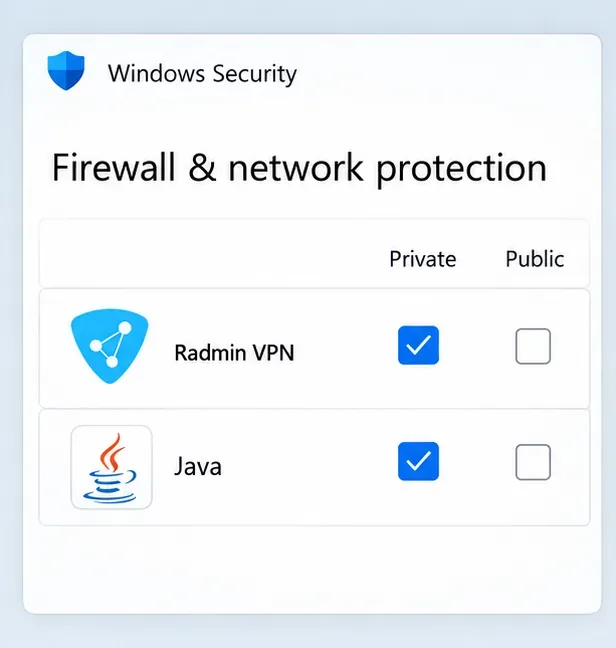
The host is the first PC to check because it accepts the incoming Minecraft connection. In Windows Security, open Firewall & network protection, choose Allow an app through firewall, and review the entries for Radmin VPN and the Java runtime used by the Minecraft installation. If an entry is missing, add the legitimate app from its installed location. Apply permission only to the network profile that matches the trusted Radmin connection and the security setup on your PC.
Repeat the check on the guest if its firewall blocks outbound or VPN traffic, and review any third-party security suite separately. Keep the firewall on. Microsoft says allowing a specific app is generally safer than opening a port; do not open the old draft’s broad UDP 17000–18000 range unless Radmin support or your network administrator gives you a specific, verified rule for your setup.
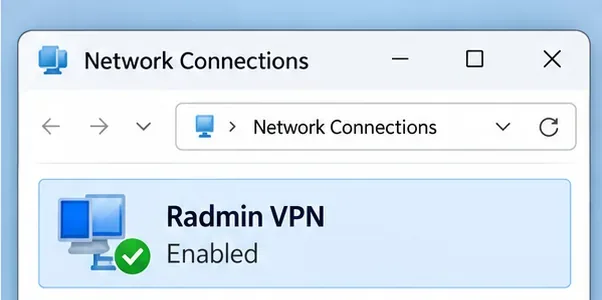
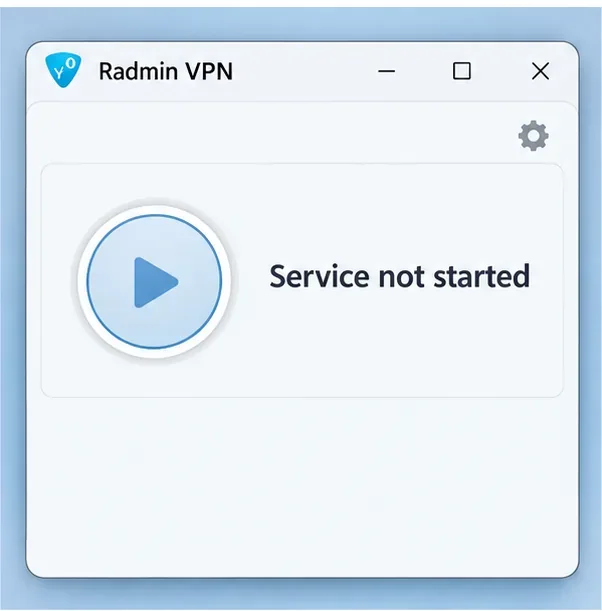
Open Windows Network Connections or Device Manager and confirm the Radmin VPN adapter is present and enabled. Do not disable other adapters as a blanket fix. If the Radmin app shows Service not started, Radmin’s help page says to use its round start control. If it remains stuck waiting for the network adapter, restart Windows and Radmin VPN first; if the problem continues, reinstall Radmin from the official site and contact its support team rather than deleting random driver or program files.
After any repair, reconnect both players to the same Radmin network, reopen the Minecraft LAN world to generate a fresh port, and test again. Change one item at a time so you can tell which layer mattered.
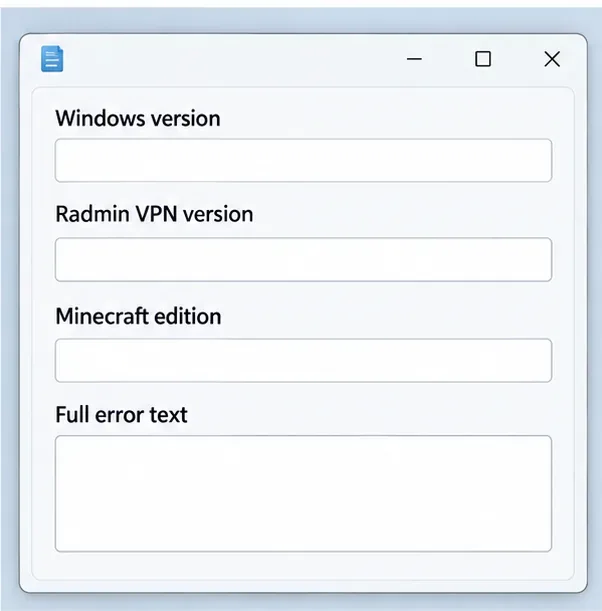
Record the complete Minecraft error, whether Radmin peer ping works, whether the host is using LAN or a dedicated server, and whether the Radmin connection is direct or Relay/TCP. Include Windows version, Radmin VPN version, Minecraft edition, and the steps already tried when you contact support. Do not post passwords, account details, or private IP information publicly.
For Bedrock Edition, use the Bedrock multiplayer requirements and troubleshooting pages; the Java LAN port and Direct Connection steps in this guide do not describe Bedrock’s usual join flow. For Java, consult the official Minecraft Multiplayer Support pages if the Radmin link is working but joining still fails.
Enable PUBG’s network statistics HUD to monitor ping and packet loss in a match. See where to find it, what the numbers mean, and what they cannot diagnose.
Learn how to import VALORANT crosshair codes, compare presets with manual settings and spectator copy, and fix common import issues.
Choose Dota 2 minimap size, hero icons, team colors, and background settings by readability, fewer misclicks, and clear results on your own display.
Fix Fortnite texture pop-in on PC with official steps for GPU drivers, file verification, DirectX 12, high-resolution textures, VRAM, SSDs, and stutter.
Learn what Heroes of the Storm minimap size and position options are verified, improve readability, and choose camera-click controls that suit you.
Set Super Smash Bros. Ultimate Quickplay to prefer hazards-off stages. Follow the Preferred Rules menu steps and learn why matchmaking may not always honor them.
Enable Server Latency and Packet Loss in Warzone to monitor connection quality, read the overlay, and use recurring spikes to guide troubleshooting.
Learn how to carry from mid lane in League of Legends by setting up waves, choosing safe roam windows, reading side lanes, and converting pressure into objectives.
Fix Minecraft Evoker spell problems with a safe vanilla test, version checks, log review, and a step-by-step way to isolate mod or datapack conflicts.
Fix PUBG stuck on Initializing on Steam with a focused checklist for PC service notices, launch options, game files, downloads, and connection issues.








