Can You Convert Garena Shells to Riot Points? (2026 Guide)
No—Garena Shells cannot be converted into Riot Points (RP) for League of Legends. Riot’s Southeast Asia migration guide says Garena Shells did not transfer to Riot accounts, and any balance left after the January 4, 2023 progression freeze would be lost. There is no official Shells-to-RP exchange rate or conversion step. Former Garena players can still check their migrated League content and purchase RP through Riot’s own store.
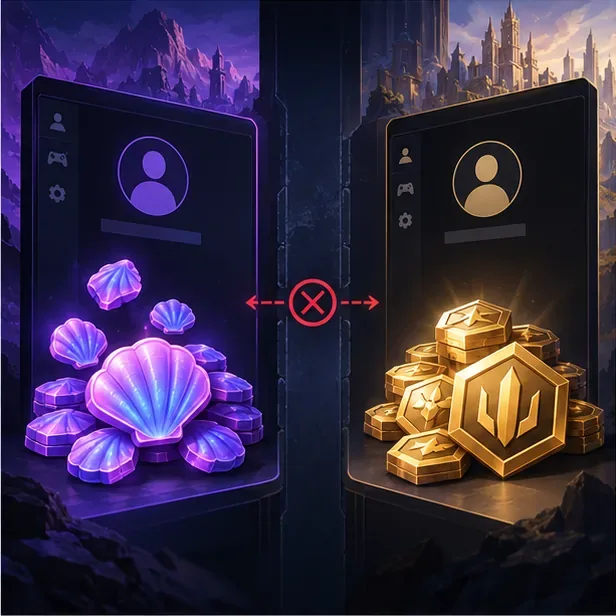
Why Garena Shells do not convert to RP
Garena Shells were a Garena platform currency used for purchases on Garena-operated League of Legends servers. Riot Points are the premium currency used in Riot’s League client. They were managed by different services, so a Shell balance was not an RP balance waiting to be exchanged.
Riot’s League of Legends and TFT content migration guide for Southeast Asia is explicit: Shells would not transfer to a Riot League account. Riot advised players to make planned Garena purchases before the progression freeze on January 4, 2023 (UTC+08:00), and said unused Shells after that point would be lost and could not be replaced. The guide does not offer a later conversion or compensation process.
That means an old Shell balance cannot be entered into Riot’s RP purchase screen, added to a Riot account, or exchanged through a third-party site. Be wary of anyone promising to “convert” Shells for a fee or asking for your Garena or Riot password. Use official Riot support for account questions; never hand over login or payment details to an unofficial service.
What happened during the Garena-to-Riot migration?
Riot regained publishing rights for League of Legends and Teamfight Tactics in APAC and moved player accounts and data from Garena servers to Riot servers. Riot’s SEA welcome announcement described the relaunch of Riot-operated servers in January 2023. This was an account-content migration, not a conversion of every Garena balance into Riot currency.
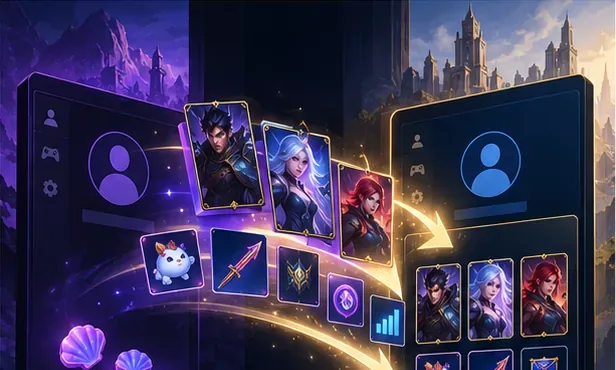
For an active Garena account linked through Riot’s migration process, the guide listed champions, skins, emotes, icons, and other account content for merge or transfer. Certain existing Riot currencies, including Riot Points already on an eligible Riot account, were handled as account content. That did not turn Garena Shells into RP.
Progression had its own rules. Riot said champion mastery, honor, challenges, and ranked history would transfer from the Garena account, while the current League rank and League Points (LP) would reset. Missions and Battle Pass progress also reset. If your account looks different, check the migration guide for the exact account scenario and sign in to the Riot account and server you linked at the time.
Check your migrated account before buying anything
Before spending money, open the League client with the Riot account you used for the migration and confirm that you are on the intended server. Look through your champion and skin collection first; content Riot says should have merged may already be there. Do not rebuy an item until you have checked the account and region. If expected content is missing, contact Riot Player Support with the Riot ID, relevant account details, and any purchase records you still have.
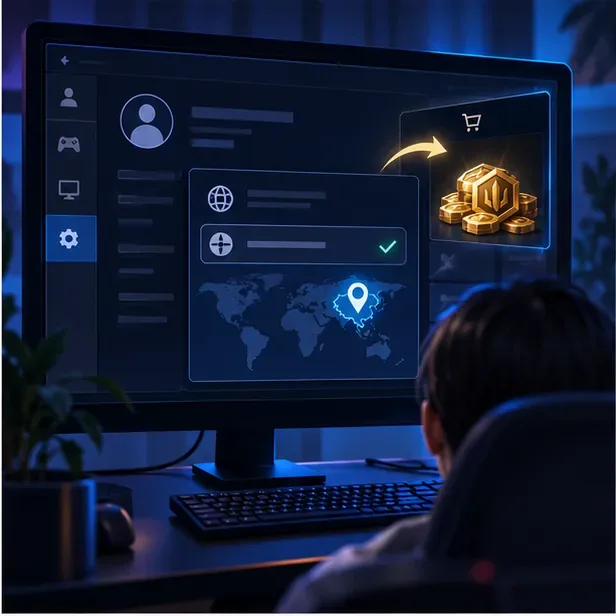
How to buy Riot Points now
Once you have confirmed the right Riot account, buy RP from the League client’s own store. The exact options, prices, and payment methods vary by account region, so use the choices displayed in your client rather than an old price chart.
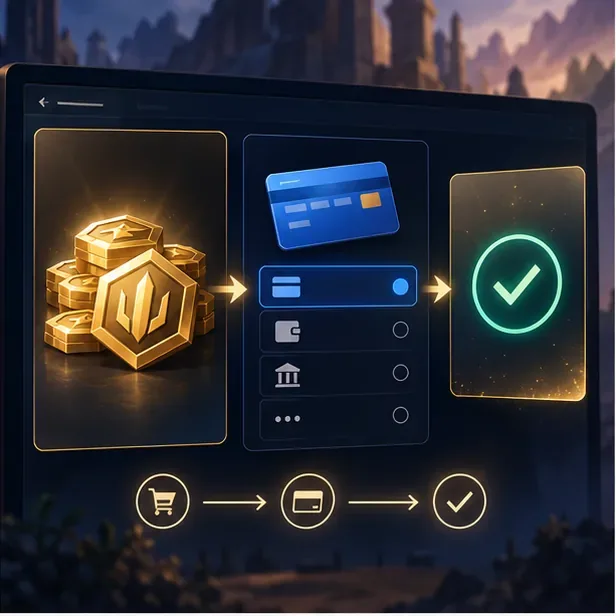
- Sign in to the Riot account that holds your migrated League content. Double-check the account and server before paying.
- Open the in-client Store and choose the Riot Points purchase option. Riot’s current help page for prepaid cards also directs League players to the Store’s Purchase RP flow.
- Choose a bundle and an available payment method. Review the displayed price, currency, and any fees before continuing. If you are using a prepaid card or cash code, confirm that it is for League on PC and valid for your account’s region.
- Confirm the transaction once, then check your RP balance and keep the receipt. If the purchase is charged but RP is missing, check your purchase history and contact Riot Support instead of placing the order again.
Prepaid cards and third-party conversion offers
Riot prepaid cards or cash codes may be available in some markets, but they are not a way to spend Garena Shells. Riot says cash codes are region-locked and must be redeemed on the server and game for which they were issued. Availability differs by country, so check Riot’s prepaid gift card guidance before buying a code. Riot also says prepaid cards for League are redeemed in the game client, not through a conversion site.
Riot’s Riot Codes FAQ says support cannot help with codes purchased or acquired from third parties outside Riot or official partner promotions. Avoid marketplace sellers and social posts promising free RP, Shell conversion, or account credit in exchange for credentials. A legitimate payment flow should not require your password to be shared with another person.
Frequently asked questions
Is there an exchange rate for Garena Shells to RP?
No official rate exists. Riot’s migration guide says Shells did not transfer to Riot League accounts; it does not list a conversion value or a later exchange option.
Did Garena players lose their skins and champions too?
Not as a general rule. Riot’s migration guide listed owned champions, skins, emotes, icons, and other content for eligible linked accounts. Shells were the key exception discussed here. Account linking and existing Riot account progress could affect how content was merged, so use the official migration guide if you need to check a specific account.
Can I still use my old Shell balance on Riot’s store?
No. Riot’s store accepts Riot-supported payment methods and eligible Riot codes, not Garena Shell balances. Contact Garena through its official support channels only if you have a separate question about an old Garena wallet or another Garena service.
In short: there is no legitimate way to convert Garena Shells to Riot Points. Check what migrated to your Riot account, then buy RP through the official League client if you still want it.









