Can You Still Play Overwatch 1 in 2026?
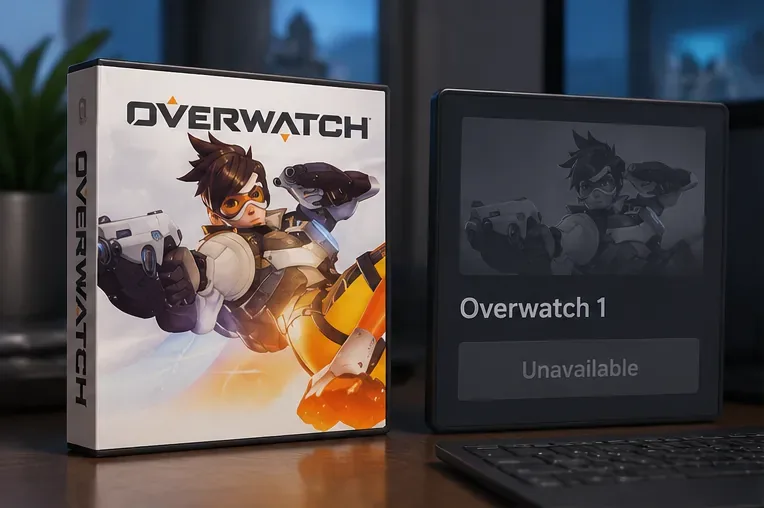
No, you cannot play Overwatch 1 as a separate, official online game in 2026. Blizzard shut down access to the original version in October 2022 when it transitioned to Overwatch 2. The good news is that the live game continued, went free-to-play, and is now simply called Overwatch. If you miss the original six-player teams, some of that experience survives through modern 6v6 modes and occasional Overwatch: Classic events. Neither is a restored 2016 client.
What happened to Overwatch 1?
Overwatch launched in 2016 as a paid multiplayer hero shooter. Its original service did not remain online alongside the sequel. Blizzard announced that the original version would be taken offline starting around 9:00 a.m. Pacific Daylight Time (PDT, UTC−07:00) on October 3, 2022—approximately 16:00 UTC. October 2 was the last full day to play the original. Overwatch 2 then launched on October 4, 2022 as the free-to-play successor. Those are different milestones; October 4 was not the day Blizzard first took the old servers down.
Blizzard's original launch checklist confirms the shutdown schedule and transition. Because the original game required Blizzard's multiplayer service, an old PC installer, console disc, or previously purchased license does not bring the original official servers back. You also cannot choose an earlier balance patch and queue into the retired game through Battle.net.
Why is the current game called Overwatch, not Overwatch 2?
There have been two major naming changes. In 2022, the original paid Overwatch was succeeded by the free-to-play Overwatch 2. In February 2026, Blizzard dropped the “2” and returned to the name Overwatch for the evolving live game. Game director Aaron Keller explained in the 2026 Director’s Take that this was a refocus on a continuously updated service—not a separate Overwatch 1 relaunch or announcement of Overwatch 3.
That is why an old guide may tell you to “download Overwatch 2,” while Blizzard's current website and patch notes use “Overwatch.” Both names refer to the post-2022 live game in this context. The change of name does not mean that the original 2016 product can be installed or played again.
What can you play instead of Overwatch 1?
For most returning players, the practical replacement is the current, free-to-play Overwatch. It has familiar heroes, maps, team objectives, and cosmetic collections, alongside years of major balance changes, reworked abilities, additional characters, and new modes.
| Option | Can you play it in 2026? | How close is it to Overwatch 1? |
|---|---|---|
| Original Overwatch 1 client and official servers | No | The authentic 2016–2022 game is retired. |
| Current Overwatch (formerly Overwatch 2) | Yes, free-to-play | The continuing live game, but with updated rules and heroes. |
| 6v6 Open Queue | Supported within the modern game; check current playlists | Six players per side, but modern hero balance and mechanics. |
| Overwatch: Classic | Only during scheduled Classic events | Recreates selected older eras, with event-specific rules. |
Blizzard describes the current game as free-to-play on its official Overwatch website. On PC, use Battle.net or the official Steam listing; Blizzard announced the Steam release in 2023. Console players should use their platform's store to find the current Overwatch listing. Store availability can vary by region and platform.
Can you still play 6v6 like the original Overwatch?
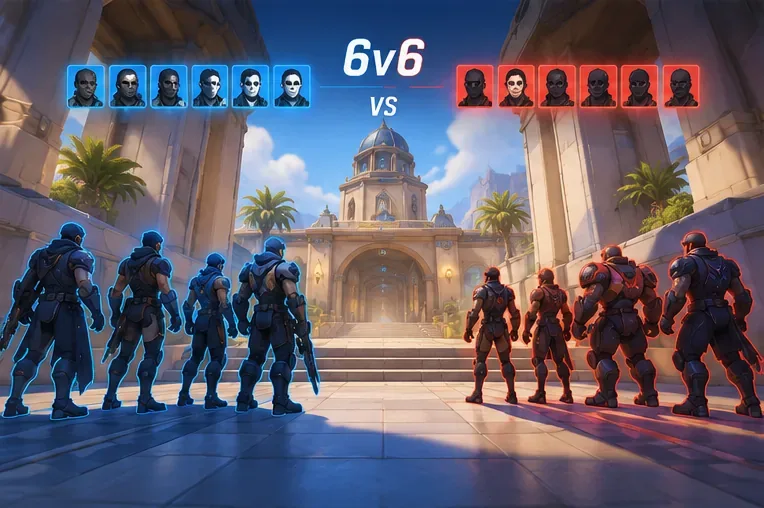
Yes, 6v6 exists in modern Overwatch—but 6v6 alone is not Overwatch 1. Blizzard's January 2026 Director’s Take on Open Queue said the Open Queue format had used six players per team since early 2025. Later 2026 official patch notes also distinguish 5v5 and 6v6 balance adjustments. You can look for Open Queue options from the Play menu, although Blizzard may adjust playlists, matchmaking categories, and balance over time.
If your favorite part of the original was fighting with two tanks, a modern 6v6 queue may scratch that itch. However, Open Queue is not necessarily locked to the original two-tank, two-damage, two-support setup. It allows different role combinations subject to the currently applicable rules. Modern perks, reworks, hero additions, and map changes also remain in effect. Check the mode description before queueing instead of assuming “6v6” means the 2016 patch.
What about Overwatch: Classic?
Overwatch: Classic is the closest official route to older gameplay during its event windows. Blizzard introduced it in November 2024 as a series of limited-time throwback events. The first edition used the original 21 heroes and 12 launch maps, with period-inspired abilities and the original six-player team size; the opening rules even briefly removed hero limits. That was a deliberate historical recreation inside the modern game, not a second product to download.
Blizzard's Overwatch: Classic announcement and FAQ explicitly states that Classic is a mode within Overwatch, located through event and Arcade menus during its run. Classic should not be assumed to be live every day in October 2026. Check the in-game event hub and Blizzard's current announcements. If there is no Classic tile, the event is not available in that playlist at that moment.
Do your Overwatch 1 skins and progress still exist?
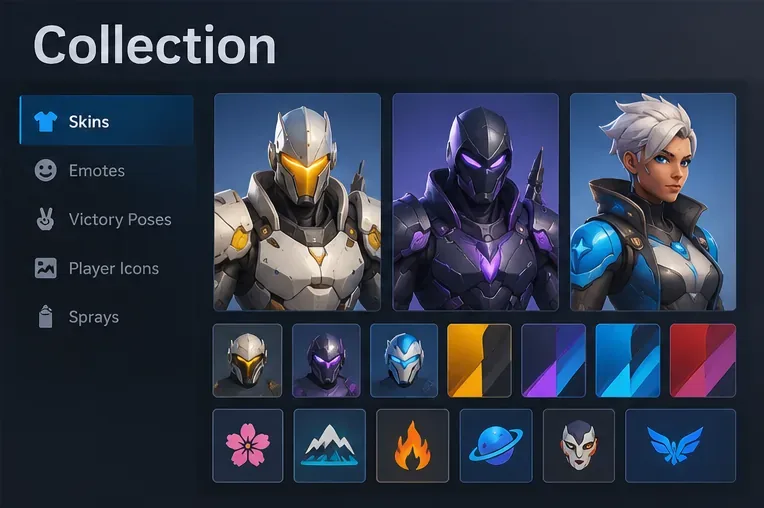
Blizzard designed the transition to preserve eligible account progression and owned cosmetics, including original-game skins. However, the earlier claim that every statistic, player level, and item necessarily appears unchanged is too broad. Career profiles, rankings, progression systems, and reward displays have been updated over time. What you can recover depends on the correct account and how your platform accounts were linked or merged.
For a returning player, the sensible checks are:
- Sign into the Battle.net account used for the original game. If you played on console, confirm that you are using the correct console profile.
- Review your connected accounts in Battle.net settings. Blizzard required players with progress on multiple platforms to complete the relevant account merge to combine eligible cosmetics and progress.
- Open your hero collection and career profile in the current game. Compare specific owned skins or cosmetics instead of using an old player-level number as the sole test.
- If something is missing, check account connections and Blizzard Support before making or unlinking accounts impulsively. Relinking restrictions may apply.
The original 2022 account-merge guidance confirms that players with multiple platform profiles had to confirm their merge. An old physical purchase does not transfer cosmetic ownership to a new, unrelated Battle.net account.
How to return to Overwatch today
- Open the official Overwatch website or your platform's storefront and select the current free-to-play game.
- Install or update it through Battle.net, Steam, or your console's supported store; do not search for a standalone Overwatch 1 installer.
- Sign into the right Battle.net account and verify any console connections before checking your collection.
- Start with the current standard modes. If you want larger teams, explore 6v6 Open Queue; if you want a historical ruleset, check whether an Overwatch: Classic event is active.
Do not trust websites advertising a “working Overwatch 1 server download” as though it were an official Blizzard release. Unofficial preservation projects or fan-made recreations are not the original supported service, and downloading unknown executables introduces unnecessary account-security risks.
Common questions
Can you play Overwatch 1 offline or against bots?
No official offline version of the retired Overwatch 1 client is available. Training activities and bot matches in today's Overwatch still belong to the modern game; they do not restore the old standalone product.
Will an Overwatch 1 console disc still work?
A physical copy may be a collectible or evidence of your original purchase, but it cannot provide the retired online service or its old matchmaking rules. Use the current free-to-play Overwatch release instead.
Are Overwatch 1 maps and heroes completely gone?
No. Many recognizable characters and locations continue in Overwatch, and Classic events can revisit selected historical versions. But the exact original roster, mechanics, and map availability vary by mode and update; not everything from the final Overwatch 1 patch is permanently playable.
Is there any way to play the original 2016 rules every day?
There is no permanent, official, separate 2016 build. A regular 6v6 mode provides a larger team format, while Classic events sometimes offer specific old-school rule sets for limited periods.
Bottom line: You cannot launch official Overwatch 1 in 2026, but you can play its continuing free-to-play successor—now branded simply Overwatch—and seek out 6v6 or scheduled Classic modes when you want some of the original feel. For availability changes, rely on Blizzard’s live patch notes and the current in-game mode list.









