How to Import Custom Crosshair Codes in VALORANT: Steps, Options, and Fixes

Learn how to import VALORANT crosshair codes, compare presets with manual settings and spectator copy, and fix common import issues.
Yes, you can play Brawl Stars for free in 2026. Supercell's multiplayer action game is free to download on compatible iPhone, iPad, and Android devices. You do not need a subscription, a paid Brawl Pass, or a purchase to enter matches. Optional in-app purchases exist, however, and some of them can accelerate character unlocks and upgrades—not just change how a character looks.
The important distinction is free to play versus free to unlock everything immediately. You can build a powerful collection by playing, but collecting resources and unlocking new Brawlers takes time. Here is what costs nothing, where spending can make a difference, and how the 2026 unlock system works.
Yes. Both official Brawl Stars listing on the App Store and official Brawl Stars listing on Google Play list Brawl Stars as a free game with optional in-app purchases. The base download is not a trial or a demo. You can play online modes, earn rewards, improve your Brawlers, and progress without buying premium currency.
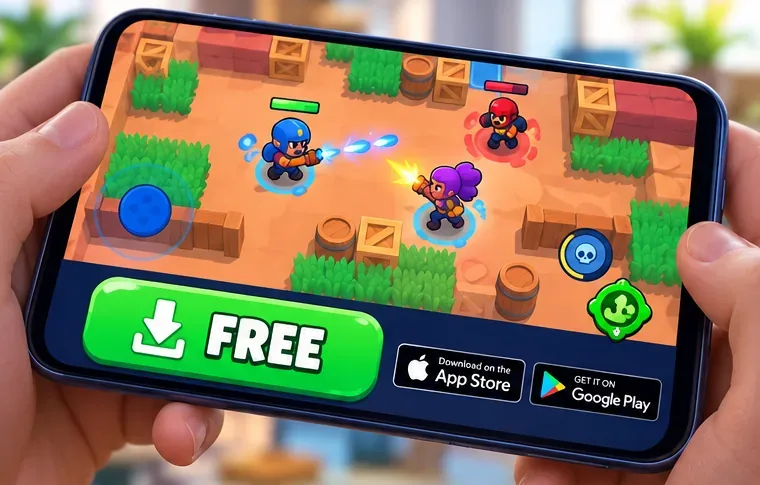
Start with the official listing for your device, check that the publisher is Supercell, and install the game. An active internet connection is needed for online matches. Mobile-data charges, if any, are determined by your network plan rather than the game's download price. Game availability, device compatibility, and app-store age ratings can vary by region and platform.
The core competitive experience is available to free-to-play Brawl Stars players. You can join unlocked modes, play with friends, collect trophies, participate in eligible events, earn rewards, and steadily build out your account. Some modes or features have progression or other entry requirements; being free-to-play does not mean every option is available on a brand-new account.
| Feature | Can you use it for free? | Important detail |
|---|---|---|
| Download and online matches | Yes | No purchase or subscription required |
| Free Brawl Pass track | Yes | Earn Brawl Pass XP and claim unlocked free-track rewards |
| More Brawlers | Yes, through progression | Earn Credits and use Brawler Blast; new-release events can have different rules |
| Power upgrades | Yes, through progression | Earn Coins, Power Points, and other applicable resources |
| Cosmetics | Some | Some skins and collectibles can be earned; others are sold or restricted |
| Brawl Pass and Brawl Pass Plus | No | These are optional paid tracks with additional rewards |
| Shop offers and Gems | Optional | Some offers cost money; Gems can also appear among earned rewards |
The game sells Gems, premium Brawl Pass tracks, skins, special bundles, and other offers. Certain offers provide progression materials, Brawlers, or upgrades. This is why it is inaccurate to say that purchases are only cosmetic. A paying player may reach stronger upgrades or unlock more options sooner, while a nonpaying player can work toward gameplay resources over time.
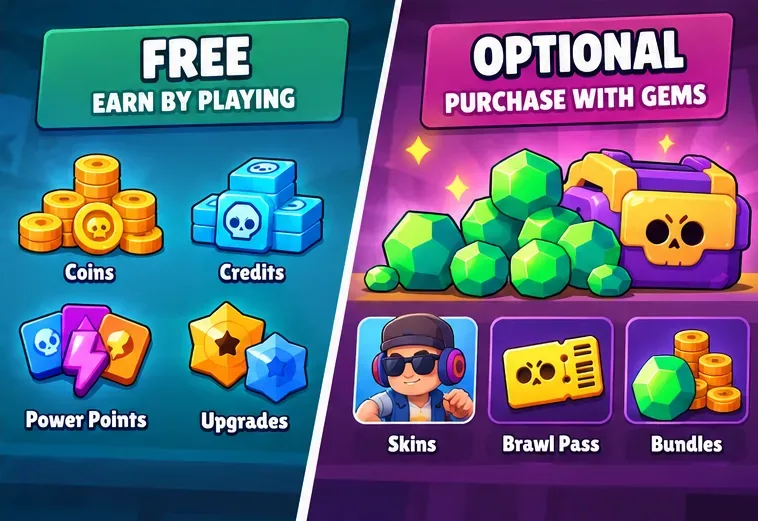
Spending is not required to queue for ordinary matches, but it can affect how quickly your account progresses. Match outcomes still depend on factors such as the Brawler matchup, map, upgrades, strategy, and player skill. For a strict $0 budget, ignore real-money offers and use the resources you earn in-game.
Important 2026 update: The old Starr Road system described in many older guides was replaced by Brawler Blast in Supercell's August 2026 update. The latest official explanation is in Supercell’s August 2026 release notes and the Brawler Blast support guide.
Instead of simply choosing any character and spending Credits on Starr Road, you earn Credits toward the next Brawler Blast. Once you have enough for the current rarity, Brawler Blast opens a target gallery of up to ten unowned Brawlers. Targets are eliminated until one remains, which becomes your unlocked Brawler. Supercell also describes chances for a Brawler choice and bonus upgrade progression, so the result is not always an unrestricted character selection.
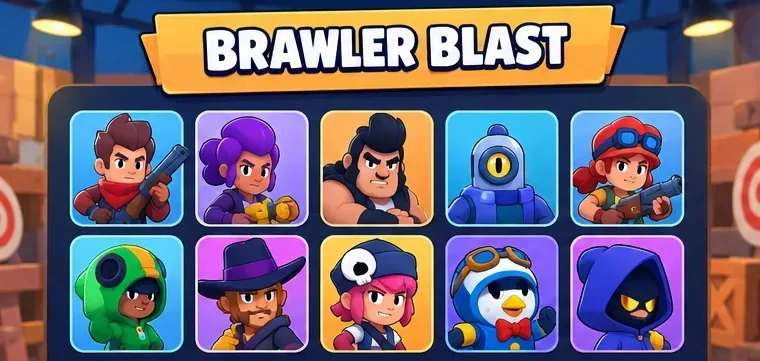
Supercell's August 2026 release notes give the following costs by rarity:
| Brawler rarity | Credits needed |
|---|---|
| Rare | 160 |
| Super Rare | 430 |
| Epic | 925 |
| Mythic | 1,900 |
| Legendary | 3,800 |
| Ultra | 5,500 |
These are Credit requirements, not dollar prices. The system follows a set rarity order, so you cannot always immediately select the exact Brawler you want. Newly introduced Brawlers can first appear in special Brawler Box release events before joining the ordinary unlock pool; see Supercell's official guide to unlocking Brawlers for the current options. This means a free player has a legitimate route to obtaining Brawlers, but a complete roster is a long-term goal rather than an instant free entitlement.
The best free strategy is to claim reliable rewards instead of chasing unverified “free Gems” offers. The official currency guide identifies Credits, Coins, Power Points, Gems, and Brawl Pass XP as different resources with different purposes.
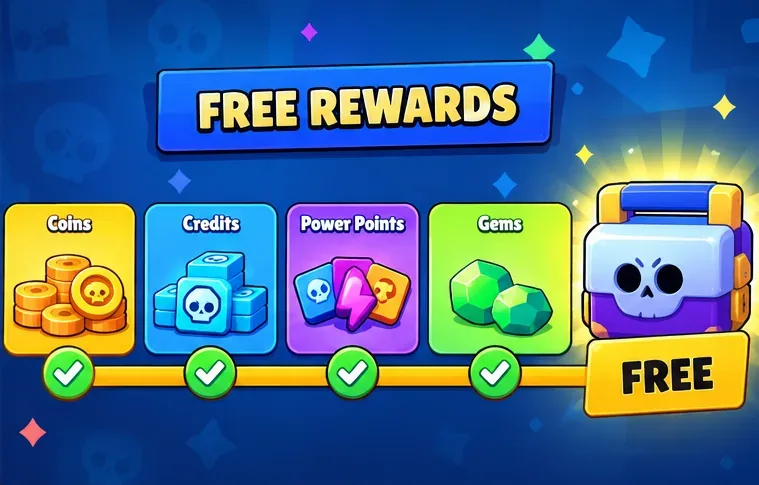
There is a real distinction between not needing to pay and everyone progressing at the same speed. Brawl Stars lets free players earn Brawlers and combat upgrades, but players who buy progress-related offers can sometimes unlock and upgrade them faster. That advantage can matter in a particular matchup. At the same time, money does not substitute for understanding objectives, positioning, team composition, or timing.
If you want enjoyable matches rather than a fully completed collection right away, the free experience has plenty to offer. If your goal is to own every new Brawler at launch or immediately maximize every upgrade, expect significant playtime or optional spending. Avoid treating claims such as “100% no pay-to-win” as a guarantee about every account and every match.
You need a compatible phone or tablet, enough available storage for the app and its updates, and a working internet connection. You do not need to enter payment information just to download the free game. Creating a Supercell ID is also free and helps you restore progress or access your game on another mobile device; Supercell explains how on its Supercell ID information page.
For families, it is worth disabling or restricting in-app purchases in the device's store settings if you want to prevent accidental charges. Supercell's mobile store listings expressly point players to device purchase controls. Avoid sites selling “unlimited Gems,” unofficial APKs, or account-sharing tricks: these are not necessary for free play and can put your device or account at risk.
Yes. Everyone can use the free track by earning the required Brawl Pass XP. Brawl Pass and Brawl Pass Plus are optional upgrades with extra rewards.
Yes, Gems can appear among in-game rewards, including Brawl Pass tracks as described by Supercell. Their availability and amount depend on the current reward structure. Do not trust outside sites promising free Gems in exchange for your login.
No. You can earn Coins and Power Points through play and use them to improve the Brawlers you own. Spending may accelerate that process, but normal upgrading is not restricted to paying accounts.
No. Brawl Stars is an online multiplayer game, so you need internet access to enter matches.
Can you play Brawl Stars for free? Absolutely. The game costs nothing to download on its supported mobile platforms, and you can enjoy competitive matches while earning characters and upgrades without purchasing anything. Just keep expectations realistic: free-to-play does not mean instant access to every unlock, and optional purchases can speed up progression. Start with an official app-store download, claim the free rewards, and follow the current Brawler Blast system—not outdated Starr Road advice.
Learn how to import VALORANT crosshair codes, compare presets with manual settings and spectator copy, and fix common import issues.
Choose Dota 2 minimap size, hero icons, team colors, and background settings by readability, fewer misclicks, and clear results on your own display.
Fix Fortnite texture pop-in on PC with official steps for GPU drivers, file verification, DirectX 12, high-resolution textures, VRAM, SSDs, and stutter.
Learn what Heroes of the Storm minimap size and position options are verified, improve readability, and choose camera-click controls that suit you.
Set Super Smash Bros. Ultimate Quickplay to prefer hazards-off stages. Follow the Preferred Rules menu steps and learn why matchmaking may not always honor them.
Enable Server Latency and Packet Loss in Warzone to monitor connection quality, read the overlay, and use recurring spikes to guide troubleshooting.
Learn how to carry from mid lane in League of Legends by setting up waves, choosing safe roam windows, reading side lanes, and converting pressure into objectives.
Fix Minecraft Evoker spell problems with a safe vanilla test, version checks, log review, and a step-by-step way to isolate mod or datapack conflicts.
Fix PUBG stuck on Initializing on Steam with a focused checklist for PC service notices, launch options, game files, downloads, and connection issues.
Fix Brawl Stars stuck at 92% loading with an ordered checklist for service notices, network tests, safe updates, Android cache, and account-safe reinstalling.








