How to Check Real-Time Server Latency in the PUBG HUD

Enable PUBG’s network statistics HUD to monitor ping and packet loss in a match. See where to find it, what the numbers mean, and what they cannot diagnose.
No—you cannot change the country or region on an existing PlayStation Network account. Sony says the account region is fixed after account creation. A VPN, console setting, different language, or changing the country shown on a website does not convert that account into another PlayStation Store market.
The practical options are narrower than many “region change” guides suggest: keep using the account in its original region, or create a separate account for the country where you actually reside. You can sometimes play eligible purchases from another account on the same console through PlayStation’s sharing settings, but your accounts, wallets, trophies, and subscriptions remain separate.
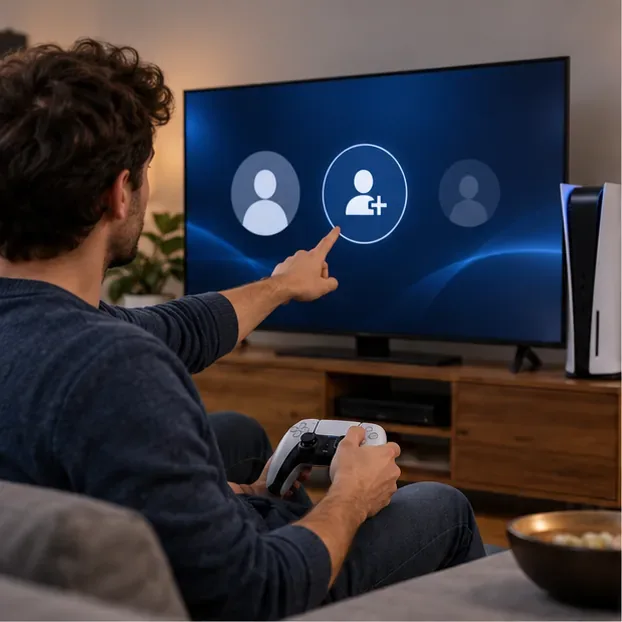
Your PSN account region is the country or region registered when the account was created. It determines which Store catalog and local services are offered to that account. Sony’s support guide says the country or region cannot be changed after creation; it also advises matching the account region to billing details.
This is different from changing your console language, time zone, or the country selector on a support website. Those settings do not rewrite the country attached to your PSN account. If you have moved, the old account stays registered in its original region.
Sony’s Terms of Service say account creation requires choosing the country or region of your residence. So a new account is a supported option when it reflects where you live, not a reliable way to pretend you live elsewhere to shop another market. Sony’s account-creation guide also recommends registering in the correct country or region for local support and access to purchases and downloads.
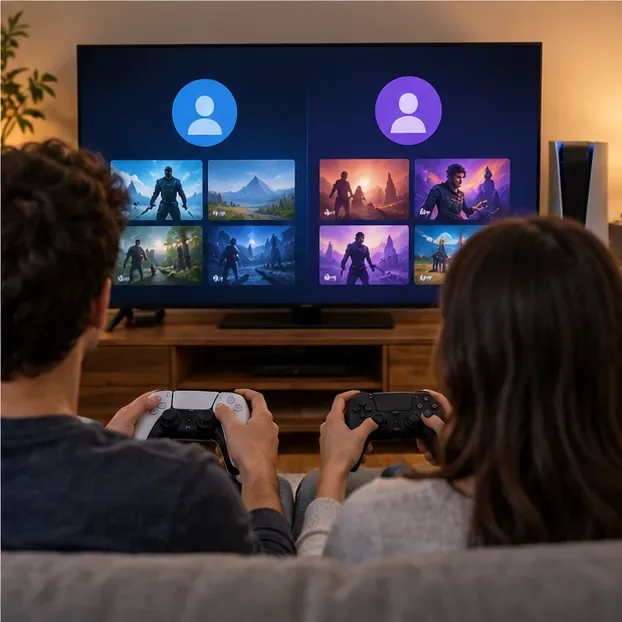
Think of accounts as separate PlayStation identities rather than interchangeable Store profiles. Purchases and wallet funds do not move between accounts. Trophies earned on one account do not become part of another account’s record, and a second account does not inherit your original account’s PS Plus membership or saved-game history.
If you only want to keep playing your current library, sign in with the same account and use its normal Store. This preserves the account that owns your purchases, subscriptions, trophies, and cloud saves. Before buying DLC for a physical game, check the disc’s licensed country or region and make sure the add-on matches.
If you have relocated and need the local Store, create another account using the country or region where you now reside. Sony’s account setup asks for a country or region, and its terms describe that choice as the account holder’s residence. Use contact and billing details you can maintain; a mismatched payment card may be rejected, and payment options vary by Store.
Sign into the new account on your PS5 or PS4 to browse that account’s Store and download eligible purchases. A voucher must be issued for the same country or region as the account that redeems it. Check the printed region and seller terms before buying a code, because Sony cannot move redeemed funds or content to your other account.
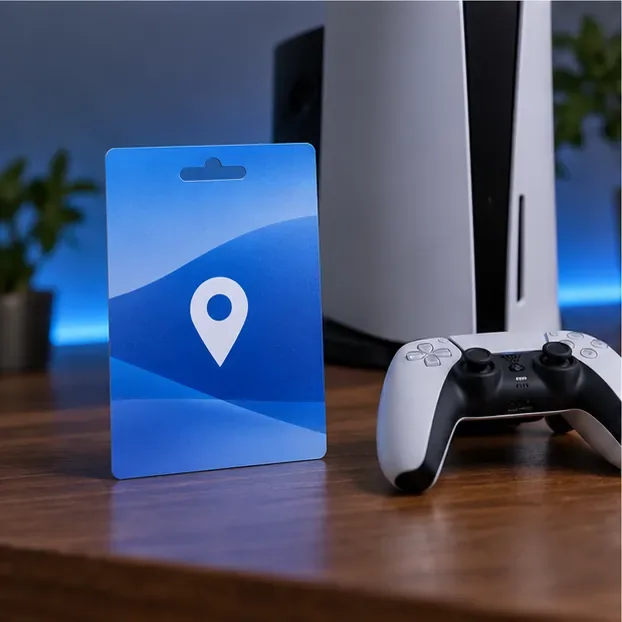
If the second account owns a digital game and you want to play it from your usual local profile on the same console, use the console-sharing feature tied to the purchasing account. First sign into that account and download the game.
This shares access on the activated console; it does not transfer ownership. If a title is unavailable in your region, has separate regional editions, or requires DLC tied to a matching game version, check compatibility before spending money.
| Your goal | What to do | What to expect |
|---|---|---|
| Change the region on your existing PSN account | Not available after account creation | Keep the original account region |
| Use a Store for a country where you now reside | Create a separate account with that residence region | Separate purchases, wallet, trophies, and subscription |
| Redeem a foreign voucher on your current account | Use a code matching the account’s region | Codes from another region will not redeem |
| Play a second account’s game on your console | Enable PS5 Console Sharing or activate a primary PS4 | Only eligible content and selected benefits are shared |
No. A VPN changes the apparent network location; it does not change the country registered to an existing PSN account. Sony’s support pages still require voucher and account regions to match, and a payment card from another country may not link.
No. Sony’s account page lets you check the account country or region, but its support guide says that setting cannot be changed once the account exists. Editing other account details is not a region-transfer process.
Not always. Sony specifically notes that add-ons may fail with a disc game when their licensed country or region differs. Check the game’s packaging or ask the publisher or retailer about the disc version before purchasing DLC.
In short: you cannot directly change an existing PlayStation Store region. Keep your original account for its library, use a separate account only for the country where you reside, and treat any shared access as a console feature—not a transfer of account region, purchases, or progress.
Enable PUBG’s network statistics HUD to monitor ping and packet loss in a match. See where to find it, what the numbers mean, and what they cannot diagnose.
Learn how to import VALORANT crosshair codes, compare presets with manual settings and spectator copy, and fix common import issues.
Choose Dota 2 minimap size, hero icons, team colors, and background settings by readability, fewer misclicks, and clear results on your own display.
Fix Fortnite texture pop-in on PC with official steps for GPU drivers, file verification, DirectX 12, high-resolution textures, VRAM, SSDs, and stutter.
Learn what Heroes of the Storm minimap size and position options are verified, improve readability, and choose camera-click controls that suit you.
Set Super Smash Bros. Ultimate Quickplay to prefer hazards-off stages. Follow the Preferred Rules menu steps and learn why matchmaking may not always honor them.
Enable Server Latency and Packet Loss in Warzone to monitor connection quality, read the overlay, and use recurring spikes to guide troubleshooting.
Learn how to carry from mid lane in League of Legends by setting up waves, choosing safe roam windows, reading side lanes, and converting pressure into objectives.
Fix Minecraft Evoker spell problems with a safe vanilla test, version checks, log review, and a step-by-step way to isolate mod or datapack conflicts.
Fix PUBG stuck on Initializing on Steam with a focused checklist for PC service notices, launch options, game files, downloads, and connection issues.








