This Blox Fruits beginner's guide walks you through your very first hours in the popular Roblox pirate adventure — from making a character and choosing between swords and Devil Fruits, to leveling up, building a fighting kit, and sailing to new seas. Blox Fruits can feel overwhelming at first, but once you understand a few core systems it quickly becomes one of the most rewarding games on Roblox.
The game is free to play and centers on a simple loop: defeat enemies, complete quests, earn experience (EXP) and money (Beli), then spend it to grow stronger. Below are the essential first steps every new player should follow.
What you need to start
- A free Roblox account on PC, mobile, Xbox, or PlayStation.
- The Blox Fruits game, which you can search for and play directly inside Roblox.
- A few minutes to read the on-screen tutorial — it points you to your first quest giver.
How to get started in Blox Fruits
-
Step 1: Start out and choose Sword or Fruit
When you load in, you spawn on the starter island in the First Sea. Your first big decision is your fighting path. Swords are reliable melee weapons and you can still swim freely. Devil Fruits grant powerful, flashy abilities — but eating one means you can no longer swim and will sink in deep water. As a beginner, it is perfectly fine to start with a basic sword and your fists, then save up for a fruit later.
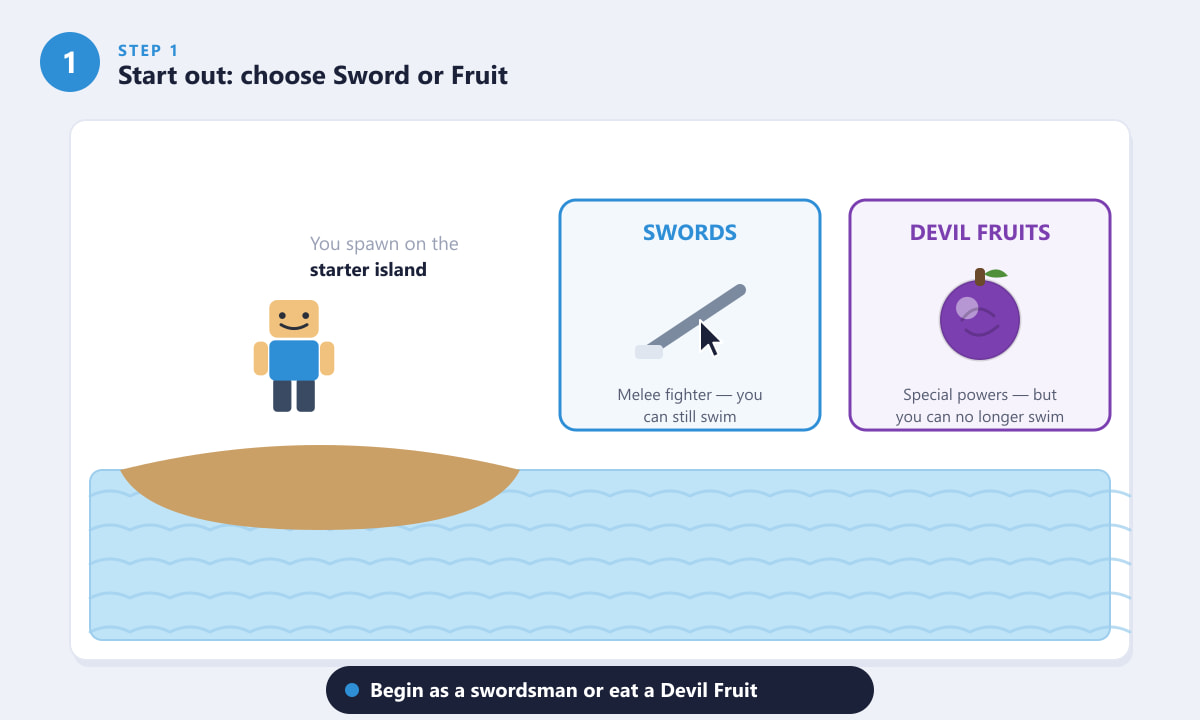
Swords let you keep swimming; Devil Fruits give special powers but remove swimming. -
Step 2: Level up by killing enemies and doing quests
Progress is driven by your Level. Talk to the quest giver NPC near your spawn (look for the marker above their head) and accept a quest such as "defeat 8 Bandits." Head to the marked enemy area and fight the NPCs there. Each kill grants EXP to raise your Level and Beli (in-game money) to spend later. Always pick quests that match your level so the enemies are not too tough.
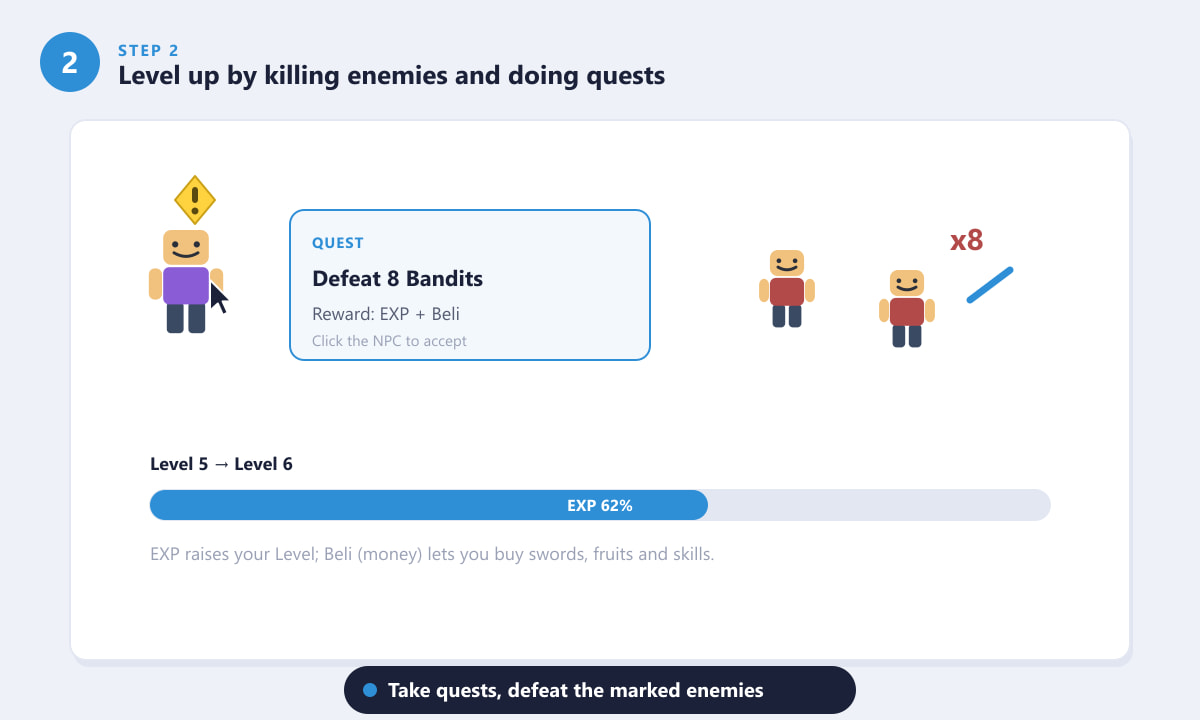
Accept a quest, clear the marked enemies, and your EXP bar fills toward the next Level. -
Step 3: Build your kit with Fruit, Sword, Gun and Combat
Blox Fruits has four ways to fight: your equipped Devil Fruit, Swords, Guns, and a Fighting Style (Combat). You trigger their special moves with the keys on your hotbar (typically Z, X, C, V and F). As you level up you also earn stat points — spend these on Melee, Defense, Sword, Gun, or Fruit depending on the style you enjoy. Beginners get the best results by focusing on one or two stats rather than spreading them thin.
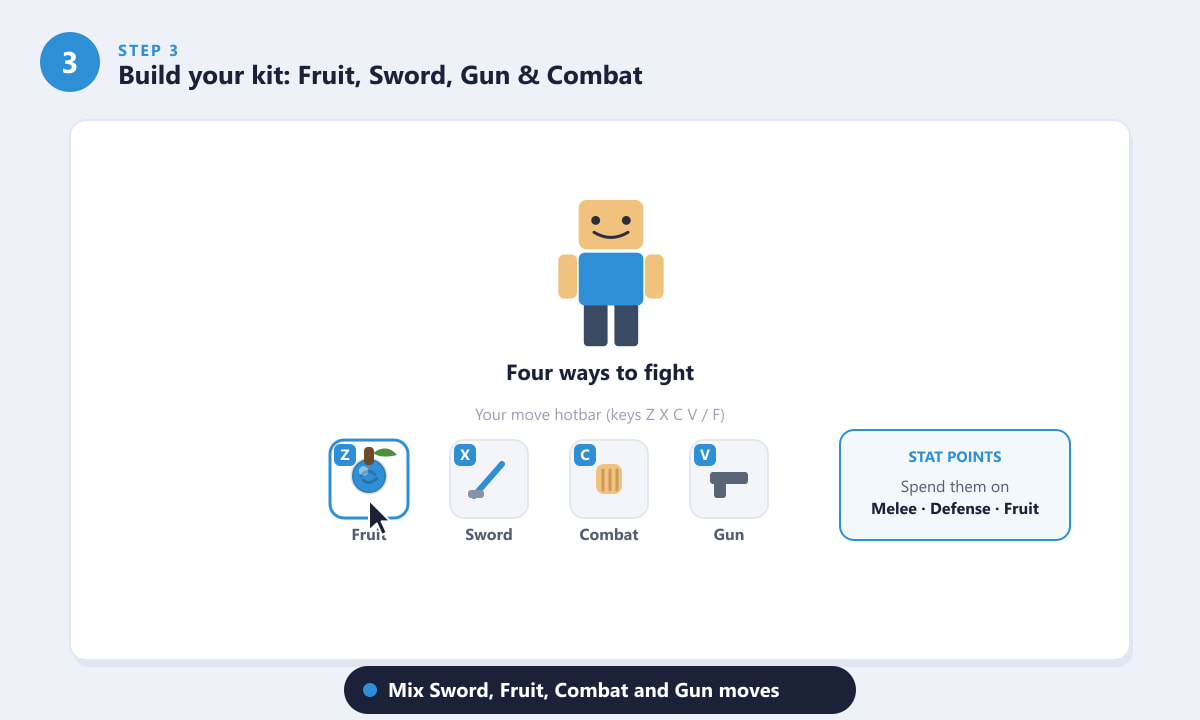
Mix Sword, Fruit, Combat and Gun moves, and invest your stat points wisely. -
Step 4: Explore the map and sail to new seas
The world is split into three regions: the First Sea, Second Sea, and Third Sea. You start in the First Sea, and as you approach its level cap you can take a boat to the next sea, which unlocks tougher islands, stronger fruits, and challenging bosses. Use boats to travel between islands, and keep an eye on your map to find new quest givers and Blox Fruit dealers along the way.
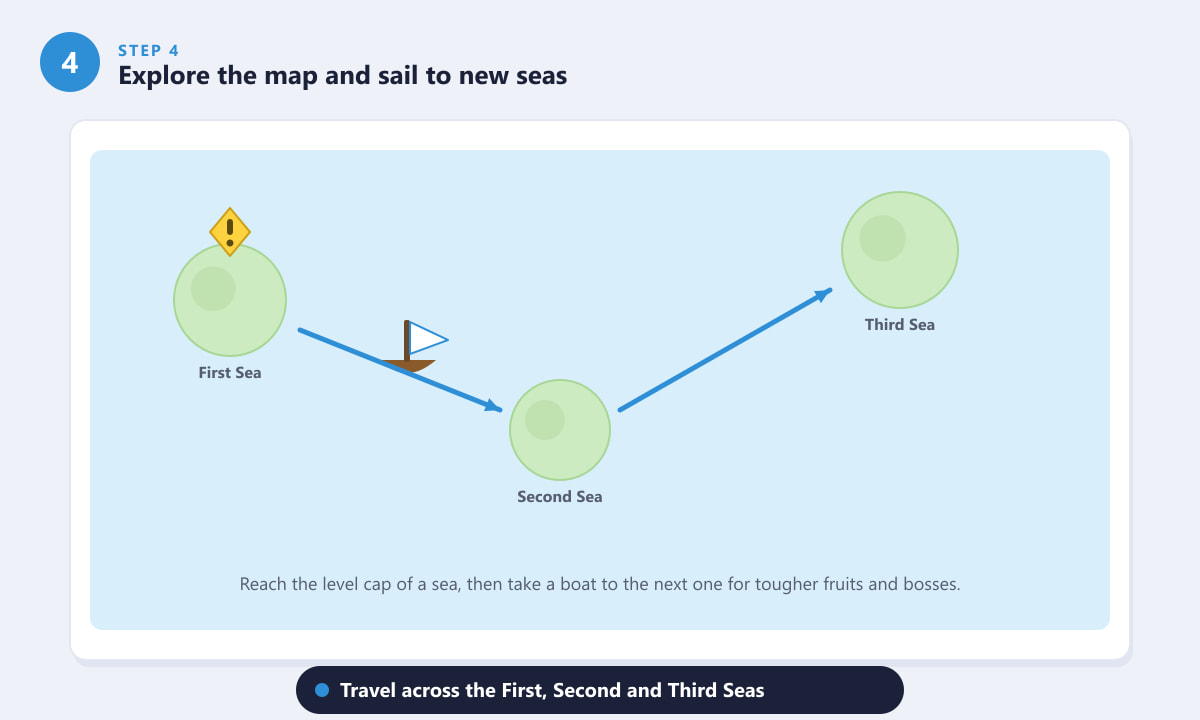
Reach a sea's level range, then sail onward to the next sea for new content. -
Step 5: Learn the essentials and stay alive
As you grow, three systems matter for the long game. Haki includes Buso (Armament, which boosts your damage and lets you hit Fruit users) and Observation (which lets you dodge). Races are your character's species, upgraded over time with Fragments you earn from raids and bosses. Finally, remember the golden rule for Fruit users: you sink in deep water, so avoid the ocean and use boats or stay on land during fights.
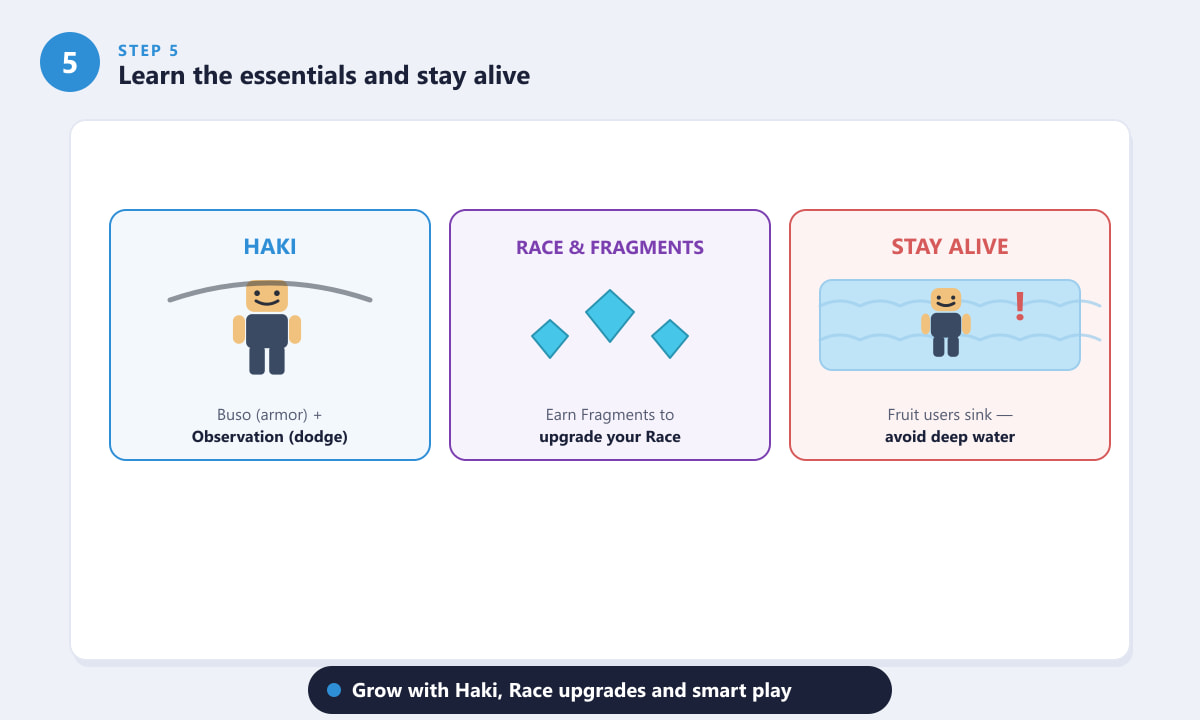
Unlock Haki, upgrade your Race with Fragments, and keep Fruit users out of the water.
Beginner tips
- Save your Beli early. Resist buying the first cheap fruit you see; saving up for a strong, useful fruit pays off far more.
- Match quests to your level. Fighting enemies near your own level keeps EXP flowing without constant deaths.
- Keep a sword on your back. Even if you eat a Devil Fruit, a sword and fighting style give you reliable backup attacks.
- Group up. Tackling bosses and raids with other players is faster and safer than going solo.
- Watch the water. If you have a fruit equipped, plan your routes so you never fall into the sea mid-fight.
Troubleshooting
My character keeps drowning
You almost certainly have a Devil Fruit equipped. Fruit users cannot swim — stay on land, ride a boat, or un-equip the fruit if you need to cross deep water.
My quest enemies are too strong
You may have picked a quest above your level. Return to an earlier quest giver and choose enemies closer to your current Level, then come back when you are stronger.
I can't find a Devil Fruit to use
Fruits can be bought from the Blox Fruit Dealer for Beli or Robux, and they also spawn randomly around the map. Save up Beli and check the dealer's rotating stock.
Frequently asked questions
Is Blox Fruits free to play?
Yes. Blox Fruits is a free Roblox experience. Some optional items and fruits can be purchased with Robux, but you can progress fully without spending money.
Should beginners start with a sword or a Devil Fruit?
Starting with a sword (and your fists) is the easiest path because you keep the ability to swim. Save your Beli, then add a Devil Fruit once you understand the controls.
How do I level up fast in Blox Fruits?
Stick to quests that match your level, clear the marked enemies efficiently, and join other players for bosses and raids. Consistent questing is the most reliable way to gain EXP.
What does Beli do?
Beli is the main in-game currency. You earn it from defeating enemies and completing quests, and you spend it on swords, fruits, fighting styles, and skill upgrades.
How many seas are in Blox Fruits?
There are three main regions: the First Sea, Second Sea, and Third Sea. You unlock the next sea as your level grows by traveling there with a boat.
Final thoughts
That covers the core of any Blox Fruits beginner's journey: pick a path, level up through quests, build a focused fighting kit, sail to new seas, and learn the systems that carry you into the late game. Take it one sea at a time, save your Beli for upgrades that matter, and you will be raiding bosses before you know it. You can find and play the game any time on the official Roblox website.









