How to Check Real-Time Server Latency in the PUBG HUD

Enable PUBG’s network statistics HUD to monitor ping and packet loss in a match. See where to find it, what the numbers mean, and what they cannot diagnose.
If your TV or monitor goes black when you start a game or protected video, first check whether the picture disappears everywhere or only on one source. A failed HDCP connection can block protected digital video, but a black screen can also come from a loose HDMI cable, the wrong input, an unsupported resolution, or an AVR or switch in the signal path. Work through these checks in order: test the display, simplify the connection, try a known-good cable, then use the platform’s supported recovery options.
High-bandwidth Digital Content Protection (HDCP) is a copy-protection specification used when protected content travels from a source, such as a console or PC, to a display. Devices along the route—including receivers and other repeaters—may need to support a compatible HDCP version. If the protected connection cannot be established, the content may not display. Read the Digital Content Protection overview.
HDCP and HDMI are related but different. HDMI describes the audio/video connection and its capabilities; HDCP handles content protection. A cable is not “HDCP 2.3,” and buying an HDMI 2.1 cable alone does not prove every device in the chain supports the HDCP version a particular source or app requires.
| What you see | What to check first |
|---|---|
| The console menu appears, but a movie or streaming app turns black | Check HDCP support across the source, display, and every receiver or adapter in the path. |
| The screen says “No signal” or stays blank from startup | Check the selected TV input, cable seating, HDMI port, and the source’s output resolution. |
| The picture drops out at 4K, HDR, or a high refresh rate | Test a direct connection and a certified cable; temporarily reduce the output mode to isolate signal-bandwidth or compatibility problems. |
| The problem appears only when an AVR, switch, dock, or capture device is connected | Bypass that component and test the source directly on the display. |
These clues narrow the search; they do not prove that HDCP is the cause. A normal game screen that is also black may point to a broader HDMI or video-output problem.
Turn off the console or PC and the TV or monitor. Confirm that the display is set to the HDMI input used by the source. Disconnect the HDMI cable at both ends, check the plugs and ports for visible damage or debris, then reconnect it firmly. Power the display and source back on. This simple reset can make the devices read each other’s display capabilities again.
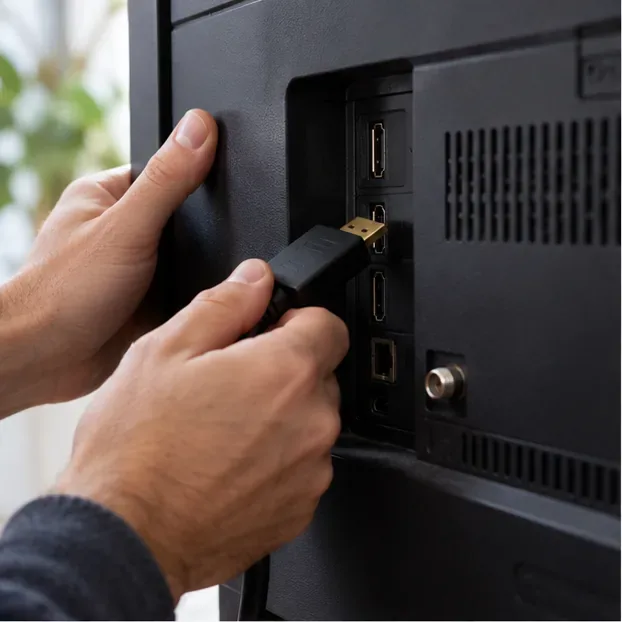
For a clean test, remove the receiver, soundbar passthrough, HDMI switch, dock, splitter, capture device, or wall plate from the route. Run one cable from the source to the TV or monitor, then select the matching input. If the picture returns, add the removed devices back one at a time. The first device that brings the problem back is the most useful lead; check its manual for supported resolutions and HDCP versions.
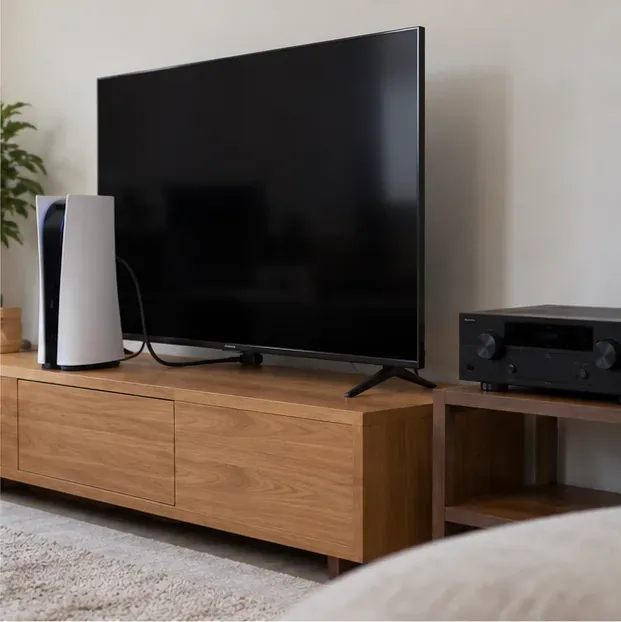
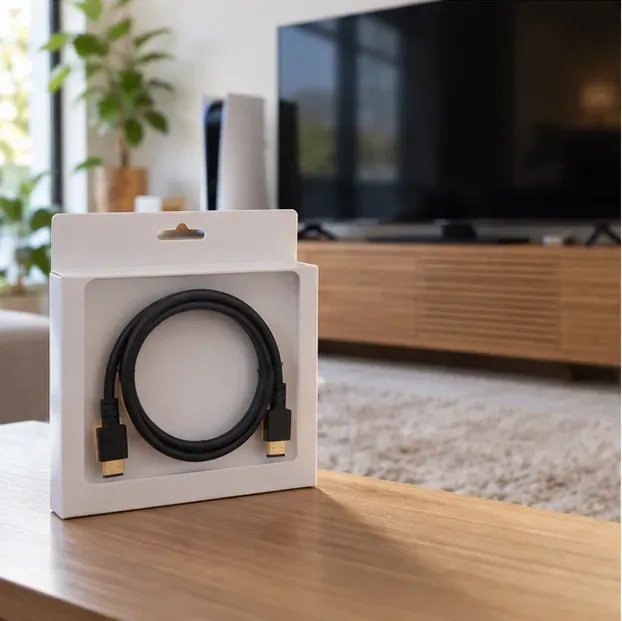
Try a second HDMI input on the display and, if possible, a cable already known to work with another device. For demanding modes such as uncompressed 4K at 120 Hz, choose an Ultra High Speed HDMI Cable with the official certification label; HDMI Licensing Administrator says this cable class supports up to 48 Gbps and features including 4K at 120 Hz. Use the certification label verification information from the HDMI cable guide rather than relying only on package claims.
A newer cable cannot make an older TV, receiver, or adapter support a newer HDCP mode. Check the specifications for each device and use the manufacturer’s recommended HDMI port. Avoid assuming every port on the same TV has identical capabilities.
If the picture is unstable only with 4K, HDR, VRR, or a high refresh rate enabled, temporarily switch to a lower resolution or refresh rate and test again. If that restores the signal, bring features back one at a time to find the setting or device that breaks the chain. On a Windows PC, use Settings > System > Display > Advanced display to select an available lower refresh rate; if the desktop is visible, also test with HDR off. These are diagnostic changes, not a permanent requirement. Follow the display maker’s instructions for any TV picture or HDMI-enhanced-format setting.
On NVIDIA PCs, open NVIDIA Control Panel and select Display > View HDCP Status. NVIDIA says this page reports whether a connected display is HDCP-capable as configured and can show relevant alerts. It is a status check—not an HDCP-off switch. Other PC graphics tools may differ by hardware and driver, so use the GPU maker’s current documentation instead of following menu paths copied from older guides.
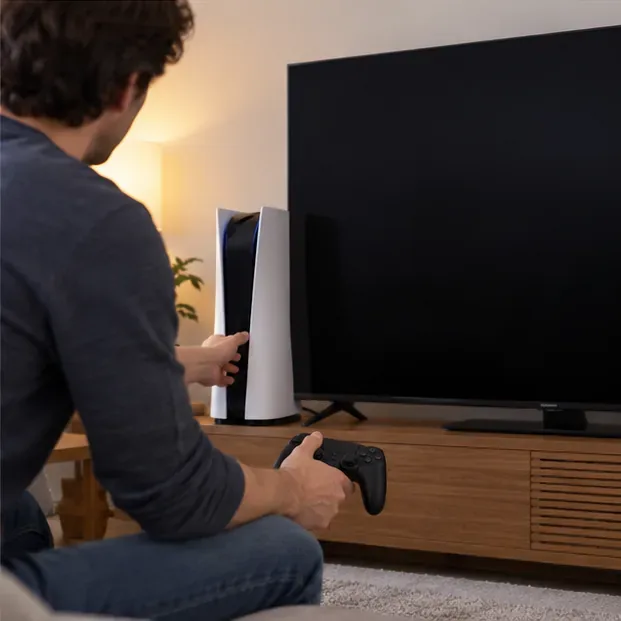
On PS5, Sony lists Change Video Output in Safe Mode as a troubleshooting option for blank screens; it includes Change Resolution and Change HDCP Mode. To enter Safe Mode, turn the console off, press and hold its power button until the second beep, connect the controller by USB, and press the PS button. Select the relevant video-output option and test the display again. Safe Mode offers other choices too, so avoid reset or storage actions when all you need is to test video output. See Sony’s Safe Mode instructions for PS5 and PS4.
On Xbox, begin with the same direct-cable, alternate-port, restart, and lower-output checks. Menu names and recovery steps can vary by console generation, so consult the matching Xbox support instructions before changing advanced video settings. On PC, update the graphics driver from NVIDIA, AMD, Intel, or the computer maker, and install TV or receiver firmware only from its manufacturer. Do not flash a GPU BIOS or edit display data as an early troubleshooting step.
Test the source with a second display and a separate known-good cable, then test another source on the original TV input. Change one component at a time and write down which combination fails. If an HDCP error appears across multiple compatible displays and cables, contact the console, GPU, TV, or receiver manufacturer with the model numbers, firmware versions, exact on-screen message, and connection order. That information helps support distinguish a failed HDCP path from a port or output fault.
For a stable gaming setup, keep the signal path short, use a cable certified for the video mode you want, update device software through official channels, and check HDCP compatibility before routing protected video through an AVR or adapter. These steps address the common causes of an HDCP black screen without relying on unsupported toggles or devices that bypass content protection.
Enable PUBG’s network statistics HUD to monitor ping and packet loss in a match. See where to find it, what the numbers mean, and what they cannot diagnose.
Learn how to import VALORANT crosshair codes, compare presets with manual settings and spectator copy, and fix common import issues.
Choose Dota 2 minimap size, hero icons, team colors, and background settings by readability, fewer misclicks, and clear results on your own display.
Fix Fortnite texture pop-in on PC with official steps for GPU drivers, file verification, DirectX 12, high-resolution textures, VRAM, SSDs, and stutter.
Learn what Heroes of the Storm minimap size and position options are verified, improve readability, and choose camera-click controls that suit you.
Set Super Smash Bros. Ultimate Quickplay to prefer hazards-off stages. Follow the Preferred Rules menu steps and learn why matchmaking may not always honor them.
Enable Server Latency and Packet Loss in Warzone to monitor connection quality, read the overlay, and use recurring spikes to guide troubleshooting.
Learn how to carry from mid lane in League of Legends by setting up waves, choosing safe roam windows, reading side lanes, and converting pressure into objectives.
Fix Minecraft Evoker spell problems with a safe vanilla test, version checks, log review, and a step-by-step way to isolate mod or datapack conflicts.
Fix PUBG stuck on Initializing on Steam with a focused checklist for PC service notices, launch options, game files, downloads, and connection issues.








