How to Check Real-Time Server Latency in the PUBG HUD

Enable PUBG’s network statistics HUD to monitor ping and packet loss in a match. See where to find it, what the numbers mean, and what they cannot diagnose.
If you are new to Tekken 8, the most useful dummy setup for block punishment is a simple one: have the opponent repeat one attack, guard it, then answer with one move that reaches reliably. Add randomness only after you can recognize the attack and punish it consistently. This keeps practice focused on the decision you need in a match: “Was that move punishable, and what is my dependable answer?”
Block punishment means attacking during the recovery left after you guard an opponent’s move. A punish is guaranteed when your response reaches before the opponent can defend again. A move that is merely blocked is not automatically punishable; some attacks recover quickly enough to remain safe. The best practice settings help you learn that distinction without turning every attempt into a guess.
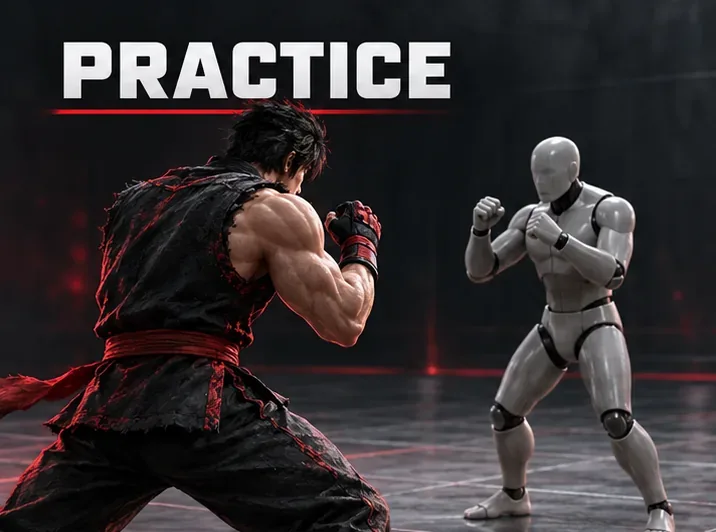
Start with a single opponent move. That gives you a clean loop: recognize the attack, guard it, choose a response, and check whether it connects. Once that loop is steady, add a second or third attack so you must identify which move you blocked before choosing your answer.
Tekken 8’s official Practice overview describes both Punishment Proficiency Practice, which repeats recommended responses after guarding specific attacks, and Practice with Punishment Settings, where the opponent can be set to counterattack so you can practice answering in a simulated match situation. Those are related tools with different purposes: the proficiency drill teaches a recommended response, while the settings based drill gives you a repeatable dummy situation. See Bandai Namco’s Practice mode overview.
| Practice choice | Beginner recommendation | Why it helps |
|---|---|---|
| Practice area | Use Offense and open Punishment Settings. | This keeps the drill focused on responding after your opponent’s attack. |
| Dummy selection | Choose one entry from the Punishment List. | One move is easier to recognize and test than a mixed sequence. |
| Opponent behavior | Start with the chosen move repeating predictably, if the current menu offers that choice. | Repetition lets you learn timing before adding a reaction test. |
| Your response | Use one quick, reliable punish first; test a stronger option afterward. | A consistent punish is more useful than a high-damage move that often misses. |
| Randomness | Leave it out at first; add a small move pool after recognition improves. | You will know whether a miss came from the wrong read or the wrong response. |
Menu wording and available choices can change with updates or platform layout. Bandai Namco’s version 1.11 notes specifically say that, in Practice Mode “Offense,” CPU behavior can be set through “Punishment Settings” > “Select from Punishment List,” and that configured choices are displayed in the list. That supports the path above, but it does not document every control or promise identical wording in every later build. The publisher’s latest listed patch as of October 7, 2026 is version 3.02.01; check the in-game labels if they differ. Sources: version 1.11 Practice notes and version 3.02.01 patch notes.
Enter Practice with the character you play most often and select the opponent you have trouble defending against. If a particular character’s pressure keeps catching you online, use that character as the dummy. Matchup practice is most useful when the dummy’s move list reflects a real problem you have seen, rather than a random collection of attacks.
Pause or open the Practice menu, choose the Offense training area, and locate Punishment Settings. If your game offers “Select from Punishment List,” use it to pick an attack the dummy can perform. Bandai Namco confirms that route in its patch notes. The exact button prompts depend on platform and control scheme, so follow the displayed prompts rather than relying on a controller-specific button guide.
Choose one move, then return to the match view and let it repeat. Keep the starting drill predictable. Do not immediately combine several strings, lows, throws, and approach moves: when the dummy changes its behavior, you may not know which decision you are meant to practice. If the move list does not contain the exact attack that beat you, select the closest relevant option available and treat the result as a basic timing drill, not proof about the missing move.
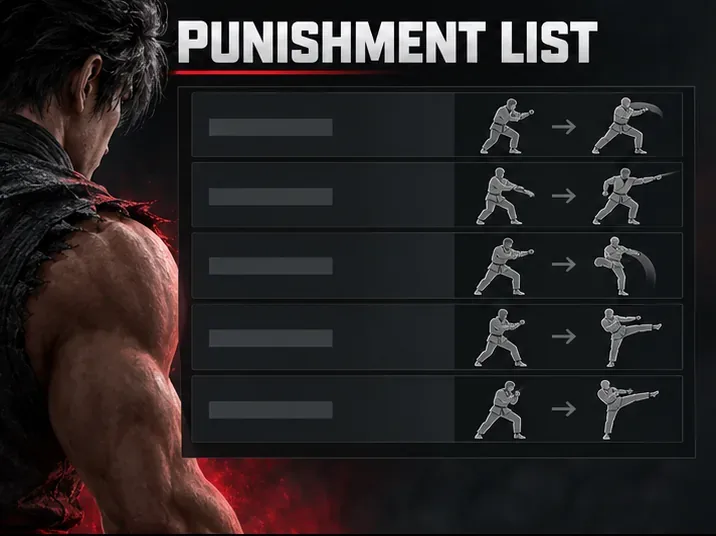
Block the move and press the punish you chose as soon as your character can act. A “string” is a sequence of attacks entered together; when learning, watch whether later hits are guaranteed or whether you can interrupt, duck, or defend between them. This article focuses on attacks you actually guard. Avoid pressing during the opponent’s active attack, and do not mash several buttons after the block: that makes it harder to see which response worked.
Use a dependable option before a high-damage one. If the move is a high or mid attack that leaves enough recovery, a standing response may work; if it is a low, your defensive choice and punish can differ. The list and your character’s command options matter. Treat a move as punishable only after your chosen attack consistently connects during recovery, not because the animation looks long.
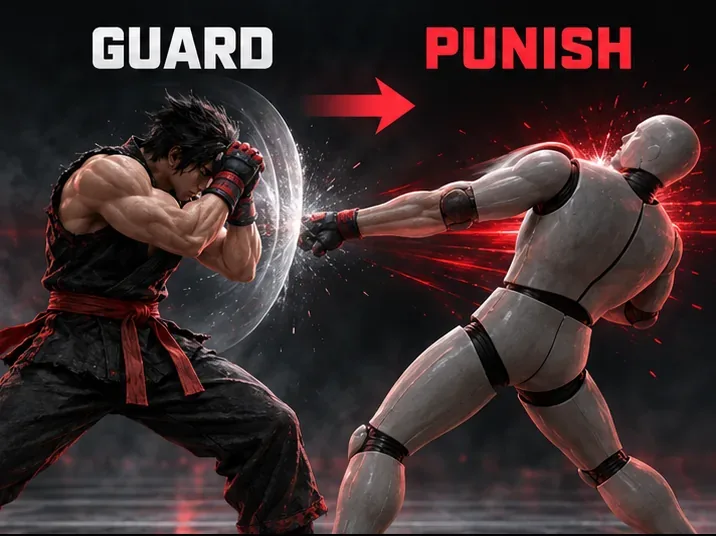
Run a short set of attempts and count clean results: you guarded the same attack and your intended response hit before the dummy recovered. A practical early goal is to land the same response on at least eight of ten clean repetitions. This is a training target, not a game statistic or a guarantee of match success. If the dummy’s behavior is predictable, you can focus on timing. Once that feels stable, add another move so you must identify the attack before choosing a punish.
When a response misses, diagnose one variable at a time. First check whether you pressed too early or too late. Next check range: some moves push you too far away for a short punish to reach. Then check whether the response is fast enough for the recovery window. Finally, try a different move from your character’s command list. A higher-damage answer is only better if it reaches and connects reliably.
Spend a few minutes on one opponent move: guard it, use your reliable punish, and repeat until the response feels deliberate rather than rushed. Then add one more move and identify which one was used before responding. Finish by returning to matches or replays and noticing whether the same attack appears. If you cannot find the Punishment Settings route or the list item you need, use the official Practice overview for the currently documented modes and check the in-game help for your installed update. The goal is not to memorize a large menu; it is to build one correct, repeatable answer at a time.
Enable PUBG’s network statistics HUD to monitor ping and packet loss in a match. See where to find it, what the numbers mean, and what they cannot diagnose.
Learn how to import VALORANT crosshair codes, compare presets with manual settings and spectator copy, and fix common import issues.
Choose Dota 2 minimap size, hero icons, team colors, and background settings by readability, fewer misclicks, and clear results on your own display.
Fix Fortnite texture pop-in on PC with official steps for GPU drivers, file verification, DirectX 12, high-resolution textures, VRAM, SSDs, and stutter.
Learn what Heroes of the Storm minimap size and position options are verified, improve readability, and choose camera-click controls that suit you.
Set Super Smash Bros. Ultimate Quickplay to prefer hazards-off stages. Follow the Preferred Rules menu steps and learn why matchmaking may not always honor them.
Enable Server Latency and Packet Loss in Warzone to monitor connection quality, read the overlay, and use recurring spikes to guide troubleshooting.
Learn how to carry from mid lane in League of Legends by setting up waves, choosing safe roam windows, reading side lanes, and converting pressure into objectives.
Fix Minecraft Evoker spell problems with a safe vanilla test, version checks, log review, and a step-by-step way to isolate mod or datapack conflicts.
Fix PUBG stuck on Initializing on Steam with a focused checklist for PC service notices, launch options, game files, downloads, and connection issues.








