A Complete Guide to Apex Legends Heirloom Shards (2026)
Apex Legends Heirloom Shards are used in the in-game Mythics Store to unlock eligible Mythic cosmetics. A standard shard drop awards 150 shards, enough for one qualifying Heirloom or other base Mythic item. EA lists the random drop chance as 0.045% per Apex Pack, with a conditional guarantee after 500 eligible packs. That guarantee has important exclusions and eligibility rules, so “500 packs” does not mean every pack in your inventory counts.
This guide explains how shards work, where they come from, what the 500-pack rule actually covers, and how to spend your balance without confusing Heirloom Shards with Exotic Shards. EA’s live Mythics Store and event rewards can change, so confirm the item and offer shown in your game before purchasing.
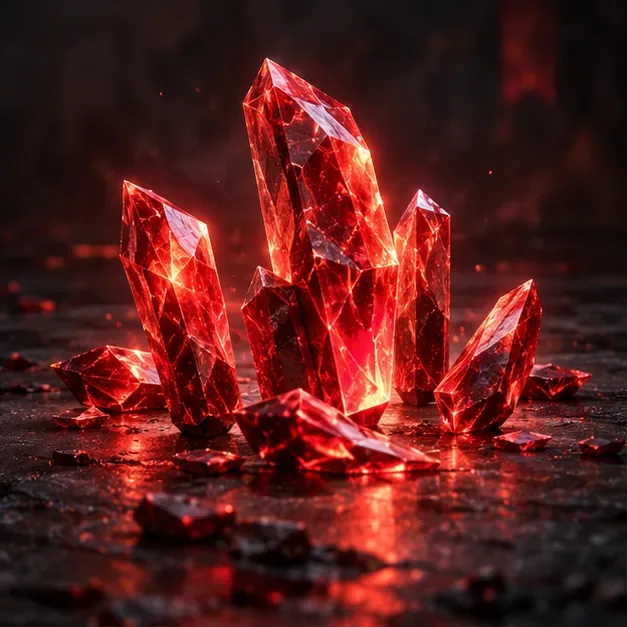
What are Heirloom Shards?
Heirloom Shards are a rare Mythic currency in Apex Legends. Unlike Apex Coins, Crafting Metals, Legend Tokens, or Exotic Shards, they have a specific use: purchasing eligible Mythic items in the Store’s Mythics section. EA’s current help guide directs players to open Store > Mythics, choose an item, and select Purchase.
A standard shard reward arrives as a bundle of 150 Heirloom Shards, rather than one shard at a time. The amount is designed to cover one eligible purchase. The exact catalog can include character-specific Heirlooms, Tier 1 Prestige Skins, and the base version of certain Apex Artifacts; eligibility and availability depend on the item shown in the live Mythics Store. A Mythic item earned through a limited-time event may follow a different unlock route.
How to get Heirloom Shards
Open Apex Packs
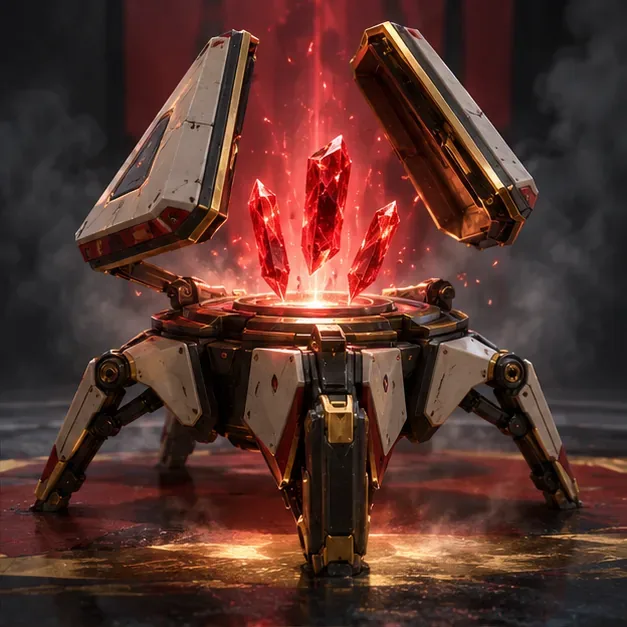
EA’s currency guide lists Apex Packs as the regular source of Heirloom Shards. A pack can produce the shard reward at random, and EA’s published rate is 0.045% per Apex Pack opening. A shard drop is a bonus; EA says it does not deduct another pack from your inventory. You can earn packs through account progression and Battle Pass rewards, or buy packs with Apex Coins. Buying a pack is not the same as buying shards: the pack is a random-content purchase.
Understand limited-time event rewards
Some event reward tracks have also explicitly offered Heirloom Shards as milestone rewards. For example, EA’s Winter’s Haunt event page in December 2024 listed 150 Heirloom Shards among its milestones. That was a time-limited event, not a standing reward available every season. Read the current event page for its exact requirements and deadline; do not assume that opening event packs contributes to the regular 500-pack bonus.
EA also lists limited-time event unlocks for some Mythic items, and its FAQ describes special Heirloom Pack offers that guarantee one unowned Heirloom selected at random from the eligible pool. These offers are different from spending shards on a specific item in the Mythics Store. If a special offer appears, check its cost, contents, and whether the item is random before confirming.
How the 500 Apex Pack guarantee works
EA says a player cannot open more than 500 eligible Apex Packs without receiving Heirloom Shards, subject to the account’s eligibility for the bonus. The published 0.045% chance applies to an individual opening; the guarantee is a separate bad-luck safeguard. It is not a promise that a shard will drop exactly on the 500th pack for every account under every circumstance.
- Not every pack counts. EA excludes Collection Event, Thematic Event, Milestone Event, and Collection Retro Packs, plus packs that may provide replacement items.
- Your eligible Mythic collection matters. The guarantee applies only under EA’s stated conditions, including not owning every available Base Mythic item and not already holding enough shards to obtain an unowned eligible Base Mythic item. Collaboration items are excluded from the Base Mythic definition.
- The counter can pause. If you own all eligible Base Mythic items, EA says packs opened during that period do not count toward this bonus until more eligible items are added.
- The game does not show your total. EA says there is no in-game screen that reports how many Apex Packs you have opened.
For a useful estimate, keep a manual record of eligible packs opened since your last shard drop. Separate ordinary packs from excluded event or replacement packs, and include packs earned from leveling or Battle Pass rewards as well as packs you purchased. If you cannot reconstruct older openings, treat any number as an estimate rather than a verified pity-counter total.
How to spend Heirloom Shards
- Open Apex Legends and select the Store tab.
- Choose the Mythics section.
- Open an eligible item and review its full preview, price, and included cosmetics.
- Select Purchase only after confirming that this is the item you want.
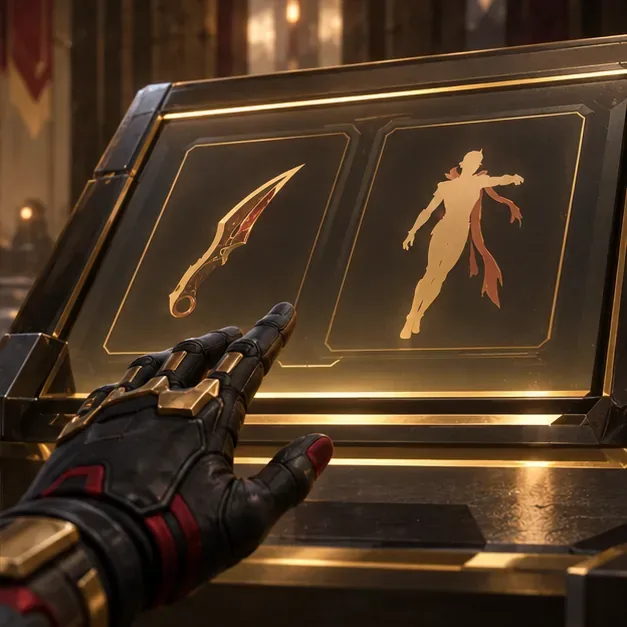
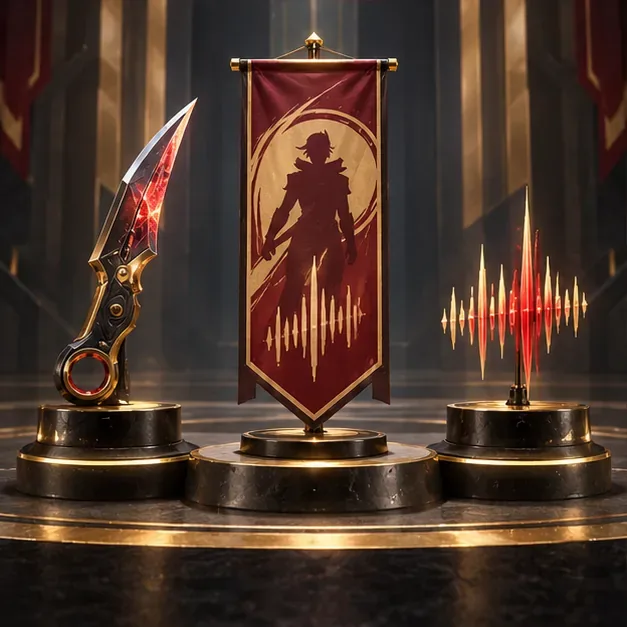
Most players save shards until the item they want is available. This is especially sensible if you play one Legend far more than others or prefer a specific type of Mythic cosmetic. Traditional Legend-specific Heirloom sets often combine a unique melee cosmetic with a banner pose and intro quip, while Prestige Skins and Apex Artifacts work differently. Read the item’s current description rather than assuming every Mythic purchase contains the same bundle.
Heirloom Shards vs. Exotic Shards
The names are similar, but the currencies are not interchangeable. Heirloom Shards unlock eligible base Mythic items in the Mythics Store. Exotic Shards are used for customizations for Apex Artifacts and select Mythic melees, and EA says they can be earned through the Battle Pass or purchased. Unlocking an Artifact’s base version and customizing it are separate steps; check the specific item’s requirements in-game.
Are Heirlooms worth spending shards on?
Heirlooms and other Mythics are cosmetic rewards. EA says Apex does not sell items that provide gameplay advantages, so an Heirloom does not improve damage or give a competitive stat boost. The value is personal: how often you use the Legend, how much you like the animation and presentation, and whether another item in the Mythics Store matters more to you.
- Preview the item on the Legend you actually use.
- Check whether the offer is a specific item or a random Heirloom Pack.
- Confirm whether you are buying a base Artifact or a separate customization.
- Keep in mind that event offers and store availability can change.
Frequently asked questions
Can I buy Heirloom Shards directly?
EA’s currency guide lists Apex Packs as the regular shard source, and shards can also appear as explicitly listed rewards in limited-time event tracks. There is no guarantee that a current event offers them. Apex Coins and Exotic Shards are different currencies.
Do all 500 Apex Packs count toward the guarantee?
No. Several event pack types and replacement-item packs are excluded, and the guarantee depends on EA’s Base Mythic ownership and shard-balance conditions. Track eligible openings only.
Can I choose the Heirloom I get?
When spending shards on a specific eligible item in the Mythics Store, you choose that item. A special Heirloom Pack offer is different: EA says it grants one unowned Heirloom chosen randomly from its eligible pool.
Where can I check the latest rules?
Use EA’s Apex Legends currency guide, the official Apex Legends FAQ, and the EA minimum drop-rate disclosure. For an example of an event that listed shards as milestone rewards, see EA’s Winter’s Haunt event announcement.









