How to Check Real-Time Server Latency in the PUBG HUD

Enable PUBG’s network statistics HUD to monitor ping and packet loss in a match. See where to find it, what the numbers mean, and what they cannot diagnose.
If your PS5 won't play a Blu-ray or DVD, first check that your console has a compatible disc drive and that the disc is supported. Then confirm the disc is inserted in the right direction, clean it, and test another disc. If several known-good discs fail, update the system software and try the Safe Mode cache and database options before considering a full reinstall or repair.
Quick answer: A PS5 Digital Edition without a disc drive cannot play physical media. On a disc-drive model, Sony recommends checking orientation, cleaning the disc, testing another game or movie, and using Safe Mode if the problem continues. Follow these fixes in order and test playback again after each step. Sony's PS5 disc troubleshooting guide covers the core sequence.
Check the console itself before troubleshooting software. The original PS5 Digital Edition (model group CFI-1000) has no disc drive, so it cannot play Blu-ray movies, DVDs, or game discs. Some newer Digital Edition and PS5 Pro models support a separately sold, compatible disc drive; compatibility depends on the exact model group. If you recently attached a drive, check that it is fully seated and paired as instructed. Sony says an internet connection is required when pairing a compatible add-on drive for initial setup.
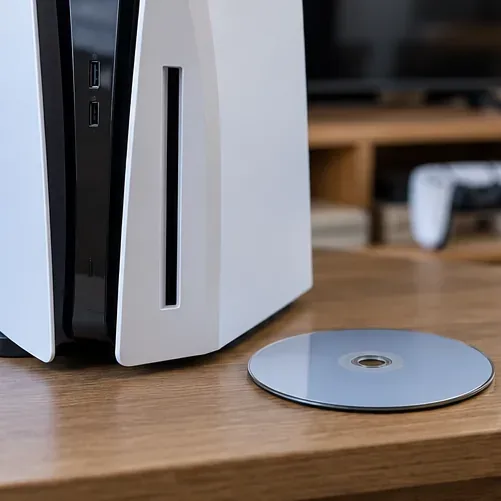
Use PlayStation's disc drive setup guide to confirm compatibility and installation steps for your model. A generic external USB Blu-ray drive is not a substitute for a supported PS5 disc drive.
Disc-drive PS5 consoles support Ultra HD Blu-ray, Blu-ray Disc, and several DVD formats. Sony's compatibility list includes BD-ROM, BD-R/RE (with exceptions), DVD-ROM, DVD-R/RW, and DVD+R/RW. It does not support CDs, BD-RE version 1.0, BD-R/RE XL, or DVDs that have not been finalized. Avoid inserting 8 cm discs, non-round discs, cracked or repaired discs, or discs with stickers or paper labels; these can damage the console.
Home-recorded discs can be inconsistent. Sony lists some recordable formats in its media guide, while its troubleshooting page warns that burned discs may not play. Recording quality and finalization can affect results, so use a commercial disc as a comparison test. See the current PlayStation disc and media format list for details.
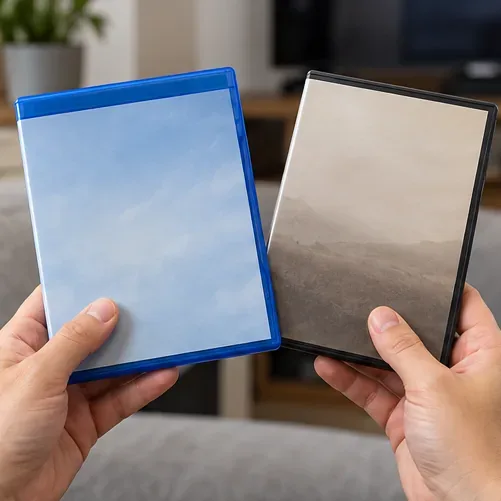
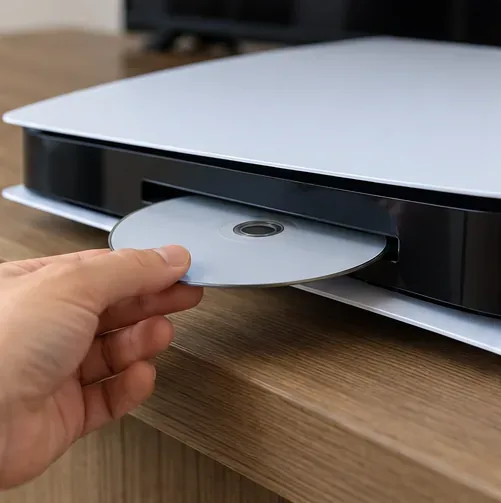
A disc inserted upside down can look like a drive failure. With the PS5 lying horizontally, insert the disc with its label side facing up. With the console standing vertically, the label side should face left when you look at the front of the console. Eject the disc before trying again, and never force it into the slot.
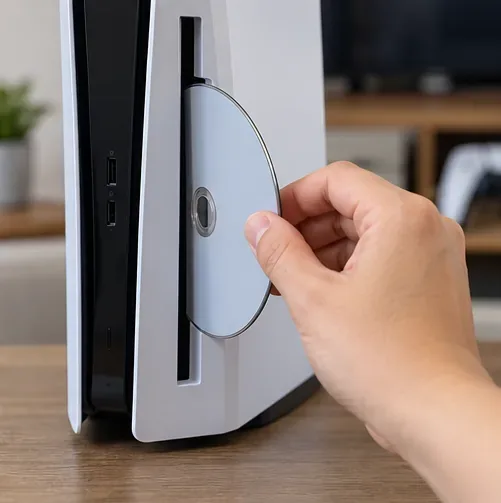
The vertical orientation follows the diagram in Sony's disc troubleshooting guide. If your console has a different compatible drive attachment, check the guide for your exact model.
Hold the disc by its edge and center hole. Look for fingerprints, dust, scratches, cracks, or warping. For dirt or prints, use a clean, soft, lint-free cloth made for optical discs and wipe from the center toward the outer edge. Do not wipe in circles. Sony recommends cleaning the disc itself; do not open the console or push anything into the slot to clean the lens.


Game discs and movie discs do not always follow the same region rules. A Blu-ray or DVD movie may be restricted to the region where it was released, so check the region mark on the case and disc before changing console settings. Sony's disc-drive manual says the console's BD/DVD region code can be changed up to four times, and that the DVD region is set to the region of the first DVD played. Avoid experimenting with region changes; a software update, database rebuild, or VPN will not make an incompatible movie disc region-compatible. If the disc reports a region error, use a release compatible with your console's region. Review the official PS5 disc drive manual for region details.
Try a different supported game disc, Blu-ray movie, or DVD. If the second disc works, the first disc may be dirty, damaged, unfinished, or incompatible. If no supported disc is recognized, the issue is more likely to involve the console software or drive. Testing more than one format can help narrow it down, but one failed disc alone does not prove the PS5 drive is broken.
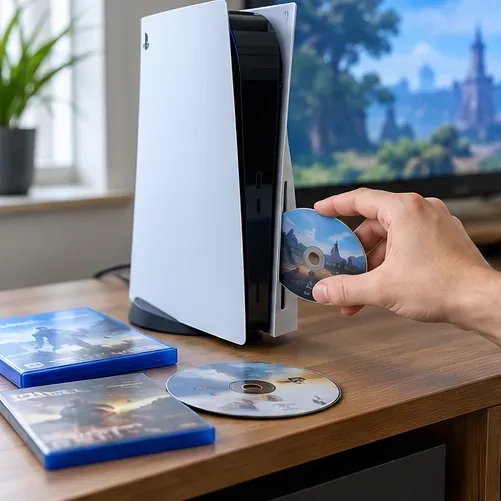
Use the Control Center's Power > Turn Off PS5 option rather than leaving the console in Rest Mode. Wait until the power indicator is fully off, then turn the console back on and test the disc again. A normal restart can clear a temporary system glitch; it will not fix a scratched disc, unsupported format, or region mismatch.
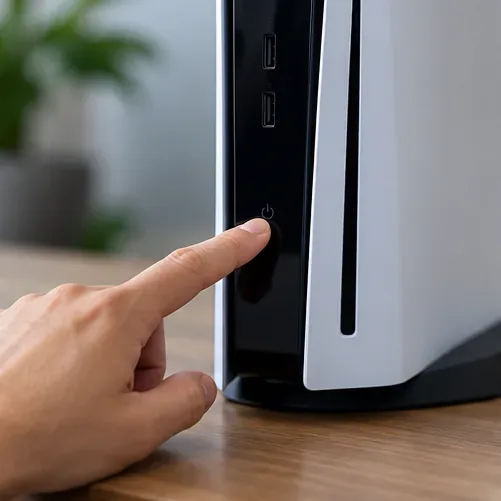
With the console online, open Settings > System > System Software > System Software Update and Settings, then select Update System Software if an update is available. Keep the console powered on while the update installs. Download system files only from PlayStation's official instructions. The steps and current update guidance are on Sony's PS5 system software page.

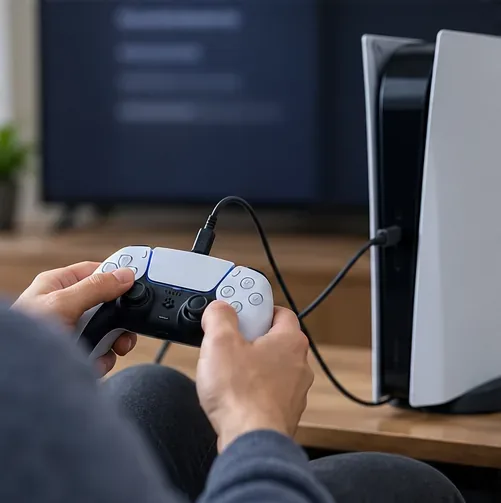
If basic checks and an update do not help, try the Safe Mode options recommended by PlayStation. Turn the PS5 off. Press and hold the console's power button again, releasing it after the second beep (about seven seconds after the first). Connect the controller with a USB cable and press the PS button. Choose Clear Cache and Rebuild Database, then select Clear System Software Cache. If the disc problem remains, return to Safe Mode and select Rebuild Database. Do not choose a Reset option by mistake. Follow Sony's Safe Mode instructions if the menu differs on your console.
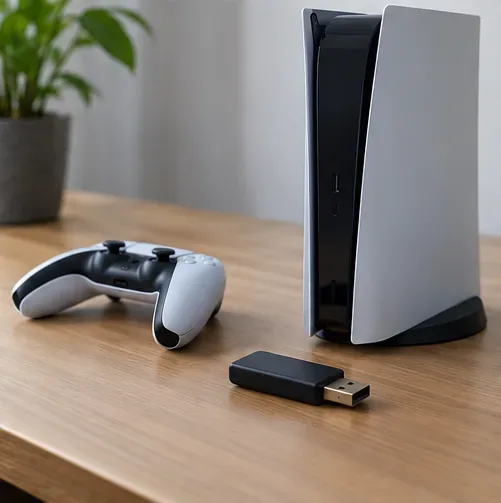
Sony lists Reset PS5 (Reinstall System Software) as a later troubleshooting option when rebuilding the database does not resolve a disc issue. This is a full wipe: it deletes all user data and removes the system software, so back up anything you need and read the official reinstall instructions before proceeding. A reinstall is not a quick first step and cannot repair a mechanical drive fault. If you are not comfortable erasing the console, contact PlayStation Support instead.
| What happens | What to check next |
|---|---|
| One movie fails, but another disc plays | Check that disc for damage, unsupported format, finalization, or a region mismatch. |
| Games work, but a movie disc does not | Verify the movie format and region; game-disc compatibility does not rule out a movie restriction. |
| No supported discs are recognized | Complete the software checks above, then use PlayStation's repair diagnostic. |
| The drive will not accept or eject a disc, or makes unusual grinding sounds | Stop inserting discs. Do not force the slot or open the console; request service. |
If two or more clean, supported discs all fail after the software checks, or the drive will not accept/eject discs normally, arrange service through PlayStation's official troubleshooting and repair page. Avoid opening the console or buying a lens-cleaning disc as a shortcut; neither is part of Sony's recommended disc-reading sequence. A repair assessment is the right next step when the same PS5 disc not reading problem affects every compatible disc.
PlayStation's media instructions list one-time internet activation for PS4, not as a general PS5 playback step. For a PS5, insert a supported disc and select Disc Player from the media home. An internet connection is required when pairing certain compatible add-on disc drives during initial setup, which is a separate process.
No. PlayStation lists CDs as an unsupported disc format on PS5. Use a supported Blu-ray or DVD format instead.
Sony's current PS5 instructions do not call for enabling a separate Blu-ray/DVD playback toggle. If Disc Player does not appear after inserting a supported disc, check the drive, disc format, region, and troubleshooting steps above.
Enable PUBG’s network statistics HUD to monitor ping and packet loss in a match. See where to find it, what the numbers mean, and what they cannot diagnose.
Learn how to import VALORANT crosshair codes, compare presets with manual settings and spectator copy, and fix common import issues.
Choose Dota 2 minimap size, hero icons, team colors, and background settings by readability, fewer misclicks, and clear results on your own display.
Fix Fortnite texture pop-in on PC with official steps for GPU drivers, file verification, DirectX 12, high-resolution textures, VRAM, SSDs, and stutter.
Learn what Heroes of the Storm minimap size and position options are verified, improve readability, and choose camera-click controls that suit you.
Set Super Smash Bros. Ultimate Quickplay to prefer hazards-off stages. Follow the Preferred Rules menu steps and learn why matchmaking may not always honor them.
Enable Server Latency and Packet Loss in Warzone to monitor connection quality, read the overlay, and use recurring spikes to guide troubleshooting.
Learn how to carry from mid lane in League of Legends by setting up waves, choosing safe roam windows, reading side lanes, and converting pressure into objectives.
Fix Minecraft Evoker spell problems with a safe vanilla test, version checks, log review, and a step-by-step way to isolate mod or datapack conflicts.
Fix PUBG stuck on Initializing on Steam with a focused checklist for PC service notices, launch options, game files, downloads, and connection issues.








