Home
» 🎮 Esports
»
How to Fix the Minecraft “Ahogado” Error on iOS
How to Fix the Minecraft “Ahogado” Error on iOS
How to Fix the Minecraft “Ahogado” Error on iOS
If Minecraft Bedrock on your iPhone or iPad closes, freezes, or stutters around drowned mobs or underwater areas, start with the low-risk checks below: close and reopen the app, restart the device, install available updates, and test without add-ons. The phrase Minecraft Ahogado error is not a documented Apple or Mojang error code in the official troubleshooting material linked here. “Ahogado” means “drowned” in Spanish; it may describe where a crash happens rather than identify its cause.
The old “Apple Anomalies” label also does not identify a confirmed iOS subsystem or known Minecraft bug. There is no reliable support for the old article’s device-specific crash percentages, alleged Mojang telemetry, or claim that a particular Metal or water-shader fault explains the issue. Treat a crash near water as a clue to investigate, not proof that drowned mobs or a specific iPhone chip caused it.
Before troubleshooting: If you care about a local world, make a separate copy before changing packs or deleting Minecraft. Apple warns that deleting an app can remove data stored in it, and Minecraft provides a specific iPhone/iPad world-backup procedure.
Use the crash pattern to narrow the cause
What happens
What to check first
Minecraft crashes in every world
Restart, app and iOS updates, available storage, then test with add-ons disabled.
Only one world crashes
Try a separate test world and check whether the affected world uses resource or behavior packs. Back it up before making changes.
The crash starts after enabling a pack
Disable that pack for a safe test. Add-ons can conflict and cause crashes or visual problems.
Only online play fails
Check the connection and the relevant multiplayer or Realm service; that pattern alone does not point to an iOS “Ahogado” error.
Eight safe fixes for a Minecraft iOS crash
1. Force-close Minecraft and open it again
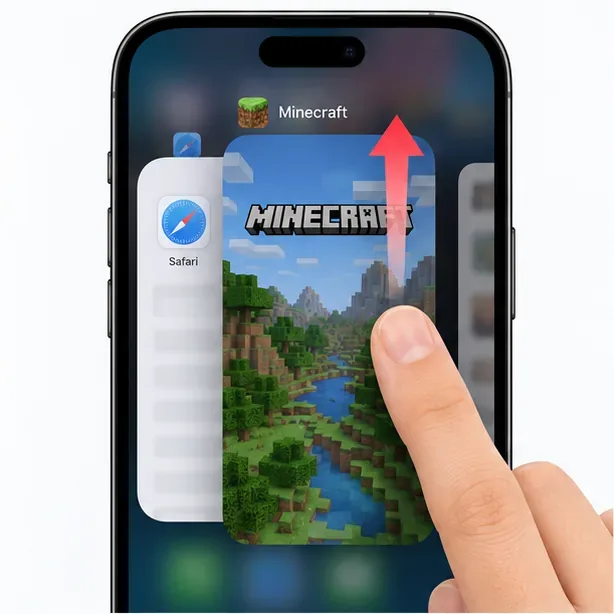
Open the iOS app switcher, find the Minecraft card, and swipe it away. On an iPhone or iPad with a Home button, double-click Home to open the switcher. Wait a few seconds, then launch Minecraft again. This clears a stuck app session without touching your saved worlds.
Close the Minecraft card in the app switcher, then launch the game again.
2. Restart your iPhone or iPad
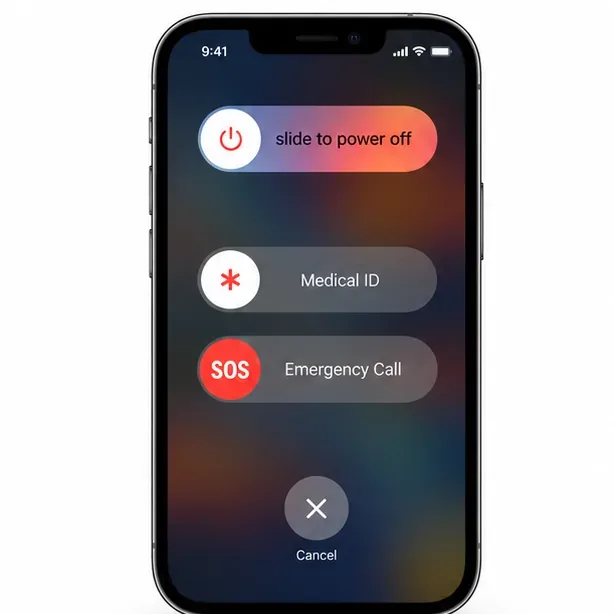
If reopening does not help, restart the device using its normal power controls, then test Minecraft before changing other settings. A restart is a sensible first check for an app that repeatedly stops responding; it does not confirm or repair a specific graphics bug.
Restart the device, then reopen Minecraft and see whether the same crash returns.
3. Update Minecraft and check for a stable iOS update
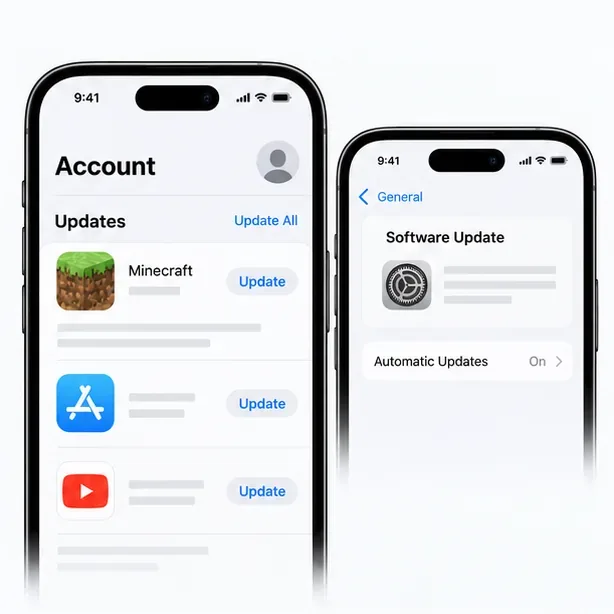
Open the App Store, tap your profile picture, and check the available app updates for Minecraft. If there is no Minecraft update, check Settings > General > Software Update and install an iOS update that Apple offers for your device. Avoid beta software as a troubleshooting shortcut: a beta can introduce new compatibility problems. Minecraft says to check its App Store listing for current iOS compatibility requirements, so use that listing rather than relying on an old version number.
Check the App Store for a Minecraft update, then check iOS Software Update if needed.
4. Check available storage
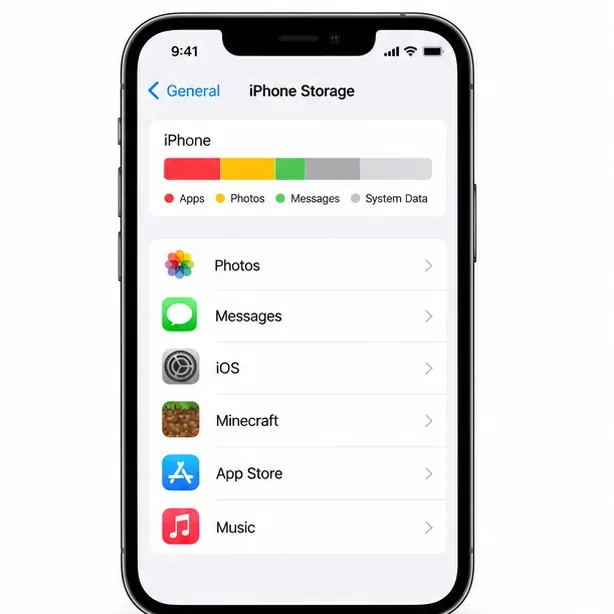
Go to Settings > General > iPhone Storage (or iPad Storage) and review the available space. If storage is nearly full, remove files or downloads you can safely restore, then restart Minecraft. Apple does not specify a universal free-space amount for this particular crash, so do not treat an invented threshold as a guaranteed fix.
Review the storage summary before trying more disruptive fixes.
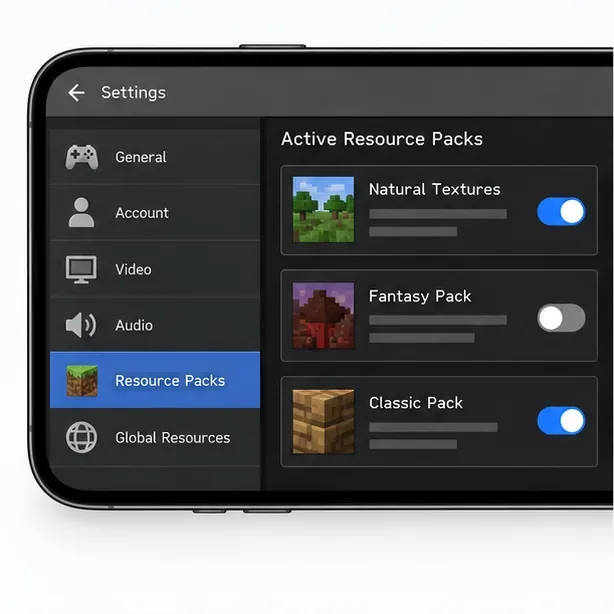
5. Temporarily disable add-ons and resource packs
If the crash began after you enabled an add-on or texture pack, disable the active packs for a controlled test. Minecraft’s Bedrock support guidance notes that add-ons can conflict and lead to crashes, visual issues, or errors. Change one thing at a time so you can identify whether a pack is involved. For a valuable world, make a copy first; do not use the only copy as a test case.
Temporarily turn off active packs to see whether the crash is tied to add-on content.
6. Test with a separate new world
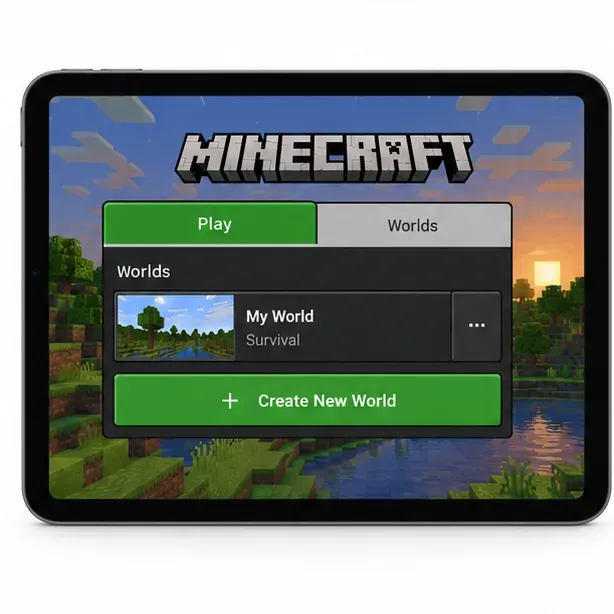
Create a temporary world and test the same general activity there. Do not overwrite or delete the world that crashes. If the new world runs while one existing world does not, the issue may be limited to that save or its pack setup; that is a useful diagnostic result, not proof that the world is permanently damaged. If both worlds crash, continue with device and app checks.
Use a separate test world to distinguish a broad app crash from a problem limited to one save.
7. Back up local worlds before reinstalling
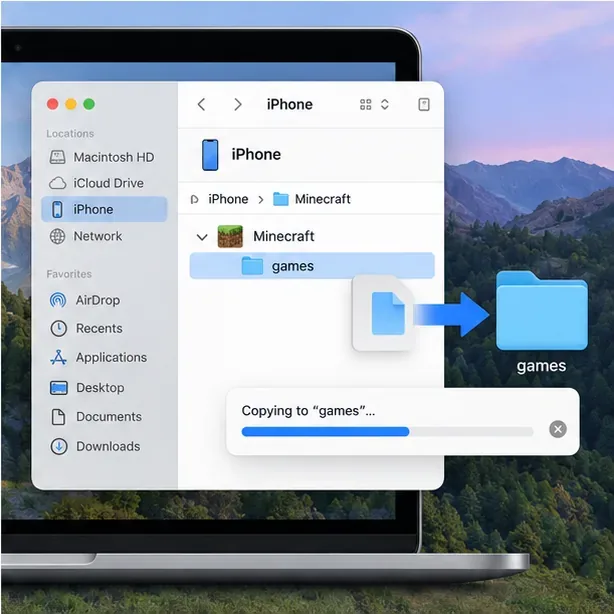
Minecraft’s official iPhone/iPad instructions describe copying worlds to a Mac:
Connect the iPhone or iPad to the Mac with a USB cable.
Open Finder and select the device under Locations.
Choose Files, expand the Minecraft folder, and drag the games folder to a safe location such as the desktop or an external backup folder.
Confirm the copy is present before deleting or reinstalling the app. Minecraft’s guide also describes using iCloud for a copy of the games folder.
Copy the Minecraft games folder and verify the backup before removing the app.
8. Reinstall only after the backup, then report persistent crashes
If the crash continues after the earlier checks, reinstall Minecraft only after you have verified a separate world backup. Apple lists deleting and redownloading an app as a troubleshooting step, but warns that data stored in the app might be lost. Apple’s Offload App option keeps app documents and data, but it is not a substitute for a Minecraft world backup and is not a guaranteed repair.
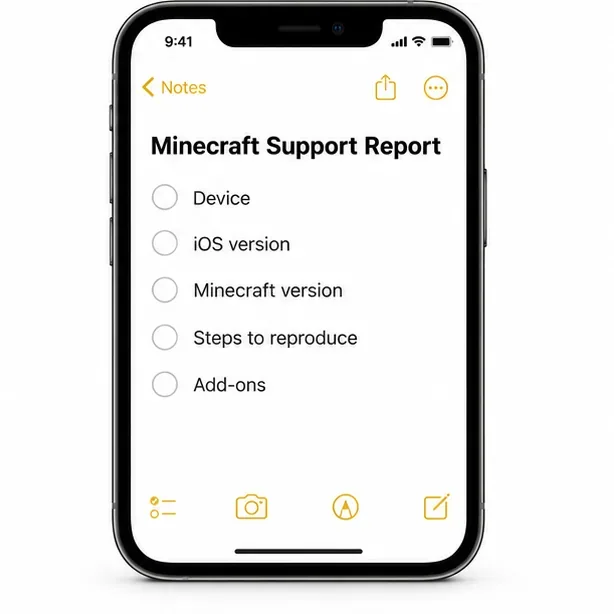
If the crash remains, contact Minecraft Support and include your device model, iOS version, Minecraft version shown in the App Store, whether the crash affects one or every world, the packs enabled, and the exact steps that reproduce it. That information is more useful than searching for a supposed “Ahogado” log string. Do not claim a specific error code unless the game actually displays one.
Record the device, versions, affected world, add-ons, and repeatable steps before contacting support.
UI illustrations show common menu concepts; labels and layouts can vary by device, iOS release, and Minecraft build.