How to Check Real-Time Server Latency in the PUBG HUD

Enable PUBG’s network statistics HUD to monitor ping and packet loss in a match. See where to find it, what the numbers mean, and what they cannot diagnose.
If Minecraft Java Edition disconnects with an EncoderException or a Netty codec message, first check whether it happens on one server or on every server. A one-server failure often points toward that server’s software, add-ons, proxy, or packet data. If several servers fail, test a clean game profile and verify your client version and mods before changing network settings. The message identifies a packet-encoding failure; it does not, by itself, prove that your internet connection corrupted the packet.
Netty is the networking library Minecraft Java Edition uses to move data between a client and a server. In Netty’s API, an EncoderException is a codec exception thrown by an encoder. An encoder turns game data into bytes for sending. The exception can occur when software cannot encode the data it is trying to send—for example, because versions or extensions disagree about a packet or its contents. Read the complete stack trace and its “Caused by” lines to find the useful clue; “Internal Exception” alone is not a diagnosis.
The io.netty.handler.codec text in a stack trace names Netty’s codec package; it is not an in-game setting to reset. “Netty I/O exception” is a broad search phrase, so use the exact exception class to choose the next check.
Direction matters. If the server console records the exception while sending a packet, the server-side stack trace is the best starting point. The player may only see a disconnect screen. If the client log reports a DecoderException, that is a related but different failure while reading incoming data. Minecraft’s 1.20.5 release notes also document that invalid server packet data can disconnect a client, so a disconnect does not automatically mean the player’s installation is damaged.
This guide is for Minecraft: Java Edition. Bedrock Edition uses a different networking path, so Java Netty instructions do not apply to Bedrock error codes.
Read the Netty EncoderException API reference and Minecraft’s Java Edition 1.20.5 release notes for the underlying definitions and protocol note.
| What happens | Start by checking |
|---|---|
| The error appears on one server, but other servers work | That server’s version, mods or plugins, proxy, and server log |
| Modded servers fail, but a clean profile works | Mod loader and add-on compatibility on both client and server |
| Several unrelated servers fail with a mod-free profile | Game installation, selected release, launcher, and then the network path |
| The server console logs “EncoderException” for multiple players | Server-side packet data, plugins, mods, proxy, or a game bug |
| The message is a timeout or read timeout, without an encoder stack | Connection stability and server availability; this is a different clue |
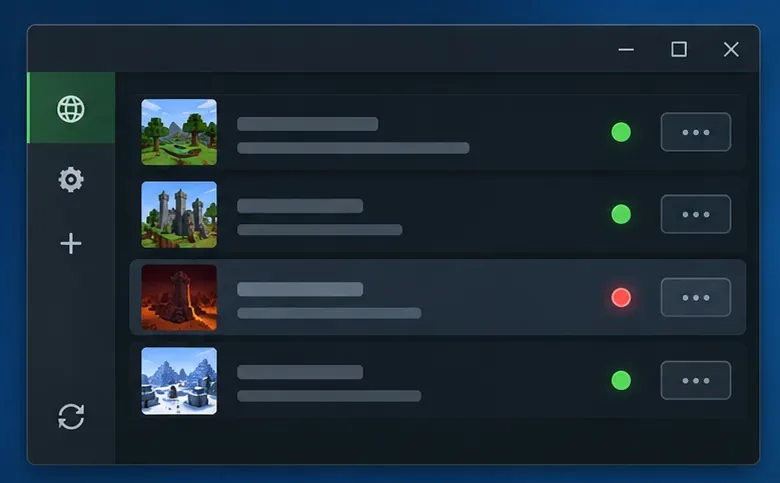
Close Minecraft and the launcher, reopen them, and retry once. Then connect to another server you are allowed to use. Keep the same game profile for this comparison. If only one server fails, avoid reinstalling Minecraft first: the server owner may need to investigate its packet, configuration, mod, plugin, or proxy stack. If you cannot test another server, note that uncertainty and continue with the local checks below.
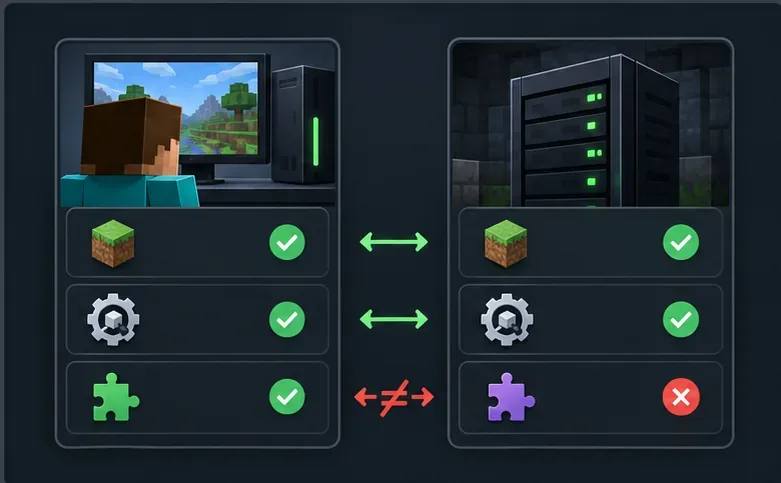
Check that you launched Java Edition, not Bedrock, and compare the full Minecraft release shown by the server and client. A release, snapshot, or modded profile may not be interchangeable. For a modded server, confirm the required loader (such as Fabric, Forge, or NeoForge) and the server’s stated modpack version. Add-ons that exchange data generally need compatible versions on both sides.
Do not install a newer Java runtime as a universal packet fix. Minecraft Java 1.20.5 introduced a Java 21 requirement; earlier releases have different requirements. If you use the official launcher, avoid changing its Java executable or adding random JVM flags unless a specific launcher or modpack instruction calls for it. See the official 1.20.5 technical notes and Minecraft multiplayer requirements.
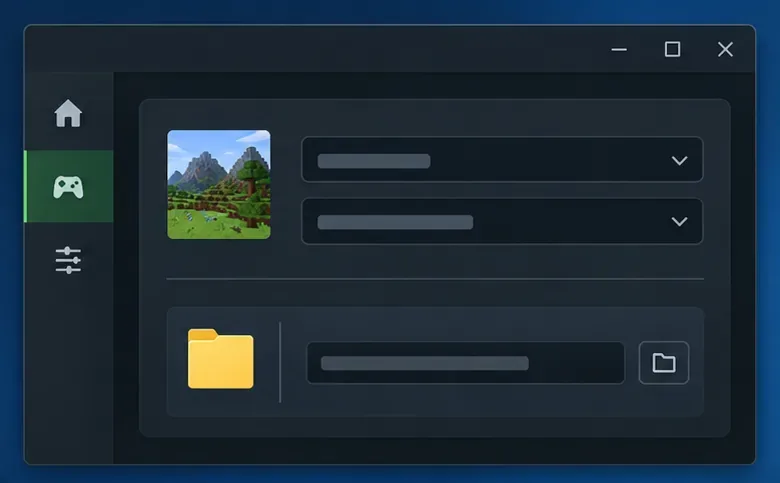
In the Minecraft Launcher, open Installations and create a new installation for the same release the server expects. Give it a new, empty game directory if the launcher offers that field. Start the profile without mods, custom clients, or extra resource and data packs, then retry the server. This is a reversible test: it keeps the regular instance intact and helps determine whether its local files or add-ons are involved. Mojang’s launcher support article describes creating a new Java installation for troubleshooting.
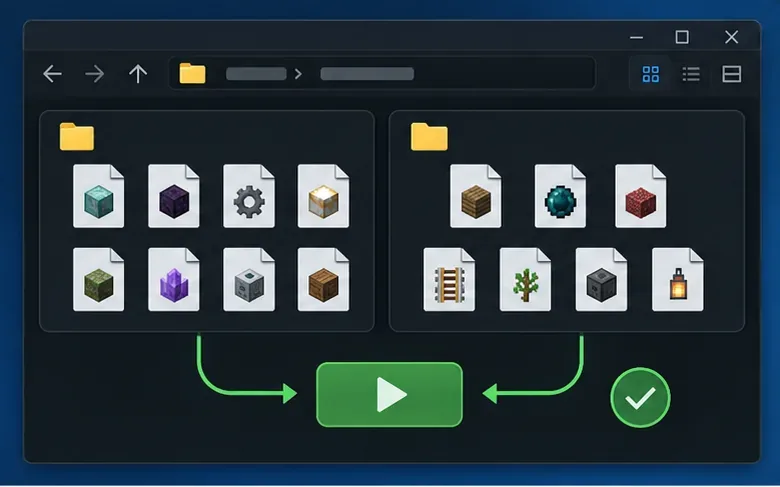
If the clean profile connects, back up the modded instance and world before changing files. Check each mod’s supported Minecraft release and loader, then update only to a version explicitly compatible with that combination. Test with the minimum required mods first. Add the remaining mods back in small groups; if the error returns, split that group and repeat until you identify the conflict. This “half at a time” approach is faster than guessing through a long list.
Do not assume a particular performance mod caused the error simply because it is installed. Pay close attention to networking, protocol-bridge, content, and server-side extensions, but use the logs and repeatable test to identify the actual trigger. A client and server can both need matching add-ons.
Open the logs folder inside the active game directory and inspect latest.log around the disconnect time. With a custom game directory, the log may not be under the default .minecraft folder. Search for EncoderException, the packet name, and the first nested “Caused by” message. If you manage the server, compare its console or log at the same timestamp. The exception’s surrounding class names and packet identifier are more useful than the final one-line disconnect notice.
If the stack trace names a plugin, mod, custom payload, item, chat message, or packet, reproduce the issue after changing only that component. If it happens only after a particular action—such as opening an inventory or sending a specific message—tell the server owner exactly what action triggers it.
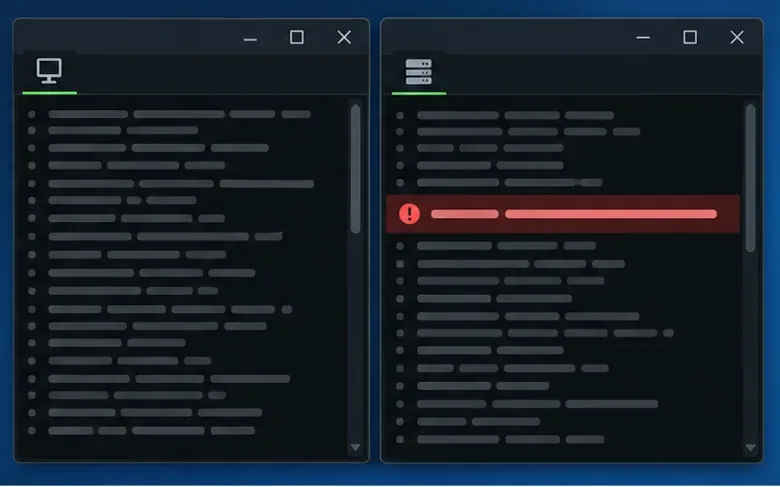
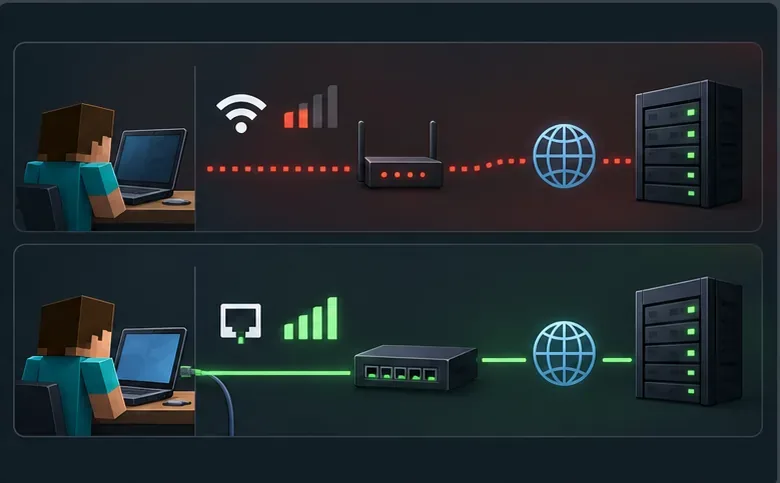
Network checks are worthwhile when several servers are affected or the connection drops inconsistently. Restart your router if other devices also have trouble, then compare the same computer over Ethernet or a different trusted network. If you use a VPN or proxy, try one test with it disconnected, then restore your normal protection. Keep your firewall enabled; if logs or a controlled comparison point to a local block, use your operating system’s documented allow-app setting instead of disabling the firewall. A network change may help a connection timeout, but it will not repair a server encoder that is building an invalid packet.
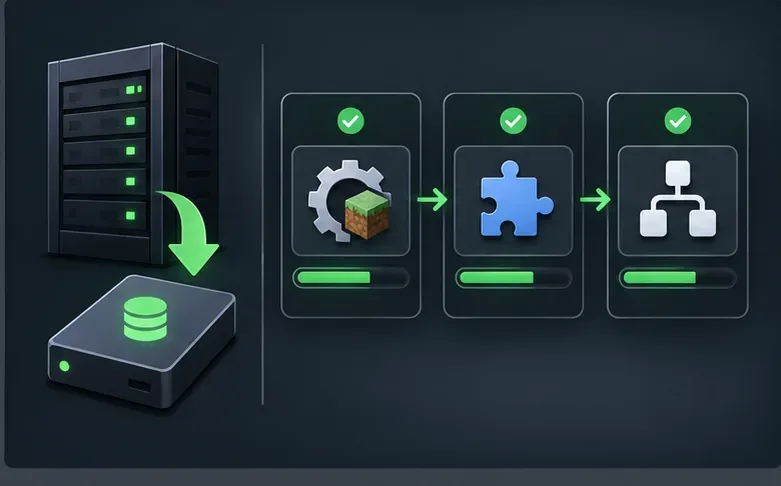
Back up the world and server configuration before maintenance. Confirm that the server jar, mod loader, mods or plugins, and any proxy or protocol bridge support the same Minecraft release. Update a component only after checking its compatibility notes, restart, and test before moving to the next change. If the error began immediately after an update, roll back the last changed component in a controlled test. Do not raise view distance or install a cross-version plugin as a generic EncoderException fix; neither addresses every packet-encoding failure.
When the server log is the source, the administrator may need to fix the sending software or report a reproducible issue to its maintainer. Minecraft’s official issue tracker is appropriate for a reproducible vanilla game bug; mod or plugin failures belong with their maintainers.
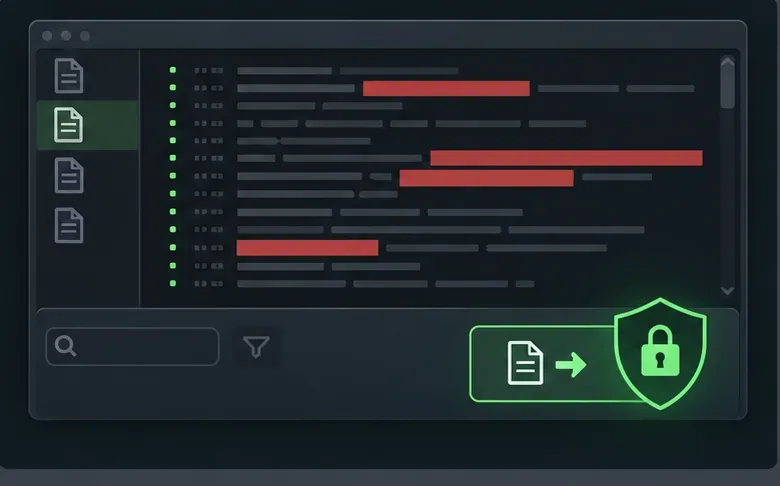
If the problem remains, provide the exact Minecraft version, operating system, launcher, loader and add-on versions, whether it affects one or several servers, the action that triggers it, and the full relevant stack trace. Ask the server owner to check their matching log. Before sharing a log publicly, remove access tokens, account identifiers, private server addresses, and personal file paths. Never post a launcher session token or credentials. Minecraft’s Java multiplayer troubleshooting guide is also a useful official checklist.
No. It is an encoding exception, so version or software incompatibility and server-side packet data should be checked first. Test another server and inspect the complete log before changing network or firewall settings.
Not as a first step. A separate clean launcher profile is safer and usually gives you more diagnostic information. Back up worlds and configuration before any manual removal, and do not change Java unless your selected Minecraft release or launcher requires it.
Yes, when the server log shows the encoder failing while sending a packet. The owner should inspect the packet and cause in the full stack trace, then test the responsible server mod, plugin, proxy, or game version. A player cannot repair server-side software from their own launcher.
For a Minecraft Netty codec error, first compare servers, versions, loaders, and logs. A clean profile tells you whether your local mods are involved; a server-side stack trace tells the administrator where to investigate. Reserve network testing for evidence of a route problem, and avoid destructive reinstall steps until the simpler checks narrow down the cause.
Enable PUBG’s network statistics HUD to monitor ping and packet loss in a match. See where to find it, what the numbers mean, and what they cannot diagnose.
Learn how to import VALORANT crosshair codes, compare presets with manual settings and spectator copy, and fix common import issues.
Choose Dota 2 minimap size, hero icons, team colors, and background settings by readability, fewer misclicks, and clear results on your own display.
Fix Fortnite texture pop-in on PC with official steps for GPU drivers, file verification, DirectX 12, high-resolution textures, VRAM, SSDs, and stutter.
Learn what Heroes of the Storm minimap size and position options are verified, improve readability, and choose camera-click controls that suit you.
Set Super Smash Bros. Ultimate Quickplay to prefer hazards-off stages. Follow the Preferred Rules menu steps and learn why matchmaking may not always honor them.
Enable Server Latency and Packet Loss in Warzone to monitor connection quality, read the overlay, and use recurring spikes to guide troubleshooting.
Learn how to carry from mid lane in League of Legends by setting up waves, choosing safe roam windows, reading side lanes, and converting pressure into objectives.
Fix Minecraft Evoker spell problems with a safe vanilla test, version checks, log review, and a step-by-step way to isolate mod or datapack conflicts.
Fix PUBG stuck on Initializing on Steam with a focused checklist for PC service notices, launch options, game files, downloads, and connection issues.








