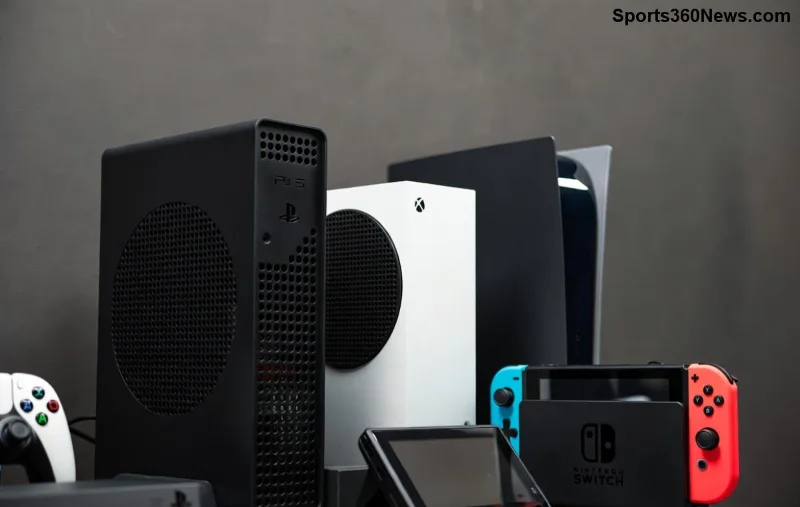
Hey fellow gamer 🎮, nothing kills the vibe like firing up your Xbox only to face a black screen, "no signal," or distorted display. Frustrating, right? 😩 Don't worry—booting Xbox into low resolution mode is your secret weapon to reset display settings and get back to gaming glory. This mode forces your console to output a basic signal any TV or monitor can handle, fixing most visual glitches instantly.
In this guide, we'll walk you through how to boot Xbox into low resolution mode for Series X/S and Xbox One models. Follow these steps, and you'll be dominating leaderboards again in no time. Let's dive in! 👇
What is Xbox Low Resolution Mode and Why It Saves Your Setup ⭐
Low resolution mode on Xbox is a troubleshooting powerhouse. It temporarily sets your console to output at 640x480 resolution—the lowest standard—bypassing fancy 4K, HDR, or VRR settings that might clash with your display. Perfect for:
- Black or blank screens after updates
- "No HDMI signal" errors
- Resolution mismatches post-TV changes
- Distorted images or flickering
Microsoft designed this for quick fixes without wiping your data. Once in, tweak settings via the menu and reboot normally. Pro tip: Use it before calling support! 🚀
When Should You Boot Xbox into Low Resolution Mode? Quick Checklist
Spot these signs? Time to activate:
| Symptom |
Why It Happens |
Low Res Fix Success Rate |
| Black screen on startup |
HDMI handshake fail |
95% ⭐⭐⭐⭐⭐ |
| No signal message |
Resolution too high |
98% ⭐⭐⭐⭐⭐ |
| Screen flickering |
VRR/ALLM conflict |
90% ⭐⭐⭐⭐ |
| Blurred or stretched image |
Aspect ratio mismatch |
92% ⭐⭐⭐⭐ |
Ready to fix it? Let's get model-specific. We'll start with the latest Series consoles. 👉
How to Boot Xbox Series X or Series S into Low Resolution Mode (2026 Latest Method)
This works on all Xbox Series X and Series S (including digital edition). Super simple—takes under 1 minute!
- 1️⃣ Power off completely: Hold the Xbox button on your console (front center) for 10 seconds until it shuts down fully. No rest mode—lights off!
- 2️⃣ Locate the pair button:
- Series X: Small button on the back near the top (next to USB ports).
- Series S: On the left side (when facing front), near the power button.
- 3️⃣ Boot with pair held: Press and hold the pair button. While holding, press the power button. Keep holding pair until you hear two beeps (about 5-10 seconds). Release!
- 4️⃣ Success screen: Console restarts in low-res. You'll see a startup animation, then a message: "Your TV doesn't support the current resolution." 🎉
- 5️⃣ Adjust settings: Go to Settings > General > TV & display options > Resolution. Set to match your display (e.g., 1080p). Restart normally.
Stuck? Ensure HDMI cable is secure and try a different port.
![Close-up of Xbox Series X pair button for low resolution mode boot]()
Xbox One, One X, One S: Boot into Low Resolution Mode Guide
Older but gold! Steps vary slightly by model. Here's the breakdown:
Xbox One (Original), One S
- Turn off console (hold power 10s).
- Press and hold the disc eject button (front right) + power button together.
- Hold until second beep, release. Low-res mode activates! 🔧
Xbox One X
- Power off fully.
- Hold the bind/sync button (top, near USB) while pressing power.
- Two beeps = success. Adjust in settings. 👍
Post-boot: Same as Series—tweak resolution and save. Your games will look crisp again!
Pro Tips to Prevent Future Xbox Display Issues & Boost Performance 🔥
Fixed? Keep it that way:
- Check HDMI 2.0+ cable: Faulty ones cause 80% of issues. Swap if needed.
- Enable Auto-detect: In display settings, turn on "Allow auto-detect" and "Allow 120Hz."
- Update firmware: Network > Console info > Check for updates.
- Test on another TV: Rules out display problems.
- ⭐ Bonus: For 4K TVs, disable Quick Media Switching (QMS) in TV settings—common culprit!
If low-res doesn't cut it, try full power cycle: Unplug power cord + HDMI for 5 mins. Still no? Factory reset as last resort (saves games).
For official confirmation, check Microsoft's guide: Xbox Support Low-Res Boot.
FAQs: Your Boot Xbox Low Resolution Mode Questions Answered
Q: Does this erase my saves?
A: Nope! Just display settings. Safe as houses. 🏠
Q: What if I hear only one beep?
A: Hold longer—aim for two. Console must be fully off first.
Q: Works on Xbox 360?
A: No, legacy console. Use AV cables instead.
Q: HDR broke my screen—help!
A: Low-res disables HDR automatically. Re-enable carefully in settings.
Q: Wireless display issues?
A: Low-res is wired HDMI only. Test direct connection.
Congrats—you're now a display-fixing ninja! 🎮 Next time a glitch hits, boot into low resolution mode and own it. Drop a comment if this saved your session—we love gamer wins! 👏 What's your go-to fix? Share below and keep the streak alive.