How to Check Real-Time Server Latency in the PUBG HUD

Enable PUBG’s network statistics HUD to monitor ping and packet loss in a match. See where to find it, what the numbers mean, and what they cannot diagnose.
To get HSW upgrades in GTA Online, use a supported game edition and take an eligible personal vehicle to Hao’s Special Works inside the LS Car Meet. In the workshop, select the HSW conversion or any available HSW performance option and review its price before confirming. The old route through an LSIA garage is incorrect: the standard HSW workshop is inside the LS Car Meet in Cypress Flats.
You do not need to win a weekly HSW Time Trial just to install upgrades. Rockstar also removed Hao’s Intro Race as a requirement for accessing the HSW Upgrade Service on PS5 and Xbox Series X|S. That race and the weekly HSW events are separate from the vehicle-modification process.
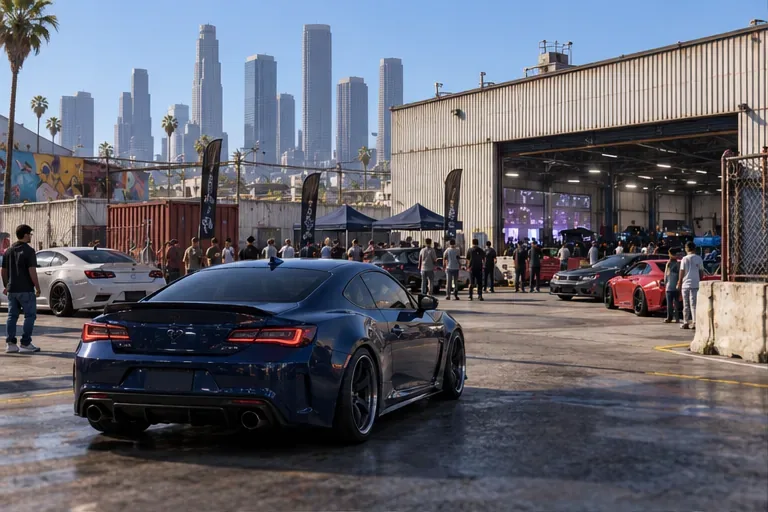
HSW is available in GTA Online on PlayStation 5, Xbox Series X|S, and the GTAV Enhanced edition for PC. It is not part of the PS4, Xbox One, or PC Legacy versions. On PC, check the game launcher or title screen to make sure you are starting Enhanced, not Legacy. Rockstar’s PC Enhanced announcement identifies Hao’s Special Works as one of the features added to the Enhanced release.
Open the map and travel to the LS Car Meet in Cypress Flats. If this is your first visit, follow the on-screen prompt to enter the meet and complete any membership step it presents. The HSW work area is inside the meet, not at Los Santos International Airport. Some GTA+ members can also use HSW options in a mansion Vehicle Workshop if they own a mansion and purchased that workshop upgrade; Rockstar lists that access in its Title Update 1.72 notes.
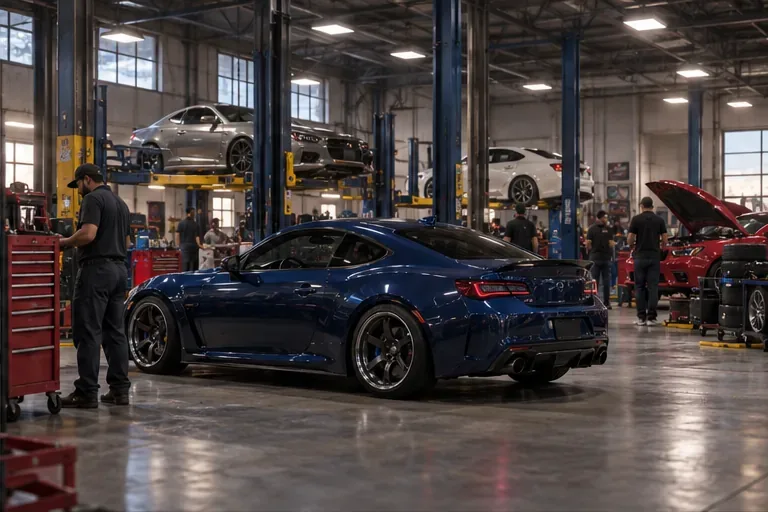
Only selected vehicles can use Hao’s Special Works. Rockstar’s PC Enhanced launch announcement named an expanded eligible roster, and later updates have added more vehicles. Examples confirmed in Rockstar announcements and update notes include:
| Vehicle | Class | Why it is a useful example |
|---|---|---|
| Karin S95 | Sports | One of the HSW vehicles introduced to PC Enhanced. |
| Coil Cyclone II | Super | One of the HSW-capable vehicles added with PC Enhanced. |
| Imponte Arbiter GT | Muscle | Included among the added HSW vehicles. |
| Pfister Astron Custom | SUV | Included among the added HSW vehicles. |
| Bravado Banshee | Sports | Named in Rockstar’s PC Enhanced compatible-vehicle roster. |
| Benefactor Stirling GT | Sports Classics | Named in Rockstar’s compatible-vehicle roster. |
| Maibatsu MonstroCiti | Off-Road | An off-road option on Rockstar’s compatible-vehicle list. |
| Vapid FMJ MK V | Super | Rockstar lists it with an HSW upgrade in Title Update 1.72. |
This is a set of examples, not a promise that every car in a class qualifies or a complete live roster. Eligibility expands with updates. Before buying a vehicle specifically for HSW, check the current Rockstar vehicle announcement and, most importantly, confirm that the HSW option appears for that exact vehicle in your workshop. Older lists can include non-compatible cars or omit later additions.
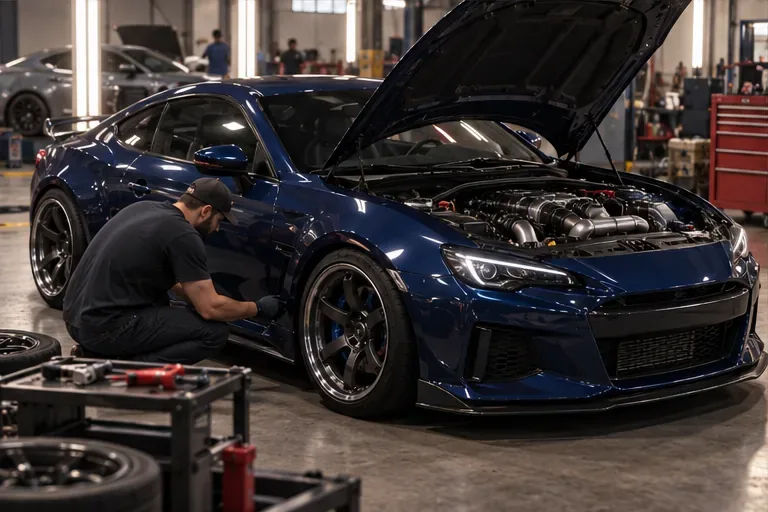
An HSW conversion gives a compatible vehicle access to Hao-specific performance tuning and, where offered, HSW cosmetics. The exact options vary by model. The workshop menu is the dependable place to see the conversion cost, available parts, and any current discount. Rockstar’s launch material describes HSW as a high-performance upgrade service; it does not promise that every converted car will have the same top speed or handling.
Do not treat HSW and Imani Tech as interchangeable. Some vehicles can support both systems, but HSW is vehicle performance tuning, while Imani Tech options are separate upgrades with their own compatibility rules. Likewise, installing ordinary engine, brake, or transmission upgrades at another shop does not unlock HSW.
For the HSW Upgrade Service, Rockstar’s update notes say PS5 and Xbox Series X|S players no longer need to complete Hao’s Intro Race. If the workshop still blocks access on a supported edition, read the prompt shown in your game and confirm you have the current update. An HSW Time Trial is a separate timed activity, and HSW Race Series access can have its own requirements; neither should be confused with selecting an HSW conversion in the shop. See Rockstar’s Title Update 1.64 notes for the change to upgrade-service access.
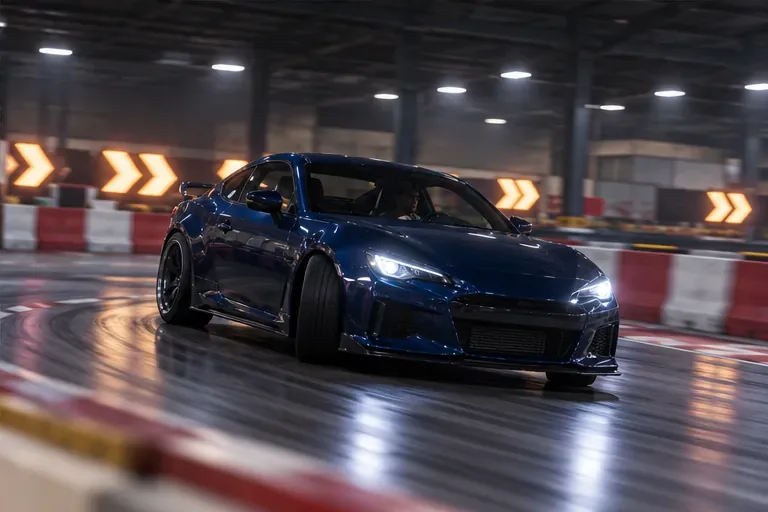
Once the conversion is installed, compare the car’s handling in a safe test area before taking it into a crowded race. Start with the parts that suit how you drive, and keep the in-game price display open as you customize. That is the most dependable way to unlock HSW upgrades in GTA Online without buying the wrong car or following an outdated unlock route.
Enable PUBG’s network statistics HUD to monitor ping and packet loss in a match. See where to find it, what the numbers mean, and what they cannot diagnose.
Learn how to import VALORANT crosshair codes, compare presets with manual settings and spectator copy, and fix common import issues.
Choose Dota 2 minimap size, hero icons, team colors, and background settings by readability, fewer misclicks, and clear results on your own display.
Fix Fortnite texture pop-in on PC with official steps for GPU drivers, file verification, DirectX 12, high-resolution textures, VRAM, SSDs, and stutter.
Learn what Heroes of the Storm minimap size and position options are verified, improve readability, and choose camera-click controls that suit you.
Set Super Smash Bros. Ultimate Quickplay to prefer hazards-off stages. Follow the Preferred Rules menu steps and learn why matchmaking may not always honor them.
Enable Server Latency and Packet Loss in Warzone to monitor connection quality, read the overlay, and use recurring spikes to guide troubleshooting.
Learn how to carry from mid lane in League of Legends by setting up waves, choosing safe roam windows, reading side lanes, and converting pressure into objectives.
Fix Minecraft Evoker spell problems with a safe vanilla test, version checks, log review, and a step-by-step way to isolate mod or datapack conflicts.
Fix PUBG stuck on Initializing on Steam with a focused checklist for PC service notices, launch options, game files, downloads, and connection issues.








