How to Check Real-Time Server Latency in the PUBG HUD

Enable PUBG’s network statistics HUD to monitor ping and packet loss in a match. See where to find it, what the numbers mean, and what they cannot diagnose.
To start an MC business in GTA Online, buy a Clubhouse, register as Motorcycle Club President, then use the Clubhouse laptop to purchase and set up a business through The Open Road. Keep it supplied, invest in production upgrades, and launch a Sell Mission when the stock and vehicle count fit your crew. Rockstar supports Sell Missions in Invite Only sessions, so a public lobby is optional for sales.
You do not need to grind to Level 12 first. Rockstar’s original Bikers update says players can buy a Clubhouse after completing or skipping the GTA Online tutorial. Clubhouse and business prices vary by location and current discounts, so use the live prices on the in-game property sites instead of relying on old price lists.
Open Maze Bank Foreclosures on your in-game phone or computer and choose a Clubhouse. It is the headquarters that lets you found an MC and access the business computer. A cheaper location can be a sensible first purchase; the most expensive clubhouse does not make the business itself produce more.
Before buying, check the map and think about where you expect to travel for setup, resupply, and sales. Choose a location that is convenient for your usual sessions and leaves enough cash for a business and its first upgrades. Do not spend your entire balance on clubhouse decorations or optional extras while the operation is still unfunded.
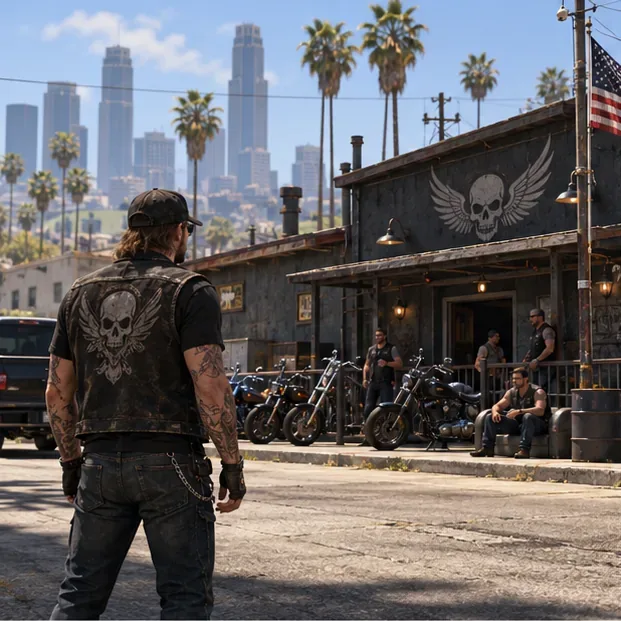
After purchasing the Clubhouse, open the Interaction Menu, select Motorcycle Club, and choose the option to start a Motorcycle Club. You can then manage the operation as its MC President. Enter the Clubhouse and use its laptop to open The Open Road, where you can buy a business property.
GTA Online has five classic MC businesses. Buy one first so you can pay for setup, supplies, and upgrades before expanding:
| MC business | Useful to know |
|---|---|
| Cocaine Lockup | A commonly considered first business for players focused on sales; check its current property and upgrade cost in-game. |
| Methamphetamine Lab | A separate production business that can be added when your cash flow supports another setup. |
| Counterfeit Cash Factory | Produces counterfeit cash for its own Sell Missions. |
| Weed Farm | Produces weed stock for sale. |
| Document Forgery Office | Produces forged documents; compare the live price and your goals before choosing it. |
There is no single best choice for every account: location, upgrade budget, weekly bonuses, and whether you sell alone all affect the value of a business. If you want a simple start, buy one property you can actually operate instead of spreading your money across several businesses with no upgrades.
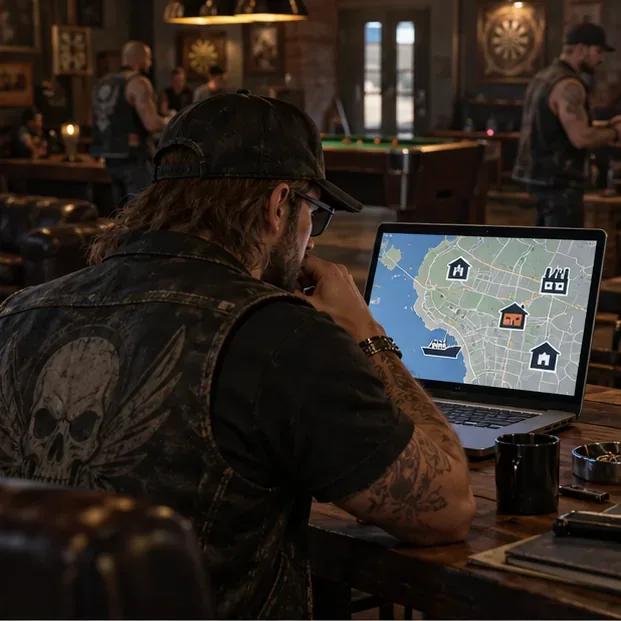
Buying a business does not start production by itself. Travel to the property and complete its initial setup mission. Rockstar’s business troubleshooting guidance lists a completed setup mission and available supplies as basic conditions for stock to build. Stay registered as an MC President while managing the business, and confirm that the property is active on its computer.
If the product bar remains empty, do not immediately buy another property. First check that setup is complete, the business has supplies, and you are registered as President. Rockstar’s support checklist also says to test in a public session if a business is not producing. This is separate from selling: Rockstar’s later Criminal Enterprises update explicitly enabled business Sell Missions in private sessions.
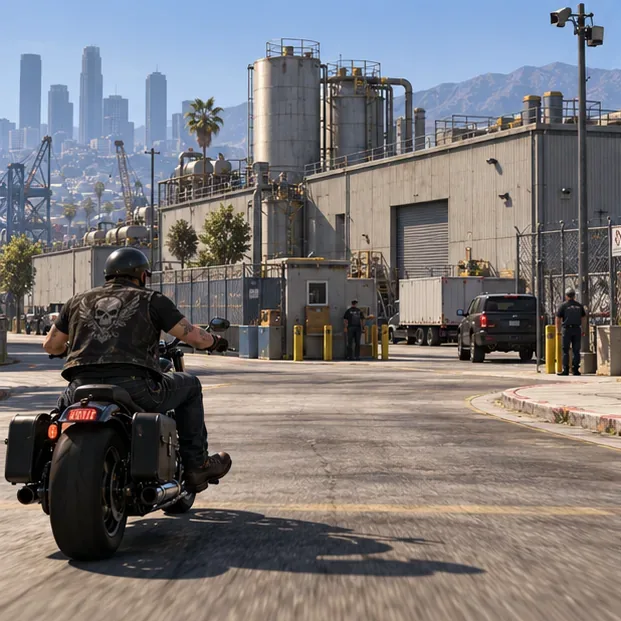
The Open Road computer lets you purchase business upgrades. Equipment and Staff upgrades improve the operation’s production, while Security reduces the chance of raids. If your budget is tight, focus first on upgrades that make production more efficient, then add security as the business grows. Upgrade names and prices are displayed in-game and can change with discounts.
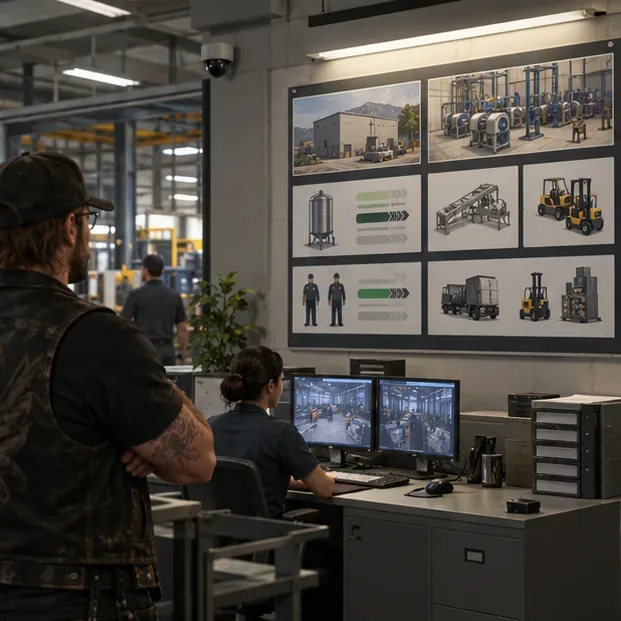
Use the business computer to buy supplies when you want to save time, or launch a steal-supplies mission when you would rather spend time than GTA$. Purchased supplies reduce the number of resupply runs, but remember to include their cost when judging the sale’s net return. A supply bar is not the same as finished product; let the business process supplies into stock before launching a sale.
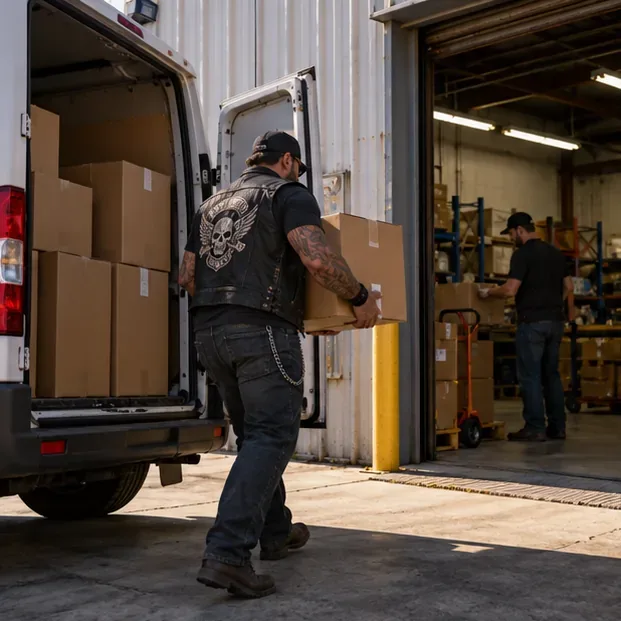
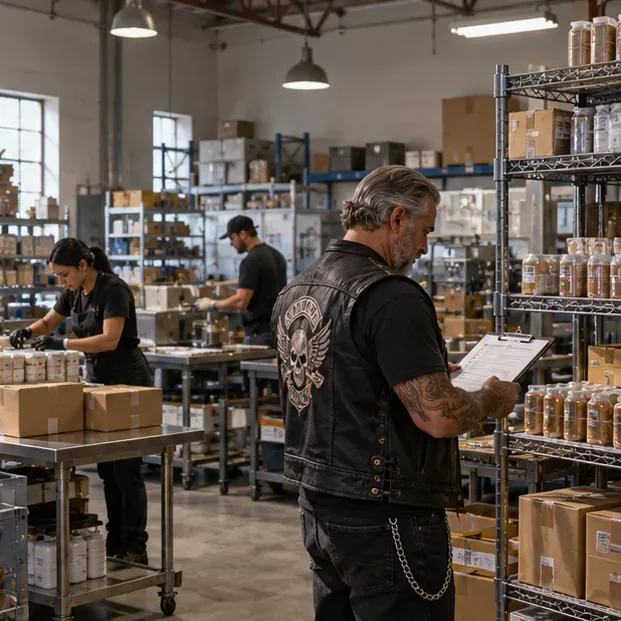
Start the Sell Mission from the business computer when you are ready to deliver the stock. The game assigns a delivery vehicle and route, and larger stock can mean more work or vehicles. If you play solo, begin with a manageable amount and learn the mission types before filling the warehouse. If you have trusted MC members available, invite them before starting so they can help complete the deliveries.
Choose a private Invite Only session when you want a calmer sale. Rockstar has supported business activities, including Sell Missions, in Invite Only, Crew, and Friends sessions since The Criminal Enterprises. Public sessions remain an option and offer an increased high-demand bonus, but rival players can interfere. Check the on-screen sale value and decide whether the added risk fits your run.

For a crew sale, assign drivers and agree on the destination before moving out. Rockstar also increased payouts for MC members taking part in Sell Missions, so inviting reliable players can help the crew while reducing the chance that a multi-vehicle delivery runs out of time.
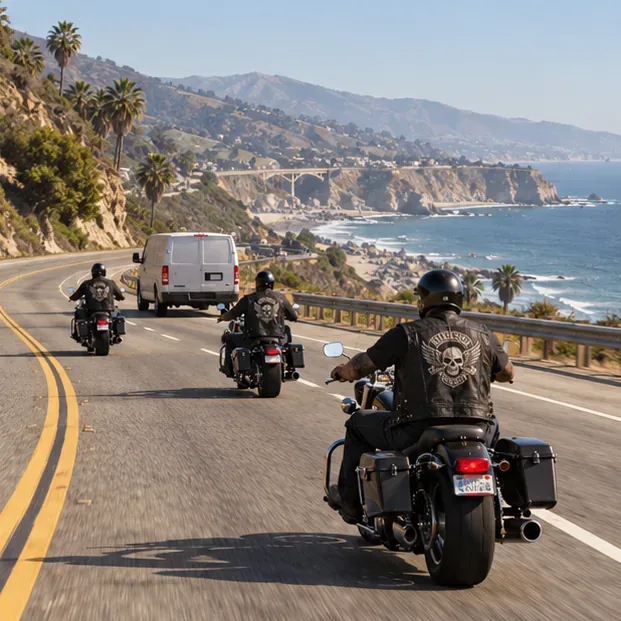
Weekly bonuses can change the best activity for a given week, so check Rockstar Newswire before committing to a long production cycle. Do not treat old “GTA$ per hour” claims as guaranteed income: stock levels, upgrade state, supply costs, event multipliers, and sale choices all affect the result.
Yes. Rockstar’s The Criminal Enterprises update allows Business activities, including Sell Missions, in private Invite Only, Crew, and Friends sessions. You can choose a public session if you want its high-demand bonus.
No. Treat an MC business as an online production loop: supplies are converted into product while you play, and you return to sell the stock. If production appears stalled, check setup and supplies, register as MC President, and use Rockstar’s troubleshooting steps.
Usually, it is easier to start with one. Each property needs its own setup and supplies, so expanding before you can fund upgrades can leave several businesses underperforming.
Enable PUBG’s network statistics HUD to monitor ping and packet loss in a match. See where to find it, what the numbers mean, and what they cannot diagnose.
Learn how to import VALORANT crosshair codes, compare presets with manual settings and spectator copy, and fix common import issues.
Choose Dota 2 minimap size, hero icons, team colors, and background settings by readability, fewer misclicks, and clear results on your own display.
Fix Fortnite texture pop-in on PC with official steps for GPU drivers, file verification, DirectX 12, high-resolution textures, VRAM, SSDs, and stutter.
Learn what Heroes of the Storm minimap size and position options are verified, improve readability, and choose camera-click controls that suit you.
Set Super Smash Bros. Ultimate Quickplay to prefer hazards-off stages. Follow the Preferred Rules menu steps and learn why matchmaking may not always honor them.
Enable Server Latency and Packet Loss in Warzone to monitor connection quality, read the overlay, and use recurring spikes to guide troubleshooting.
Learn how to carry from mid lane in League of Legends by setting up waves, choosing safe roam windows, reading side lanes, and converting pressure into objectives.
Fix Minecraft Evoker spell problems with a safe vanilla test, version checks, log review, and a step-by-step way to isolate mod or datapack conflicts.
Fix PUBG stuck on Initializing on Steam with a focused checklist for PC service notices, launch options, game files, downloads, and connection issues.








