How to Buy the Kosatka Submarine in GTA Online

How to Buy the Kosatka in GTA Online

To buy the Kosatka in GTA Online, meet Miguel Madrazo at The Music Locker, then use your in-game phone to open the Internet, visit Warstock Cache & Carry, select the submarine, and confirm the purchase. The standard base price is GTA$2,200,000. You can start the Cayo Perico Heist with the base submarine; optional upgrades such as the Sparrow cost extra.

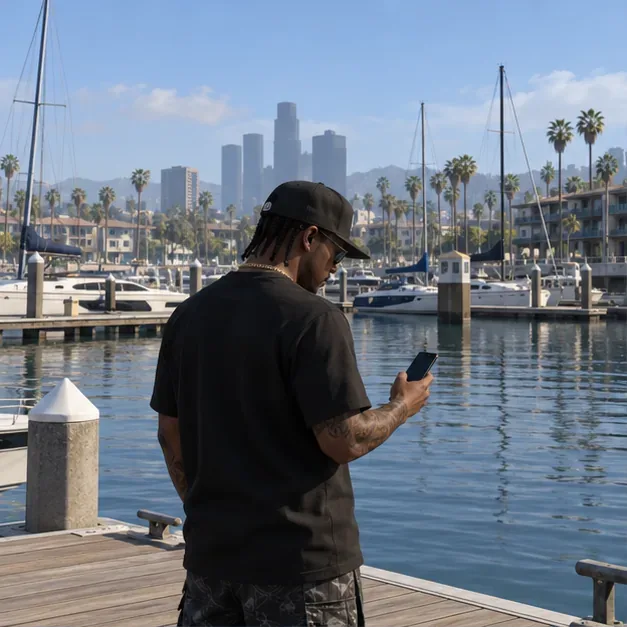
A player stands on a Los Santos marina dock with a smartphone, with yachts and the city skyline behind him.
A character checks a phone at the marina before opening Warstock Cache & Carry in GTA Online.

Rockstar’s published GTA Online starter tips direct players to meet Miguel and purchase a submarine to begin Cayo Perico. If your goal is the heist, buy the base Kosatka first and treat the other options as upgrades you can add later.

Before you buy

  • Meet Miguel Madrazo: Visit The Music Locker beneath The Diamond Casino & Resort and complete the introduction that points you toward Cayo Perico.
  • Have enough GTA$: Set aside GTA$2.2 million for the base Kosatka. Keep a little extra if you want to add a vehicle or equipment during checkout.
  • Join GTA Online: The purchase is made through the in-game Internet in an Online session, not through a real-world store page.
  • Skip unrelated properties: The direct starter route is Miguel followed by the submarine; you do not need to buy an Office or Motorcycle Clubhouse first for this heist.
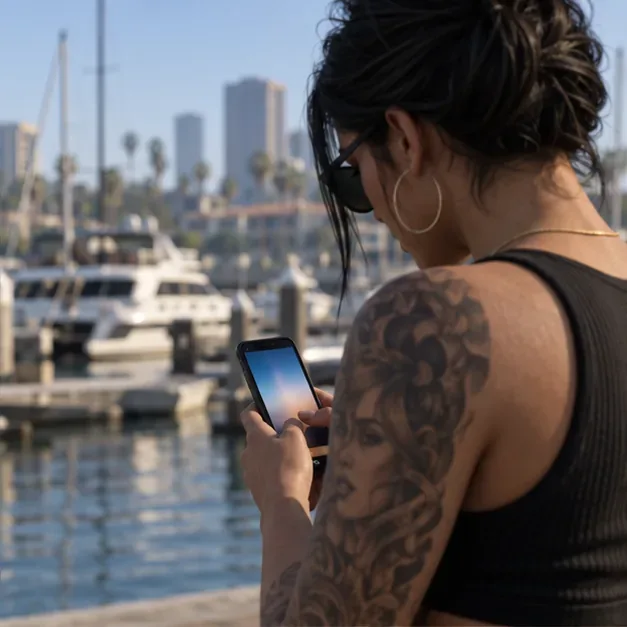
Over-the-shoulder view of a player checking a smartphone beside a marina, with boats and water in the background.
A player uses the in-game phone at the docks before browsing the vehicle catalog.

How to buy the Kosatka in GTA Online: six steps

  1. Meet Miguel at The Music Locker. Follow the Cayo Perico introduction. This connects the submarine purchase to the heist’s story and planning sequence.
  2. Open your in-game phone. Use your platform’s phone control, then select the Internet app.
  3. Open Warstock Cache & Carry. This is the in-game vehicle vendor that sells the Kosatka.
  4. Select the Kosatka listing. Check the base price first, then review the optional configuration choices. The full-price base listing is GTA$2,200,000.
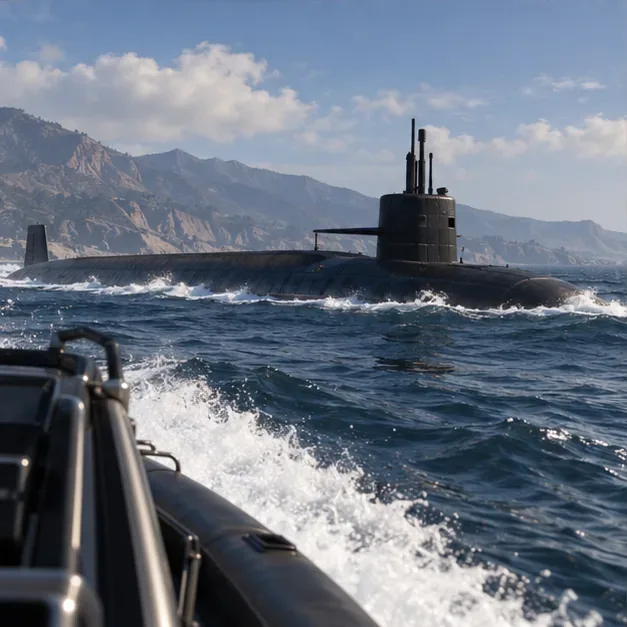
A dark military submarine moves through choppy water off a rugged coastline, viewed from a small boat.
The Kosatka is a large offshore property; Warstock Cache & Carry is where you select it for purchase.
  1. Choose only the options you want. The Sparrow, Sonar Station, Guided Missiles, Weapon Workshop, and cosmetic choices add to the total. You can buy the submarine without selecting every upgrade.
  2. Confirm the purchase. Review the final amount on screen and accept. Once the transaction completes, request the Kosatka from the Interaction Menu under Services > Kosatka. Menu wording can vary slightly by platform or update.
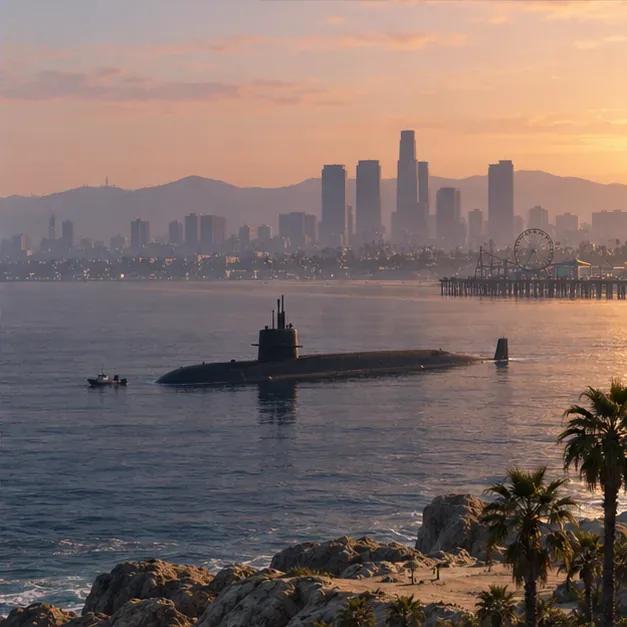
A long dark submarine sits offshore near the Los Santos skyline at sunset.
After purchase, the submarine is stationed offshore and can be requested through the Services menu.

If the submarine appears away from the beach, use a boat to reach it or choose the Sparrow if you purchased it. The Kosatka is not delivered to a street parking space like a standard car.

What the Kosatka unlocks

The Kosatka is a driveable submarine property and the planning base for the Cayo Perico Heist. Rockstar confirms that the heist can be scoped, prepared, and completed solo or with up to three other players. The submarine also has a planning room and a Moon Pool for compatible vehicles.

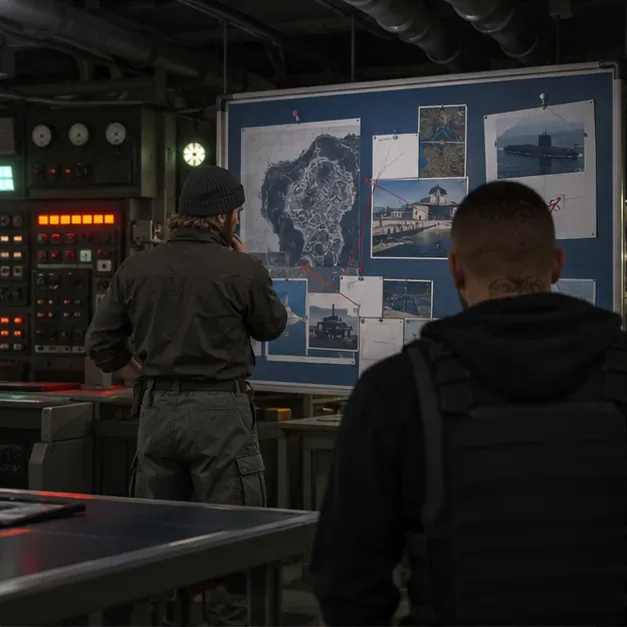
Two crew members stand in a submarine control room facing a large planning board.
The submarine’s control room houses the planning board used to organize the Cayo Perico Heist.

Its optional systems include Guided Missiles, a Sonar Station, and a Weapon Workshop. The Moon Pool can store the Sparrow helicopter, Kraken Avisa, and Pegassi Toreador. Those features are useful for different play styles, but none is required just to own the Kosatka and access the heist planning base. Rockstar lists these capabilities in the Cayo Perico update notes.

Kosatka price and upgrade costs

Use the live Warstock checkout as the final word on price: Rockstar may run temporary offers, and optional equipment changes the total. These standard list prices are useful for planning:

PurchaseStandard priceWhat it does
Base KosatkaGTA$2,200,000Submarine property and Cayo Perico planning base
SparrowGTA$1,815,000Compact helicopter stored in the Kosatka’s Moon Pool
Base Kosatka + SparrowGTA$4,015,000A practical setup for faster travel between the sub and prep locations
Sonar, Guided Missiles, Weapon Workshop, and cosmeticsVariesOptional systems and customization; the vendor shows each current amount

Do not assume that a fully upgraded total is necessary. If you are saving for the heist, buy the base submarine and add equipment after you have decided which features you will use.

Which Kosatka upgrades are worth buying first?

  • Sparrow: A strong convenience upgrade if you expect to repeat prep missions. It is stored in the Moon Pool and gives you a quick way to leave the submarine. Buy it when the extra GTA$1,815,000 fits your budget.
  • Sonar Station: Choose this for exploration and Hidden Caches. Rockstar says Kosatka owners with the Sonar Station can use it to find ocean-floor caches around San Andreas.
  • Guided Missiles: An optional combat tool. It is not a prerequisite for Cayo Perico.
  • Weapon Workshop: Useful if you want the workshop access aboard the sub, but it does not unlock the heist by itself.
  • Avisa, Toreador, and cosmetic options: Extra choices for players who want those vehicles or customization. They can wait until after the core purchase.
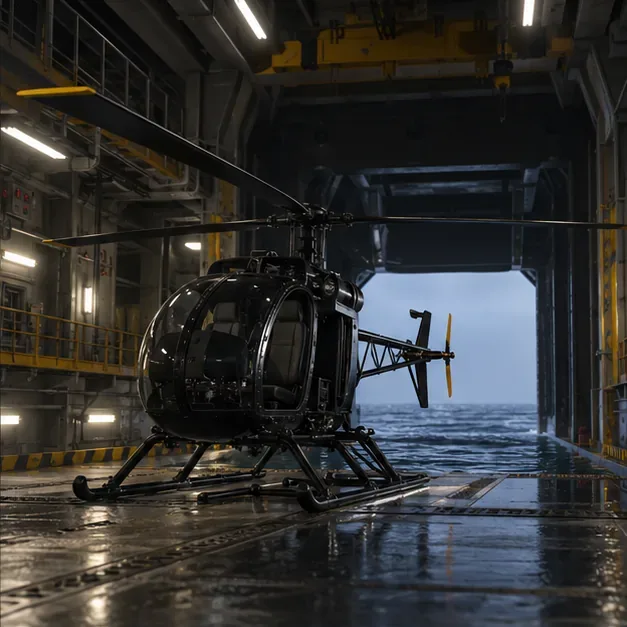
A compact black helicopter is parked inside a submarine hangar with the open bay facing the ocean.
The Sparrow fits in the Kosatka’s Moon Pool and is an optional travel upgrade.
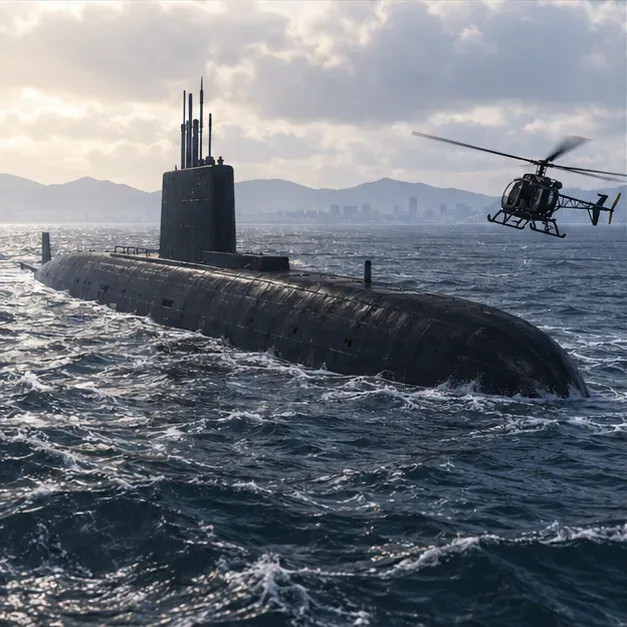
A dark submarine rides on open water while a compact helicopter approaches in daylight.
A helicopter approaches the Kosatka offshore, showing how the Sparrow can shorten trips to and from the submarine.
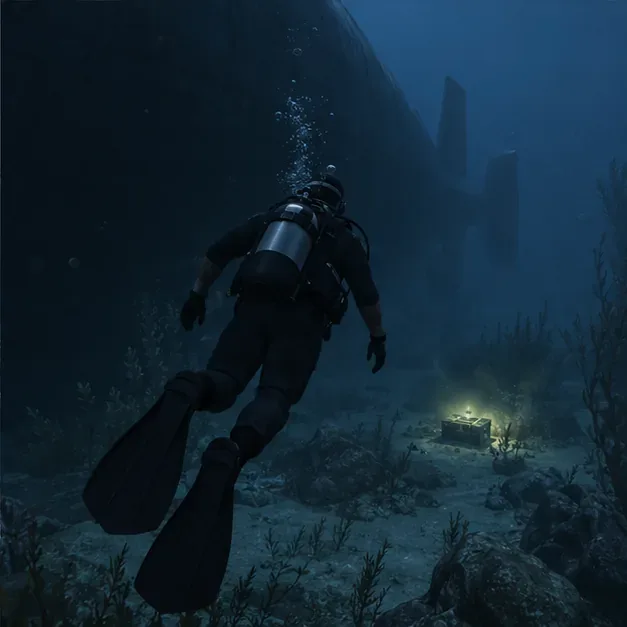
A diver approaches a small lit cache on the seabed beside the shadow of a large submarine.
A Sonar Station can help locate Hidden Caches on the ocean floor; the scene shows a diver near a cache.

What to do after the Kosatka arrives

  1. Request the submarine from Interaction Menu > Services > Kosatka.
  2. Reach the submarine by boat, or fly to it in the Sparrow if you own one.
  3. Enter the control room and use the planning board to start the Cayo Perico sequence.
  4. Scope the island, complete the required prep work, then choose a finale approach and crew size.

The heist supports solo play as well as groups of up to four. Earnings are not a fixed amount: the target, secondary loot, difficulty, event bonuses, and player split can all affect a run. Rockstar’s October 1, 2026 update notes say Cayo Perico primary and secondary target values were adjusted, so older payout charts should not be treated as guaranteed current totals.

Common questions

Can you buy the Kosatka without meeting Miguel?

Rockstar’s published starter route tells players to meet Miguel at The Music Locker and purchase a submarine to begin Cayo Perico. Complete that introduction first if the heist path is not appearing for your character.

Do you need the Sparrow to start Cayo Perico?

No. The base Kosatka is the planning base. The Sparrow is an optional Moon Pool vehicle that makes travel between the sub and prep locations more convenient.

Can you do the Cayo Perico Heist solo?

Yes. Rockstar lists the heist as playable solo or with up to three other players. Solo play does not guarantee a particular payout, and current target values can change.

What should you buy first?

Buy the base Kosatka first if you need access to the heist. Add the Sparrow next if faster travel will help your routine; choose sonar or combat options only if you want those specific features.

Official Rockstar sources

Leave a Comment

How to Check Real-Time Server Latency in the PUBG HUD

How to Check Real-Time Server Latency in the PUBG HUD

Enable PUBG’s network statistics HUD to monitor ping and packet loss in a match. See where to find it, what the numbers mean, and what they cannot diagnose.

How to Import Custom Crosshair Codes in VALORANT: Steps, Options, and Fixes

How to Import Custom Crosshair Codes in VALORANT: Steps, Options, and Fixes

Learn how to import VALORANT crosshair codes, compare presets with manual settings and spectator copy, and fix common import issues.

Best Dota 2 Minimap Size and Color Settings for Clearer Map Awareness

Best Dota 2 Minimap Size and Color Settings for Clearer Map Awareness

Choose Dota 2 minimap size, hero icons, team colors, and background settings by readability, fewer misclicks, and clear results on your own display.

How to Fix Fortnite Texture Pop-In on PC: 8 Checks That Actually Matter

How to Fix Fortnite Texture Pop-In on PC: 8 Checks That Actually Matter

Fix Fortnite texture pop-in on PC with official steps for GPU drivers, file verification, DirectX 12, high-resolution textures, VRAM, SSDs, and stutter.

Best Heroes of the Storm Minimap Setup: Size, Position, and Clicks

Best Heroes of the Storm Minimap Setup: Size, Position, and Clicks

Learn what Heroes of the Storm minimap size and position options are verified, improve readability, and choose camera-click controls that suit you.

How to Turn Off Stage Hazards in Smash Ultimate Quickplay

How to Turn Off Stage Hazards in Smash Ultimate Quickplay

Set Super Smash Bros. Ultimate Quickplay to prefer hazards-off stages. Follow the Preferred Rules menu steps and learn why matchmaking may not always honor them.

Best Warzone Telemetry Overlay Settings for Ping and Packet Loss

Best Warzone Telemetry Overlay Settings for Ping and Packet Loss

Enable Server Latency and Packet Loss in Warzone to monitor connection quality, read the overlay, and use recurring spikes to guide troubleshooting.

Master Mid Lane Roaming: How to Carry in League of Legends

Master Mid Lane Roaming: How to Carry in League of Legends

Learn how to carry from mid lane in League of Legends by setting up waves, choosing safe roam windows, reading side lanes, and converting pressure into objectives.

How to Fix the Minecraft Evoker Spell Error in Modded Worlds

How to Fix the Minecraft Evoker Spell Error in Modded Worlds

Fix Minecraft Evoker spell problems with a safe vanilla test, version checks, log review, and a step-by-step way to isolate mod or datapack conflicts.

How to Fix PUBG Stuck on “Initializing” on Steam

How to Fix PUBG Stuck on “Initializing” on Steam

Fix PUBG stuck on Initializing on Steam with a focused checklist for PC service notices, launch options, game files, downloads, and connection issues.