How to Check Real-Time Server Latency in the PUBG HUD

Enable PUBG’s network statistics HUD to monitor ping and packet loss in a match. See where to find it, what the numbers mean, and what they cannot diagnose.
If GTA Online shows “Connection to the session lost” and returns you to Story Mode, use these checks in order. The message can come from a Rockstar service interruption, an unstable connection, or a network path that cannot communicate reliably with other players. It does not identify the cause by itself. Check service status first, then isolate your home connection before changing router settings. No single setting can guarantee that disconnects will never happen.
Open the Rockstar Games Service Status page and look at the row for your platform. Rockstar lists GTA Online separately for PlayStation, Xbox, and PC. If your platform reports an outage or maintenance, wait and check again later; router changes on your end will not repair a service interruption.
If the status page says the service is up, try a different GTA Online session. If only one friend’s invite or one session fails, that points toward a session or peer-connection issue. If every session drops, continue through the network checks below. A green status indicator is useful, but it does not rule out a problem between your device, router, internet provider, and the game.
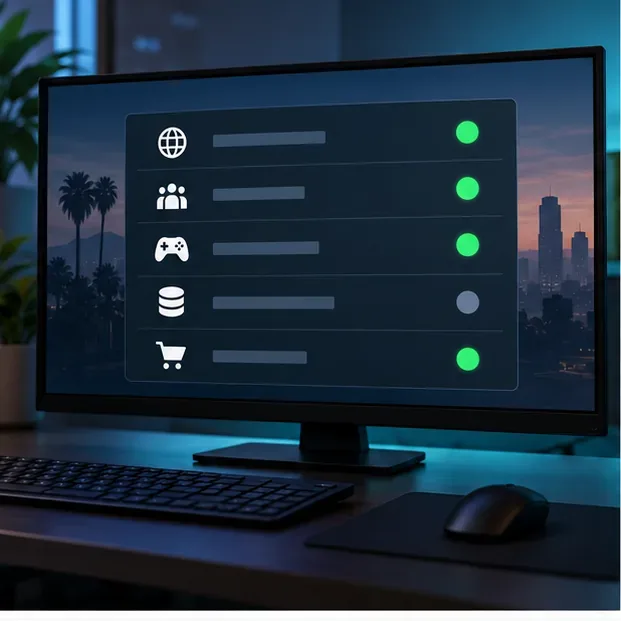
Close GTA V completely, check whether other online services work, and restart your PC or console. Restart your modem and router using their manufacturer’s instructions. Rockstar’s published GTA Online connection guides say to unplug the router for about 10 minutes before reconnecting it; use that full reset only when a normal restart has not helped and you can briefly take the household offline.
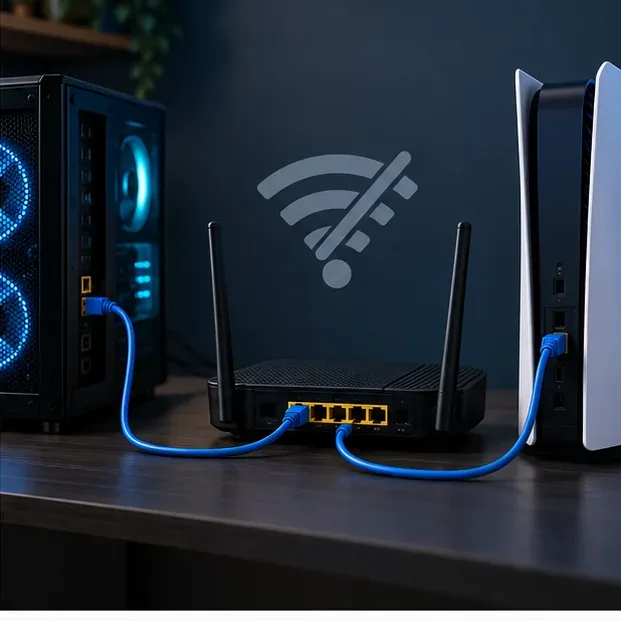
When possible, connect the gaming device to the router with Ethernet. Pause large downloads and streams while testing. If you are on Wi-Fi, try moving closer to the router or testing briefly on another network, such as a phone hotspot. If GTA Online works on the alternate network but not at home, the issue is more likely in the home router, Wi-Fi, or ISP path. A hotspot test may use mobile data, so keep it brief.
Rockstar’s troubleshooting pages list connection-speed targets of 7.5 Mbps download, at least 0.5 Mbps upload, and 1 Mbps upload recommended. Meeting those numbers does not guarantee a stable session: brief dropouts and packet loss can still interrupt multiplayer even when a speed test looks fast.
On Xbox Series X|S, turn the console off, unplug its power cable for two minutes, reconnect it, and turn it back on. Rockstar also documents clearing the alternate MAC address under Settings > General > Network Settings > Advanced Settings > Alternate MAC Address > Clear. The console will restart; test GTA Online again afterward.
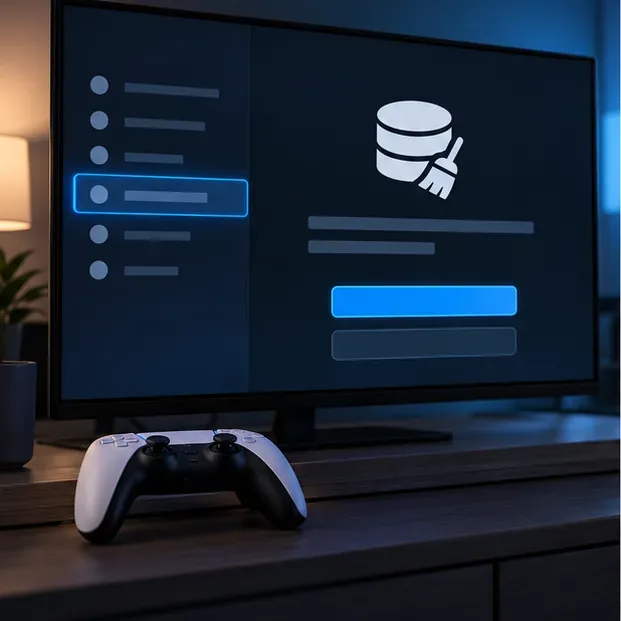
On PS5, use Safe Mode to clear the system software cache. Rockstar’s current instructions are: turn off the console, hold the power button until the second beep, connect the controller by USB, then choose “Clear Cache and Rebuild Database” followed by “Clear Cache.” Follow the linked PlayStation 5 guide if the labels differ on your system. For PS4 and Xbox One, use the separate generation-specific steps linked in the platform references below rather than applying a newer console’s menu path.
On PC, verify GTA V’s files if the disconnects began after an update, crash, or missing-file warning. In the Rockstar Games Launcher, open Settings, select GTA V under My installed games, and choose Verify Integrity. Steam and Epic users should use their launcher’s own file-verification option. Verification can repair damaged or outdated files, but it is not a substitute for checking a dropping internet connection.
A restrictive NAT type can limit which players or sessions your system can connect to. Check the network test on your console or the NAT status in your router. Rockstar describes Open NAT as having the fewest player-connection conflicts; Strict NAT is more limited. The labels differ by platform, so use the definitions shown for your console rather than assuming that PlayStation and Xbox use identical numbering.
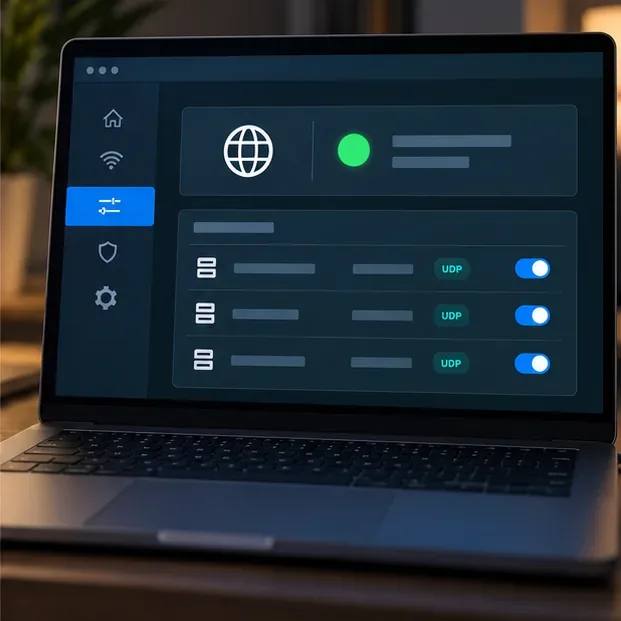
If the router or firewall is blocking required traffic, Rockstar lists these ports. The GTA Online UDP ports apply across the supported platforms; console network ports are additional requirements for those platform services.
| Platform | Ports listed by Rockstar |
|---|---|
| GTA Online (PC, PlayStation, Xbox) | UDP 6672, 61455, 61456, 61457, 61458 |
| PlayStation Network | TCP 80, 443, 3480; TCP and UDP 3478, 3479 |
| Xbox network | UDP 88, 500, 3544, 4500; TCP and UDP 53; TCP 80 |
Do not forward every port automatically. First check whether NAT is actually restrictive and whether your router has a firewall rule blocking the listed traffic. If you choose manual forwarding, follow your router maker’s instructions and reserve a local IP address for the gaming device. Do not put a PC or console in a router DMZ or disable the firewall as a routine fix. If NAT stays Strict despite correct settings, ask your ISP whether its modem or network setup is adding another NAT layer.
If you already use a VPN, proxy, or network-filtering app, temporarily disconnect it as a diagnostic and retry from your normal home connection. On PC, check that Windows Firewall allows GTA V and the Rockstar Games Launcher to communicate; do not turn off the firewall or antivirus wholesale. If a change makes no difference, restore the original setting before testing another one.
Rockstar’s platform guides include Google DNS addresses as an optional troubleshooting step: IPv4 8.8.8.8 and 8.8.4.4, or IPv6 2001:4860:4860::8888 and 2001:4860:4860::8844. Write down your current DNS settings first, change DNS only as a test, and return to Automatic if the error remains. Leave MTU on Automatic unless your platform or ISP gives you a specific value; Rockstar’s PS5 guide uses Automatic and does not recommend the old “MTU 800” command.
Keep a short record of the exact error text, platform, approximate time, whether Rockstar status showed an outage, and which tests changed the result. Then use the Rockstar Games connectivity troubleshooter or submit a support request. Include whether Ethernet or an alternate network changed the outcome, plus your NAT result. That makes it easier to distinguish a service-side issue from a home-network or ISP problem.
No. Check the service-status page first. Rockstar notes that when GTA Online is up, connection conflicts with other players or local network setup can still cause errors.
Not necessarily. Rockstar’s guides say a more open NAT has fewer conflicts, but they do not promise that changing to Open NAT will fix every disconnect. Check the platform’s NAT test and make router changes only when it reports a restriction.
No. Those are not reliable first-line fixes. Keep MTU on Automatic unless support gives you a specific value, and do not use DMZ or disable your firewall to troubleshoot a session disconnect.
Enable PUBG’s network statistics HUD to monitor ping and packet loss in a match. See where to find it, what the numbers mean, and what they cannot diagnose.
Learn how to import VALORANT crosshair codes, compare presets with manual settings and spectator copy, and fix common import issues.
Choose Dota 2 minimap size, hero icons, team colors, and background settings by readability, fewer misclicks, and clear results on your own display.
Fix Fortnite texture pop-in on PC with official steps for GPU drivers, file verification, DirectX 12, high-resolution textures, VRAM, SSDs, and stutter.
Learn what Heroes of the Storm minimap size and position options are verified, improve readability, and choose camera-click controls that suit you.
Set Super Smash Bros. Ultimate Quickplay to prefer hazards-off stages. Follow the Preferred Rules menu steps and learn why matchmaking may not always honor them.
Enable Server Latency and Packet Loss in Warzone to monitor connection quality, read the overlay, and use recurring spikes to guide troubleshooting.
Learn how to carry from mid lane in League of Legends by setting up waves, choosing safe roam windows, reading side lanes, and converting pressure into objectives.
Fix Minecraft Evoker spell problems with a safe vanilla test, version checks, log review, and a step-by-step way to isolate mod or datapack conflicts.
Fix PUBG stuck on Initializing on Steam with a focused checklist for PC service notices, launch options, game files, downloads, and connection issues.








