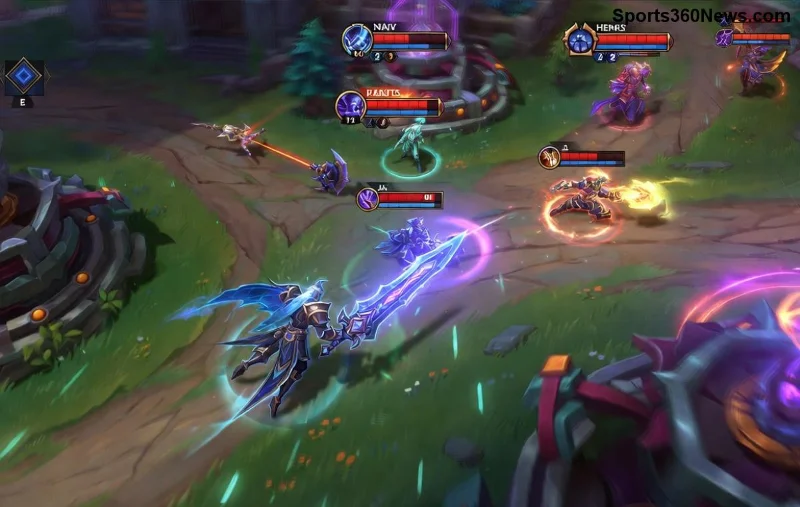
How to Mute Opponent Little Legend Taunts in TFT

Mute TFT opponent emotes globally or for one player, learn what the setting affects, and check why some Little Legend animations may remain visible.
Hey, Summoner! 😤 Nothing kills the vibe like firing up League of Legends only to slam into Error Code 900 when trying to grab that shiny new skin in the store. This pesky glitch blocks purchases, hextech crafting, and more, leaving you sidelined from the action. But fear not—we've got your back with battle-tested fixes that work on the latest patches. Follow these steps, and you'll be back dominating the Rift in no time. Let's crush this bug! 💥
Error Code 900 in League of Legends typically hits the in-game store due to connection hiccups, corrupted cache files, firewall blocks, or server-side gremlins. It's not you—it's often Riot's backend or your setup clashing. Common triggers:
Pro tip: Check Riot's status page first (status.riotgames.com) to rule out outages. Ready to fix? Dive in! 👇
Most players zap this error with these simple steps. No tech wizardry required—let's roll!
Still glitching? Level up to cache cleansing...
Corrupted files are the #1 culprit for League of Legends store issues. Here's the nuclear option:
| Step | Windows | Mac |
|---|---|---|
| 1. Close LoL | Task Manager > End all Riot tasks | Activity Monitor > Quit Riot |
| 2. Navigate to Config | C:\Riot Games\League of Legends\Config |
~/Library/Application Support/Riot Games/League of Legends/Config |
| 3. Delete Files | Delete LeagueClientSettings.yaml, product_settings.yaml, product_catalog.yaml |
Same files |
| 4. Clear Logs/Cache | Delete Logs & CachedCredentials in C:\Riot Games\League of Legends\ |
Delete Logs folder |
Restart client—Riot regenerates files fresh. LoL Error Code 900 vanishes 90% of the time! If on Hextech Repair Tool, grab it from Riot Support. Run "Full Repair." 🎉
Your security suite might be ghosting Riot servers. Quick checks:
Bonus: Flush DNS—Open CMD as admin, run:
ipconfig /flushdns
netsh winsock reset
Restart PC. Internet refreshes, store loads smooth. 🌟
Stubborn League of Legends Error Code 900? Go pro:
Lock in wins long-term:
If all else fails, submit a ticket at Riot Support with logs. Include your specs for speedy help.
Congrats, Summoner—you've slayed League of Legends Error Code 900! Drop a skin purchase, queue up, and carry those games. Got more LoL woes? Check our guides on LoL crashes or connection errors. GGWP! 👏 Share your fix success in comments below.
Mute TFT opponent emotes globally or for one player, learn what the setting affects, and check why some Little Legend animations may remain visible.
Customize SCV, Probe, and Drone production hotkeys in StarCraft: Remastered, avoid selection mistakes, and verify your bindings in a practice game.
Compare Halo Infinite enemy outline colors by background, friendly-team contrast, and visual preference, with practical opacity and thickness checks.
Compare Fortnite colorblind modes for Storm visibility, try a moderate strength, and check terrain, silhouettes, and item colors before keeping a preset.
Find a practical Dead by Daylight HUD scale starting point, learn the difference between UI Scale and In-Game HUD Scale, and fine-tune visibility for your screen and role.
Compare cyan, magenta, lime, and orange RGB values for CS2, learn the tradeoffs, and test a crosshair color and outline across varied map backgrounds.
Troubleshoot StarCraft II’s graphics device error on Windows with a beginner-friendly sequence: restart, reset game options, check GPU selection, update drivers, and repair files.
Learn what Target Compensation does in Apex Legends, why On is the best starting point for most controller players, and how to test it safely in the Firing Range.
Set up Apex Legends tap-strafe keybinds with wheel up for forward and wheel down for jump, then check weapon conflicts, timing, and comfort on PC.
Hide the FC Trainer during a match or disable only selected prompts. Learn how to distinguish Trainer arrows from player markers, PlayStyle icons, and input overlays.


