How to Check Real-Time Server Latency in the PUBG HUD

Enable PUBG’s network statistics HUD to monitor ping and packet loss in a match. See where to find it, what the numbers mean, and what they cannot diagnose.
If your aim in GTA Online feels delayed, skips during a fast turn, or moves farther when you swipe faster, start by separating mouse acceleration from frame stutter. On PC, test the game’s mouse input method, switch off Windows pointer acceleration when using the Windows input path, and check that frame delivery stays smooth. Change one setting at a time so you can tell which change helped.
This guide is for the PC version of Grand Theft Auto V and GTA Online. Menu labels can differ between game editions and updates. If other players or vehicles jump around while your own camera moves smoothly, that points to a connection problem rather than local mouse input.
| What you notice | Likely area to check |
|---|---|
| Aim distance changes with swipe speed | Input method, Windows pointer acceleration, or mouse software |
| Camera movement hitches while the whole game slows | Frame-time spikes, graphics load, or a background app |
| Camera is smooth, but online characters snap or rubber-band | Network or session connection |
| Frame rate drops only during very fast mouse movement | Mouse polling rate or a CPU/driver interaction |
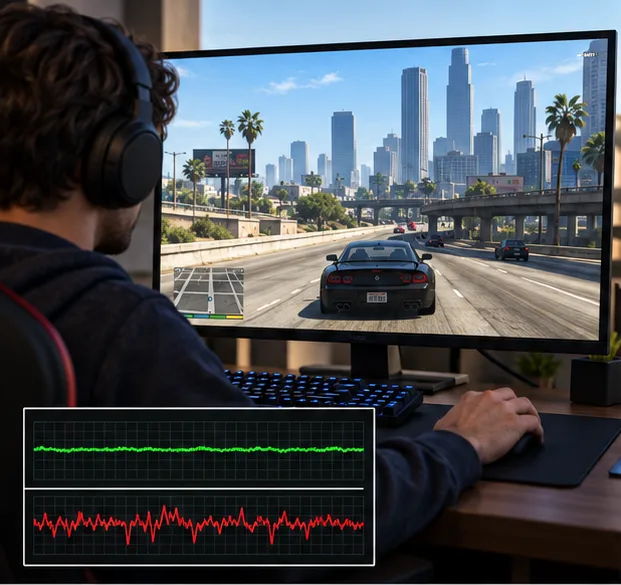
Load Story Mode or a quiet invite-only session and stand in a safe area. Move the mouse slowly across the same distance, then repeat with a quick swipe. Watch whether the camera skips, the frame rate dips, or only remote players appear to jump. Keep the location, view, and graphics settings the same while testing. Avoid changing mouse sensitivity, DPI, V-Sync, and drivers all at once; that makes it difficult to identify the cause.
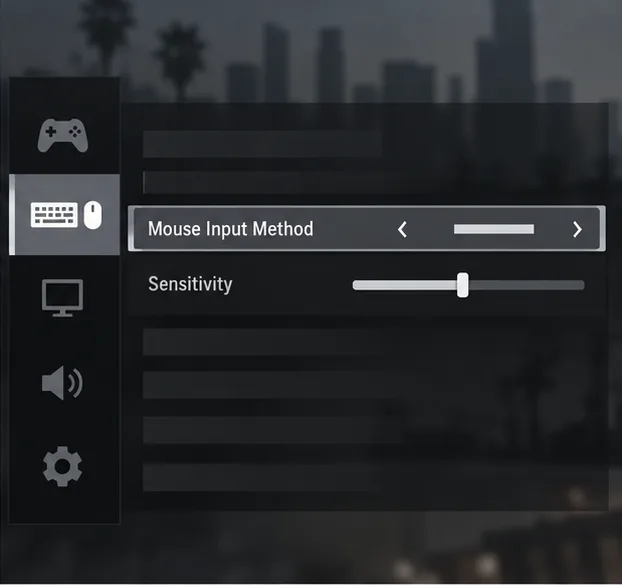
Open Pause Menu > Settings > Keyboard/Mouse and look for Mouse Input Method, if your PC edition shows it. Try Raw Input first, apply the setting, and repeat the same camera test. If movement becomes choppy or feels inconsistent, compare the available Windows and DirectInput modes one at a time. Microsoft’s Raw Input overview explains how raw device data differs from the traditional Windows mouse path. Rockstar’s older PC controls guide mentions DirectInput as an option for players who do not need to bind extra mouse buttons. Treat these modes as compatibility choices, not a guaranteed faster setting.
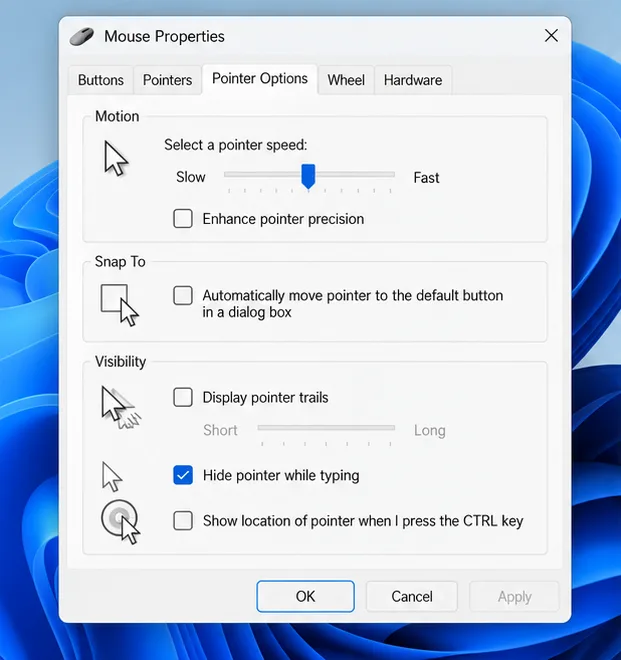
If the game is using the Windows input path, test with Enhance pointer precision turned off. In Windows 11, open Settings > Bluetooth & devices > Mouse > Additional mouse settings > Pointer Options, clear the checkbox, then select Apply. Microsoft documents this location in its mouse settings guide. Raw Input applications can read mouse data through a different path, so this Windows change may not affect every game mode. Switch the checkbox back on if it makes desktop use less comfortable or does not improve the game.
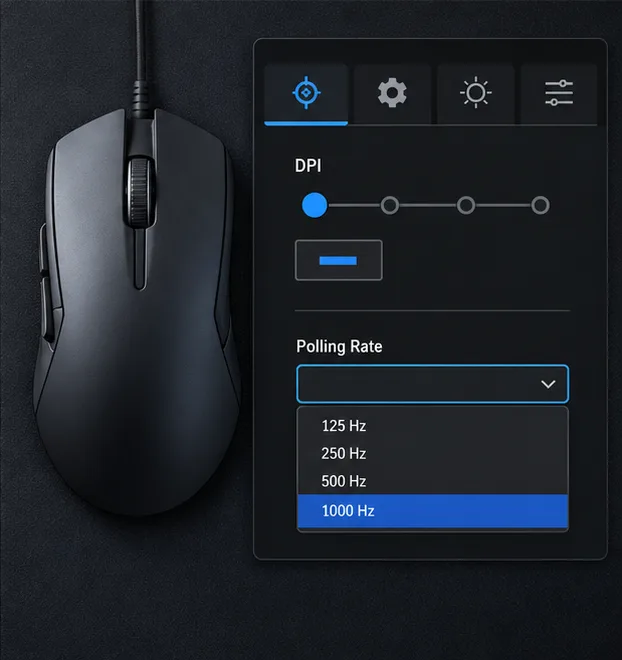
Choose one DPI stage in your mouse software and leave it fixed while adjusting in-game sensitivity. There is no universal best DPI: use a speed that lets you turn comfortably without lifting the mouse constantly. Also disable accidental DPI-shift buttons if you tend to press them during a fight. If the mouse only stutters when you make fast swipes, temporarily lower its polling rate by one step in the manufacturer’s software and retest. Keep the change only if the hitch disappears; otherwise restore the original rate. For a wireless mouse, check its battery and receiver placement before replacing it or buying new hardware.
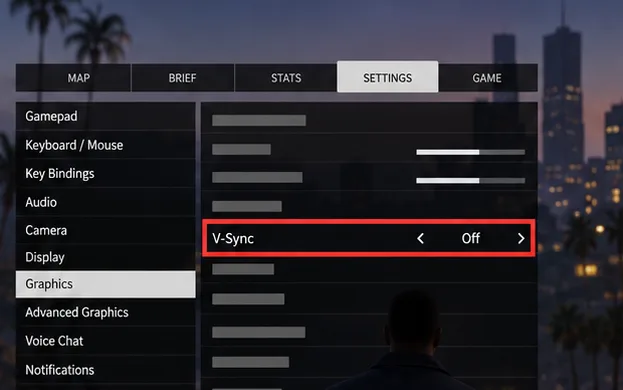
Open Settings > Graphics and switch V-Sync off for one test. V-Sync can change the feel of input and screen tearing, so compare the result rather than assuming Off is always best. If tearing is distracting, turn it back on and see whether the steadier image feels better. When the frame rate is unstable, lower the settings that put your GPU under the most load—such as resolution, anti-aliasing, or advanced graphics—and repeat the same camera sweep. A steady frame rate often feels more responsive than a higher but erratic one. Rockstar’s GTAV settings support page explains where the game’s display and graphics controls are located.
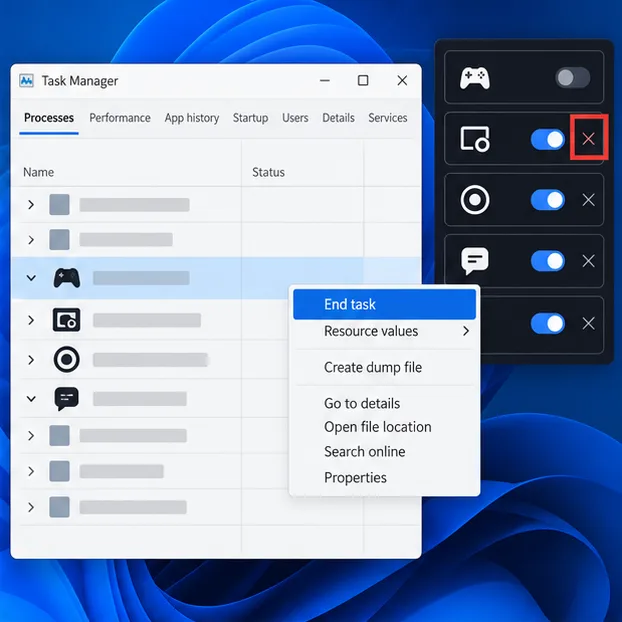
Temporarily turn off game overlays, screen recording, and performance-monitoring overlays, then test again. Examples include chat overlays, game capture, and GPU monitoring panels. Exit one app at a time from its own menu or notification-area icon so you can identify a conflict. Use Task Manager to see whether a closed app is still running; end a task only when that specific app is unresponsive. Do not close Windows services or disable antivirus protection as a routine mouse fix.
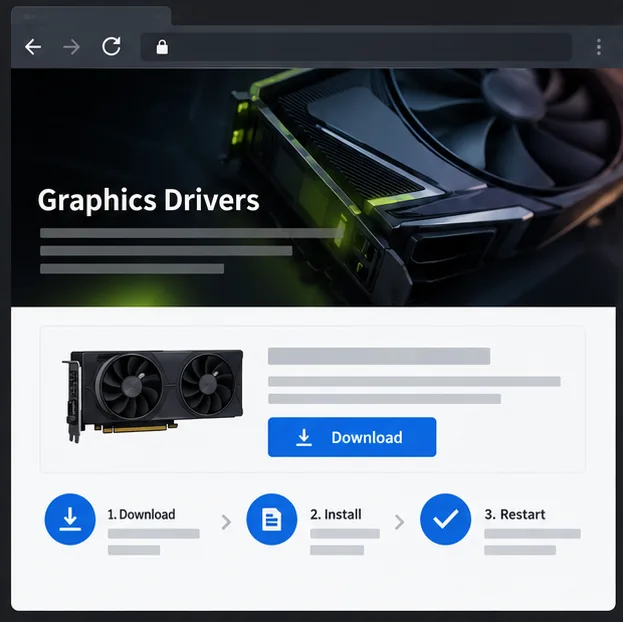
If the problem began after a game or driver update, restart the PC and install the current driver from your GPU manufacturer’s official support page. Avoid third-party driver download sites. Rockstar’s GTAV PC troubleshooting guide links to the NVIDIA and AMD driver sources and recommends keeping the game updated. If you use a CPU or GPU overclock, return it to stock settings temporarily to check for instability before changing voltages or reinstalling launchers.
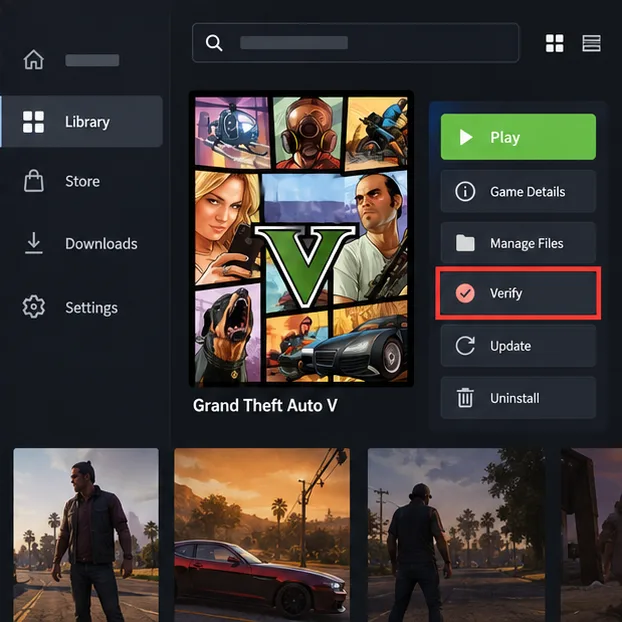
Run the launcher’s built-in verification if input problems started after an update, crash, or interrupted download. In Rockstar Games Launcher, open Settings, select Grand Theft Auto V under installed games, and choose Verify Integrity. On Steam, open the game’s Properties > Installed Files > Verify integrity of game files. In Epic Games Launcher, open Library, select the three-dot menu for GTA V, then choose Manage > Verify. See the official instructions from Rockstar, Steam, or Epic Games. Verification checks the installed files; it does not reset mouse hardware or network settings.
Restore any test settings that made no difference, then record your GTA V PC edition, mouse model, input method, driver version, and whether the issue appears in Story Mode. Share those details with Rockstar Support if the problem persists. If the camera stays smooth but online players keep rubber-banding, troubleshoot the connection or session separately; mouse acceleration settings will not repair packet loss.
Should I always use Raw Input? No. It is a sensible first comparison, but test another available mode if it causes stutter or behaves oddly with your mouse.
Does 800 DPI fix GTA Online mouse acceleration? No specific DPI removes acceleration by itself. Keep DPI consistent and tune the game’s sensitivity to your preference.
Will a wired mouse always reduce lag? Not necessarily. First test the cable, wireless battery, receiver position, polling rate, and frame pacing you already have.
Enable PUBG’s network statistics HUD to monitor ping and packet loss in a match. See where to find it, what the numbers mean, and what they cannot diagnose.
Learn how to import VALORANT crosshair codes, compare presets with manual settings and spectator copy, and fix common import issues.
Choose Dota 2 minimap size, hero icons, team colors, and background settings by readability, fewer misclicks, and clear results on your own display.
Fix Fortnite texture pop-in on PC with official steps for GPU drivers, file verification, DirectX 12, high-resolution textures, VRAM, SSDs, and stutter.
Learn what Heroes of the Storm minimap size and position options are verified, improve readability, and choose camera-click controls that suit you.
Set Super Smash Bros. Ultimate Quickplay to prefer hazards-off stages. Follow the Preferred Rules menu steps and learn why matchmaking may not always honor them.
Enable Server Latency and Packet Loss in Warzone to monitor connection quality, read the overlay, and use recurring spikes to guide troubleshooting.
Learn how to carry from mid lane in League of Legends by setting up waves, choosing safe roam windows, reading side lanes, and converting pressure into objectives.
Fix Minecraft Evoker spell problems with a safe vanilla test, version checks, log review, and a step-by-step way to isolate mod or datapack conflicts.
Fix PUBG stuck on Initializing on Steam with a focused checklist for PC service notices, launch options, game files, downloads, and connection issues.








