How to Import Custom Crosshair Codes in VALORANT: Steps, Options, and Fixes

Learn how to import VALORANT crosshair codes, compare presets with manual settings and spectator copy, and fix common import issues.
If the PS Store blank screen keeps appearing or the Store stays on an infinite loading spinner, start by checking PlayStation Network status. Then restart the console, test its internet connection, install any available system update, and use the correct Safe Mode option for your console. A service outage can look like a console fault, so check the simple causes before changing settings.
The steps below apply to PS5 and PS4. They follow Sony’s current support guidance; a fix that addresses cache or database issues cannot resolve a PlayStation Network outage.
Check the PlayStation Network status page, especially the PlayStation Store service. Also try opening the Store through the PlayStation App or the PlayStation website while connected to the same network. Sony describes the Store as built into consoles and also available on the web and through the app in its PlayStation overview. These comparisons help narrow down whether the issue is limited to one console or affects more than one route.
| What you see | What to try next |
|---|---|
| PlayStation Network reports a Store issue | Wait and check the status page again before troubleshooting the console. |
| The Store works on the web or app but not on one console | Restart that console, update its system software, then follow the Safe Mode steps below. |
| The Store fails on several devices using the same network | Test the connection and restart the modem or router. |
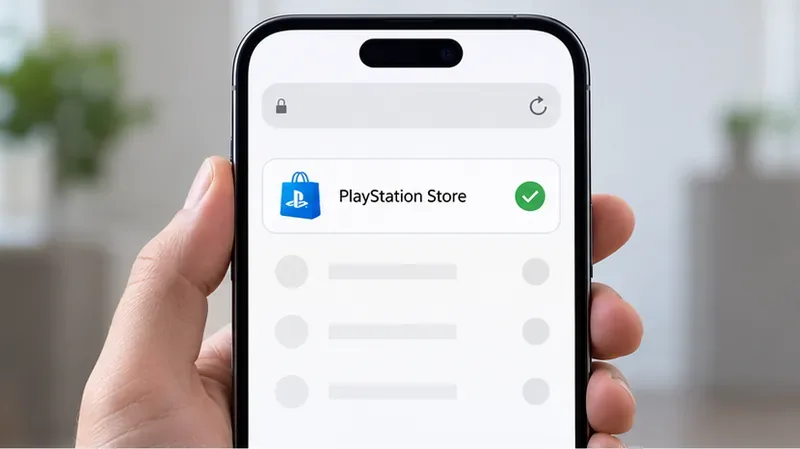
If the Store service is down or under maintenance, local troubleshooting will not bring the storefront back. Wait for Sony to restore service, then close and reopen the Store. If the status page shows no issue, continue with the console and network checks. A green status page is a useful check, but it does not rule out a local network or console problem.
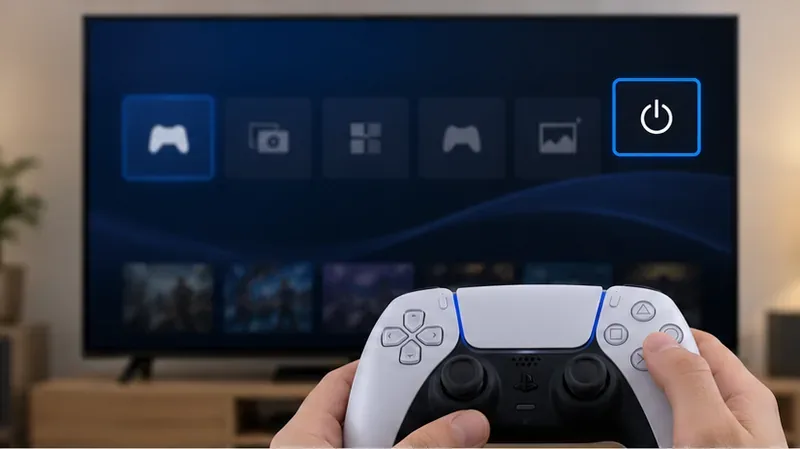
Use the console’s on-screen power menu to shut down the PS5 or PS4. Wait until the power indicator is fully off, then turn the console on again and reopen the Store. This gives the console a fresh session and is a low-risk first step for a temporary loading stall. Avoid unplugging the console while its indicator is blinking or the system is shutting down.
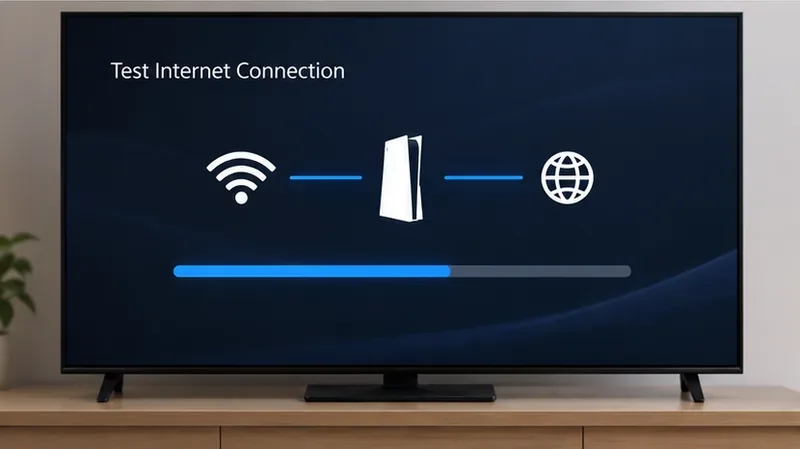
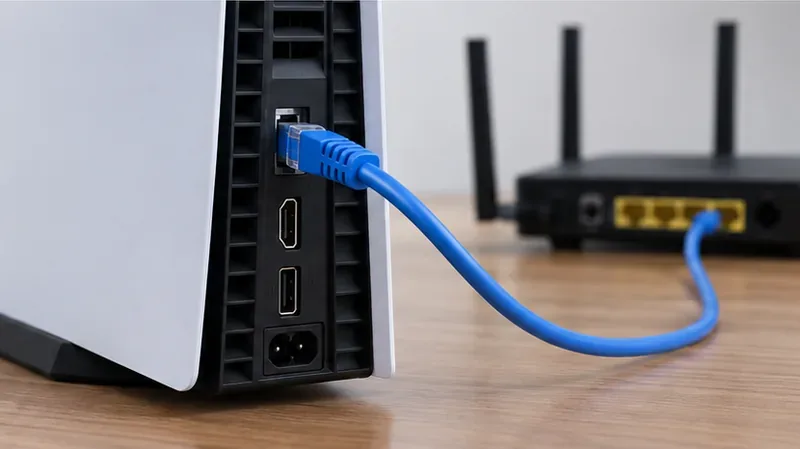
On PS5, open Settings > Network > Connection Status > Test Internet Connection. On PS4, go to Settings > Network > Test Internet Connection. If the test fails, reconnect to your network. If you use Wi-Fi, move the console closer to the router or try a wired LAN connection if one is available.
If other devices also have trouble, turn off the modem and router, wait at least five minutes, and turn them back on. Sony recommends this sequence for several network connection errors. Retest the console after the network reconnects. A successful internet test confirms basic connectivity; it does not guarantee that every PlayStation service is reachable.
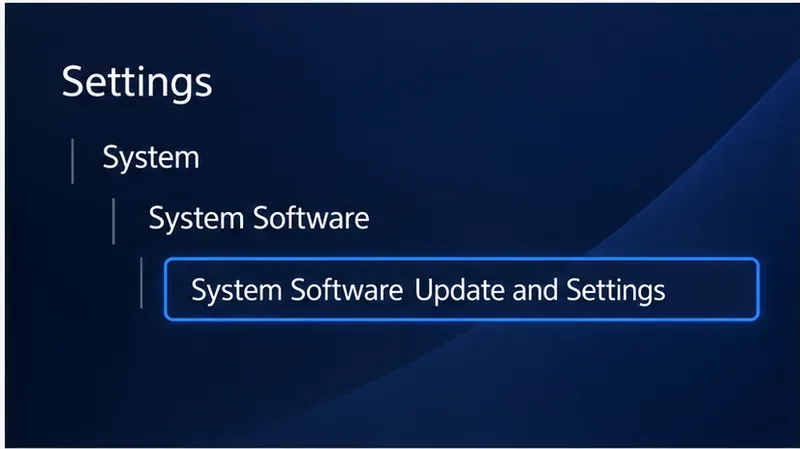
An outdated or interrupted system update can affect console features. On PS5, open Settings > System > System Software > System Software Update and Settings, then check for an update. On PS4, choose Settings > System Software Update. Keep the console connected to power and the internet while an update installs; do not turn it off during the update.
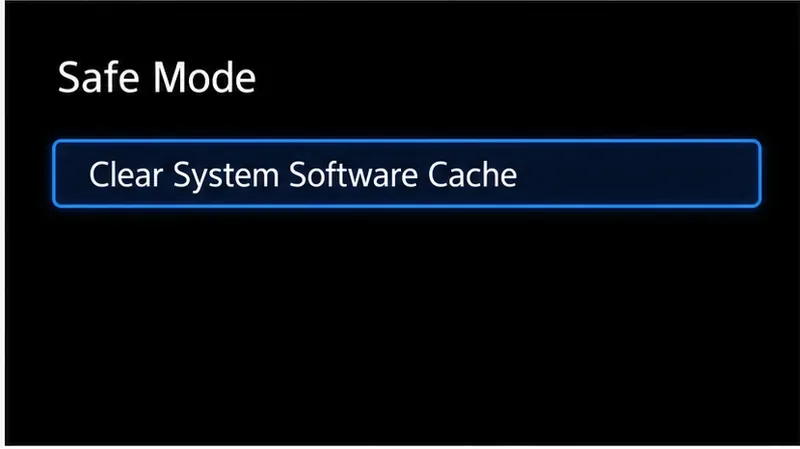
Use this option if the PS Store infinite loading continues after the restart, connection check, and update. Sony’s Safe Mode guide says to use Clear System Software Cache when system features have issues or performance drops.
Safe Mode has several different options. Read each label before confirming, and do not select Reset PS5 or Reset PS5 (Reinstall System Software) for this troubleshooting step.
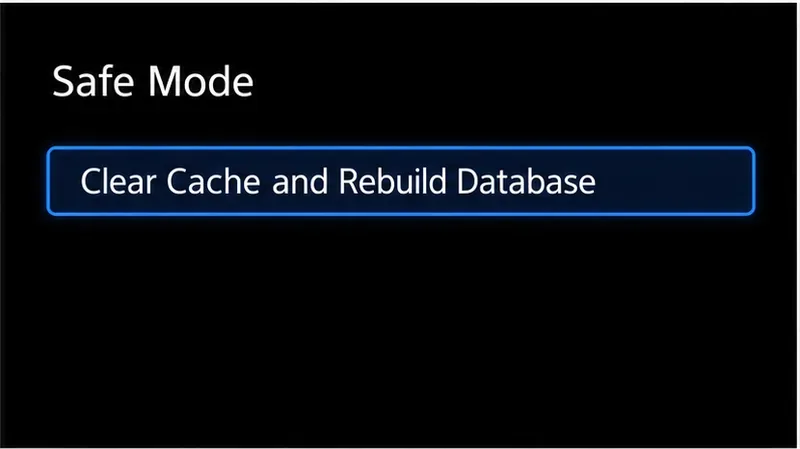
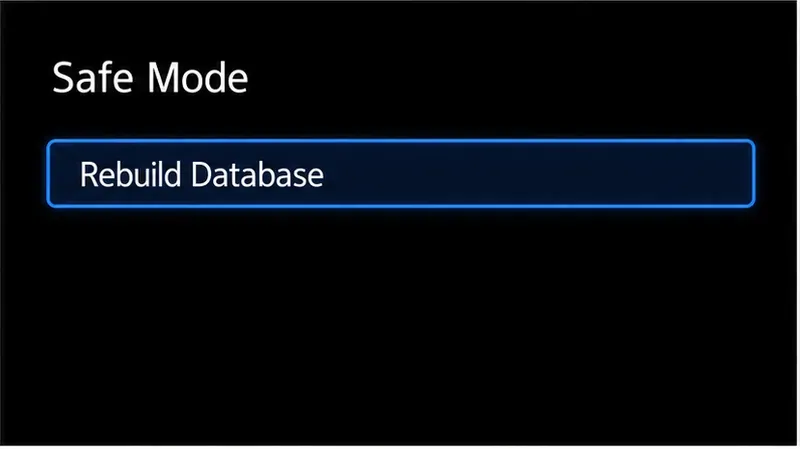
Database rebuilding is a separate Safe Mode action. Sony describes it as scanning the console drive and creating a new database of the console’s content. On PS5, enter Safe Mode as described above and select Clear Cache and Rebuild Database > Rebuild Database. On PS4, enter Safe Mode and select Rebuild Database.
To enter Safe Mode on either console, power it off fully, then press and hold the power button until the second beep. Connect the controller by USB and press the PS button. Sony warns that some Safe Mode options erase data, so choose the exact database option and avoid Initialize PS4, Reset PS5, or any reinstall option unless you intend to erase the console and have backed up important data.
If the Store fails only on one console after these steps, contact PlayStation Support. Include the console model, the exact error message or code, when the issue occurred, what you tried, and whether the PlayStation App or website opens. Sony’s troubleshooting guidance asks users to provide error details, reproduction steps, a timestamp, and a screenshot or video when available.
For reference, use Sony’s Safe Mode guide and PlayStation Store download troubleshooting page for the current console menu names and support steps.
Sony’s current Safe Mode options list a PS5 system software cache option, but not a separate PS4 cache-clear command. For PS4, restart and test the network first; if system-feature problems continue, use the documented Rebuild Database option in Safe Mode.
The Store is built into PlayStation consoles, so deleting and reinstalling it is not a standard PS5 or PS4 troubleshooting step. Try the PlayStation App or website while you work through the console checks.
Learn how to import VALORANT crosshair codes, compare presets with manual settings and spectator copy, and fix common import issues.
Choose Dota 2 minimap size, hero icons, team colors, and background settings by readability, fewer misclicks, and clear results on your own display.
Fix Fortnite texture pop-in on PC with official steps for GPU drivers, file verification, DirectX 12, high-resolution textures, VRAM, SSDs, and stutter.
Learn what Heroes of the Storm minimap size and position options are verified, improve readability, and choose camera-click controls that suit you.
Set Super Smash Bros. Ultimate Quickplay to prefer hazards-off stages. Follow the Preferred Rules menu steps and learn why matchmaking may not always honor them.
Enable Server Latency and Packet Loss in Warzone to monitor connection quality, read the overlay, and use recurring spikes to guide troubleshooting.
Learn how to carry from mid lane in League of Legends by setting up waves, choosing safe roam windows, reading side lanes, and converting pressure into objectives.
Fix Minecraft Evoker spell problems with a safe vanilla test, version checks, log review, and a step-by-step way to isolate mod or datapack conflicts.
Fix PUBG stuck on Initializing on Steam with a focused checklist for PC service notices, launch options, game files, downloads, and connection issues.
Fix Brawl Stars stuck at 92% loading with an ordered checklist for service notices, network tests, safe updates, Android cache, and account-safe reinstalling.








