How to Import Custom Crosshair Codes in VALORANT: Steps, Options, and Fixes

Learn how to import VALORANT crosshair codes, compare presets with manual settings and spectator copy, and fix common import issues.
If you want a more connected feel in a racing game, choose a wheel that matches your console, favorite titles, and space. For most buyers looking for a current force-feedback upgrade, the Thrustmaster T598 is a strong all-around starting point: it is a PlayStation-compatible direct-drive bundle with 5 Nm of constant torque and a two-pedal set. For a Gran Turismo-focused setup, compare the Fanatec Gran Turismo DD Pro; for a premium high-torque base, look at Logitech’s PlayStation version of the PRO Racing Wheel. These are the best steering wheels for PlayStation to shortlist in 2026, with important differences in pedals, force feedback, and cost.
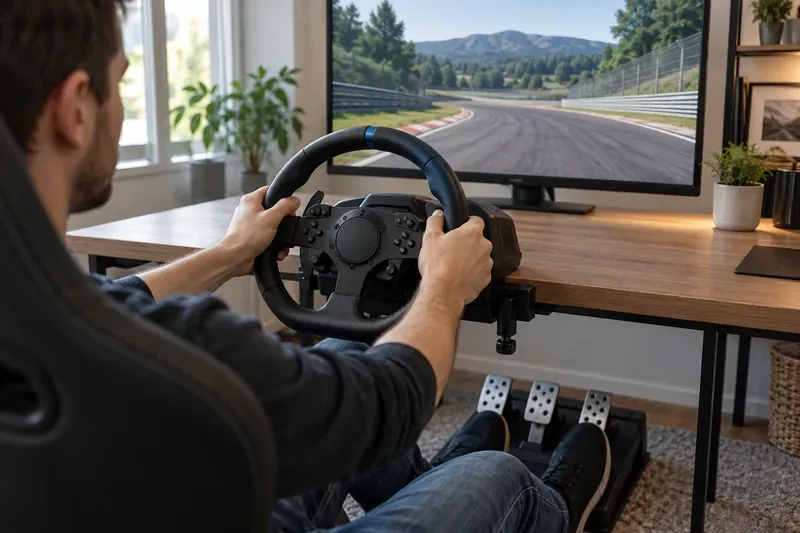
Product names can hide meaningful differences: some bundles include two pedals, others include three, and load-cell brakes are often an optional upgrade. “PlayStation compatible” also does not guarantee that every game supports every wheel feature. Check the exact console version and the game’s supported-wheel list before ordering. Prices and bundles vary by country, so compare the complete local setup rather than the wheel base alone.
| Wheel | Drive and feedback | Pedals in the listed setup | Best fit |
|---|---|---|---|
| Thrustmaster T598 | Direct Axial Drive; 5 Nm constant torque | Two included; separate upgrade path | Best all-around direct-drive starting point |
| Fanatec Gran Turismo DD Pro | Direct drive; 5 Nm standard, up to 8 Nm with optional Boost Kit | Two included in the bundle; third pedal/load-cell upgrades sold separately | Gran Turismo fans and an expandable ecosystem |
| Logitech G PRO Racing Wheel | Direct drive; 11 Nm | Pedals are separate unless purchased in a bundle | Premium, high-force setups |
| Thrustmaster T248R | Hybrid Drive; 3.1 Nm | Three included | Feature-rich midrange wheel |
| Logitech G923 PlayStation version | Gear-driven force feedback; 2.3 Nm; TRUEFORCE in supported games | Three-pedal set; pressure-sensitive brake, not a load cell | First force-feedback wheel or a straightforward upgrade |
| HORI Racing Wheel APEX | 270-degree steering; no motorized force feedback | Pedal set included | Low-cost casual play when feedback is not a priority |
The T598 is a current option for players ready to move beyond gear-driven force feedback. Thrustmaster lists 5 Nm of constant torque, with a separate overshoot capability for stronger effects, plus a detachable 30 cm wheel rim and a Race Dash display. The bundle includes the Raceline Pedals LTE two-pedal set. That last detail matters: the base package does not give you a clutch pedal or a load-cell brake. Choose the T598 when a direct-drive system and a ready-to-use wheel package matter more than getting three pedals in the box. It is listed for PS5, PS4, and PC.
The GT DD Pro is officially licensed for PS5 and PS4 and is built around Gran Turismo. Its standard version delivers 5 Nm peak torque; the optional Boost Kit 180 raises that to 8 Nm. The bundle’s pedals are a two-pedal set, and Fanatec sells a separate clutch or load-cell upgrade. Do not assume the 8 Nm figure or load-cell brake is included when comparing listings: check the exact bundle contents. This is a good choice if you want a console-certified direct-drive base with a clear path into Fanatec’s wheel and pedal ecosystem.
Logitech’s PlayStation/PC version combines an 11 Nm direct-drive motor with TRUEFORCE feedback. It offers much more headroom than an entry-level wheel, but it makes the most sense on a rigid wheel stand or cockpit that can handle strong steering forces. Confirm that the listing is the PlayStation model; console variants are not interchangeable by default. The wheel product is separate from the pedals unless a retailer or Logitech bundle says otherwise, so price the complete setup before committing.
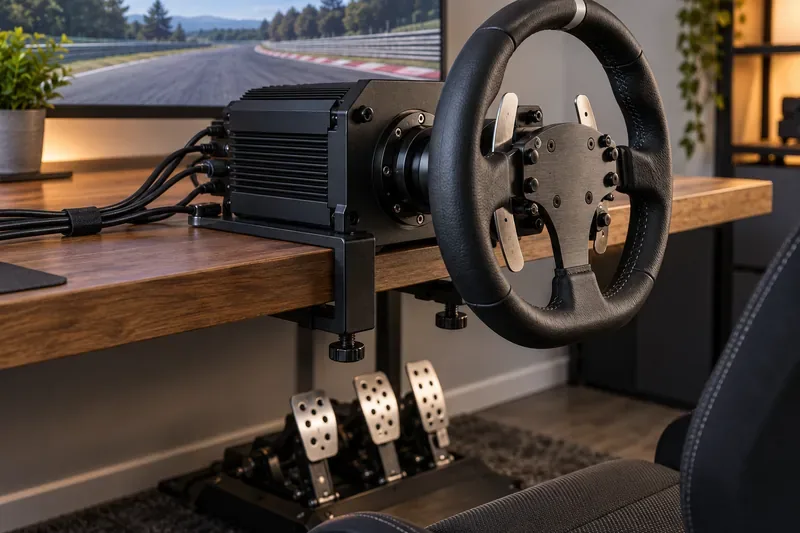
The T248R combines Thrustmaster’s T-HD Hybrid Drive force feedback with 3.1 Nm of torque. The current model includes three T3PM pedals with Hall-effect sensors, four brake-pressure settings, magnetic paddle shifters, and a color LCD with multiple displays. It is officially licensed for PS5 and PS4. It suits players who want an all-in-one package with more pedal flexibility and on-wheel information, without moving to a direct-drive system.
The PlayStation G923 uses a gear-driven system rated at 2.3 Nm and adds Logitech TRUEFORCE effects in games that support the feature. It has a 900-degree lock-to-lock range and a pressure-sensitive brake pedal; that brake is not a load cell. Its familiar wheel-and-pedal layout makes it a practical first PS5 racing wheel if you want force feedback without buying a direct-drive base. Look for the PlayStation/PC version, not the Xbox version.
The HORI APEX is officially licensed for PS5 and PS4 and offers a 270-degree steering range, adjustable sensitivity, programmable controls, a clamp, and pedals. It does not provide motorized force feedback, so it cannot reproduce steering resistance or tire-load changes like the other picks here. Consider it only if keeping the setup simple and inexpensive matters more than realistic feedback. For an immersive PS4 steering wheel or PS5 setup, a genuine force-feedback model is a more substantial upgrade.
Force feedback lets the motor push against your steering inputs to represent grip, bumps, and car movement. Gear-driven wheels such as the G923 are usually the entry point. Hybrid and belt mechanisms can feel smoother or stronger depending on the design. Direct drive connects the wheel to the motor without a gear or belt transmission, and higher-torque models can produce much stronger forces. Torque figures are not a complete quality score: compare the manufacturer’s stated constant and peak ratings, the game’s support, and the strength you can comfortably mount.
Two pedals are enough for automatic shifting and paddle-shift racing. A clutch is useful for manual starts and H-pattern shifting, but it is not necessary for most players. A load-cell brake measures pressure and can support more repeatable braking, but many bundles include a standard brake instead. Verify whether a clutch, load cell, or third pedal is in the box or sold as an add-on.
Choose the PlayStation-specific model and confirm support for the particular game and console generation. A wheel may work with PS4 games played on PS5, but support depends on the wheel, title, and firmware; don’t infer it from the connector alone. Manufacturer compatibility pages can change as games and firmware are updated. Also measure desk thickness, check the included clamp, and secure your chair. A powerful wheel on a light desk can move the whole setup, while a fixed cockpit needs enough room to store.
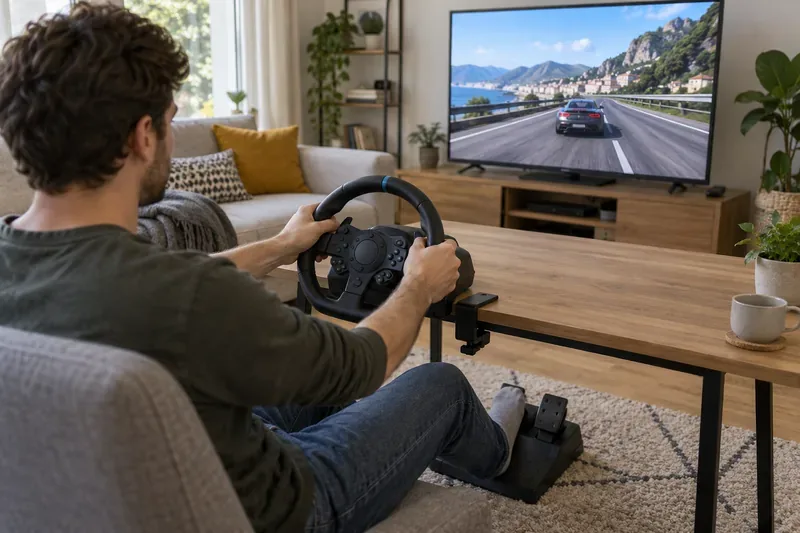
For a current direct-drive package, start with the T598; for Gran Turismo and Fanatec upgrades, compare the GT DD Pro; for maximum force, consider Logitech’s 11 Nm PRO wheel with a strong mount. The T248R and G923 are sensible force-feedback choices at lower tiers, while the HORI APEX trades feedback for a simpler entry. If you spot a T300RS GT at a compelling local price, it remains a PS5/PS4-compatible belt-driven alternative with a brushless motor and three-pedal set, but check condition and warranty on used stock.
Before buying, check the official Thrustmaster platform and accessory compatibility guide, the Logitech G923/G29 game compatibility list, and HORI’s model-specific PS5 game list. The best wheel is the one whose exact PlayStation version, supported games, pedals, and mounting needs match your setup.
Learn how to import VALORANT crosshair codes, compare presets with manual settings and spectator copy, and fix common import issues.
Choose Dota 2 minimap size, hero icons, team colors, and background settings by readability, fewer misclicks, and clear results on your own display.
Fix Fortnite texture pop-in on PC with official steps for GPU drivers, file verification, DirectX 12, high-resolution textures, VRAM, SSDs, and stutter.
Learn what Heroes of the Storm minimap size and position options are verified, improve readability, and choose camera-click controls that suit you.
Set Super Smash Bros. Ultimate Quickplay to prefer hazards-off stages. Follow the Preferred Rules menu steps and learn why matchmaking may not always honor them.
Enable Server Latency and Packet Loss in Warzone to monitor connection quality, read the overlay, and use recurring spikes to guide troubleshooting.
Learn how to carry from mid lane in League of Legends by setting up waves, choosing safe roam windows, reading side lanes, and converting pressure into objectives.
Fix Minecraft Evoker spell problems with a safe vanilla test, version checks, log review, and a step-by-step way to isolate mod or datapack conflicts.
Fix PUBG stuck on Initializing on Steam with a focused checklist for PC service notices, launch options, game files, downloads, and connection issues.
Fix Brawl Stars stuck at 92% loading with an ordered checklist for service notices, network tests, safe updates, Android cache, and account-safe reinstalling.








