Hey, fellow gamer! 😎 Whether you're switching to a different sub, tightening your budget, or just taking a break from online multiplayer, knowing how to cancel PlayStation Plus is a game-changer. No more surprise charges! Your current benefits stick around until the billing cycle ends, so you can still raid with the squad. We'll cover foolproof steps for PS4, PS5, website, and app. Let's dive in and reclaim your wallet—it's simpler than beating a boss on the first try.
Why Cancel PlayStation Plus? Top Reasons Gamers Choose It
- ⭐ Save cash for new games or hardware upgrades.
- ⚠️ Avoid unwanted auto-renewals during quiet gaming months.
- 👍 Test free-to-play titles or Game Pass alternatives stress-free.
Pro tip: Cancelling PlayStation Plus doesn't delete your games or progress—access lasts until expiry. Ready? Here's the roadmap.
1️⃣ How to Cancel PS Plus on PS5: Console Steps
PS5's sleek interface makes it a breeze. Follow these exact steps:
- Power up your PS5 and hit the PS button on your DualSense controller.
- Go to Settings (gear icon) > Users and Accounts > Account.
- Select Payment and Subscriptions > Subscriptions Management.
- Choose your PlayStation Plus plan (Essential, Extra, or Premium).
- Hit Turn Off Auto-Renew and confirm. Boom! 🎉
Double-check via email confirmation. If stuck, restart your console—fixes most glitches.
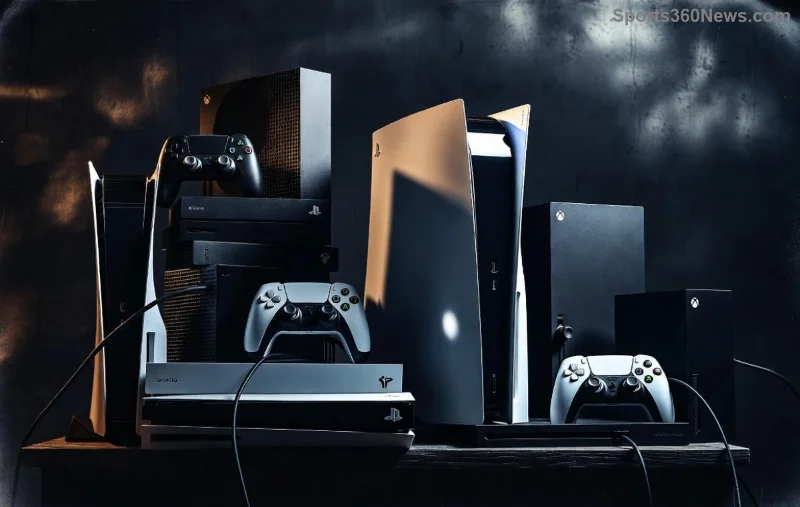
2️⃣ Cancel PlayStation Plus on PS4: Straightforward Guide
PS4 users, your menu is similar but slightly retro. No sweat:
- From home screen, select Library > PlayStation Plus.
- Or: Settings > Account Management > Account Information > View DLC or Add-ons (scroll to subscriptions).
- Pick PlayStation Plus > Renewal Options.
- Select Do Not Renew and save changes.
PS4 tip: Update your system software first for smooth sailing. You'll get a pop-up confirming no future charges.
3️⃣ Best Way: Cancel PS Plus via PlayStation Website (Works for Both Consoles)
⭐ Sony recommends this method—it's universal for PS4 and PS5, plus mobile. Works anywhere!
- Head to account.sony.com or account.management.playstation.com.
- Sign in with your PSN email and password.
- Navigate to Subscription (sidebar or top menu).
- Select your PlayStation Plus tier.
- Click Cancel Subscription > follow prompts to turn off renewals.
| Platform |
Steps to Access Subscriptions |
Time to Complete |
| PS5 Console |
Settings > Users > Subscriptions |
2 minutes |
| PS4 Console |
Settings > Account Management > Subscriptions |
3 minutes |
| Website |
account.sony.com > Subscription |
1 minute |
This table shows why web is king—fastest and error-proof. Screenshot your confirmation for peace of mind!
![PlayStation Website Subscription Cancellation Screen]()
4️⃣ Mobile App Method: Cancel PS Plus on Phone
On the go? Use the PS App (iOS/Android):
- Download/update PlayStation App.
- Log in > Tap profile icon > Subscriptions.
- Select PlayStation Plus > Manage Subscription > Cancel.
Syncs instantly with your console. Perfect for last-minute cancels before billing!
What Happens After You Cancel PlayStation Plus?
- ✅ Keep all perks (online play, free games, cloud saves) until period ends.
- ❌ No refunds for partial months—plan ahead.
- 🔄 Reactivate anytime before expiry, no cooldown.
- ⚠️ Family Manager? Cancel each member's sub separately.
Curious about tiers? PS Plus Essential is basic online; Extra/Premium unlock game catalogs. Downgrade via the same menus for savings.
![PS Plus Benefits Timeline After Cancellation]()
FAQ: Common PS Plus Cancel Questions Answered
- Can I cancel anytime?
- Yes! Auto-renew stops immediately, benefits continue.
- Stuck on 'error'?
- Clear cache, check internet, or use web method. Contact PS Support.
- PS5 vs PS4 differences?
- Minimal—PS5 is more intuitive with faster menus.
- Refund possible?
- Rarely, within 14 days for new subs. Check policy.
Final Boss Tips: Stay in Control 🎮
Before cancelling, download cloud saves and note expiry date. Set calendar reminders for renewals if you resubscribe. Gamers, you're now pros at how to cancel PlayStation Plus on PS4 and PS5! Share your wins in comments—what's next on your play queue? Drop a 👍 if this saved your day.
Info based on latest PlayStation Network updates for seamless experience.