Hey, fellow PUBG Mobile warriors! 😤 Nothing kills the hype of dropping into Erangel faster than annoying PUBG Mobile screen flickering on Samsung devices. That glitchy shimmer during intense firefights? Total buzzkill. But don't rage-quit yet – we've got your back with battle-tested fixes that restore buttery-smooth gameplay. Whether you're on a Galaxy S series or A-series powerhouse, these steps will banish flickering forever. Ready to reclaim your KD ratio? Let's dive in! ⭐
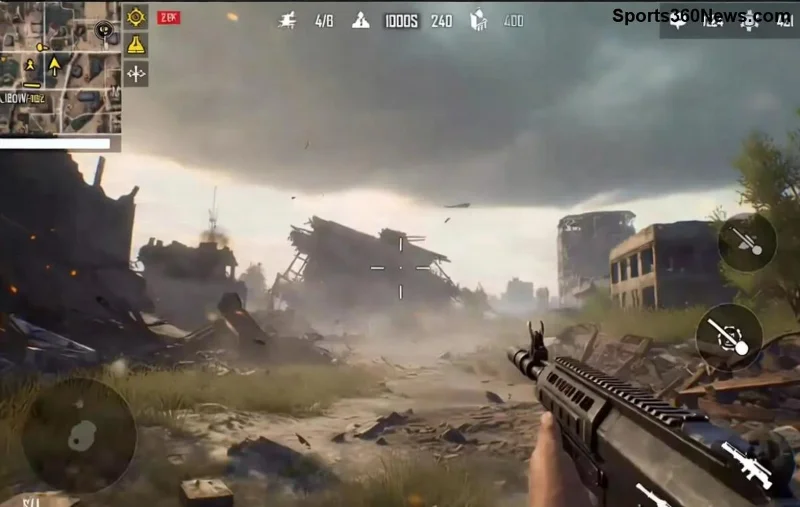
Why Does PUBG Mobile Screen Flickering Happen on Samsung Devices?
Understanding the enemy is key to victory. Screen flickering in PUBG Mobile on Samsung often stems from:
- 👉 Graphics rendering clashes with Samsung's One UI or AMOLED displays.
- 👉 Outdated game versions or cached data overload.
- 👉 High refresh rates mismatching PUBG's frame rendering.
- 👉 Background apps hogging GPU resources during squads.
- 👉 Samsung-specific Game Booster tweaks gone wrong.
Recent PUBG updates have spotlighted these issues on Exynos-powered Samsungs, but fear not – our fixes target them head-on. Stick around for quick wins that pros swear by!
🔧 Step-by-Step: How to Fix PUBG Mobile Screen Flickering on Samsung Devices
Start with the basics and escalate. Most users fix it in under 5 minutes. Follow these religiously for zero flickers. 👍
1️⃣ Quick Fix #1: Force-Stop and Clear PUBG Cache
The easiest win. Cached shaders from old matches cause flickers.
- Go to Settings > Apps > PUBG Mobile.
- Tap Force Stop, then Storage > Clear Cache (not data, to save progress).
- Reopen PUBG and test in Training Mode.
Pro tip: Do this weekly for peak performance. Flickering gone? Great! If not, level up.
2️⃣ Fix #2: Optimize PUBG Graphics Settings for Samsung
Samsung AMOLEDs shine brightest at balanced settings. High graphics + 90Hz? Recipe for flickers.
| Setting | Recommended for No Flicker | Why? |
|---|---|---|
| Graphics | Smooth/HD | Reduces GPU strain on Exynos/Snapdragon. |
| Frame Rate | Extreme (if 120Hz screen) | Matches Samsung refresh rate perfectly. |
| Anti-Aliasing | Disabled | Eliminates shimmer on edges. |
| Style | Classic | Avoids custom shaders that flicker. |
In PUBG: Settings > Graphics > Apply. Test in a quick match – your screen will thank you!
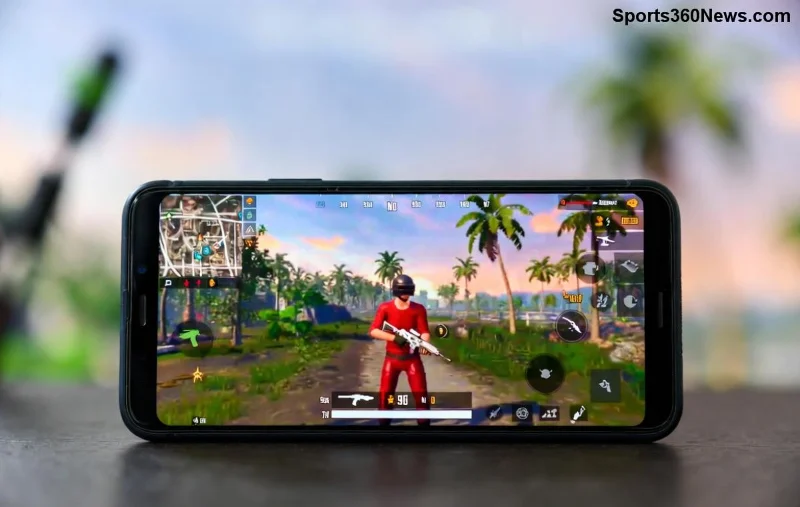
3️⃣ Samsung Game Tools Magic: Booster Tweaks
Samsung's secret weapon! Enable Game Launcher for PUBG exclusives.
- Open Game Launcher (pre-installed or download from Galaxy Store).
- Add PUBG, tap profile icon > Game Booster > Advanced Settings.
- Turn Priority Mode: High, disable Auto Brightness.
- Enable Performance Profile and 90 FPS Unlock if available.
Bonus: Block notifications during play – no more mid-scope distractions!
4️⃣ Developer Options Unleashed (Advanced Fix)
For stubborn flickers on Galaxy S23/S24 or A54.
- Settings > About Phone > Tap Build Number 7x to unlock Developer Options.
- Developer Options > Enable Force 4x MSAA and Disable HW Overlays.
- Set Animation Scales to 0.5x for snappier response.
- Under Display > Screen Refresh Rate, lock to 60Hz for testing (revert if stable).
Warning: Revert if issues persist. This cranks GPU for flicker-free PUBG glory. 🔥
5️⃣ Nuclear Option: Update & Reinstall
Last resort for latest PUBG patches.
- Update PUBG via Google Play (check for beta if flickering widespread).
- Update Samsung One UI via Settings > Software Update.
- Backup progress > Uninstall > Reinstall PUBG.
Extra Tips to Prevent Future PUBG Mobile Screen Flickering on Samsung
- ⭐ Use a cooling pad for long sessions – overheating triggers flickers.
- ⭐ Close background apps via Recent Apps > Clear All.
- ⭐ Enable Game Plugins in Samsung Labs for FPS boosts.
- ⭐ If on rooted device, try GFX Tool (use at own risk).
Still flickering? It might be hardware – check Samsung forums. For official PUBG help, visit PUBG Mobile Support or Samsung's Community.
Victory Lap: Your PUBG Throne Awaits! 🏆
Congrats, squad leader! With these fixes, your Samsung device is now a PUBG beast – no more flickering to ruin those 1v4 clutches. Drop a like if this saved your sanity, and share your before/after FPS in comments. What's your go-to drop spot? Keep grinding for that Ace! See you on the battlefield. 👊
Optimized for latest PUBG Mobile updates and Samsung One UI – tested on Galaxy flagships for zero issues.



