How to Check Real-Time Server Latency in the PUBG HUD

Enable PUBG’s network statistics HUD to monitor ping and packet loss in a match. See where to find it, what the numbers mean, and what they cannot diagnose.
If your League of Legends friend list is not loading, check Riot’s service status first, then fully restart the Riot Client. If Riot reports an outage, wait for the service to recover; local changes will not fix a server-side problem. If service status looks normal, work through the connection and client checks below in order. The first checks are quick, while DNS changes, file repair, and support logs can take longer than five minutes.
This guide covers the desktop League of Legends client on Windows and macOS. Riot’s current support guidance says to restart the updated client first and describes repeated chat disconnections as a likely network issue. A blank social panel, a spinning friend list, and a “Disconnected from chat” message can therefore need different checks from a game-launch problem.
| What you see | Start with |
|---|---|
| The entire list is blank or keeps loading | Check Riot service status, then restart the client. |
| “Disconnected from chat” or everyone appears offline | Test your connection, VPN/proxy, firewall, and DNS. |
| Only a few Discord contacts are missing | Check the linked-account requirements near the end of this guide. |
Open Riot Games Service Status, choose League of Legends, and check the region where your account plays. If Riot lists maintenance or a service incident, wait and check the page again later. A local reinstall or DNS change will not resolve an active Riot-side incident.
If there is no listed incident, make sure the client is signed into the Riot account and region you expect. Riot notes that an account is active in one region at a time; the official login troubleshooting guide explains how to check the selected region. If the game is available but the social panel alone is broken, continue below.
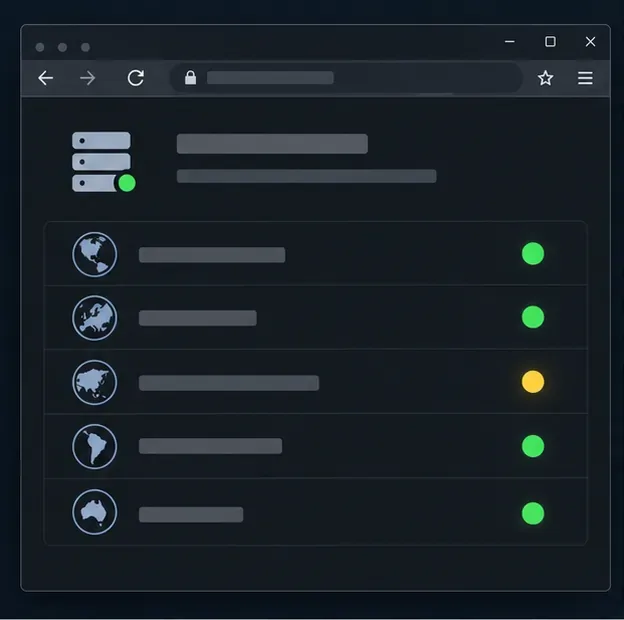
A stale client session can leave the social panel stuck. Sign out from the Riot or League client, quit the app, wait a few seconds, and launch it again. On Windows, if the client remains open after you quit, press Ctrl+Shift+Esc to open Task Manager and close a frozen League client process before relaunching. On macOS, use Command+Q to quit the client, then reopen it from Applications or your usual shortcut.
Do this while you are in the client or lobby, not during a live match. Riot’s updated-client support page also recommends a restart as the first step for client issues.
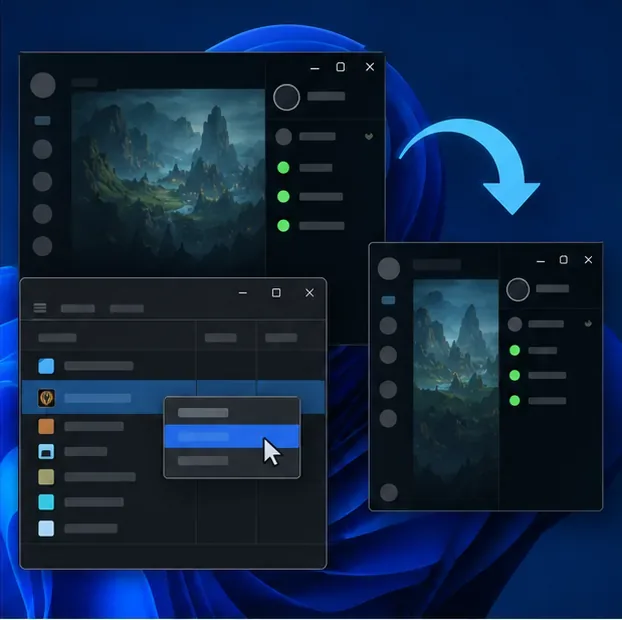
Open a few ordinary websites, then test League again. If you are on Wi-Fi, move closer to the router or switch to Ethernet if available. You can also briefly test on another trusted network to see whether the problem follows the computer or stays with the home connection. If other apps also lose connectivity, restart your modem and router according to their instructions.
A working browser does not rule out a game-specific connection problem. Riot’s basic connection guide recommends wired Ethernet when possible and links to further network diagnostics. If the client says “Disconnected from chat,” Riot says the issue is likely network-related and may affect a game connection too, so confirm chat reconnects before queuing.
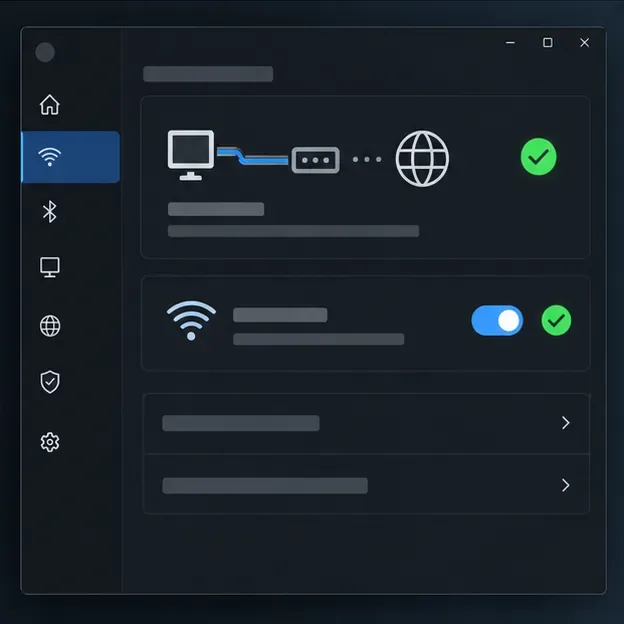
If you use a VPN, proxy, gaming tunnel, or network-filtering app, disconnect it and restart the Riot Client. Check whether the friend list reconnects. Riot advises against using a VPN or proxy for normal League connectivity because they can cause connection problems. If the list still fails, restore your usual network settings; do not leave a VPN disabled if you need it for another reason.
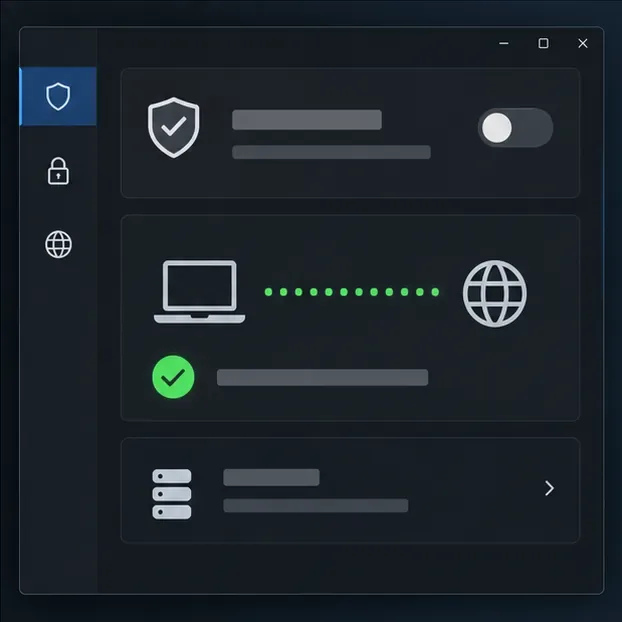
A firewall or security suite can block the client’s connection. Keep your firewall enabled and add the Riot applications to its allowed-app list instead of opening broad port ranges. On a standard Windows installation, Riot lists these League paths:
C:\Riot Games\League of Legends\LeagueClient.exeC:\Riot Games\League of Legends\LeagueClientUx.exeC:\Riot Games\League of Legends\LeagueClientUxRenderer.exeC:\Riot Games\League of Legends\Game\League of Legends.exeC:\Riot Games\Riot Client\RiotClientServices.exeIf you installed League somewhere else, use the actual installation paths. On macOS, check your security software’s blocked-app controls and allow League/Riot Client if it has denied them. Follow Riot’s current firewall configuration instructions for the complete list and platform details. If you temporarily disable a firewall only to diagnose the issue, turn it back on immediately afterward.
On Windows, open Command Prompt as an administrator, run ipconfig /flushdns, then restart the Riot Client. This clears the computer’s DNS cache; it does not repair a Riot outage or a damaged game installation. Try it once, then test the list.
If you are on a Mac, or if flushing DNS does not help, use Riot’s DNS troubleshooting guide for the settings that match your operating system. Riot notes that some internet providers may block third-party DNS; record your original settings and restore them if you lose internet access.
If the social panel is still blank, repair the game files using Riot’s built-in tool. Open the Riot Client, select your profile icon, choose Settings, select League of Legends, and choose Repair. Follow any prompts and let the scan finish before launching again. Some updated-client repair flows label the button Start Repair.
The repair checks for missing or corrupted files; it may take longer than the quick checks. Riot’s full repair instructions describe the current client path. If the repair reports an error or does not change the friend list, move to the support step rather than repeatedly running it.
For a persistent LoL friend list not working issue, report whether the panel is blank, spinning, or shows “Disconnected from chat,” along with your region, operating system, approximate time, network tests, and the steps you already tried. If the updated client opens far enough, Riot says the bug-report icon at the bottom of the friends list sends reports to the client team.
You can also download the Riot Repair Tool (RRT), choose League of Legends, and attach its ZIP log bundle to a Player Support ticket. Riot says RRT is available for Windows and Mac; on Windows, run it as administrator. Include a screenshot if it shows the error clearly, but never send your password.
Sometimes a status check or full client restart is enough, but five minutes is not guaranteed. A Riot-side incident must be resolved by Riot, and a repair scan or support investigation can take longer. Stop when the list reconnects; there is no benefit to running every advanced step after the issue is gone.
If your Riot friend list loads but a few Discord contacts are absent, this may be an account-linking detail rather than a loading failure. Riot’s Discord account-linking guide says Discord-only contacts need an existing Riot ID, a direct Discord friendship, and linked Riot and Discord accounts to appear in the integrated list.
Keep a reinstall as a last resort and follow Riot’s current instructions if Support recommends it. Riot’s updated-client notes warn that uninstalling or reinstalling can cause more frequent crashes and that updated and legacy client files are shared. The repair tool and a support ticket are safer next steps for a friend-list-only problem.
Enable PUBG’s network statistics HUD to monitor ping and packet loss in a match. See where to find it, what the numbers mean, and what they cannot diagnose.
Learn how to import VALORANT crosshair codes, compare presets with manual settings and spectator copy, and fix common import issues.
Choose Dota 2 minimap size, hero icons, team colors, and background settings by readability, fewer misclicks, and clear results on your own display.
Fix Fortnite texture pop-in on PC with official steps for GPU drivers, file verification, DirectX 12, high-resolution textures, VRAM, SSDs, and stutter.
Learn what Heroes of the Storm minimap size and position options are verified, improve readability, and choose camera-click controls that suit you.
Set Super Smash Bros. Ultimate Quickplay to prefer hazards-off stages. Follow the Preferred Rules menu steps and learn why matchmaking may not always honor them.
Enable Server Latency and Packet Loss in Warzone to monitor connection quality, read the overlay, and use recurring spikes to guide troubleshooting.
Learn how to carry from mid lane in League of Legends by setting up waves, choosing safe roam windows, reading side lanes, and converting pressure into objectives.
Fix Minecraft Evoker spell problems with a safe vanilla test, version checks, log review, and a step-by-step way to isolate mod or datapack conflicts.
Fix PUBG stuck on Initializing on Steam with a focused checklist for PC service notices, launch options, game files, downloads, and connection issues.








