How to Check Real-Time Server Latency in the PUBG HUD

Enable PUBG’s network statistics HUD to monitor ping and packet loss in a match. See where to find it, what the numbers mean, and what they cannot diagnose.
If PUBG MOBILE shows a “Game Files Corrupted” message, start with the reversible checks below: restart the game and phone, use the game’s built-in Repair control if it appears, clear only the Android cache, then check for an official update and free storage. These steps can resolve a temporary download or app-state problem without removing the game, but no method can guarantee a fix if required installation files are truly damaged.
Before troubleshooting, avoid Clear storage, deleting PUBG folders, installing APKs from unofficial sites, or removing the app. Those actions can erase local settings or put a guest profile at risk. PUBG MOBILE’s support guidance warns that removing the app can lose guest-account information, so confirm that you can access a linked account before considering any step that removes app data.
Fully close the game, wait a few seconds, and open it again. If the same error returns, restart the device. PUBG MOBILE’s support team recommends restarting both the game and device, checking Wi-Fi or mobile data, closing unnecessary apps, and making sure the phone has enough free storage.
If the problem began during a resource download or update, reconnect to a stable network and let the game finish any download before switching apps or powering off. You can briefly try a different trusted connection, such as mobile data instead of Wi-Fi, to see whether the download path is the issue. Turn off a VPN or proxy for this check if you normally use one. A connection change is a diagnostic step, not a guarantee that the files themselves are repaired.
For current instructions, see PUBG MOBILE’s troubleshooting guidance.
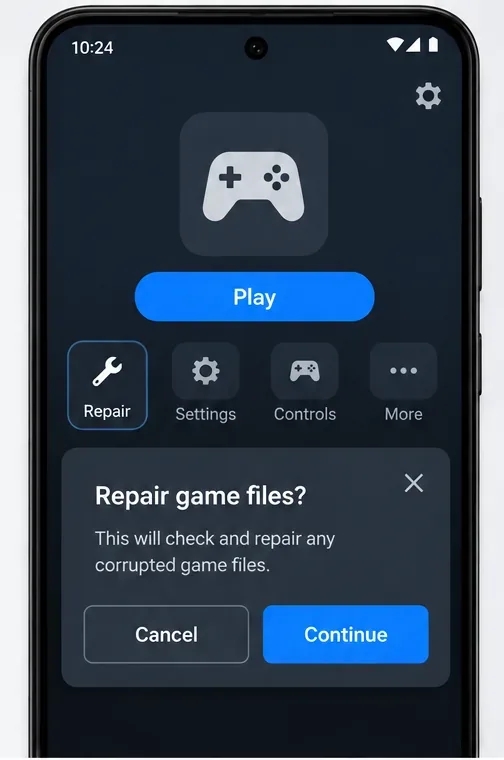
If you can reach the game’s startup or sign-in screen, look for a Repair option and follow the prompts shown by your installed version. Let the repair finish on a stable connection, then close and reopen PUBG MOBILE. The control’s placement and available repair choices can change between releases, and it may not appear in every client. If you do not see it, skip this step rather than searching for third-party repair utilities or changing game files manually.
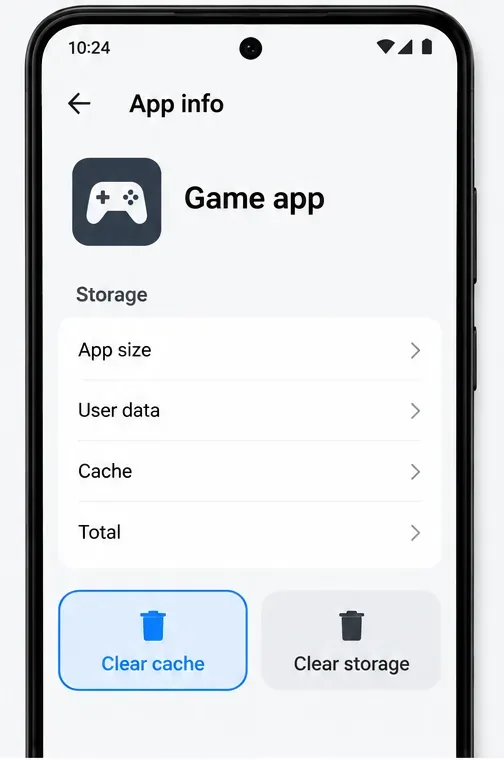
Android notes that clearing cache removes temporary data, while clearing storage permanently deletes app data. Phone menus differ, so pause if the only available choice is a broad Clear data or Clear storage button. Do not use it as a shortcut. On iPhone and iPad, iOS does not provide the same per-app cache button in Settings; use the restart, update, storage, and connection checks instead.
See Android Help on clearing cache and freeing storage.
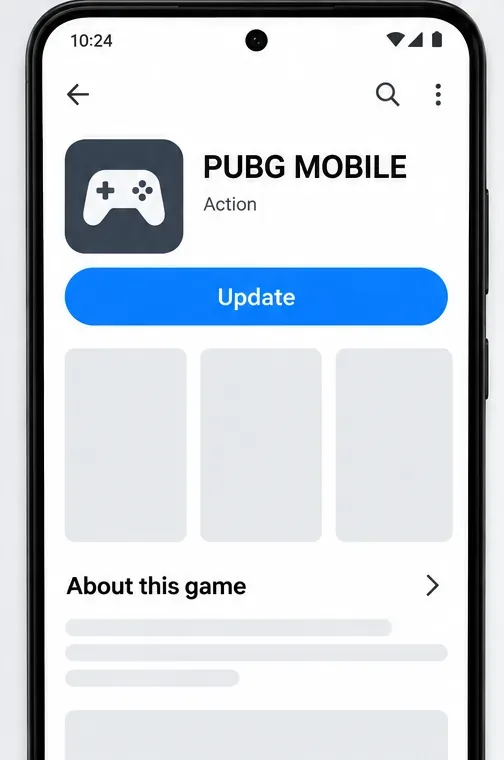
Open the App Store or Google Play—the same official store you used to install the game—and check whether an update is available. Install it, restart the phone if prompted, and launch PUBG MOBILE again. Avoid unofficial update packages: a modified or mismatched client can create new launch and account-security problems.
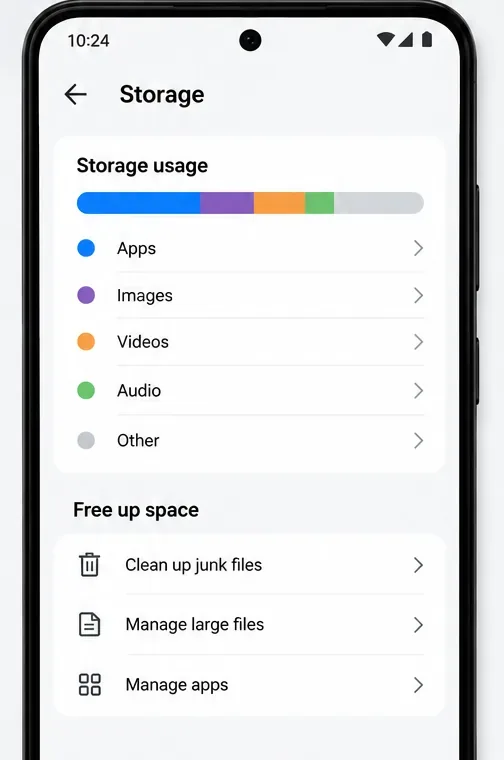
Check the device’s available storage and remove files you no longer need, such as old downloads or offline videos. PUBG MOBILE does not publish a universal free-space number for this error, so do not treat a fixed “5 GB” or “10 GB” rule as official. Leave enough room for the app to download and unpack the update or resource files. On iPhone, check Settings > General > iPhone Storage and remove other items if necessary. Avoid offloading PUBG MOBILE when your goal is to keep the installed app in place: offloading removes the app itself and requires downloading it again.
Apple’s current iPhone storage guide explains how to review available space and manage files.
Take a screenshot of the exact message and note your phone model, operating-system version, PUBG MOBILE version if visible, when the issue started, and whether it happens on Wi-Fi and mobile data. Contact PUBG MOBILE Player Support or use Customer Service in the game if you can reach it. The support team asks players to include the error details, device model, OS version, and screenshots or video.
Do not send passwords, verification codes, or payment details in a support message. If support later recommends removing or reinstalling the app, first make sure your game account is linked and that you can sign in again. PUBG MOBILE specifically warns that guest-account information may be lost when the app is removed; see its game-won’t-run guidance.
Start with restart and connection checks, then use the optional in-game repair and Android’s cache-only control. If those steps do not clear the PUBG Mobile game files corrupted error, the official support team can tell you whether the current client needs a deeper repair.
Enable PUBG’s network statistics HUD to monitor ping and packet loss in a match. See where to find it, what the numbers mean, and what they cannot diagnose.
Learn how to import VALORANT crosshair codes, compare presets with manual settings and spectator copy, and fix common import issues.
Choose Dota 2 minimap size, hero icons, team colors, and background settings by readability, fewer misclicks, and clear results on your own display.
Fix Fortnite texture pop-in on PC with official steps for GPU drivers, file verification, DirectX 12, high-resolution textures, VRAM, SSDs, and stutter.
Learn what Heroes of the Storm minimap size and position options are verified, improve readability, and choose camera-click controls that suit you.
Set Super Smash Bros. Ultimate Quickplay to prefer hazards-off stages. Follow the Preferred Rules menu steps and learn why matchmaking may not always honor them.
Enable Server Latency and Packet Loss in Warzone to monitor connection quality, read the overlay, and use recurring spikes to guide troubleshooting.
Learn how to carry from mid lane in League of Legends by setting up waves, choosing safe roam windows, reading side lanes, and converting pressure into objectives.
Fix Minecraft Evoker spell problems with a safe vanilla test, version checks, log review, and a step-by-step way to isolate mod or datapack conflicts.
Fix PUBG stuck on Initializing on Steam with a focused checklist for PC service notices, launch options, game files, downloads, and connection issues.








