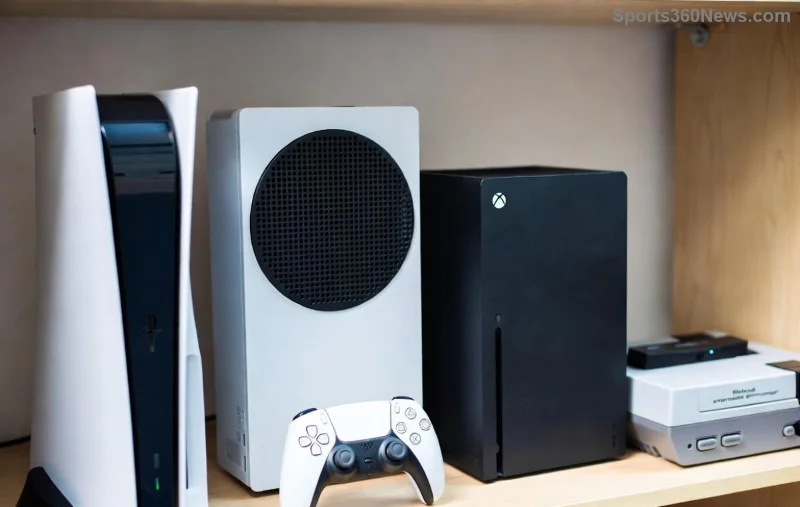
Imagine firing up your PlayStation for an epic gaming session, only to stare at a frustrating "No Signal" message on your TV screen. 😩 It's a common headache for gamers, but don't worry—this guide delivers quick, reliable fixes tailored for PS5, PS4, and older models. We'll walk you through proven steps to restore your signal and dive back into the action. Let's banish that error for good!
🔍 Understanding No Signal Errors on PlayStation TV Setups
The "No Signal" error pops up when your TV can't detect a video feed from your PlayStation. It's often due to simple connection glitches but can stem from hardware mismatches. Recent console updates emphasize HDMI 2.1 compatibility for 4K/120Hz gaming, making cable quality crucial. Stay tuned as we pinpoint causes and crush them one by one.
⚡ Top Causes of No Signal on TV for PlayStation
- 🛑 HDMI Cable Issues: Loose, damaged, or low-quality cables fail to transmit signals properly.
- 📺 Wrong Input Source: TV set to the incorrect HDMI port.
- 🔌 Power Cycle Problems: Consoles or TVs not fully powered off/on.
- ⚙️ Resolution/HDMI Settings Mismatch: PS output exceeds TV capabilities.
- 🔥 Overheating or Port Damage: Rare but possible with heavy use.
Pro Tip: 80% of cases resolve with basic checks—let's start there! 👆
🛠️ Step-by-Step Fixes for No Signal Errors
Follow these in order for the fastest results. Test after each step to confirm your PlayStation signal returns.
- 👉 Verify HDMI Cable Connection
Unplug the HDMI cable from both PlayStation and TV ends. Inspect for bends or fraying. Reconnect firmly—push until it clicks. Use a high-speed HDMI cable (18Gbps+) for modern PS5 gaming.
- 🔄 Switch TV Input Source
Grab your remote: Press Input/Source and cycle to the correct HDMI port (e.g., HDMI 1 where PS is plugged). Many TVs auto-detect, but manual selection often saves the day.
- 🔋 Perform a Full Power Cycle
Turn off PS and TV. Unplug both from the wall for 2 minutes. Plug back in, power on TV first, then PS. This resets handshake protocols.
- 🔀 Try a Different HDMI Port
Your TV has multiple ports—switch to another. PS5 prefers HDMI 2.1 ports for optimal performance.
- ⚙️ Adjust PS Video Output Settings
Boot PS in Safe Mode (hold power button until second beep). Go to Settings > Screen and Video > Video Output. Set to Automatic or match your TV's max resolution (e.g., 1080p if 4K fails).
![Step-by-step HDMI cable check and TV input switch for fixing No Signal on PlayStation]()
📊 Quick Reference: HDMI Cable Types for PlayStation
| Cable Type |
Best For |
PS Compatibility |
Fixes No Signal? |
| Standard HDMI |
1080p Basic |
PS4 |
Sometimes |
| High-Speed HDMI |
4K/60Hz |
PS5/PS4 Pro |
Yes (Recommended) |
| Premium HDMI (2.1) |
4K/120Hz VRR |
PS5 Latest |
Yes + Future-Proof |
Stuck? Test with another cable—borrow one if needed. 🎮
🚀 Advanced Troubleshooting for Stubborn No Signal Issues
If basics fail, level up:
- 🌡️ Check for Overheating: Ensure vents are clear. Place PS vertically with stand.
- 📱 Update Firmware: Connect PS via Ethernet, check for system updates in Settings. Latest patches fix HDMI bugs.
- 🧪 Test on Another TV/Monitor: Isolates if it's TV-specific. Use a PC monitor for quick verification.
- 🔧 Reset HDMI-CEC/ARC: Disable in TV settings (e.g., Anynet+ on Samsung). CEC can interfere.
- 💻 Boot in Safe Mode Full Reset: Option 4 clears video cache without data loss.
For PS5 users, enable Performance Mode in Safe Mode to prioritize stability over resolution.
🛡️ Prevention Tips to Avoid Future No Signal Errors
- ⭐ Use certified HDMI 2.1 cables—avoid cheap generics.
- 💡 Label HDMI ports on your TV setup.
- 🔄 Power cycle monthly as maintenance.
- 📡 Keep PS software updated for HDMI optimizations.
- 🧹 Clean ports gently with compressed air.
These habits keep your PlayStation TV link rock-solid. Ready to game uninterrupted? You've got this! 👏
❓ Still Facing No Signal? Next Steps
If nothing works, it might be hardware. Contact PlayStation Support or check your TV manual. For deeper dives, explore official forums—gamers share real-time fixes there.
Share your success story in comments below! What fixed your No Signal for you? Drop a 👍 if this guide powered up your setup. Game on! 🎮✨
Quick wins backed by official PlayStation guidelines and user-tested methods from latest firmware.