How to Check Real-Time Server Latency in the PUBG HUD

Enable PUBG’s network statistics HUD to monitor ping and packet loss in a match. See where to find it, what the numbers mean, and what they cannot diagnose.
If GTA Online displays the GTA Online Transaction Failed error—“Transaction failed because inventory or price data is invalid”—fully close and relaunch the game first. Rockstar says rebooting refreshes the game catalog; on PC, its purchase-specific guidance also recommends verifying game files and checking whether antivirus or firewall settings interfere. Then check service status and confirm the selected item’s requirements before retrying.
This guide focuses on buying items with in-game GTA$. A failed Shark Card or other real-money payment follows a different route: check the platform store’s order history and don’t submit the payment again while its status is pending. Rockstar says Steam Shark Card cash for GTA V on PC may not arrive immediately and advises waiting at least 24 hours before contacting support; see its Rockstar’s guidance for delayed Steam Shark Card cash for that specific case.
The purchase-specific message refers to invalid inventory or price data and tells players to reboot the game to refresh its catalog. It does not prove that your garage is full, your account is flagged, or Rockstar’s servers are overloaded. Check the exact wording first: an unrelated payment-declined message, connection error, or missing-item problem needs its own support path.
Work through these checks in order. Retry a purchase only after confirming whether the item appeared or your GTA$ balance changed. That prevents confusion if the game accepted a purchase even though the confirmation was delayed.
Open the Rockstar Games Service Status page and inspect GTA Online for the platform you use: PlayStation 5, PlayStation 4, Xbox Series X|S, Xbox One, or PC. If the service is listed as down or under maintenance, wait for it to recover before changing router or console settings. A green status means the broad service is operating; it does not rule out a local connection or account-specific issue.
Exit GTA Online completely through your platform’s game controls, then reopen GTA V and load into Online again. Simply returning to the dashboard or leaving the game suspended may keep the same session and catalog state alive. Rockstar’s exact-error instructions say to reboot the game so it can refresh the catalog. After loading back in, try one purchase once.
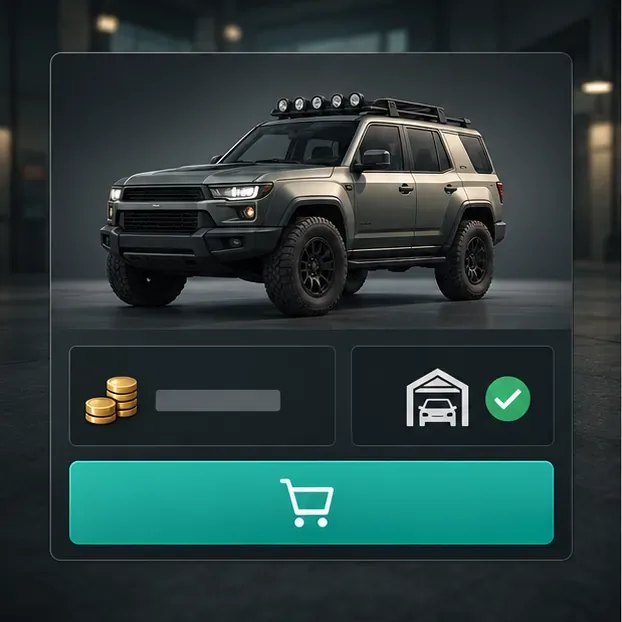
Confirm you are on the intended character and have enough GTA$ for the displayed price. Read any rank, ownership or upgrade requirement shown for that item. For a vehicle or property that asks where to store it, review the available destination and make sure you select the one you want. Requirements vary by purchase, so a full garage is not a universal explanation for every transaction error; follow the specific in-game prompt rather than selling items at random.
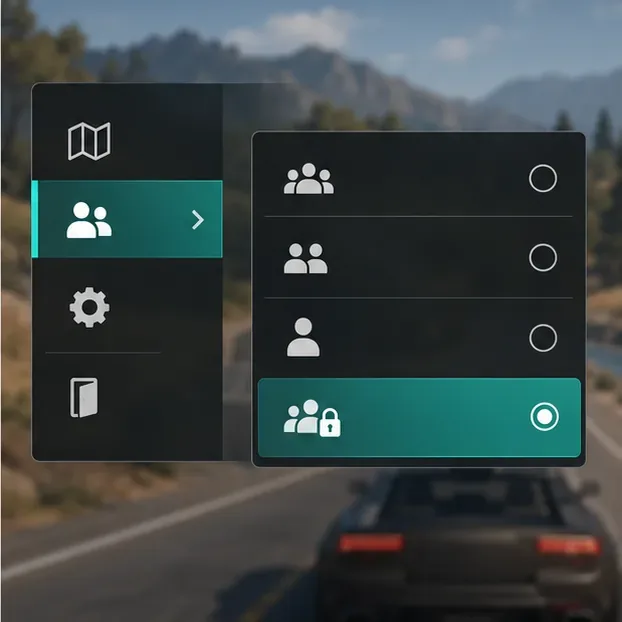
If the catalog still fails, leave the current session and join a new one from the Online menu. An invite-only session is a useful test when that option is available for the activity or purchase. Recheck the service status if the same error appears in multiple sessions; repeating session changes will not repair damaged local game files.
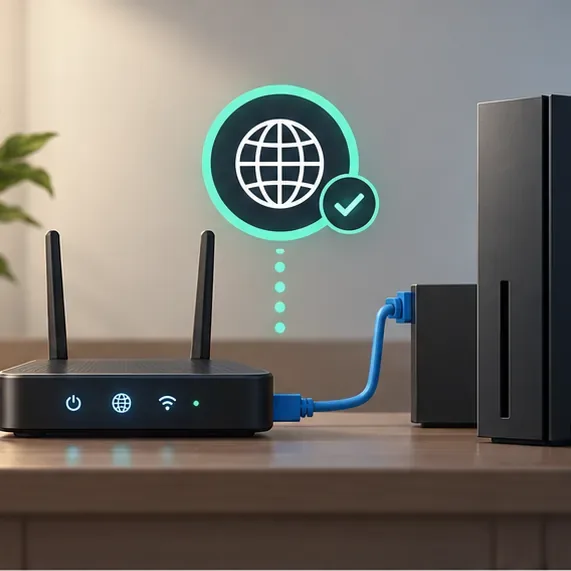
Look for disconnects, failed saves or trouble joining sessions alongside the purchase error. If those appear too, test the connection on your console or PC, try Ethernet if you normally use Wi-Fi, and restart your router. Rockstar’s platform connection guides recommend checking service availability and network setup; they list 7.5 Mbps download, 0.5 Mbps minimum upload and 1 Mbps recommended upload as connection targets. Those figures are connection guidance, not a guaranteed fix for a catalog error. See the Rockstar’s PC connection guide or Rockstar’s PS5 connection guide for platform-specific troubleshooting.
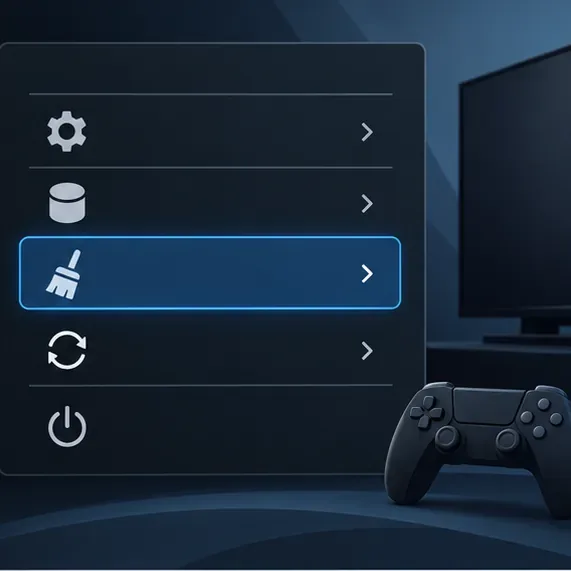
Use this after a full game restart if you play on console. On PS5, turn the console off, hold its power button until the second beep, connect the controller by USB, then choose Clear Cache and Rebuild Database > Clear Cache. On Xbox Series X|S, fully shut down, unplug the power cord for two minutes, reconnect it and start the console. Follow the official instructions for your exact generation: Rockstar’s PS5 cache instructions and Rockstar’s Xbox Series X|S cache instructions. Cache menus differ by model; do not delete saved data while trying to clear temporary files.
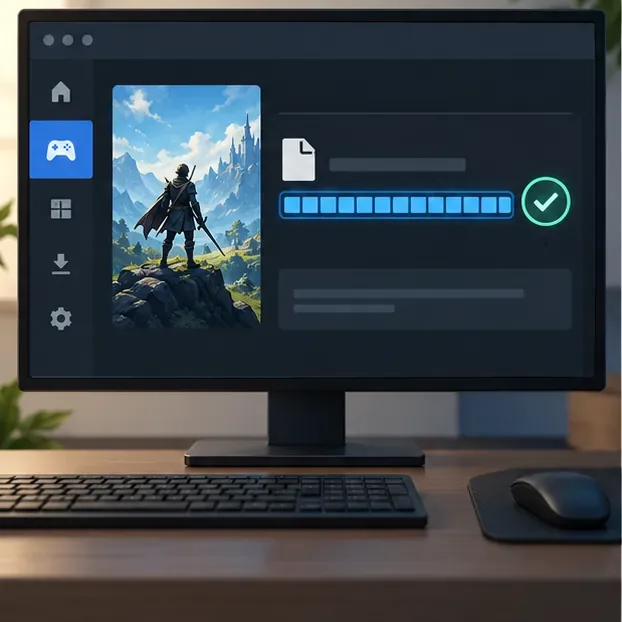
Rockstar specifically recommends file verification for this purchase error. In Rockstar Games Launcher, open Settings, select GTA V under installed games, and choose Verify Integrity. In Epic Games Launcher, open the game’s Library menu, choose Manage, then Verify. In Steam, open GTA V’s Properties, select Installed Files, then choose Verify integrity of game files. Use the official Epic’s file-verification steps or Steam’s Verify Integrity instructions if you need the current launcher steps.
Also check whether security software is blocking the Rockstar Games Launcher or game. Rockstar’s guidance describes a launcher-folder exclusion in Windows Security. Prefer a narrow, trusted-app exception and restore normal protection after testing; do not leave antivirus or firewall protection switched off.
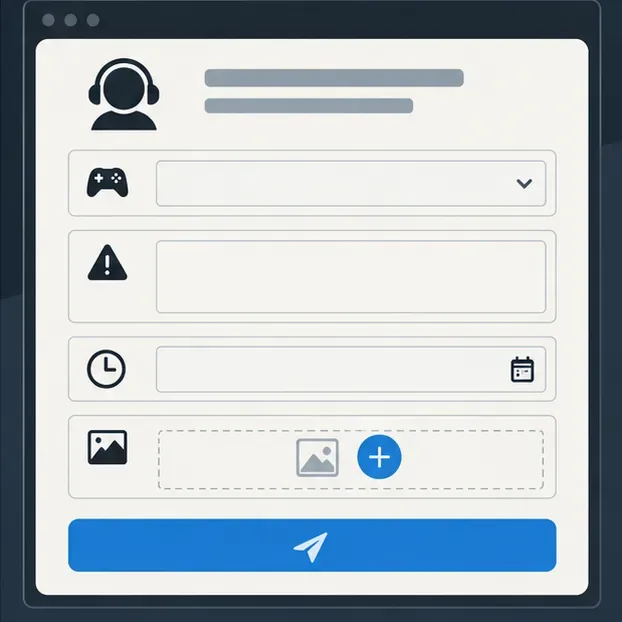
If the message survives a restart, a new session, and the platform-appropriate checks, use the Rockstar’s in-game purchase support form. Include your platform and game version, the exact error text, item name, approximate date and time with timezone, and whether GTA$ was deducted or the item appeared. Attach a screenshot if possible, but never include your password or full payment-card details. If an item was purchased successfully, return to Story Mode through the pause menu before closing the game; Rockstar says this triggers a save. Its Rockstar’s missing-progress guidance explains what details to provide if progress still appears missing.
| What you notice | Start with |
|---|---|
| The exact “inventory or price data is invalid” message | Fully reboot GTA Online; if you are on PC, verify game files. |
| Rockstar status shows an outage for your platform | Wait for service to recover, then relaunch and check once. |
| Only one vehicle, property or upgrade fails | Check the listed price, eligibility requirements and destination prompt. |
| Disconnects or failed saves happen too | Test the network, then follow the connection guide for your platform. |
| A Shark Card or real-money payment is involved | Check the platform order status and use the matching purchase-support route. |
Rockstar says its documented PS5 and Xbox Series X|S cache-clearing steps do not delete saved progress, though they reset brightness and language preferences. Use only the cache option specified for your device. Avoid deleting GTA V save data or cloud storage as a troubleshooting shortcut. For a successful purchase that seems missing, let the game save and then contact support with the item and account details.
Checked October 16, 2026. Rockstar’s purchase-specific error article was last updated May 31, 2024; platform menu labels can change, so consult the linked support instructions for your current system.
Enable PUBG’s network statistics HUD to monitor ping and packet loss in a match. See where to find it, what the numbers mean, and what they cannot diagnose.
Learn how to import VALORANT crosshair codes, compare presets with manual settings and spectator copy, and fix common import issues.
Choose Dota 2 minimap size, hero icons, team colors, and background settings by readability, fewer misclicks, and clear results on your own display.
Fix Fortnite texture pop-in on PC with official steps for GPU drivers, file verification, DirectX 12, high-resolution textures, VRAM, SSDs, and stutter.
Learn what Heroes of the Storm minimap size and position options are verified, improve readability, and choose camera-click controls that suit you.
Set Super Smash Bros. Ultimate Quickplay to prefer hazards-off stages. Follow the Preferred Rules menu steps and learn why matchmaking may not always honor them.
Enable Server Latency and Packet Loss in Warzone to monitor connection quality, read the overlay, and use recurring spikes to guide troubleshooting.
Learn how to carry from mid lane in League of Legends by setting up waves, choosing safe roam windows, reading side lanes, and converting pressure into objectives.
Fix Minecraft Evoker spell problems with a safe vanilla test, version checks, log review, and a step-by-step way to isolate mod or datapack conflicts.
Fix PUBG stuck on Initializing on Steam with a focused checklist for PC service notices, launch options, game files, downloads, and connection issues.








