How to Check Real-Time Server Latency in the PUBG HUD

Enable PUBG’s network statistics HUD to monitor ping and packet loss in a match. See where to find it, what the numbers mean, and what they cannot diagnose.
If League of Legends goes black during loading, start with the checks that cannot damage your setup: look for a Riot service incident, restart the client and PC, then test your connection. If the match window opens but stays black, work through overlays, firewall permissions, graphics drivers, and Riot Client’s repair tool. Reinstall only after the simpler fixes fail.
A black screen is a symptom, not a diagnosis. It can appear while the client hands off to the game, while the game is loading assets, or when the game window fails to render. Riot’s current loading-screen troubleshooting guide addresses connection, background software, firewall, driver, and game-file causes. The steps below combine that guidance with Riot’s separate instructions for launch-time black screens.
Image note: The interface pictures are illustrative examples, not live screenshots. Menu names and layouts can vary by Windows version, graphics card, and Riot Client update. They do not show your current service status or prove that a fix was tested on a particular PC.
| What you see | First check |
|---|---|
| Riot Client will not log in, or several players report the same issue | Check Riot’s service status before changing local settings. |
| The game window opens to black, sometimes with audio | Restart, then test overlays and graphics drivers. |
| The loading screen stops progressing or reconnects repeatedly | Test a wired connection and review firewall permissions. |
| The Riot Client itself is blank or unresponsive | Close and reopen the client, then run its full repair. |
These are troubleshooting clues, not guaranteed diagnoses. If your match has already started, force-closing the game can disconnect you; give it a short chance to recover before ending its process.
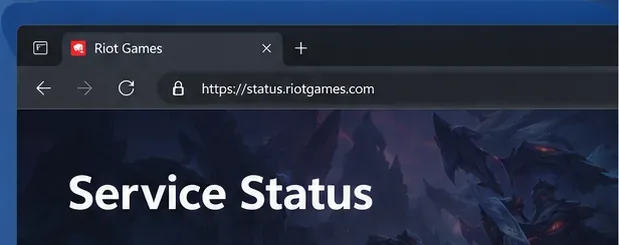
Open Riot Games Service Status, select League of Legends, and choose the region where you play. Look for an active incident affecting login, the game client, or match services. If Riot reports an outage, wait for service to recover and check the status page again; reinstalling the game will not resolve a server-side incident.
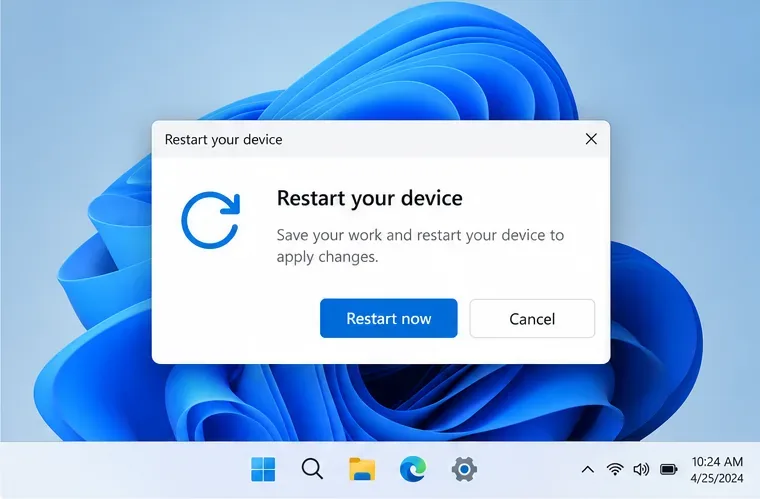
Exit League and the Riot Client from their menus if they still respond. If a window is frozen, open Task Manager with Ctrl + Shift + Esc and end only the unresponsive League game or Riot Client process. Do not stop Windows services or Vanguard components as a general black-screen fix. Restart Windows, open Riot Client again, and test once. A full restart clears temporary processes that can keep the game from opening cleanly.
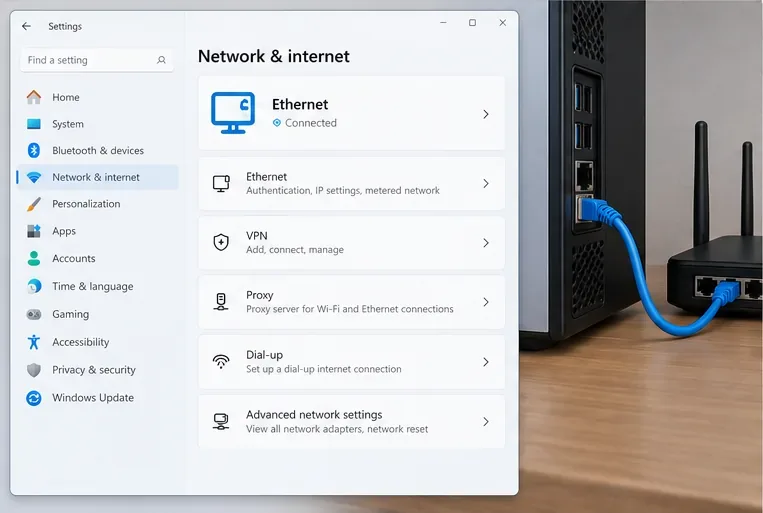
If the loading screen stalls or you hear game audio while the screen does not progress, connect the PC to the router with Ethernet if possible, then try again. If Ethernet is unavailable, move closer to the Wi-Fi access point and pause large downloads, streams, and cloud backups. Temporarily turn off a VPN or proxy for the test; Riot lists VPNs and proxies among connection troubleshooting checks. Restore them afterward if they were not the cause.
Turn off one overlay at a time, fully close its app, and relaunch League. Riot’s overlay guide covers Discord, NVIDIA’s in-game overlay, AMD ReLive, Overwolf, Razer tools, and Xbox Game DVR. For Discord, open User Settings, choose Overlay, and switch off “Enable in-game overlay”; for other apps, follow the current instructions from that app’s maker or Riot’s guide. If the black screen disappears, re-enable overlays one by one to identify the conflict.
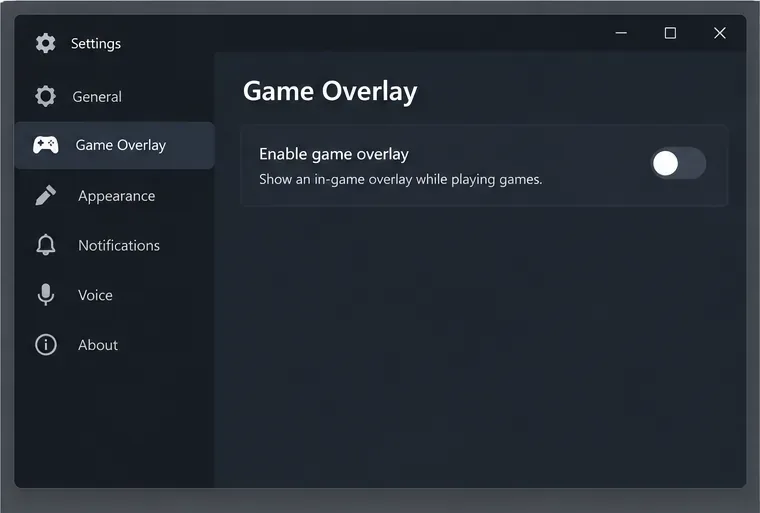
See Riot’s current League of Legends overlay instructions for app-specific menus.
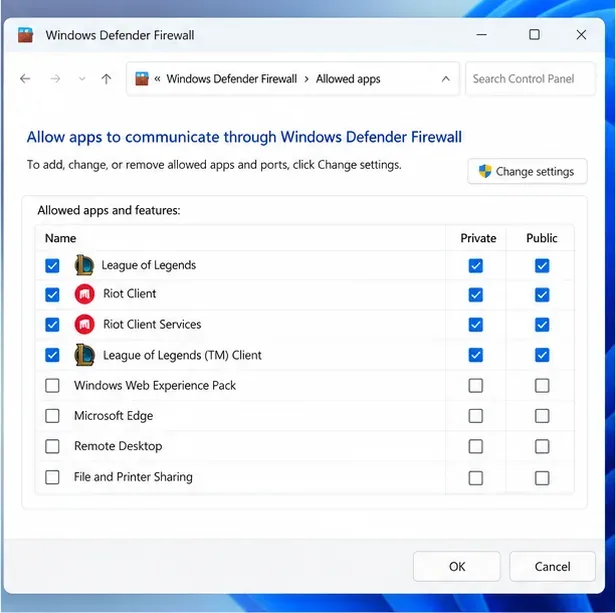
A firewall or security suite can block the client from communicating with Riot’s servers. Update the security software first. If the issue continues, use Riot’s firewall guide to add the required Riot Client, League, and Vanguard executables to its allowed-app list. Installation paths can differ if you chose a custom folder, so use the paths shown in Riot’s guide as a reference.
Do not leave your firewall disabled. If you briefly disable it for a controlled test, turn it back on immediately afterward. On a work or school PC, ask the administrator to review firewall rules instead of changing managed security settings yourself.
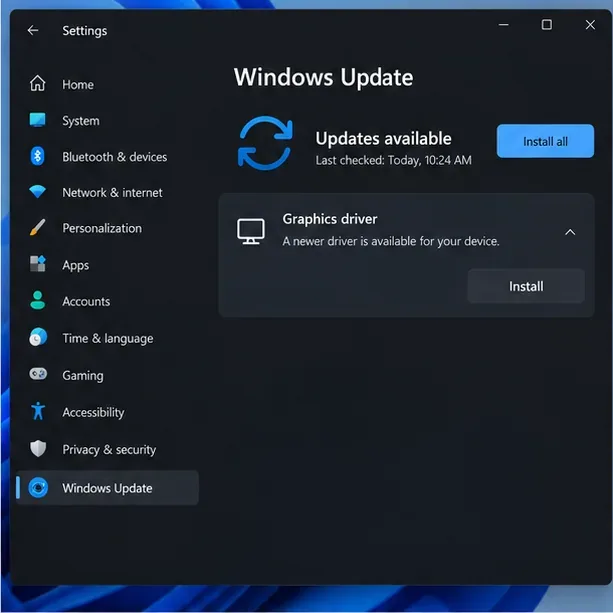
Install a graphics driver from the GPU maker or, for a laptop, from the computer maker if it supplies a customized driver. Riot’s graphics-driver guide explains how to identify the GPU with dxdiag and find updates for NVIDIA, AMD, or Intel hardware. Also install pending Windows updates and restart if requested. Avoid third-party driver download sites and do not use a driver-cleanup utility as the first step.
If your PC is below Riot’s current League of Legends system requirements, a software change may not resolve the rendering problem.
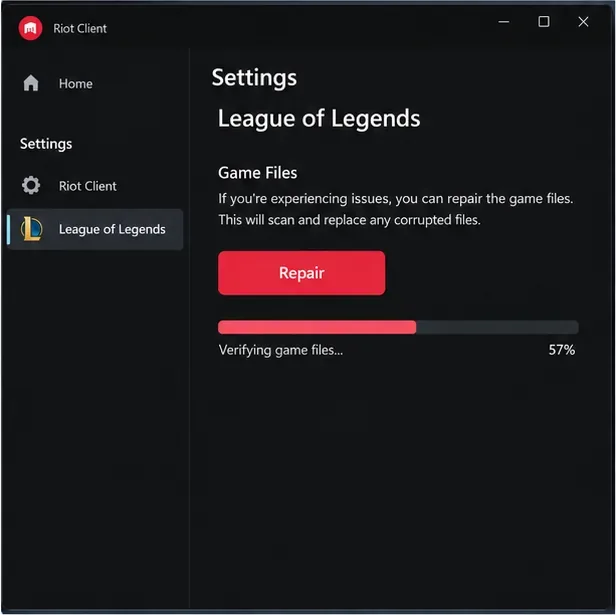
Sign in to Riot Client, click the profile icon, open Settings, choose League of Legends, and select Repair. Follow the prompts and let the scan finish before launching the game. Riot says its full repair tool can replace missing or corrupted files. If the repair button is unavailable or the scan fails, use Riot’s full repair instructions for the latest route.
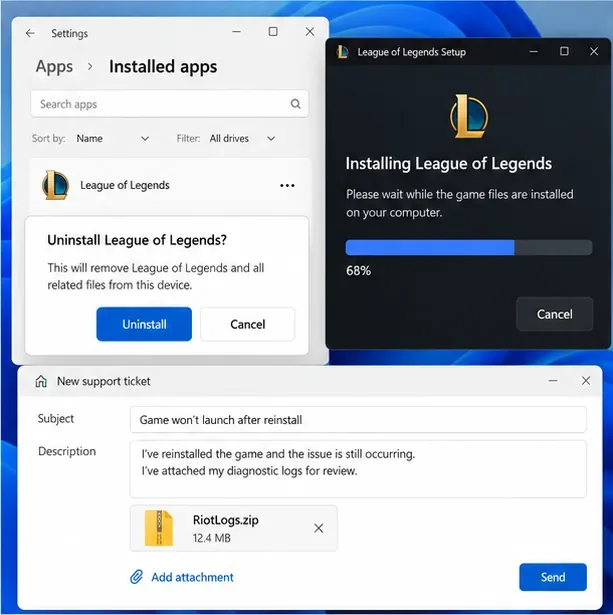
If the game still opens to a black screen after repair, uninstall League from Windows Settings > Apps > Installed apps, close Riot Client first, restart Windows, and install the game again from Riot’s official site. Riot’s uninstall and reinstall guide includes the current steps. A clean reinstall can replace damaged game files, but it is a larger change and is not guaranteed to solve a driver, network, or service issue.
If the reinstall does not help, run the Riot Repair Tool, select League of Legends, and attach the resulting ZIP file to a Player Support ticket. Include when the black screen appears, whether audio continues, your Windows version, graphics-card model, and which steps you tried. Those details help support distinguish a launch failure from a loading or connection issue.
If the steps above fail, Riot also recommends a clean boot to check whether background software is interfering. Follow Riot’s clean-boot instructions: press Windows + R, enter msconfig, open Services, check Hide all Microsoft services, and select Disable All. Riot’s instructions specifically say to find and re-enable vgc before applying the change and restarting. Test League once, then restore normal startup using Microsoft’s clean-boot guide. Skip this test on a managed computer or if you are unsure how to restore startup settings.
The numbered Windows menu paths above do not apply to macOS. Riot’s Mac game-crash guide includes launch-time black screens and recommends checking system requirements, restarting, updating macOS, closing background apps, trying Safe Mode, and reinstalling only if earlier checks fail. For a Mac stuck on a loading screen, use Riot’s platform-specific loading-screen instructions as well.
It can prevent a match from completing its load, although a network fault is only one possible cause. Check Riot’s service status, try Ethernet, and review the official connection guide before resetting network settings.
Not as an early step. Start with Riot Client’s repair. If Riot support recommends a clean uninstall, follow its exact guide and preserve anything you want to keep: Riot notes that the League of Legends folder in Documents contains game replays.
Check the service status, restart the client, update the graphics driver, and run the full repair. If Riot has posted an incident or a patch-specific notice, follow that notice instead of applying unrelated Windows tweaks.
Enable PUBG’s network statistics HUD to monitor ping and packet loss in a match. See where to find it, what the numbers mean, and what they cannot diagnose.
Learn how to import VALORANT crosshair codes, compare presets with manual settings and spectator copy, and fix common import issues.
Choose Dota 2 minimap size, hero icons, team colors, and background settings by readability, fewer misclicks, and clear results on your own display.
Fix Fortnite texture pop-in on PC with official steps for GPU drivers, file verification, DirectX 12, high-resolution textures, VRAM, SSDs, and stutter.
Learn what Heroes of the Storm minimap size and position options are verified, improve readability, and choose camera-click controls that suit you.
Set Super Smash Bros. Ultimate Quickplay to prefer hazards-off stages. Follow the Preferred Rules menu steps and learn why matchmaking may not always honor them.
Enable Server Latency and Packet Loss in Warzone to monitor connection quality, read the overlay, and use recurring spikes to guide troubleshooting.
Learn how to carry from mid lane in League of Legends by setting up waves, choosing safe roam windows, reading side lanes, and converting pressure into objectives.
Fix Minecraft Evoker spell problems with a safe vanilla test, version checks, log review, and a step-by-step way to isolate mod or datapack conflicts.
Fix PUBG stuck on Initializing on Steam with a focused checklist for PC service notices, launch options, game files, downloads, and connection issues.








