How to Mute Opponent Little Legend Taunts in TFT

Mute TFT opponent emotes globally or for one player, learn what the setting affects, and check why some Little Legend animations may remain visible.
Hey, GTA Online hustlers! 😎 Nothing kills the vibe like logging in and slamming into the dreaded "Failed to Fetch Your Profile" error. You're geared up for heists, shark cards, and street races, but Rockstar's servers ghost you. Don't sweat it – this comprehensive guide packs proven fixes for GTA Online "Failed to Fetch Your Profile" that work on PC, PS5, Xbox Series X|S, and even older gens. We'll cut the fluff and dive straight into solutions so you can reclaim your empire in Los Santos ASAP.
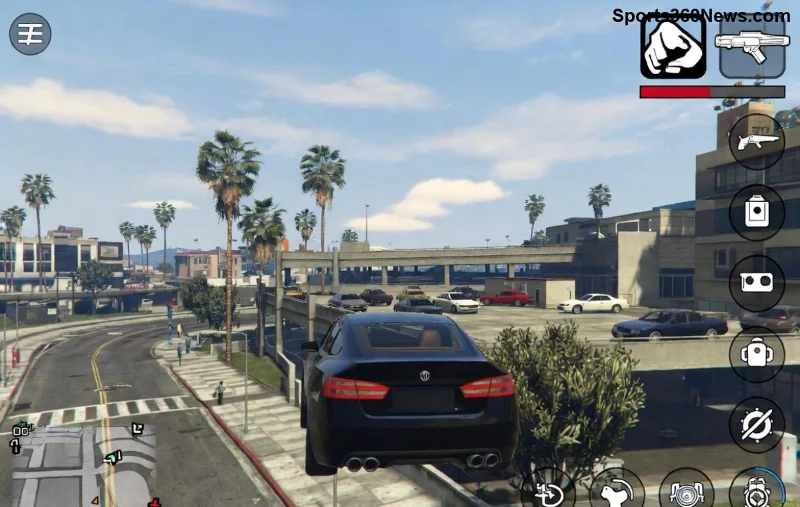
This pesky issue pops up when the game can't pull your player data from Rockstar's servers. Common culprits include:
Pro tip: Before troubleshooting, peek at Rockstar's official status page. If servers are down, grab a snack and wait it out. Otherwise, let's fix this beast!
Start here, gamer. These no-brainer steps resolve most cases in under 5 minutes.
| Step | Platform | How-To |
|---|---|---|
| 1. Restart Everything | All | Close GTA, restart your console/PC/router. Relaunch via Rockstar Launcher/Steam/Epic. |
| 2. Sign Out & In | All | Log out of Rockstar Social Club in-game or launcher, then log back in. |
| 3. Clear Cache | PC/PS/Xbox | PC: Delete Social Club cache folder. PS: Rebuild database. Xbox: Clear persistent storage. |
Did it work? Sweet! If not, power up to advanced mode. 🚀
Network issues are the #1 killer of GTA Online profile fetches. Here's how to bulletproof your setup:
ipconfig /flushdns → Enter.ipconfig /renew.Bonus for console warriors: Enable UPnP in your router or set GTA to DMZ for open NAT. Your squad will thank you! 🎮
Stuck still? Time for the nuclear option: Full reinstall. But hey, cloud saves mean zero progress loss! 💪
For hardcore grinders facing repeat errors:
netsh interface ipv4 set subinterface "Ethernet" mtu=800 store=persistent.Prevention table for eternal uptime:
| Do This ✅ | Avoid This ❌ |
|---|---|
| Use wired Ethernet | WiFi during peak hours |
| Regular cache clears | Multiple accounts logged in |
| Monitor server status | Ignore launcher updates |
If all else fails, hit up Rockstar Support with your diagnostics:
Congrats, legend! You've mastered how to fix GTA Online "Failed to Fetch Your Profile". Now drop into a VIP session, stack that cash, and live your best criminal life. Got a success story or tweak? Share in the comments – let's keep the crew rolling. Safe travels in Los Santos! 🏎️💰
Proven on the freshest updates – play on!
Mute TFT opponent emotes globally or for one player, learn what the setting affects, and check why some Little Legend animations may remain visible.
Customize SCV, Probe, and Drone production hotkeys in StarCraft: Remastered, avoid selection mistakes, and verify your bindings in a practice game.
Compare Halo Infinite enemy outline colors by background, friendly-team contrast, and visual preference, with practical opacity and thickness checks.
Compare Fortnite colorblind modes for Storm visibility, try a moderate strength, and check terrain, silhouettes, and item colors before keeping a preset.
Find a practical Dead by Daylight HUD scale starting point, learn the difference between UI Scale and In-Game HUD Scale, and fine-tune visibility for your screen and role.
Compare cyan, magenta, lime, and orange RGB values for CS2, learn the tradeoffs, and test a crosshair color and outline across varied map backgrounds.
Troubleshoot StarCraft II’s graphics device error on Windows with a beginner-friendly sequence: restart, reset game options, check GPU selection, update drivers, and repair files.
Learn what Target Compensation does in Apex Legends, why On is the best starting point for most controller players, and how to test it safely in the Firing Range.
Set up Apex Legends tap-strafe keybinds with wheel up for forward and wheel down for jump, then check weapon conflicts, timing, and comfort on PC.
Hide the FC Trainer during a match or disable only selected prompts. Learn how to distinguish Trainer arrows from player markers, PlayStyle icons, and input overlays.


