How to Check Real-Time Server Latency in the PUBG HUD

Enable PUBG’s network statistics HUD to monitor ping and packet loss in a match. See where to find it, what the numbers mean, and what they cannot diagnose.
If your GTA Online map is not loading properly, first identify what is actually missing. A blank pause-screen map, absent activity icons, a frozen minimap, and roads or buildings that appear late can have different causes. If the map art appears but icons are missing, check the game’s map-blip options. If map tiles or world textures fail to render, check service status, restart the game, clear the console cache, or verify PC game files. Work through the steps below in order; a full reinstall is a last resort.
Open both the pause-menu map and the radar/minimap. Ask three questions: Is the map artwork blank, are only icons missing, or are roads and buildings in the world loading slowly? Then test Story Mode or another GTA Online session. If the problem appears in every mode, focus on the game installation, display, or console/PC. If it happens only online, check the session and network. If the terrain is visible but activities are not, start with map filters.
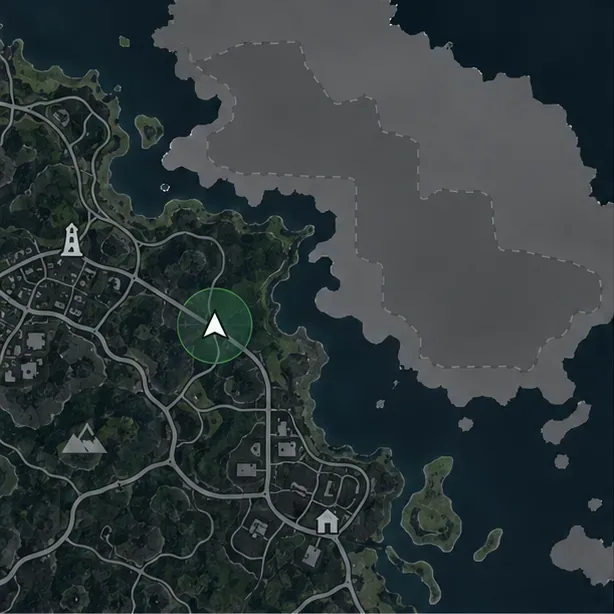
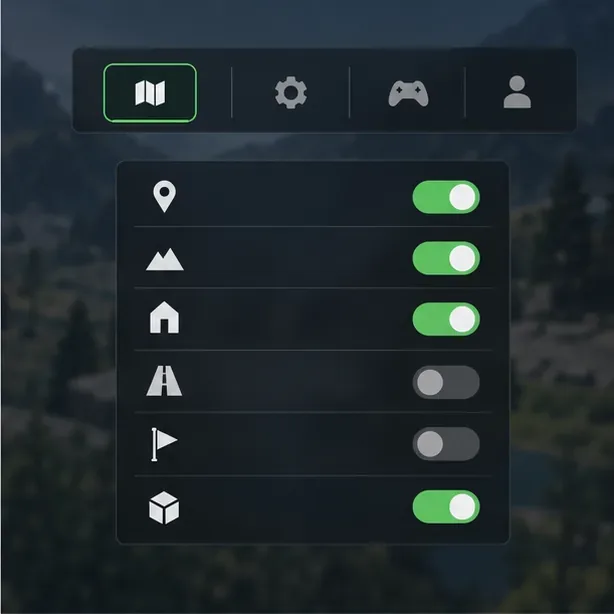
If the map itself draws normally but jobs, activities, or other icons are missing, open the Interaction Menu and review Map Blip Options. Set the relevant category to show, then reopen the map. Rockstar’s current GTAV Title Update 1.73 notes include fixes for specific Interaction Menu map-blip behaviors, including options that could unintentionally hide other blips. This points to a useful check when only icons are affected; it does not mean a completely blank map is a known universal bug. The notes were last updated October 1, 2026.
Visit Rockstar Games Service Status before changing your router or reinstalling anything. The page listed GTA Online services as operational for PC, PlayStation, and Xbox at 7:10 p.m. UTC on October 15, 2026; status can change, so check the live page when you troubleshoot. If there is an outage or maintenance notice, wait for service to recover. If services are up, fully quit GTA V, launch it again, and join a fresh session. This quick check helps separate a game-side service problem from a local display issue.
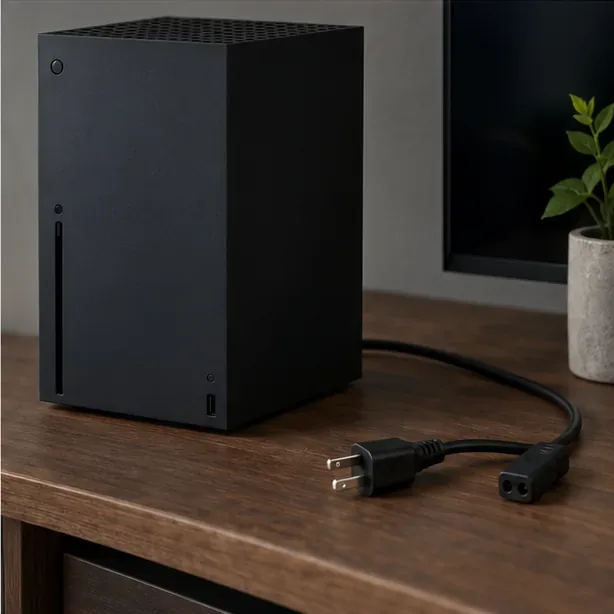
Close the game and power the console fully off; do not leave it suspended in Quick Resume or Rest Mode. For PS5, Rockstar’s support steps use Safe Mode: turn the console off, hold its power button until the second beep, connect the controller by USB, then choose Clear Cache and Rebuild Database > Clear Cache. Choose the cache option only for this check. For Xbox Series X|S, turn the console off, unplug its power cable for two minutes, reconnect it, and turn it back on. PS4 and Xbox One players should use the model-specific cache instructions in Rockstar’s support guides. Cache menus can differ by console software version.
If Story Mode renders correctly but online maps or sessions fail, test the connection. Rockstar’s PC and console connection guides list 7.5 Mbps download, 0.5 Mbps minimum upload, and 1 Mbps recommended upload as connection targets; they also recommend trying Ethernet when Wi-Fi is unstable. Restart the router using its manufacturer’s instructions. If you use a VPN or proxy, disconnect it temporarily as a diagnostic test. Check NAT or port settings only if you also see session, timeout, or connection errors; do not apply a random MTU value or forward ports without a specific reason.
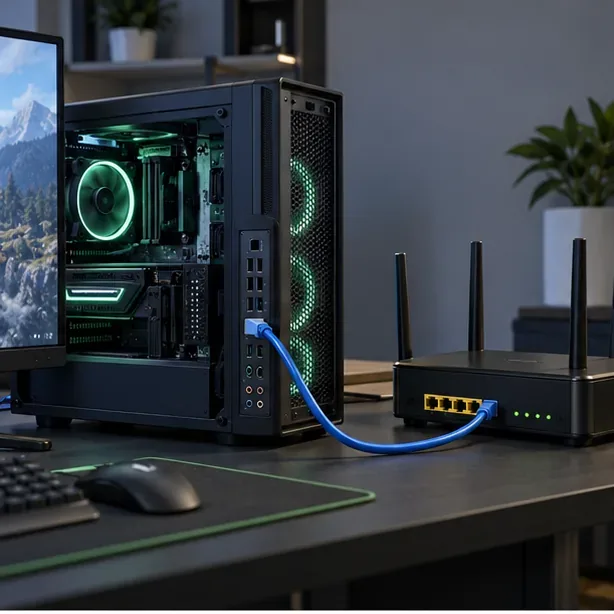
For a blank map, missing textures, or other visual assets that fail in more than one session, verify the installation before reinstalling. In Rockstar Games Launcher, sign in, open Settings, select GTA V under installed games, and choose Verify Integrity. In Steam, open the game’s Properties, select Installed Files, and click Verify integrity of game files. In Epic Games Launcher, open Library, use the game’s three-dot menu, choose Manage, and select Verify. Verification checks and repairs installation files; it does not require deleting your profile folder or saves.
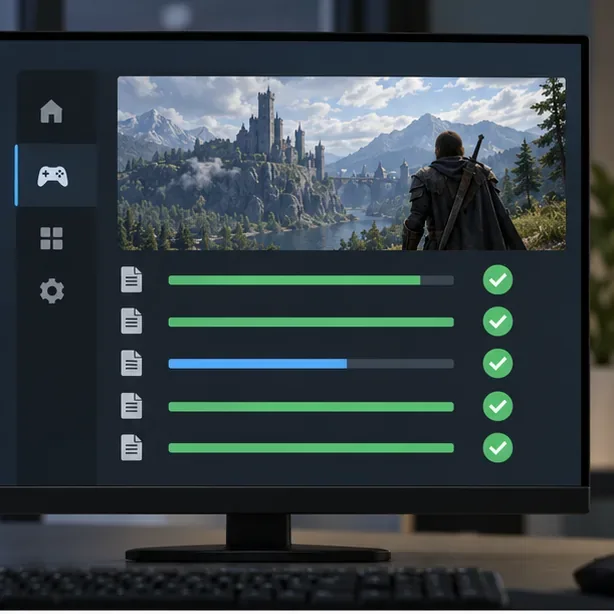
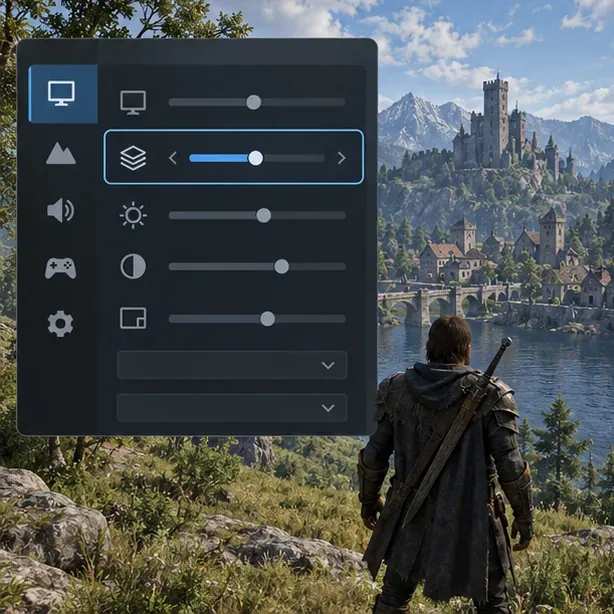
If the map loads but roads, buildings, or textures appear late, test in Story Mode and temporarily lower Texture Quality one step. Close other graphics-heavy applications, confirm the game is fully updated, and install a current driver from your GPU maker if the problem is limited to PC. If changing graphics settings has no effect and other games also show visual faults, investigate the display driver or hardware separately. Do not delete random files from Documents\Rockstar Games: that folder can contain settings, saves, and recordings. Rockstar’s PC requirements note that game updates can change system requirements, so compare your PC against the current requirements for your GTAV edition.
If the same fault remains after a fresh session, cache check, network test, and file verification, submit a request through Rockstar Support. Include your platform and GTAV edition, whether the pause map or only blips are affected, whether Story Mode has the same fault, a screenshot, any error message, and the steps you already tried. Avoid sharing passwords or account recovery codes. A clean install can remove leftover files, but Rockstar warns that some locations contain saves, settings, and Rockstar Editor recordings; back up anything important and follow its platform-specific instructions before uninstalling.
| What you see | Best first check | Next step |
|---|---|---|
| Map art is visible, but icons are missing | Interaction Menu map-blip options | Check Rockstar’s current update notes |
| Online map/session fails, but Story Mode works | Live service status and a fresh session | Test Ethernet, router, and NAT |
| Blank map or missing textures in multiple modes | Restart and verify local game files | Check graphics settings, drivers, and current requirements |
| Only one console or PC has the problem | Clear that device’s cache or verify its files | Send Rockstar Support the exact symptom and screenshot |
Enable PUBG’s network statistics HUD to monitor ping and packet loss in a match. See where to find it, what the numbers mean, and what they cannot diagnose.
Learn how to import VALORANT crosshair codes, compare presets with manual settings and spectator copy, and fix common import issues.
Choose Dota 2 minimap size, hero icons, team colors, and background settings by readability, fewer misclicks, and clear results on your own display.
Fix Fortnite texture pop-in on PC with official steps for GPU drivers, file verification, DirectX 12, high-resolution textures, VRAM, SSDs, and stutter.
Learn what Heroes of the Storm minimap size and position options are verified, improve readability, and choose camera-click controls that suit you.
Set Super Smash Bros. Ultimate Quickplay to prefer hazards-off stages. Follow the Preferred Rules menu steps and learn why matchmaking may not always honor them.
Enable Server Latency and Packet Loss in Warzone to monitor connection quality, read the overlay, and use recurring spikes to guide troubleshooting.
Learn how to carry from mid lane in League of Legends by setting up waves, choosing safe roam windows, reading side lanes, and converting pressure into objectives.
Fix Minecraft Evoker spell problems with a safe vanilla test, version checks, log review, and a step-by-step way to isolate mod or datapack conflicts.
Fix PUBG stuck on Initializing on Steam with a focused checklist for PC service notices, launch options, game files, downloads, and connection issues.








