How to Check Real-Time Server Latency in the PUBG HUD

Enable PUBG’s network statistics HUD to monitor ping and packet loss in a match. See where to find it, what the numbers mean, and what they cannot diagnose.
The fastest dependable way to farm BP in PUBG Mobile is to collect rewards that explicitly list BP in the live Missions or Events screens, then complete those objectives during matches you would play anyway. Finish matches, claim the rewards, and compare your balance over time. There is no trustworthy universal promise of “50 BP per top-10 finish” or a fixed BP-per-hour rate: reward menus and events change, and the game does not publish one permanent payout table for every mode.
One distinction matters before you grind: BP (Battle Points) is an in-game currency. It does not promote your tier or move you up a Ranked leaderboard. Ranked progress uses its own season rating. The most efficient plan is to farm currency and climb rank as two separate goals.

Your BP balance is the currency total shown in your account. Ranked tiers are calculated separately from your Ranked results. PUBG MOBILE’s Help Center lists the tier order and explains that Ace and higher use a point-based system; it also says TPP and FPP, and Solo, Duo, and Squad, maintain separate tiers. So a BP reward—even a large event reward—does not add points to your competitive standing. Check the official season tiers and ranking rules when your goal is a leaderboard position.
Keep the labels straight when reviewing rewards: BP is account currency; Ranked points determine your tier; and Royale Pass progress is a separate track. A reward card may contain more than one kind of item, so read the icon and amount rather than assuming every point-like symbol is BP.
| Route | Why it can save time | What to check |
|---|---|---|
| Event rewards that name BP | A direct reward can be collected without relying on a match payout estimate. | Confirm the reward is BP, its claim requirement, and its expiration. |
| Daily or weekly missions | You can progress a mission while completing a normal match. | Prioritize tasks that explicitly award BP or lead to a BP reward. |
| Completed matches | Match play is the repeatable baseline for earning in-game rewards. | Review the result and your balance; do not assume every mode pays the same. |
| BP exchange with friends | A small social feature can add synergy with a friend. | It is capped and is not a scalable BP-farming method. |
Open the in-game Events area and look for a reward written as BP. Some event tracks reward other currencies, coupons, or cosmetics instead; those may be useful, but they are not BP. If an event requires a login, a set number of matches, or a particular mode, note the deadline and claim window before you start. The official PUBG MOBILE Events page and news and update announcements are useful checks, while the in-game screen is the final word for your server and account.
For speed, choose an event with a clear BP reward and a requirement you can finish naturally. Do not spend a long session chasing an event token if your actual target is BP and the token cannot be exchanged for it.
Before entering a queue, scan daily and weekly missions for overlapping objectives. If two tasks can be completed in the same match, make that match do double duty. Select a mode only when the mission allows it; a “play a match” task and a mode-specific objective are not interchangeable. Claim each completed reward from its menu if the game requires a separate claim.
Build your route around the objective, not a made-up kill quota. If a mission asks for survival, play patiently and rotate early. If it asks for a specific action, take the safest realistic opportunity to complete it. A hot drop can end a run before you finish anything, so use one only when the task or your own practice goal justifies the risk.
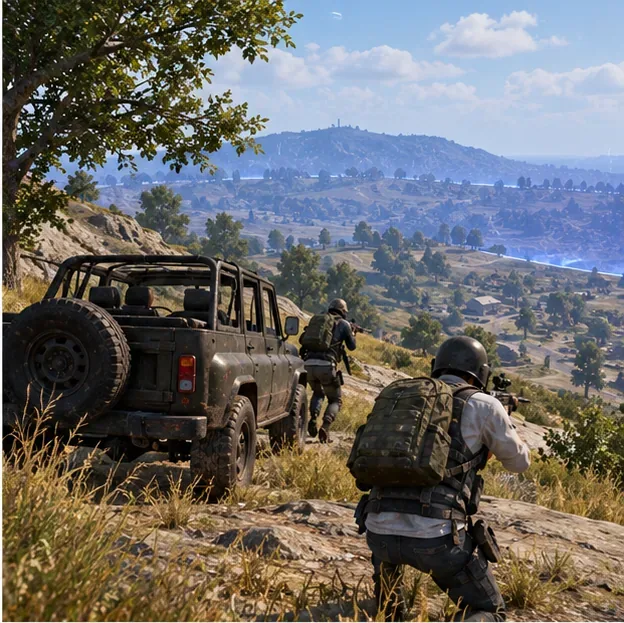
Play through to the result screen when practical, then check the BP change. This gives you a real comparison for your current build, server, account, and selected mode. The old claims that a particular placement always gives a fixed amount, or that Ranked automatically pays more than Classic, are not reliable enough to plan around. Match outcomes and current reward systems can vary.
Survival, clean rotations, and a coordinated squad are useful because they help you complete objectives and reach the match result without wasting a queue. They are not a guaranteed BP multiplier. If a teammate is down, revive only when the position is safe; preserving a squad member can keep the group in the match, but it should not be treated as a hidden currency bonus.
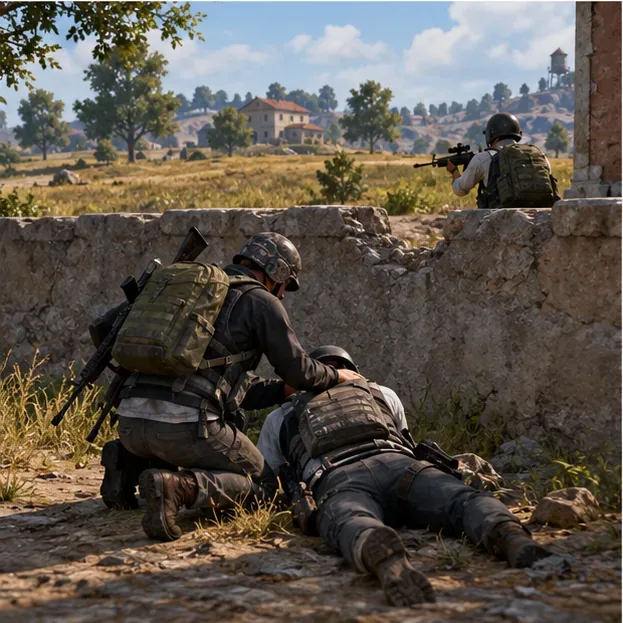
PUBG MOBILE’s Help Center says sending or receiving BP increases synergy by 2 and lists a daily limit of 35 BP that you can send to a friend. That makes the feature useful for social progression, not a high-volume farming route. Do not spend time trying to turn a capped exchange into a match-reward strategy. See the current official Synergy FAQ for its terms.
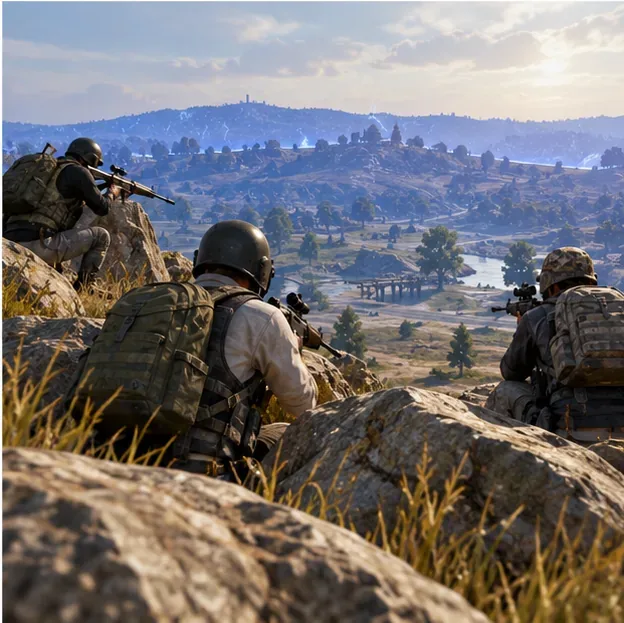
Reward rates are easiest to compare with your own recent results. Record your BP before a session, play a fixed amount of time, claim any mission or event rewards, and record the new balance. For a broad session rate, use (ending BP − starting BP) ÷ minutes played × 60. If you want to compare match queues, keep direct event rewards separate from match rewards and compare several completed matches in each mode. That avoids giving a quick event payout credit to the wrong queue.
Do not treat one unusually good match as the normal rate. Repeat the comparison on another day, because the live event list and your available missions may be different. The best queue is the one that gives you the strongest real BP gain for your time while still being enjoyable and sustainable.
No. BP is an account currency. Ranked tiers use separate season points and are tracked independently by mode and perspective.
There is no official universal ranking of modes by BP per hour. Check your own match results and prioritize any current mission that explicitly awards BP.
There is no permanent public amount that applies to every match. Use the current result screen and account balance rather than relying on old estimates.
In short: the quickest reliable BP routine is to claim direct BP rewards, stack them with missions you can complete in normal matches, and track your actual results. For leaderboard progress, focus on Ranked performance and season points separately.
Enable PUBG’s network statistics HUD to monitor ping and packet loss in a match. See where to find it, what the numbers mean, and what they cannot diagnose.
Learn how to import VALORANT crosshair codes, compare presets with manual settings and spectator copy, and fix common import issues.
Choose Dota 2 minimap size, hero icons, team colors, and background settings by readability, fewer misclicks, and clear results on your own display.
Fix Fortnite texture pop-in on PC with official steps for GPU drivers, file verification, DirectX 12, high-resolution textures, VRAM, SSDs, and stutter.
Learn what Heroes of the Storm minimap size and position options are verified, improve readability, and choose camera-click controls that suit you.
Set Super Smash Bros. Ultimate Quickplay to prefer hazards-off stages. Follow the Preferred Rules menu steps and learn why matchmaking may not always honor them.
Enable Server Latency and Packet Loss in Warzone to monitor connection quality, read the overlay, and use recurring spikes to guide troubleshooting.
Learn how to carry from mid lane in League of Legends by setting up waves, choosing safe roam windows, reading side lanes, and converting pressure into objectives.
Fix Minecraft Evoker spell problems with a safe vanilla test, version checks, log review, and a step-by-step way to isolate mod or datapack conflicts.
Fix PUBG stuck on Initializing on Steam with a focused checklist for PC service notices, launch options, game files, downloads, and connection issues.








