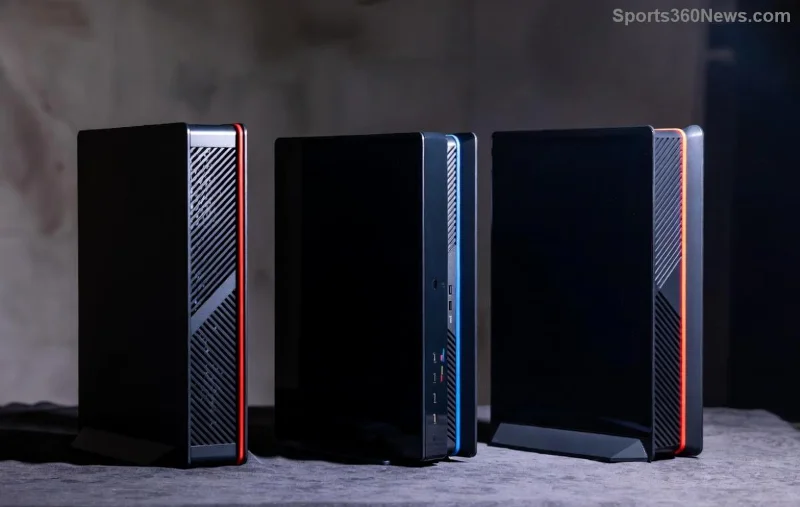
Imagine diving into an epic PS5 gaming marathon, only for your console to throttle, shut down, or worse—suffer permanent damage from PS5 overheating. As a fellow gamer, I know that frustration all too well. But here's the good news: preventing PS5 overheating is simpler than you think with these actionable, battle-tested strategies. We'll cover everything from smart placement to pro accessories, ensuring your PlayStation 5 stays frosty and your games run buttery smooth. Ready to banish heat demons? Let's dive in! 👇
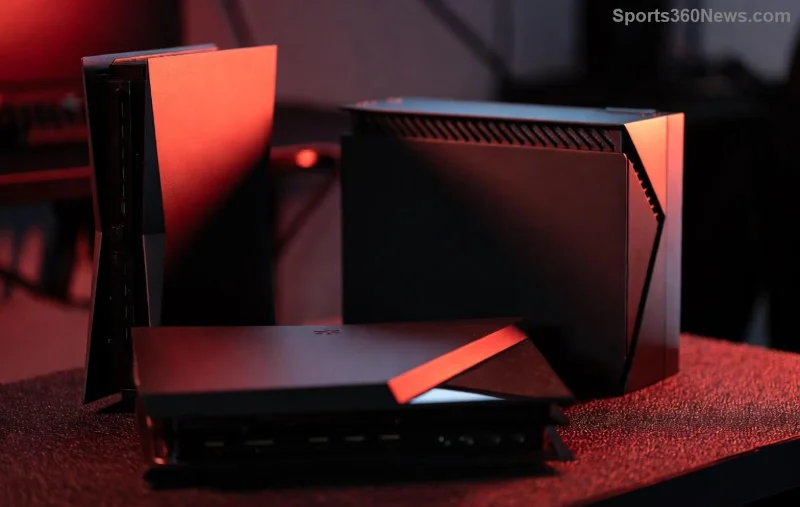
Why Does Your PS5 Overheat? Quick Reality Check
Before fixes, understand the enemy. PS5 overheating happens due to poor airflow, dust buildup, high room temps, or marathon sessions without breaks. Sony's sleek design is powerful, but it needs breathing room—vents get clogged, fans spin harder, and temps skyrocket above 80°C. Don't worry; these PlayStation 5 cooling tips will drop your temps by 10-20°C effortlessly.
1️⃣ Master PS5 Placement: The #1 Rule for Perfect Airflow
Position is everything! Place your PS5 upright (Sony recommends this for max cooling) on a flat, open surface. Keep at least 4 inches clearance around all sides—especially front, top, and back vents. Avoid enclosed cabinets, carpets, or direct sunlight. Pro tip: Elevate it on a mesh stand for 360° airflow. Gamers report instant temp drops!
- ✅ Upright orientation: Best for heat dissipation.
- ❌ Horizontal in tight spaces: Traps hot air.
- 🌡️ Ideal room temp: 10-30°C (50-86°F).
2️⃣ Dust Demons Beware: How to Clean Your PS5 Like a Pro
Dust is the silent killer of PS5 overheating. Every 3-6 months, power off, unplug, and use compressed air (canned air from Amazon) to blast vents. Never vacuum—static shock risk! For deep cleans, remove side panels (check Sony's guide) and gently wipe fans. Result? Fans quieter, temps lower, lifespan longer. 😎
Bonus: Set a calendar reminder—your future self will thank you.
3️⃣ Upgrade to a Cooling Stand: Must-Have for Heavy Gamers
Invest in a PS5 cooling stand with built-in fans. Top picks like OIVO or Nezapox feature USB-powered turbofans that suck cool air and exhaust hot air. They add vertical storage too! Expect 15% cooler operation during 4K ray-tracing marathons. Here's a quick comparison:
| Stand Model |
Fans |
Price Range |
Temp Drop |
| OIVO PS5 Stand |
5 RGB Fans |
$30-40 |
15-20°C |
| Nezapox Vertical |
3 High-Speed |
$25-35 |
10-15°C |
| Official Sony |
None (Passive) |
$30 |
5-10°C |
![PS5 cooling stand in action]()
4️⃣ Tweak PS5 Settings for Smarter Cooling
Head to Settings > System > Power Saving. Enable "Auto Power Off" after idle time and set fan curves via third-party apps if jailbroken (but stick to official for safety). Limit Performance Mode to essentials—switch to Resolution Mode for lighter loads. Update firmware regularly for optimized thermal management. Sony's latest patches refine this beautifully.
5️⃣ Monitor Temps: Stay One Step Ahead
Use free tools like Sony's temp guidelines or apps like PS5 Temp Monitor (via browser). Aim for under 70°C during play. Red flags: Loud fans, graphical glitches, or sudden shutdowns—act fast!
6️⃣ Room Hacks: Cool Your Gaming Den
Blast AC, use a desk fan pointed at vents, or add silica gel packs nearby. Avoid blankets or pillows—common gamer mistake! For LAN parties, a portable AC unit is gold.
7️⃣ External Fans & Mods: Advanced Cooling Arsenal
Clip-on fans or Noctua mods for enthusiasts. But DIY? Risky—voids warranty. Stick to plug-and-play for peace of mind.
8️⃣ Game Smart: Prevent Overheating During Sessions
Take 10-min breaks hourly. Pause demanding titles like God of War Ragnarök. Undervolt via safe tweaks if you're tech-savvy (research thoroughly).
9️⃣ Humidity & Environment Control
Keep humidity 40-60%. Dehumidifiers prevent condensation on internals. Pro gamers swear by this in humid climates.
![Clean PS5 vents for better airflow]()
🔧 Quick Checklist: Your PS5 Overheating Prevention Routine
| Task |
Frequency |
👍 Impact |
| Check Placement |
Daily |
High |
| Dust Clean |
Monthly |
Very High |
| Monitor Temps |
Per Session |
Medium |
| Update Software |
As Released |
High |
Final Boss: What If It's Still Overheating?
If tips fail, it might be hardware. Contact Sony Support or visit an authorized center. Early RMA saves your rig! Armed with these PS5 overheating fixes, you'll game worry-free. Share your wins in comments—did these drop your temps? Drop a 👍 if this saved your setup!
Game on, stay cool! 🎮❄️