How to Check Real-Time Server Latency in the PUBG HUD

Enable PUBG’s network statistics HUD to monitor ping and packet loss in a match. See where to find it, what the numbers mean, and what they cannot diagnose.
If PUBG MOBILE stops at a “Virtual Machine” warning, first make sure you are opening the official game on your phone’s regular Android profile. Update the game and Android, remove a virtual-space or app-cloning tool only if you actually use one, then clear the game’s cache. If the warning remains, reinstall only from the official store for your region or contact PUBG MOBILE Player Support with the exact error and device details.
There is no verified fix that guarantees an account can never be banned. Avoid modified clients, emulator-detection bypasses, root-hiding modules, and advice promising a ban-proof workaround. The steps below focus on restoring a normal, supported app environment without concealing what your device is running.
Image note: The four Android and support screens below are interface illustrations, not screenshots from a tested phone. Android menu names, game-store listings, and support fields can vary by device, region, and app version.
The warning means the game is not accepting its current runtime environment. PUBG MOBILE’s public support pages do not publish a definitive trigger list or a guaranteed fix for this exact Android message. A virtual Android container or a cloned game instance is a reasonable first thing to check if you use one, but the message alone does not prove that your account cheated or has been banned.
Be careful with claims that USB debugging or Developer Options always cause this message. The official material linked below does not identify those settings as a universal cause, so turning off random Android controls is not a reliable diagnosis.
PUBG MOBILE’s notice dated November 14, 2019 describes a different behavior: using an emulator-detection hack or unauthorized cracked client to bypass matchmaking. It says detected accounts could receive a one-to-ten-year ban. That warning concerns deliberate matchmaking bypass; it does not say that simply seeing a virtual-machine error is itself a ban.
Close the game completely, restart the phone, and check for updates. Install PUBG MOBILE from the official app store or publisher channel that serves your region; check that the publisher and app listing are the expected ones. Avoid APK mirrors, repackaged installers, and mixing separate regional editions. Then check Android’s system update page and install any update offered for your device.
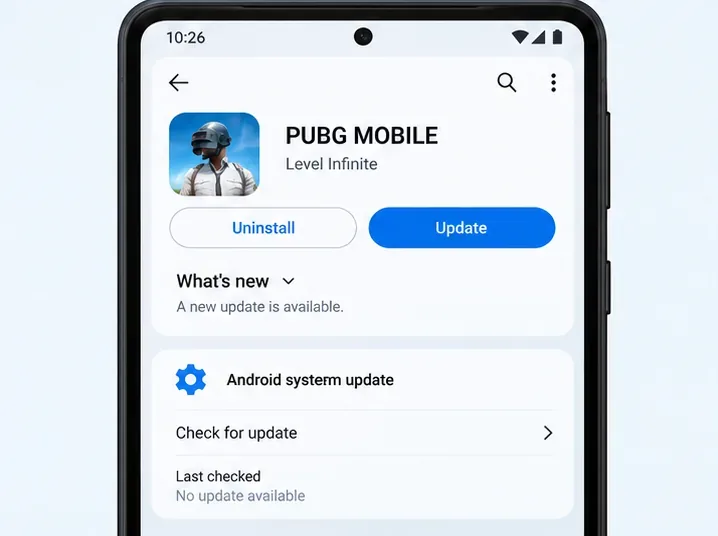
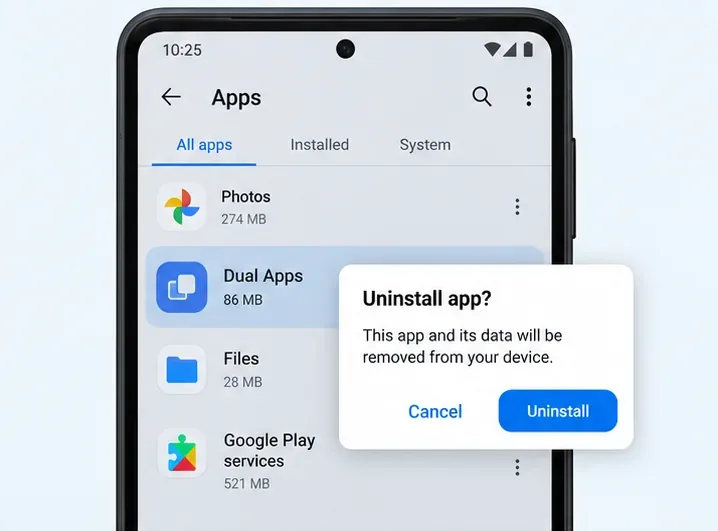
If you installed a virtual Android environment, app-cloning utility, or parallel-app tool, exit it and open the regular PUBG MOBILE installation on the phone’s main profile. If you no longer need a third-party utility, remove it through Settings > Apps, then restart. Do not force-remove system packages or disable a managed work profile just to test the game.
Some manufacturers build app cloning into Android settings rather than installing a removable app. If your phone has that feature, use the normal, non-cloned game instance when available. If it is a required work-managed setup or you cannot tell whether a component is part of the system, ask the phone maker or PUBG support before changing it. Removing a virtual app is a troubleshooting check, not a guaranteed fix.
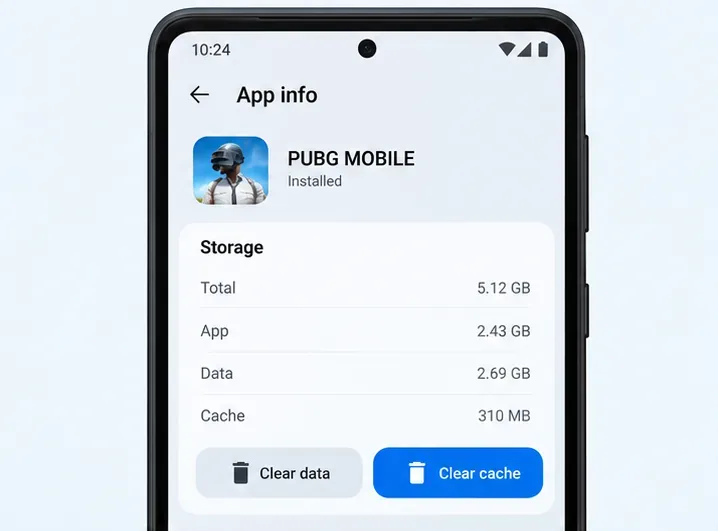
Temporary game files can become stale after an update. On many Android phones, open Settings > Apps > PUBG MOBILE > Storage and choose Clear cache. The exact menu labels may differ. Restart the game and check whether the warning is gone.
Start with cache, not Clear storage or Clear data. Google explains that clearing cache removes temporary data, while clearing storage permanently removes app data. If you still have the error, first confirm that your game account is linked and that you know the correct sign-in method. Then uninstall and reinstall the official game version. Local settings and downloaded resources may need to be restored or downloaded again.
Do not factory-reset the phone just for this warning. A reset erases device data and the public PUBG guidance linked here does not present it as a standard fix for this particular message.
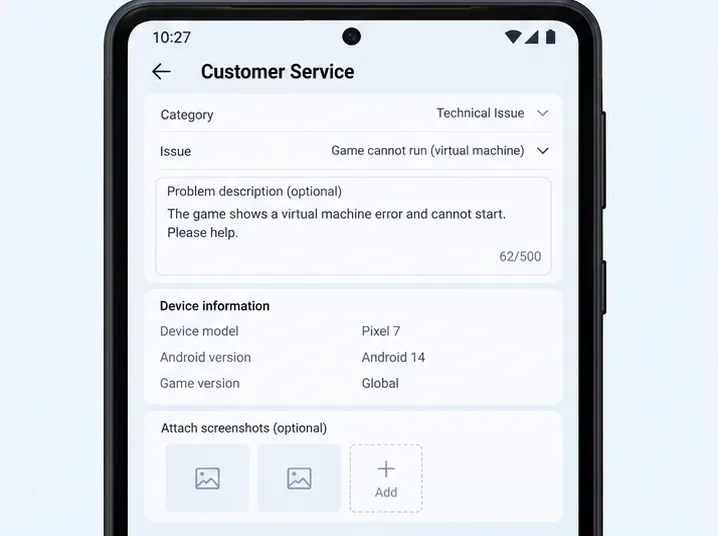
If the message persists on a standard, updated installation, stop cycling through speculative fixes and report it. PUBG MOBILE’s support information points players to the in-game Customer Service option in Settings. Include:
Send that information only through the official support channel. Never include your password, one-time verification code, or recovery codes. If the message is actually an account penalty notice rather than a virtual-machine warning, choose the account-ban or penalty issue in Player Support and request a review there.
A rooted phone, unlocked bootloader, or custom Android build can have compatibility consequences, but that does not establish the cause of PUBG MOBILE’s specific warning. Google’s Play Protect certification guidance treats device certification separately from Play Protect’s malware scanning and notes that rooted or modified builds may fail certification checks. You can check certification in Google Play under Profile > Settings > About.
Do not use Magisk Hide, deny-list tricks, device spoofers, or modified game files to make the warning disappear. Those methods conceal or alter the environment instead of fixing it, and they can create additional account and security risk. If you need the phone’s original software restored, follow the manufacturer’s instructions or get qualified support; back up important data before making system-level changes.
| What you see | Safe next step | What to avoid |
|---|---|---|
| Error only when using a virtual-phone or cloned instance | Launch the official game in the normal phone profile; remove an unused third-party clone tool if appropriate. | Trying to hide the virtual environment from the game. |
| Error after a game or Android update | Restart, install pending official updates, then clear PUBG MOBILE’s cache. | Installing an older or modified APK from a mirror. |
| Error continues on a standard installation | Verify account linking, reinstall the official regional version if needed, and contact Player Support. | Clearing all app data before confirming sign-in access, or factory-resetting without guidance. |
| Phone uses root or a custom Android build | Check Play Protect certification and ask the device maker or game support for guidance. | Root-hiding modules, spoofers, or anti-detection tools. |
Cache clearing removes temporary files; it is different from clearing storage or data. Still, confirm that your account is linked and that you can sign in before reinstalling or clearing app storage. A reinstall can remove local settings and downloaded resources.
There is no official confirmation in the cited PUBG MOBILE guidance that either setting is a universal trigger for this error. If support asks you to change a setting, follow its instructions; otherwise, prioritize the checks above and avoid changing unrelated security controls.
No. A legitimate installation and standard Android troubleshooting reduce avoidable problems, but no guide can guarantee how account enforcement will work. Do not use cracked clients or tools designed to bypass emulator detection.
Enable PUBG’s network statistics HUD to monitor ping and packet loss in a match. See where to find it, what the numbers mean, and what they cannot diagnose.
Learn how to import VALORANT crosshair codes, compare presets with manual settings and spectator copy, and fix common import issues.
Choose Dota 2 minimap size, hero icons, team colors, and background settings by readability, fewer misclicks, and clear results on your own display.
Fix Fortnite texture pop-in on PC with official steps for GPU drivers, file verification, DirectX 12, high-resolution textures, VRAM, SSDs, and stutter.
Learn what Heroes of the Storm minimap size and position options are verified, improve readability, and choose camera-click controls that suit you.
Set Super Smash Bros. Ultimate Quickplay to prefer hazards-off stages. Follow the Preferred Rules menu steps and learn why matchmaking may not always honor them.
Enable Server Latency and Packet Loss in Warzone to monitor connection quality, read the overlay, and use recurring spikes to guide troubleshooting.
Learn how to carry from mid lane in League of Legends by setting up waves, choosing safe roam windows, reading side lanes, and converting pressure into objectives.
Fix Minecraft Evoker spell problems with a safe vanilla test, version checks, log review, and a step-by-step way to isolate mod or datapack conflicts.
Fix PUBG stuck on Initializing on Steam with a focused checklist for PC service notices, launch options, game files, downloads, and connection issues.








