How to Import Custom Crosshair Codes in VALORANT: Steps, Options, and Fixes

Learn how to import VALORANT crosshair codes, compare presets with manual settings and spectator copy, and fix common import issues.
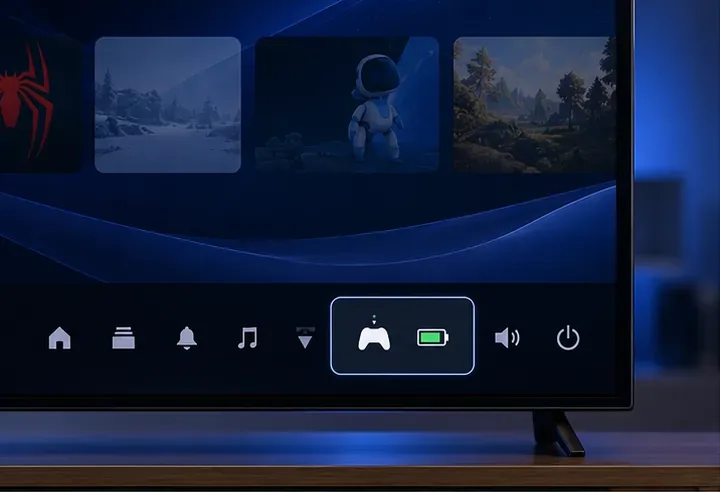
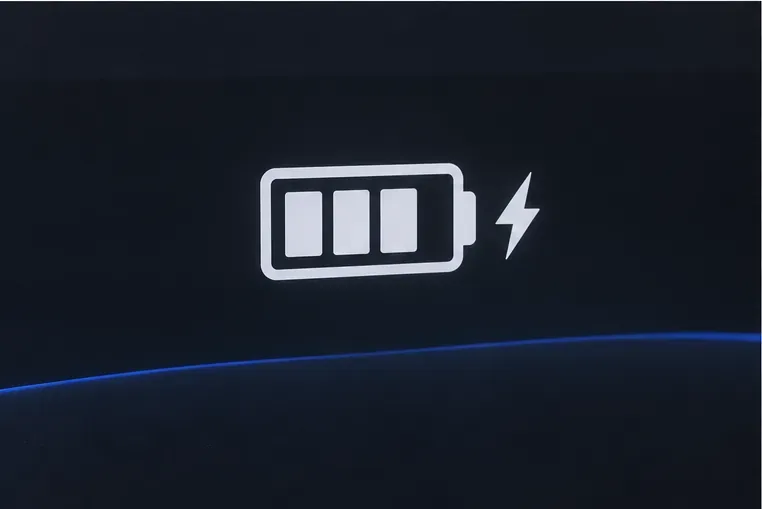
To check a PS5 controller battery level, press the PS button, open Accessories in the Control Center, and look at the DualSense battery icon. PlayStation shows the charge as bars rather than a guaranteed numeric percentage. A lightning-bolt animation means the controller is charging; three bars indicate a full charge.
This is the most dependable check because the PS5 reads the controller directly. Windows, Steam, iPhone, and Android may show a battery icon in some setups, but those displays depend on the operating system and software. If another screen gives no reading, return to the PS5 Control Center.
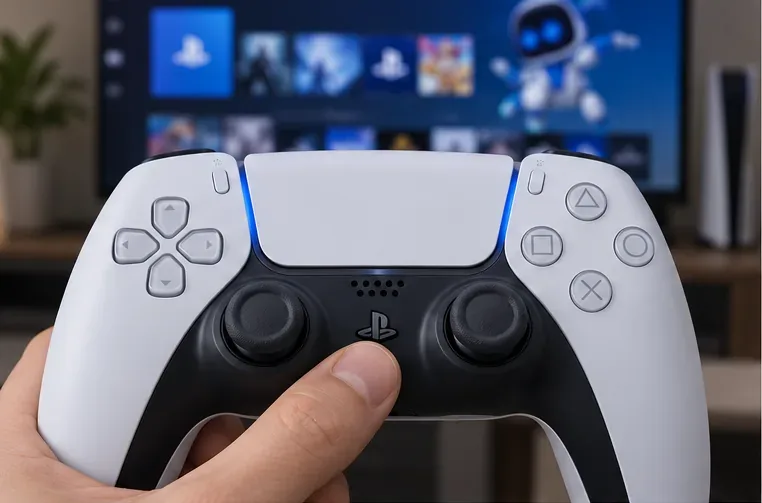
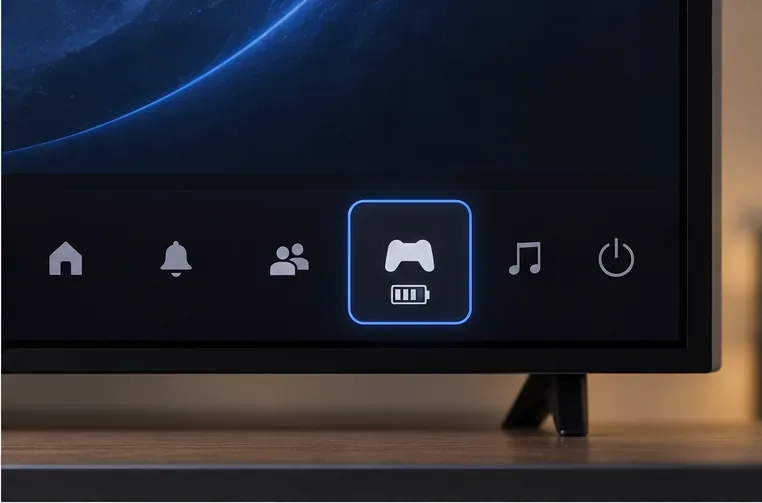
The Control Center can open over a game, so you can check without closing the app. The battery indicator is a useful range, not a promise of an exact value such as 73%. Sony's current DualSense support guide documents the Control Center route, the charging animation, and the three-bar full-charge indicator.
| What you see | What it tells you | What to do |
|---|---|---|
| Three bars, no animation | The controller is fully charged. | Continue playing wirelessly. |
| One or two bars | Charge remains, but the icon does not give an exact percentage. | Plan a break to recharge if your session will be long. |
| Animated icon with a lightning bolt | The PS5 detects that the controller is charging. | Keep it connected until the charge is sufficient. |
| No controller or no battery icon | The console may not be showing the controller you meant to check. | Press PS again, confirm the controller is paired to this PS5, and reopen Accessories. |
A phone can be a convenient secondary check, but it is not universal. Sony supports DualSense connections to compatible iOS and Android devices, while each phone's operating system decides whether it exposes a connected controller's battery status.
If the DualSense is paired, open the Batteries widget on the Home Screen or Today View. If the controller appears as a connected accessory, use the value or icon shown there. If it does not appear, iOS is not providing a reading in that setup.
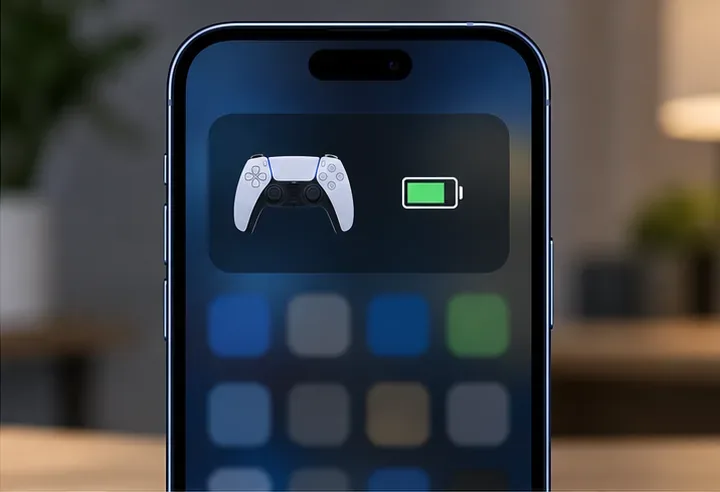
Apple documents the Batteries widget for connected accessories, but that does not guarantee every controller, iPhone model, or software version will display a DualSense reading. The widget may show an icon rather than a precise percentage. See Apple's battery display instructions for adding the widget.
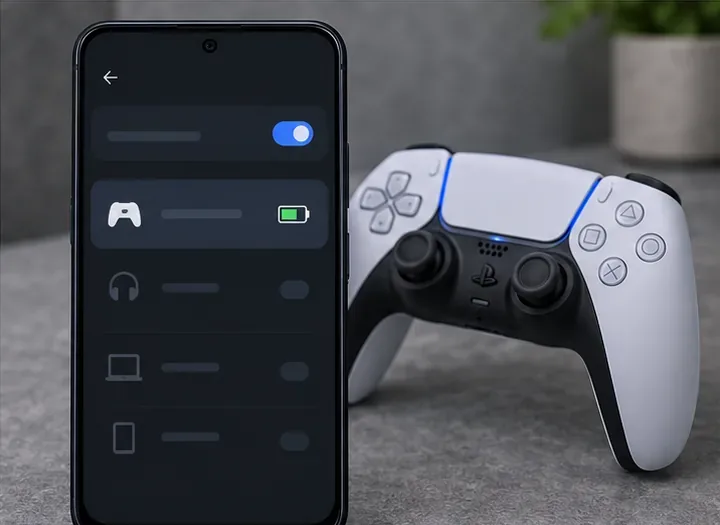
After pairing, open Bluetooth or connected-device settings and select the controller if your Android version offers device details. Some phones expose a battery symbol; others show only connection status. Sony lists Android 12 or later among supported versions for connecting a DualSense, but does not document one universal Android battery menu. If your phone shows no charge value, use the PS5 method.
Sony supports DualSense connections to Windows PCs over Bluetooth or USB, but Microsoft's Bluetooth pairing instructions confirm connection status rather than promising a DualSense battery percentage. Steam's controller support can vary by game and client setup, so do not assume that Big Picture Mode or an in-game overlay will always report a precise charge.
For Bluetooth pairing, hold Create and PS until the light bar flashes, then select the controller from the PC's Bluetooth device list. Check Windows or Steam only if your current setup displays a battery indicator. If no status appears, reconnect the controller to the PS5 and check Accessories.
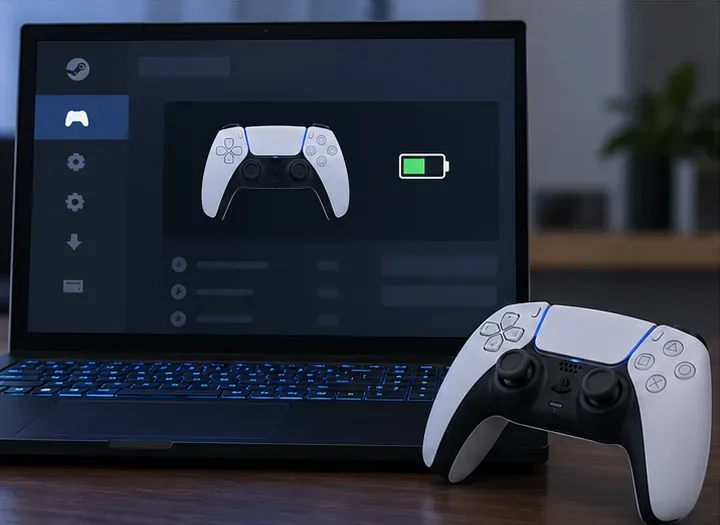
Pairing steps and supported devices are listed in Sony's PC, Mac, and mobile controller guide. For Windows Bluetooth setup, see Microsoft's pairing instructions.
Connect the DualSense to the PS5 with a compatible USB cable, then reopen Accessories. The on-screen battery icon should animate with a lightning bolt while charging. Sony notes that a USB cable must support charging and data; a charge-only cable may not work as expected. Charging from a USB charger or another device can vary, so the PS5 is the clearest place to confirm the status.
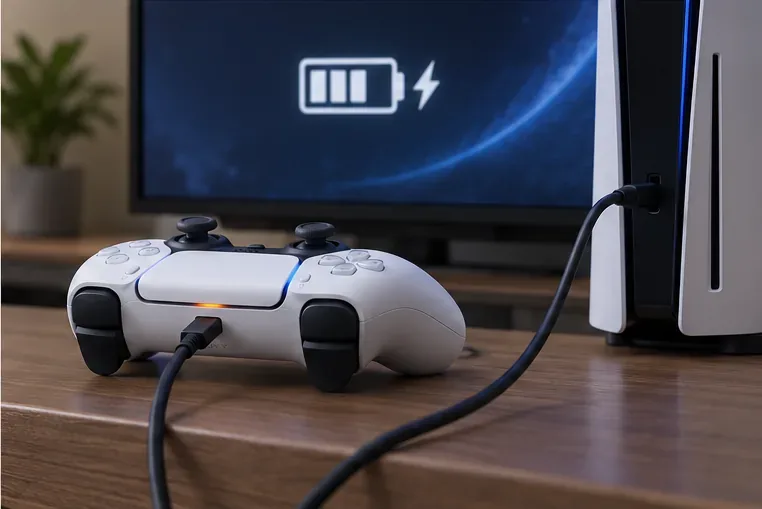
If you charge in Rest Mode and the battery is not moving, check Settings > System > Power Saving > Features Available in Rest Mode and verify that USB ports are set to supply power. Some newer PS5 models also offer Adaptive charging. Sony's charging instructions explain the available settings and note that not every USB charger can charge the controller.
For the fastest reliable PS5 controller battery check, use PS button > Accessories. Use phone or PC readings when they are available, and confirm uncertain or missing readings on the console.
Learn how to import VALORANT crosshair codes, compare presets with manual settings and spectator copy, and fix common import issues.
Choose Dota 2 minimap size, hero icons, team colors, and background settings by readability, fewer misclicks, and clear results on your own display.
Fix Fortnite texture pop-in on PC with official steps for GPU drivers, file verification, DirectX 12, high-resolution textures, VRAM, SSDs, and stutter.
Learn what Heroes of the Storm minimap size and position options are verified, improve readability, and choose camera-click controls that suit you.
Set Super Smash Bros. Ultimate Quickplay to prefer hazards-off stages. Follow the Preferred Rules menu steps and learn why matchmaking may not always honor them.
Enable Server Latency and Packet Loss in Warzone to monitor connection quality, read the overlay, and use recurring spikes to guide troubleshooting.
Learn how to carry from mid lane in League of Legends by setting up waves, choosing safe roam windows, reading side lanes, and converting pressure into objectives.
Fix Minecraft Evoker spell problems with a safe vanilla test, version checks, log review, and a step-by-step way to isolate mod or datapack conflicts.
Fix PUBG stuck on Initializing on Steam with a focused checklist for PC service notices, launch options, game files, downloads, and connection issues.
Fix Brawl Stars stuck at 92% loading with an ordered checklist for service notices, network tests, safe updates, Android cache, and account-safe reinstalling.








