Hey, fellow Free Fire warriors! 🚀 You've probably heard the hype about config files in Free Fire – those sneaky tweaks promising sky-high FPS, no recoil, and god-mode aiming. But stop right there! Before you download that "magic" file, ask yourself: Is a quick boost worth losing everything? In this no-BS guide, we'll dive deep into why you should never use config files in Free Fire. Stick around – your account's future depends on it.

What Are Config Files in Free Fire? The Tempting Trap
Config files in Free Fire are modified game configuration files (like .ini or .cfg) that alter graphics, sensitivity, or mechanics. Downloaders claim they unlock 900+ FPS, auto headshots, or diamond hacks without root. Sound too good? That's because it is. These files often come from shady forums or Telegram channels, bypassing official Garena settings.
But here's the hook: Garena's anti-cheat system, Ban Pan 2.0 and beyond, scans for these tweaks in real-time. One wrong file, and boom – you're toast. Curious why pros avoid them? Keep reading for the hard truths. ⭐
Risk #1: Permanent Bans – Kiss Your Progress Goodbye! 💥
The #1 reason to never use config files in Free Fire? Instant and permanent bans. Garena doesn't mess around. In recent updates, they've banned millions of accounts using configs. Their system detects file tampering via checksums, behavior analysis, and server-side validation.
| Legit Play | Config Files Disaster |
|---|---|
| Safe account growth | 7-30 day temp ban → Permanent |
| Rank up naturally | Lose ranks, skins, diamonds |
| Play anytime | Hardware ID ban (new device needed) |
Real talk: Pros like Free Fire World Series champs stick to stock settings. Why risk a 1000+ hour grind? Garena's official stance? Zero tolerance. Check their policy page – it's crystal clear.
Risk #2: Malware and Data Theft – Your Phone's Worst Nightmare 😱
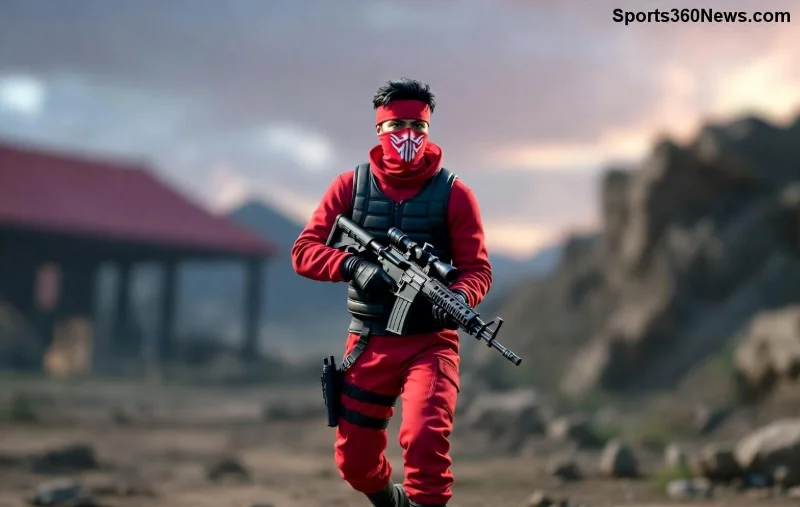
Think configs are harmless? Wrong! Many config files in Free Fire bundle trojans, keyloggers, or ransomware. They request storage access, then steal your Google Play creds, bank info, or even inject ads. Recent scans by antivirus giants like Avast flag 70%+ of these files as malicious.
- ✅ Legit apps: Google Play protected
- ❌ Config files: APK mods with spyware
- ⚠️ Pro tip: Use VirusTotal before installing – but even "clean" ones get you banned!
Don't believe it? Thousands report hacked accounts post-config. Protect your squad – play clean. Ready for more dangers? Next up...
Risk #3: Game Crashes, Lag, and Device Damage 🚫
Forcing extreme settings wrecks performance. Config files in Free Fire overload your GPU/CPU, causing overheating, battery drain, or hardware failure. Low-end devices? Forget smooth 60 FPS – expect stutters and crashes mid-clutch.
Garena optimizes for fairness. Tweaks break this balance, triggering auto-kicks. Plus, updates wipe configs anyway – wasted time!
Risk #4: Ruins the Fun and Community Spirit 🎮
Why should you never use config files in Free Fire? It kills the thrill! Grinding ranks legit builds skills and bragging rights. Cheats? Hollow victories. Your squad hates carrying noobs with hacks, and fair players report you instantly.
Imagine Booyah moments earned through sweat – that's Free Fire magic. Cheaters get shunned in clans. Want respect? Level up fair. 👊

Smart Alternatives: Dominate Free Fire Without Configs! 🏆
Ditch the dark side. Here's how to max performance legit:
- 📱 Optimize Device: Close background apps, use Game Booster.
- ⚙️ In-Game Settings: High FPS mode, smooth graphics for 90Hz phones.
- 🎯 Sensitivity Tweaks: Train in custom rooms – no files needed.
- 🔥 Updates First: Always latest patch for anti-lag fixes.
Table of winners:
| Method | Ban Risk | Performance Gain |
|---|---|---|
| Config Files | 100% ❌ | Temporary + Crashes |
| Official Settings | 0% ✅ | Stable 60-90 FPS |
Bonus: Join Garena events for free diamonds. Pros swear by this!
Final Verdict: Play Smart, Win Big! 🎉
Bottom line: Never use config files in Free Fire. The bans, malware, crashes, and ruined fun aren't worth it. Protect your account, squad, and device – go legit for those epic Booyahs. Share this with friends to save their accounts too!
What’s your go-to sensitivity setup? Drop it in comments below. Stay grinding, legends! 🔥
Stay updated with Garena's official site for the latest anti-cheat news.




