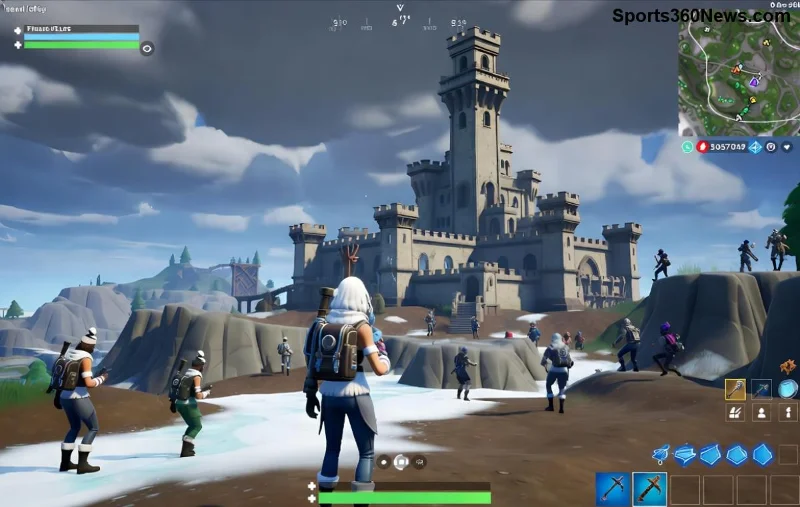
Ever dropped a crucial build or missed a headshot in Fortnite Ranked Mode because your Fortnite ping spiked to 200ms? 😩 It's frustrating, right? That laggy feeling kills your climb to Champion rank. But don't sweat it, gamer—high Fortnite ping in Ranked Mode is fixable. In this guide, we'll uncover why your ping goes haywire specifically in ranked matches and arm you with battle-tested solutions. Stick around, and you'll be sniping squads with sub-50ms ping in no time! 🚀
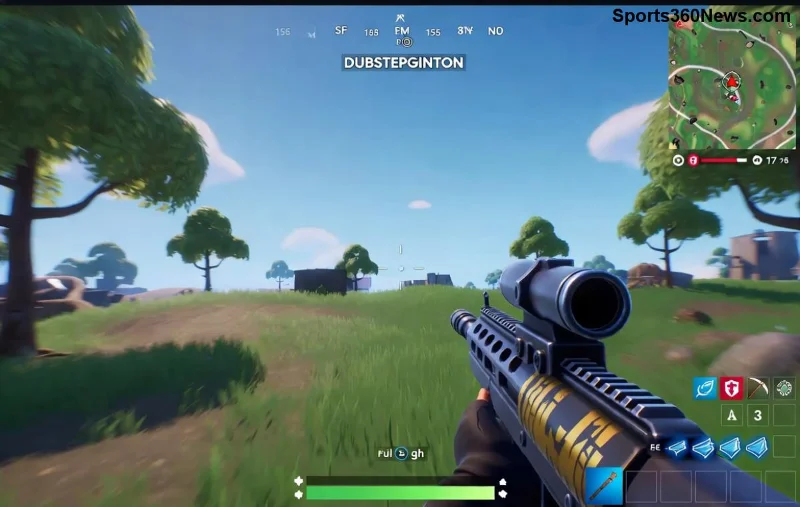
What Makes Fortnite Ping High Specifically in Ranked Mode?
Ranked Mode amps up the stakes with skill-based matchmaking (SBMM), routing you to farther servers for fair fights. This alone can inflate your Fortnite ping. Here's the breakdown of common culprits:
- 🔍 Server Overload: Ranked Mode servers get hammered during peak hours. Epic's data centers prioritize competitive play, but high traffic spikes latency.
- 🌐 Internet Bottlenecks: Wi-Fi interference, ISP throttling, or packet loss hits harder in ranked due to precise timing needs.
- 🖥️ Hardware Limits: Overheating PCs, outdated routers, or background downloads chew bandwidth.
- 📱 Device-Specific Issues: Consoles like PS5 or Switch suffer more from NAT restrictions in competitive queues.
Pro tip: Ranked matches demand low ping Fortnite (under 60ms ideal). Anything over 100ms? Time to troubleshoot! 👇
How to Check Your Real Fortnite Ping in Ranked Mode
Before fixes, measure accurately. In-game net debug stats show true ping:
- Launch Fortnite, go to Settings > Game UI > Net Debug Stats: On.
- Queue Ranked Mode—watch the ping meter in top-right.
- Use tools like Epic's status page for server health.
Average Fortnite ranked ping? 20-80ms depending on region. Yours spiking? Let's crush it.
10 Proven Fixes to Lower Your High Fortnite Ping in Ranked Mode
Ready to reclaim your rank? Follow these step-by-step wins, prioritized for max impact. Test after each! ✅
![Optimizing network settings for low Fortnite ping]()
- 1️⃣ Switch to Wired Ethernet: Ditch Wi-Fi! Ethernet slashes ping by 50ms+. Plug in and dominate.
- 2️⃣ Close Bandwidth Hogs: Kill downloads, streams, or apps like Discord overlays. Task Manager > End Task offenders.
- 3️⃣ Restart Router/Modem: 30-second unplug resets congestion. Instant low ping Fortnite boost!
- 4️⃣ Enable QoS on Router: Prioritize Fortnite traffic. Log into router (192.168.1.1), set gaming high.
- 5️⃣ Flush DNS & Reset Winsock: CMD as admin:
ipconfig /flushdns then netsh winsock reset. Clears routing glitches.
- 6️⃣ Change DNS Servers: Google (8.8.8.8) or Cloudflare (1.1.1.1) for faster resolution. Beats ISP DNS every time.
- 7️⃣ Select Closest Server: In Fortnite settings, pick region with lowest ping. Avoid auto for ranked.
- 8️⃣ Update Network Drivers: NVIDIA/Realtek sites have latest. Outdated ones cause spikes.
- 9️⃣ Use ExitLag or WTFast: VPN-like tools route around bad ISP paths. Free trials prove 30-70ms drops.
- 🔟 Upgrade ISP Plan: If all fails, demand fiber or gaming-optimized service. Your ranks deserve it! 🏆
Quick Reference: Ping Problems vs Fixes Table
| Ping Issue | Quick Fix | Expected Drop |
|---|
| Wi-Fi Interference | Ethernet Switch 🔌 | 40-100ms |
| Server Congestion | Off-Peak Play or VPN | 20-60ms |
| Background Apps | Task Manager Purge | 10-50ms |
| DNS Lag | Google DNS | 15-40ms |
This table is your ranked lifeline—bookmark it! 📌
Advanced Tips for Pro-Level Low Ping Fortnite in Ranked Mode
For Elite players chasing Unreal:
- ⭐ Monitor with PingPlotter: Free tool graphs packet loss to ISP bad nodes.
- 🔧 Port Forwarding: Open UDP 3074, TCP 3074 for Fortnite. Gets Open NAT Type 1.
- ⚡ Overclock Router: If tech-savvy, flash DD-WRT firmware for gaming tweaks.
- 📡 Mobile Hotspot Test: Rules out home network. 5G often crushes cable ping.
Bonus: Epic's latest updates prioritize ranked ping stability—check in-game news for server migrations.
![Fortnite ranked victory with optimized low ping setup]()
Still High Fortnite Ping? When to Hit Up Support
If fixes flop, it's likely ISP or Epic-side. Submit a ticket via Epic Support with net stats screenshots. Mention Ranked Mode specifics—they fast-track competitive issues. Patience pays off! 👍
Wrap-Up: Conquer High Fortnite Ping and Climb Ranks Today!
Your Fortnite ping woes in Ranked Mode end here. Start with wired connection and QoS—watch enemies eat your zero-ping bullets. Which fix dropped your latency most? Drop a comment below and share the wins! Let's squad up lag-free. Victory Royale awaits! 🎉