How to Change Your Rainbow Six Siege Data Center Region on PC

Change your Rainbow Six Siege data center in GameSettings.ini, verify the region, troubleshoot saving errors, and restore automatic selection on PC.
Hey, fellow Roblox adventurer! 👋 Ever needed your Roblox User ID for trading items, joining exclusive groups, or fixing account glitches? That unique numerical identifier is your digital passport in the Roblox universe. Don't sweat it—finding it is super quick and easy. In this guide, we'll walk you through proven methods to snag your Roblox User ID without hassle. Stick around for bonus tips that keep your gaming smooth! 🚀
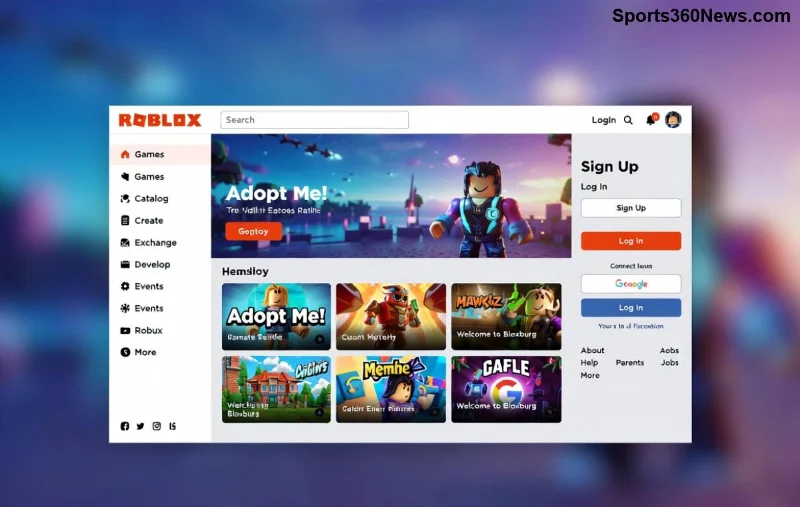
Your Roblox User ID is a permanent 64-bit number assigned to every account—like 123456789. Unlike usernames (which can change), it's fixed forever. Gamers use it for:
Ready to grab yours? Let's dive into the fastest ways! ⏱️
This is the #1 go-to method—works 100% of the time!
roblox.com/users/YOUR-ID-HERE/profile. Copy the number after /users/! 📋Pro tip: Bookmark your profile for instant access next time. Boom—your Roblox User ID in under 10 seconds! 🎉
| Method | Device | Time | Best For |
|---|---|---|---|
| Website Profile | PC/Mac | 5 secs | Everyone |
| Mobile App | Phone/Tablet | 10 secs | On-the-go |
| In-Game | Any | 15 secs | Quick checks |
Playing on iOS or Android? No problem!
/users/ID/profile.Alternative: Search your username in the app's search bar, tap profile—ID is right there in the link! Fast and mobile-friendly. 😎
Deep in a match? Here's a sneaky trick:
game.Players.LocalPlayer.UserId and hit Enter. Instant result! (Dev mode only.)Want yours directly? Share your profile publicly and copy from there. Game-changer for multiplayer pros! ⚡
No login needed sometimes. Use Roblox's player search:
For bulk lookups (devs only), check Roblox API docs—but stick to official paths to stay safe. 🔒
Stuck? Common fixes:
| Issue | Quick Fix |
|---|---|
| No ID in URL | Refresh page |
| Mobile crash | Update app |
| Dev console blank | Enable F9 in settings |
Got it? Now use it for custom avatars, group invites, or scripting epic games. Share with friends for seamless collabs—imagine the trades you'll nail! Stay tuned for our next guide on Roblox trading secrets. What's your first use for that ID? Drop it in comments! 👇
Mastered how to find your Roblox User ID? You're set for Roblox domination. Happy gaming, legends! 🏆
Change your Rainbow Six Siege data center in GameSettings.ini, verify the region, troubleshoot saving errors, and restore automatic selection on PC.
Learn why the old r_cleardecals bind is unreliable in CS2, what cl_removedecals can do in cheat-enabled practice, and what to expect in official matches.
Learn how to check for a Field of View slider in Marvel Rivals, why it may be missing, and how to test any camera setting your platform provides.
Learn the Unreal Engine setting commonly used to disable motion blur in Dead by Daylight, where the Windows config file is, and why current builds may ignore or remove the change.
Try a practical Rocket League camera baseline for dribbling, understand FOV and distance tradeoffs, and test each change without confusing settings with skill.
Use Dota 2 FPS commands to check performance, remove an unnecessary cap, and choose a stable limit. Learn which popular tweaks lack verified benefits.
Use a clear, restrained Dead by Daylight audio profile to hear survivor breathing and footsteps. Compare headphone, stereo, EQ, and volume settings safely.
Mute TFT opponent emotes globally or for one player, learn what the setting affects, and check why some Little Legend animations may remain visible.
Customize SCV, Probe, and Drone production hotkeys in StarCraft: Remastered, avoid selection mistakes, and verify your bindings in a practice game.
Compare Halo Infinite enemy outline colors by background, friendly-team contrast, and visual preference, with practical opacity and thickness checks.



