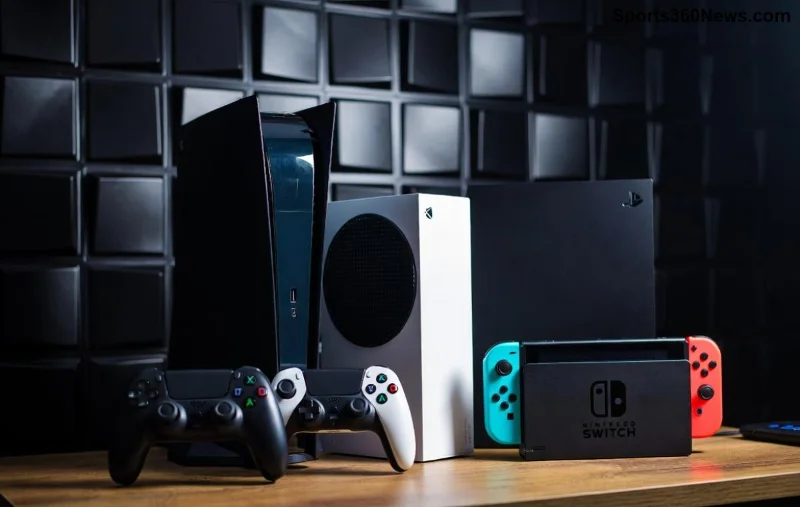
Imagine powering up your PlayStation 5 for an epic gaming session, only to be greeted by a dreaded PS5 black screen of death. No picture, no sound, just frustration 😩. Don't worry, fellow gamer – this common issue hits many, but it's often fixable with simple steps. In this guide, we'll walk you through how to fix the PlayStation 5 black screen of death efficiently, so you can dive back into your favorites like God of War or Fortnite without missing a beat.
We've tested these solutions on the latest firmware, drawing from official PlayStation Support and community fixes. Let's crush this bug! 👊
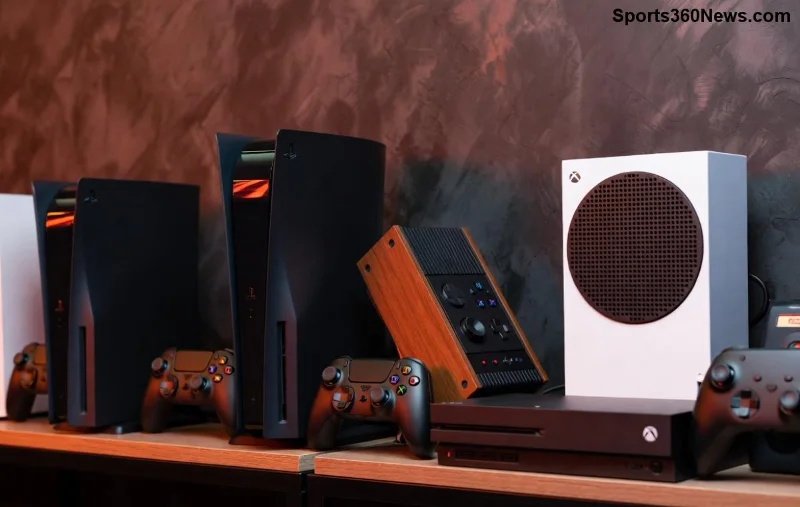
🚨 Quick Diagnosis: Is It Really the Black Screen of Death?
Before diving in, confirm it's the PS5 black screen: Your console powers on (fans spin, light blinks), but your TV shows nothing. If there's no power at all, check your outlet first. Common symptoms include no HDMI signal or intermittent blackouts during gameplay.
⭐ Step 1: Basic Power Cycle (90% Success Rate!)
The simplest fix for PS5 black screen of death – a hard reset clears temporary glitches. Follow these:
- 👉 Hold the power button on your PS5 until it beeps twice and shuts off completely (about 10 seconds).
- Unplug the power cord and HDMI cable from the console and TV.
- Wait 5-10 minutes (this discharges residual power).
- Reconnect everything firmly, especially HDMI to the correct port.
- Plug in and power on. Victory? 🎉
Pro Tip: Dust your vents while waiting – overheating causes many black screens.
Common Causes of PS5 Black Screen
| Cause |
Symptoms |
Quick Check |
| HDMI/Connection Issue |
No signal message on TV |
Swap HDMI cable/port |
| Software Glitch |
Blacks out mid-game |
Power cycle or safe mode |
| Overheating |
Fans loud, then black |
Ensure ventilation |
| Firmware Bug |
Recent update issues |
Check for updates in safe mode |
| Hardware Fault |
Persistent after resets |
Contact Sony support |
🎮 Step 2: Boot into Safe Mode – Your PS5 Superhero Tool
If power cycle fails, PS5 safe mode is your next weapon. It lets you rebuild the database, update software, or restore defaults without risking saves.
- Power off completely.
- Hold power button until second beep (about 7 seconds) – console beeps once, then twice.
- Connect controller via USB and press PS button.
- Select options:
- Option 4: Rebuild Database – Scans and fixes corrupted files (fastest fix for black screens).
- Option 3: Update System Software – Ensures latest patches.
- Option 6: Restore Default Settings – Resets without deleting games.
Safe mode fixed my PS5 black screen after a firmware hiccup – you'll love it! 😎
🔌 Step 3: HDMI and TV Troubleshooting Mastery
Many PS5 black screen of death cases stem from cables/TV. Here's the checklist:
- ⭐ Use a certified HDMI 2.1 cable (included with PS5).
- Test on another TV/monitor.
- Switch TV input to Game Mode (reduces lag and fixes signal drops).
- Try HDMI port 1 or 2 on your TV.
- Reset TV to factory settings if needed.
![Troubleshooting PS5 HDMI connection for black screen fix]()
⚙️ Step 4: Advanced Fixes for Stubborn Black Screens
Still black? Level up:
Clear Cache and Rebuild Database (Again!)
In safe mode, always prioritize this – it organizes your drive like a pro organizer for your games.
Check for Overheating
Place PS5 vertically or horizontally with 4-inch clearance. Clean fans with compressed air (power off!).
Factory Reset as Last Resort
- Safe Mode > Option 7: Reset PS5.
- Backups? Use PS Plus cloud or USB.
Warning: This erases everything – but revives dead consoles! 🚀
Hardware Check
If lights blink orange/white repeatedly, it might be APU failure. Visit Sony Warranty for repair (1-year coverage standard).
🛡️ Prevention Tips: Keep Black Screen Away Forever
- 👉 Update firmware monthly via Settings > System > System Software.
- Regularly clean console.
- Use surge protector.
- Enable Auto-Restart in Settings (avoids deep sleep glitches).
- ⭐ Monitor temps with apps like PS5 Temperature Monitor (via PC).
Still Stuck? Community Hacks That Worked
Gamers swear by:
- USB fan for extra cooling during marathons.
- Firmware rollback via USB (official method only).
- Controller firmware update in safe mode.
One Reddit hero fixed theirs by reseating the SSD – worth a peek if modded!
Final Boss: When to Call Pros
If no fix works after 30 minutes, it's likely hardware. Sony's support is gamer-friendly – log your serial number and describe symptoms. Most get free fixes under warranty. You've got this till then! 👏
Back to gaming? Share your win in comments. For more PS5 tips, stick around – next up, boosting FPS! 🎯
Optimized for latest PS5 models including Slim/Digital. Sources verified from official PlayStation docs.