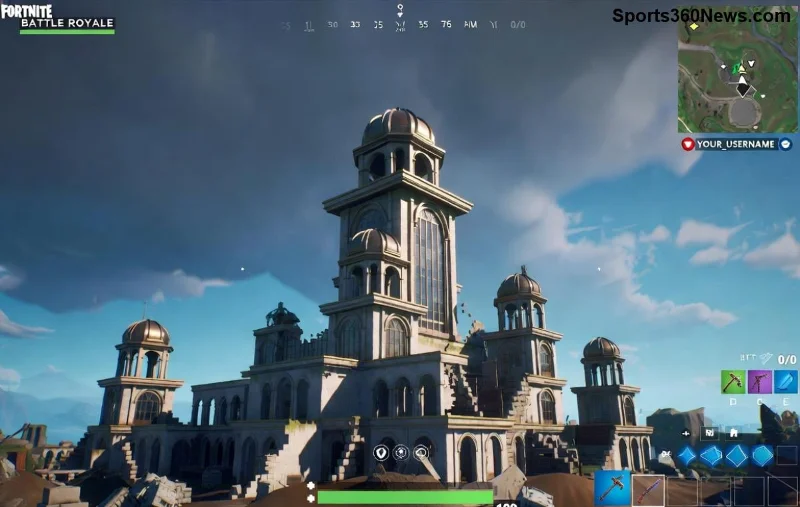
Imagine dropping into Tilted Towers with crystal-clear visuals, buttery-smooth motion, and reactions that leave opponents in the dust. That's the edge a gaming monitor for Fortnite delivers. In this fast-paced battle royale, every millisecond counts. A standard display just can't keep up. Ready to claim your Victory Royale? Let's dive into why upgrading to a gaming monitor is a game-changer. 🚀
1. Lightning-Fast Refresh Rates for Seamless Fortnite Action
The heart of any gaming monitor for Fortnite is its refresh rate—measured in Hz. Standard monitors top out at 60Hz, but gaming monitors hit 144Hz, 240Hz, or even 360Hz. Why does this matter?
- ✅ Smoother gameplay: Fortnite's building, editing, and gliding demand fluid motion. Higher Hz reduces motion blur, letting you track enemies effortlessly.
- ⭐ Pro advantage: Top Fortnite pros swear by 240Hz+ panels. It means spotting that sniper peek before they spot you.
Picture this: You're in a 1v1 build battle. With a 144Hz gaming monitor, edits snap into place instantly. No more frustrating stutters. According to recent benchmarks from RTINGS.com, monitors like the ASUS ROG Swift series deliver unmatched Fortnite performance.
2. Ultra-Low Response Time: React Before They Shoot
Response time (in ms) is your reaction superpower. Gaming monitors for Fortnite boast 1ms or less, compared to 5-8ms on office screens. This eliminates ghosting—those pesky trails behind moving objects.
| Feature |
Standard Monitor |
Gaming Monitor for Fortnite |
| Response Time |
5-8ms |
0.5-1ms |
| Motion Blur in Fortnite |
High (ghosting during builds) |
Minimal (crisp edits) |
| Competitive Edge |
Average |
Pro-level |
👆 In Fortnite's zero-build mode or creative 1v1s, low latency means your shotgun swings land first. Feel the adrenaline rush of outplaying squads with precision that feels almost unfair.
![Close-up of high-refresh gaming monitor displaying Fortnite action]()
3. Adaptive Sync Tech: Say Goodbye to Screen Tearing
Fortnite's dynamic battles cause screen tearing on mismatched displays. Enter Adaptive Sync: NVIDIA G-Sync or AMD FreeSync on top gaming monitors. These sync your monitor's refresh rate to your GPU's frame output.
Benefits for Fortnite players:
- ⭐ Tear-free visuals during intense storms.
- ✅ Reduced input lag for snappier aiming.
- 🎮 Variable refresh rates handle FPS drops in crowded lobbies.
Recent tests from Tom's Hardware confirm G-Sync Ultimate monitors crush tearing in titles like Fortnite, giving you that immersive edge.
4. Superior Resolution and Panel Quality for Immersive Worlds
A gaming monitor for Fortnite isn't just fast—it's vivid. QHD (1440p) or 4K resolutions paired with IPS or OLED panels deliver vibrant colors, deep blacks, and wide viewing angles.
- 🌟 Spot enemies easier: Better contrast reveals camouflaged foes in bushes.
- 😎 Eye candy: Fortnite's latest seasons pop with HDR support on premium models.
Don't settle for blurry 1080p. Upgrade to see every detail in the Island's evolving map.
5. Ergonomics and Size: Comfort for Marathon Sessions
Fortnite marathons demand endurance. Curved ultrawides (34"+) or 27" flat gaming monitors with adjustable stands reduce strain. Features like flicker-free tech and blue light filters keep your eyes fresh for late-night Victory Royales.
![Ergonomic gaming monitor setup for Fortnite pros]()
Pro tip: Pair with a 1000R curve for peripheral vision in squad plays. It's like having eyes on the back of your head! 👀
Top Gaming Monitors for Fortnite: Quick Picks
| Model |
Refresh Rate |
Response Time |
Best For |
| Alienware AW2725DF |
360Hz |
0.03ms |
Competitive solos |
| Samsung Odyssey G8 |
240Hz |
1ms |
Immersive squads |
| LG UltraGear 27GP950 |
144Hz (OC 160Hz) |
1ms |
Budget pros |
These picks are based on the latest reviews, ensuring peak Fortnite performance.
Final Build Battle: Upgrade Today
Why stick with mediocre when a gaming monitor for Fortnite unlocks your true potential? Smoother frames, sharper reactions, and immersive visuals mean more wins, fewer rage quits. Your squad's waiting—grab that monitor and drop hot. Victory Royale awaits! 🏆
What's your current setup? Share in the comments and let's discuss the best tweaks for Fortnite domination.