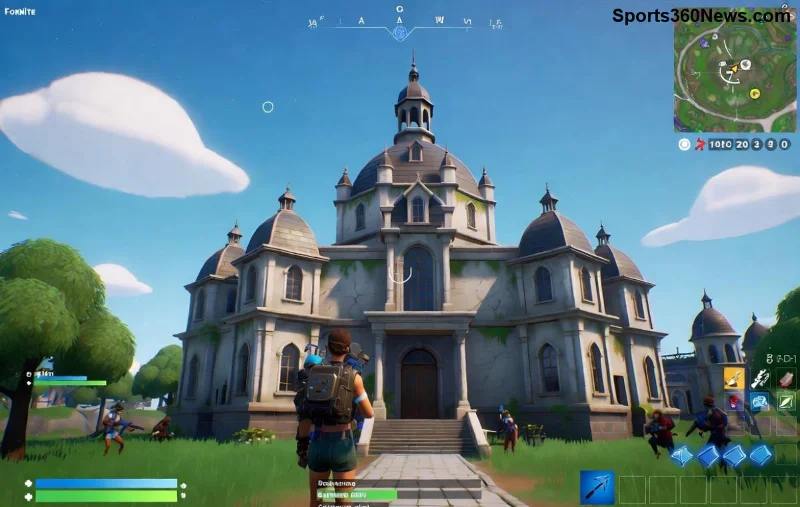
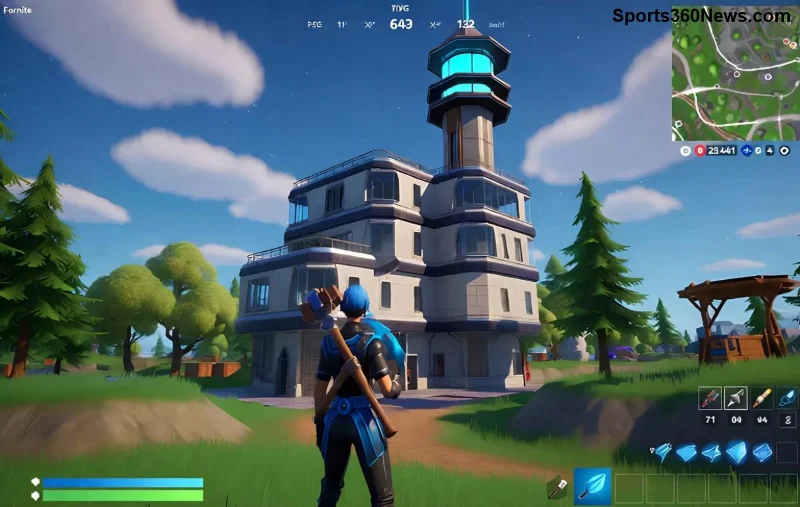
Imagine dropping into Tilted Towers with zero lag, buttery-smooth Fortnite FPS pushing 144+ on your laptop. No more frustrating stutters during intense build battles! If you're tired of sub-60 FPS ruining your Victory Royales, this guide is your secret weapon. We'll dive straight into actionable steps to get more FPS in Fortnite on laptop, from quick settings tweaks to hardware hacks. Stick around – by the end, you'll dominate lobbies like a pro. Let's crank it up! ⭐
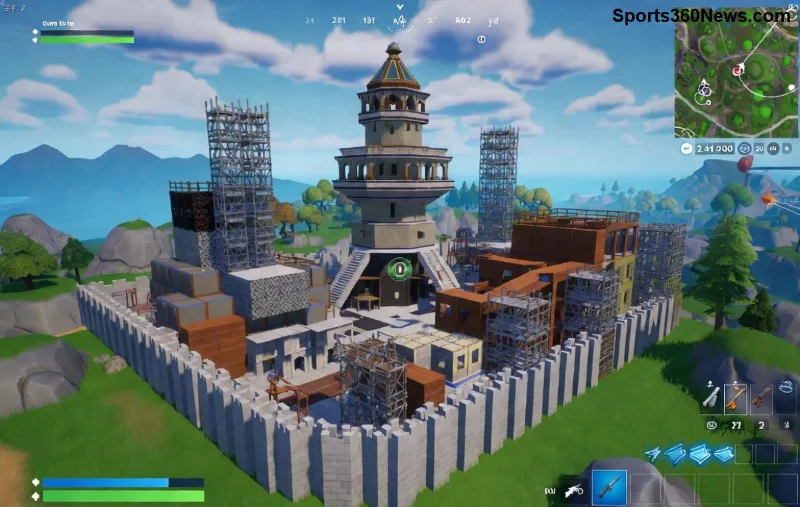
1️⃣ Master In-Game Graphics Settings for Instant FPS Gains
The fastest way to increase FPS in Fortnite on laptop starts in the game menu. Epic Games optimized Fortnite for lower-end hardware, so dropping these settings can double your FPS without sacrificing too much visuals.
- 3D Resolution: Set to 100% or lower. This renders at native res but skips extras – huge FPS boost!
- View Distance & Shadows: Medium or Low. Distant objects eat GPU power; crank 'em down for 20-30% gains.
- Textures & Effects: Low. Prioritize performance over pretty sparks.
- Post Processing: Off. Bloom and blur? Nah, FPS first!
- V-Sync: Disabled. Caps FPS unnecessarily on laptops.
- Frame Rate Limit: Match your laptop's refresh rate (60/120/144Hz) or Unlimited for max output.
Pro Tip: Use Fortnite's Performance Mode – it's a game-changer for laptops, switching to DirectX 12 for lighter rendering. Test in Creative mode; expect 40-60 FPS jumps! 👍
2️⃣ Update Drivers & Windows for Peak Performance
Outdated drivers are FPS killers. NVIDIA/AMD/Intel GPUs need the latest for Fortnite FPS boost on laptop.
- Download GeForce Experience (NVIDIA) or AMD Software – auto-optimizes Fortnite.
- Run Windows Update: Search "Check for updates" – grabs DirectX and system fixes.
- Enable Game Mode: Settings > Gaming > Game Mode > On. Prioritizes Fortnite over background junk.
Recent updates improved laptop thermals and ray-tracing efficiency, netting 15-25 FPS. Your rig will thank you!
Quick Settings Table: FPS Impact on Average Laptops
| Setting |
High |
Medium |
Low/Off |
Est. FPS Gain |
| 3D Resolution |
40 FPS |
60 FPS |
90+ FPS |
+50% |
| Shadows |
45 FPS |
65 FPS |
85 FPS |
+20-30% |
| Performance Mode |
N/A |
N/A |
On |
+40% |
| V-Sync |
Off recommended |
Off |
Off |
+10-15% |
![Fortnite laptop optimization settings menu]()
3️⃣ Kill Background Apps & Bloatware
Laptops juggle Chrome tabs, Discord, and antivirus – FPS thieves! Free up RAM and CPU for higher FPS in Fortnite on low-end laptop.
- Task Manager (Ctrl+Shift+Esc): End Discord, browsers, RGB software. Aim for 70%+ free RAM.
- Startup Apps: Disable non-essentials in Task Manager > Startup.
- Antivirus: Add Fortnite folder to exclusions (e.g., Windows Defender).
- Power Plan: High Performance mode – plugs in for turbo boost!
Result? 20-40 FPS reclaimed. Feel the rush of fluid gliding and no-clip edits! 😎
4️⃣ Hardware Hacks: Overclock, Clean, & Upgrade Smart
Don't toss your laptop – these tweaks squeeze max FPS.
- Clean Dust: Compressed air on vents/fans. Overheating throttles FPS by 30%.
- Cooling Pad: $20 investment drops temps 10-15°C, sustains high FPS.
- RAM Upgrade: 16GB minimum. Dual-channel DDR4 doubles bandwidth.
- SSD Swap: Load times plummet, minor FPS help via faster assets.
- Undervolt GPU/CPU: Tools like ThrottleStop (Intel) or MSI Afterburner reduce heat without FPS loss.
For NVIDIA laptops, enable Resizable BAR in BIOS – 10-20% uplift in Fortnite's open world.
5️⃣ Advanced Software Optimizations
Go pro-level with these:
- Razer Cortex or Game Booster: Auto-closes apps, tweaks priorities.
- DirectX 11 Fallback: If DX12 stutters, switch in Fortnite files (unstable builds aside).
- Fresh Windows Install: Nuke bloat – ultimate clean slate for 60+ FPS baseline.
![High FPS Fortnite battle on optimized laptop]()
6️⃣ Monitor & Benchmark Your Gains
Use Fortnite's built-in FPS counter (Settings > HUD > Show FPS). Tools like MSI Afterburner overlay track GPU/CPU usage. Target <90% usage for headroom.
Common Laptops:
- Entry (i5 + GTX 1650): 60-90 FPS post-tweaks.
- Mid-range (RTX 3050): 100-144 FPS easy.
- Beast (RTX 4070): 200+ FPS unlocked.
Bonus: Fortnite-Specific Tips for Laptop Domination
Lower render scale in zero-build modes for extra juice. Pair with a 144Hz external monitor via HDMI for eye candy. Join Epic's patch notes for performance updates – they drop FPS fixes often!
Ready to squad up with pro-level FPS? Apply these now, queue Battle Royale, and watch kills stack. Share your before/after FPS in comments – let's build a smoother Fortnite community! 🎉 What's your biggest FPS killer? Drop it below.