Hey fellow gamers! 😎 Nothing kills the vibe like firing up your PC or console after rest mode, only to see your external drive errors when waking from rest mode pop up. Your massive game library on that external HDD or SSD vanishes, saves corrupt, or the drive straight-up disconnects. We've all been there—mid-raid in your favorite MMO, and boom! Drive fails to spin up.
Don't rage-quit yet. This guide delivers laser-focused fixes tailored for gamers, from quick power tweaks to deep troubleshooting. By the end, your external drives will wake flawlessly, keeping your Steam library, Epic Games vault, or PS5 extended storage rock-solid. Let's dive in and reclaim your storage peace! ⚡
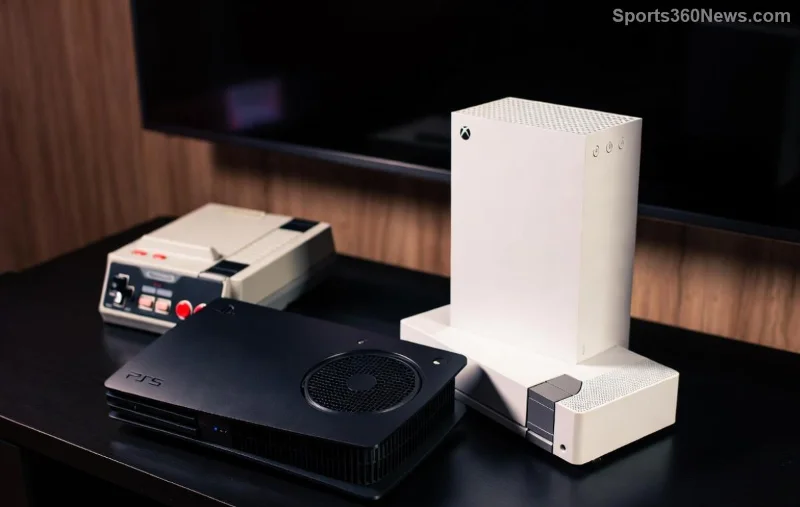
⚠️ Why Do External Drive Errors When Waking from Rest Mode Happen?
Rest mode (or sleep/hibernation on PC) powers down USB ports and drives to save energy. When waking, the drive might not get the "wake-up call" properly due to:
- USB Power Management: Windows/macOS aggressively suspends external drives.
- Driver/Firmware Glitches: Outdated software fails handshake on resume.
- Cable/Port Issues: Loose connections or power-hungry drives overload ports.
- File System Errors: NTFS/FAT32 corruption from abrupt power cycles.
For gamers, this means lost progress in open-world epics or inaccessible mod folders. But fear not—99% of cases are fixable in minutes. Ready to troubleshoot? Follow these steps in order. ✅
🔧 Step-by-Step Fixes: Start Here for Instant Wins
Grab your controller (or mouse)—we're fixing this now. Test after each step by putting your system to rest mode and waking it.
1️⃣ Tweak USB Power Settings (Easiest First Fix)
Windows loves sleeping your drives. Disable it:
- Right-click Start → Device Manager.
- Expand Universal Serial Bus controllers → Right-click each USB Root Hub → Properties → Power Management tab.
- Uncheck "Allow the computer to turn off this device to save power" → OK.
Bonus: In Power Options (search "powercfg"), set USB selective suspend to Disabled. Boom—drives stay alert! 🎉
2️⃣ Run CHKDSK for File System Repair
Scans and fixes corruption from bad wakes:
- Open Command Prompt as Admin.
- Type:
chkdsk X: /f /r(replace X: with your drive letter). - Schedule for next restart if in use. Reboot and let it magic.
Gamers: This saves corrupted save files in seconds. Pro tip: Use CrystalDiskInfo (free tool) to check drive health first. 🔍
3️⃣ Update Drivers and Firmware
Outdated drivers = wake fails. Head to:
- Device Manager → Disk Drives → Right-click your external → Update driver.
- Manufacturer site (e.g., Seagate/WD dashboard for firmware).

4️⃣ Console-Specific Tweaks (PS5/Xbox Gamers)
Rest Mode on PS5? External USB drives often error on wake:
- Settings → System → Power Saving → Set Features Available in Rest Mode → Keep USB powered (enable).
- Format drive to exFAT for compatibility.
- Test direct port connection—no hubs!
Xbox: Enable "Keep my games suspended" but disable auto-shutdown for drives.
📊 Quick Reference: Common Errors & Fixes Table
| Error Symptom | Likely Cause | Fast Fix |
|---|---|---|
| Drive not recognized post-wake | Power suspend | Disable USB power mgmt (Step 1) |
| "Drive needs formatting" error | File corruption | CHKDSK /f (Step 2) |
| Spinning noise but no access | Firmware bug | Update firmware (Step 3) |
| Intermittent disconnects | Cable/port | Swap cable/port + exFAT format |
🛡️ Advanced Prevention: Keep Errors Away for Good
Fixed it? Lock it down:
- Use SSDs over HDDs: Faster wake, less spin-up drama.
- Shorten Cables: Under 2m, shielded USB 3.0+.
- Registry Tweak (Windows Pros): Add
HKEY_LOCAL_MACHINE\SYSTEM\CurrentControlSet\Services\USBHUB\HubFlags=3(backup first!). - Monitor with CrystalDiskInfo for S.M.A.R.T. warnings.
For official power tweaks, check Microsoft's power settings guide.
🎮 Gamer Pro Tips to Stay in the Game
Store games on external? Migrate Steam libraries safely: Steam → Settings → Storage → Add Drive. Backup saves to cloud (Epic/Steam Cloud). If errors persist, test on another PC—hardware fault?
Your external drive fortress is now unbreakable. Wake from rest mode like a boss, no more errors derailing your grind. Got a fix that worked? Drop it in comments—we're all leveling up together! 👊 Next up: Speed up load times with these tweaks... (stay tuned!)
Drive safe, game hard! 🚀



