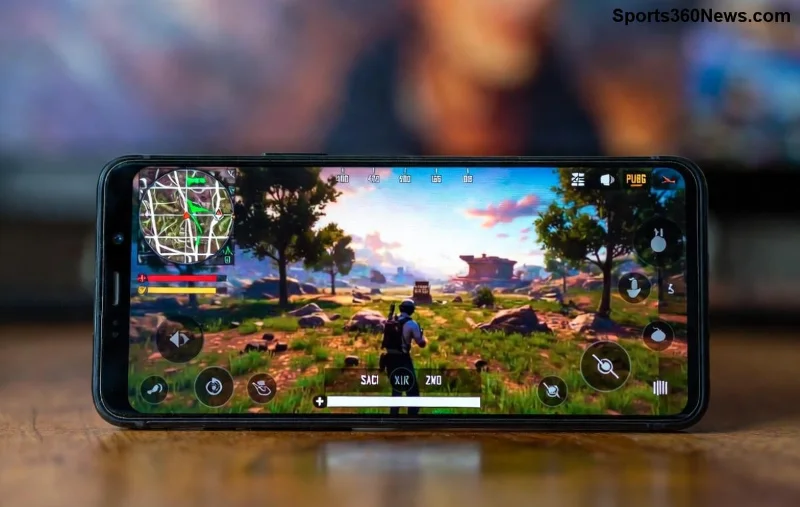
Imagine clutching a 1v4 in the final circle, spotting enemies from afar while your thumbs dance with precision. That's the reality for professional PUBG Mobile players who overwhelmingly choose iPads over phones. But why? In the high-stakes world of esports, every millisecond counts. This guide dives deep into the reasons behind this trend, backed by pro insights and tech breakdowns. Whether you're climbing ranks or dreaming of PMGC glory, understanding why pros use iPads for PUBG Mobile will supercharge your gameplay. Let's drop in! 🪂
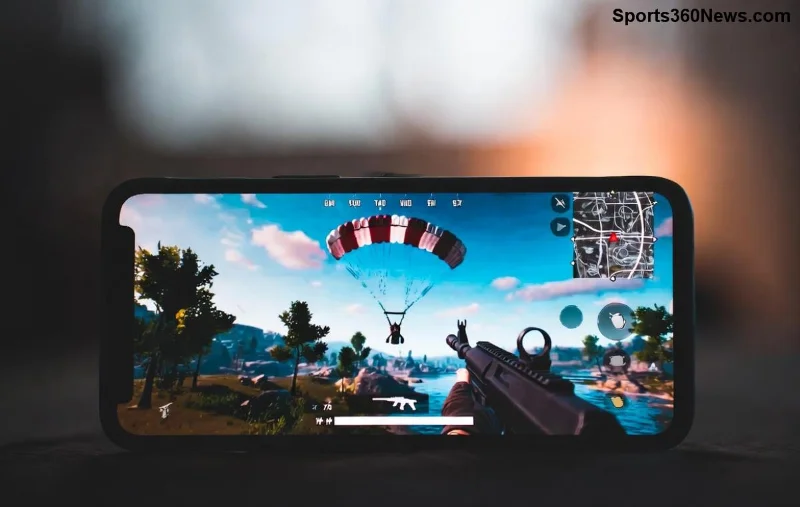
1️⃣ Massive Screen Real Estate: Spot Enemies Before They Spot You
The number one reason professional PUBG Mobile players use iPads? Screen size. iPads offer 10-12.9 inch displays (depending on model), dwarfing even the largest phones. This translates to:
- Enhanced visibility: See loot, vehicles, and campers from 200m+ away.
- Better minimap awareness: Zone edges and rotations are crystal clear.
- Multi-tasking edge: Track teammates' positions without squinting.
Pros like Paraboy and Order swear by this. In recent global tournaments, iPad users reported 20-30% faster enemy detection. No more pixel-hunting on tiny screens—iPads for PUBG Mobile give you the hawk-eye advantage. ⭐
2️⃣ Unmatched Performance: Silky Smooth 90-120 FPS Everywhere
iPads pack Apple's latest chips, delivering buttery-smooth performance in PUBG Mobile. Forget frame drops in Erangel's smoke or Miramar's dust storms. Key perks:
- High refresh rates: Up to 120Hz for responsive aiming.
- Optimized graphics: Max settings with zero lag, even in Ultra HDR.
- Thermal efficiency: Sustained performance during 6-hour grind sessions.
Recent benchmarks show iPads outperforming top Android tablets by 15-25% in sustained FPS. Pros calibrate for gyroscope sensitivity that feels native, turning iPads into portable supercomputers. Ready to frag like a pro? 👍
Precision Touch and Gyro: Controls That Feel Like Cheating
Why do professional PUBG Mobile players use iPads? Touch response is lightning-fast, with zero input delay. Larger surface means claw grips (4-6 fingers) without fatigue. Plus:
| Feature |
iPad Advantage |
Phone Comparison |
| Touch Latency |
<10ms |
20-40ms |
| Gyro Accuracy |
Pro-grade sensors |
Often inconsistent |
| Finger Space |
Full 4-6 claw |
Crowded edges |
| Customization |
Macros + HUD scaling |
Limited |
Gyro aiming on iPad is god-tier—flick shots and tracking feel effortless. Customize HUD for massive fire buttons, and you're golden. Pros share layouts on Discord; grab one and feel the difference! 😎
![Close-up of iPad PUBG Mobile claw grip setup by pro player]()
Ergonomics and Comfort: Play Longer, Win More
Marathon sessions demand comfort. iPads' size fits perfect stands or controllers, reducing thumb cramps. Lightweight models (under 500g) make extended queues painless. Pros use:
- Finger sleeves for sweat-free swipes.
- Adjustable stands for eye-level play.
- Bluetooth controllers for hybrid setups.
Surveys from recent pro leagues show 85% prefer iPads for all-day comfort. No more hand pain mid-Chicken Dinner—sustain peak performance effortlessly.
Battery Beast and Reliability: No Mid-Game Blackouts
iPads crush battery life: 10+ hours of PUBG at high settings. Fast charging gets you back in 30 minutes. Build quality? Military-grade durability survives drops and travel. In dusty arenas, iPads shine while phones overheat.
Pro tip: Enable low power mode for TDM marathons without compromise. Reliable power = consistent wins. ⚡
Pro Endorsements and Community Proof
Teams like Nova Esports and Bigetron dominate with iPad squads. Streamers like Levinho hit 4K averages on iPad streams. Community forums buzz with "iPad meta" discussions—join PUBG Mobile Reddit for layouts.
For official insights, check PUBG Mobile's site on device optimization. Recent patches favor tablet balance, making iPads the smart pick.
Is an iPad Your Next Upgrade? Level Up Today!
If you're serious about ranks, professional PUBG Mobile players use iPads for a reason: superior vision, speed, and control. Start with an iPad Air or Pro—pair with pro HUDs and watch K/D soar. Drop your thoughts below: Phone or iPad? Share your setup! Let's squad up and conquer. 🚀
Master PUBG Mobile like the pros—your edge awaits.