How to Fix Free Fire High Ping on Mobile Data

Fix Free Fire high ping on mobile data with practical connection checks, LTE vs. 5G tests, background download fixes, and tips for reporting persistent lag.
Imagine turning the tables on an aggressive enemy jungler, snatching a double kill, and snowballing your lead. That's the thrill of mastering counter-ganking in League of Legends. As a laner, getting ganked feels inevitable, but with sharp awareness and smart plays, you can punish dives and dominate matches. This guide breaks down everything you need to master counter-ganking—from wards to rotations—helping you climb ranks with confidence. Ready to flip the script? Let's dive in! 🚀
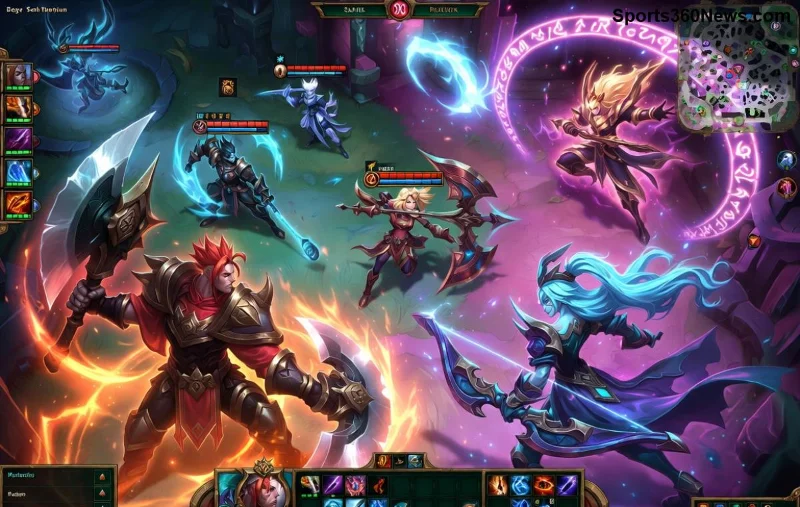
Counter-ganking is your jungler's best friend and the enemy jungler's nightmare. It happens when you spot or predict a gank, call it out, and either escape or turn it into a kill setup for your jungler. In high-elo games, pros like Faker emphasize counter-ganking as a core skill for solo queue success.
Why master it? It shifts pressure back to the enemy, secures vision control, and creates free objectives. No more dying to level 3 ganks—start punishing them instead! 💥
The foundation of counter-ganking is knowing where the enemy jungler is. Track their path from the start:
Pro tip: Use the minimap every 5 seconds. Tools like Blitz.gg overlays can train this habit, but raw focus wins games.
Control the river with precise wards. Deep wards spot setups early, while safe ones prevent blindsides. Here's a quick-reference table for top lane (adapt for mid/bot):
| Timing | Ward Spot | Purpose |
|---|---|---|
| Pre-3:00 | River bush toward enemy blue | Spot level 3 gank |
| 3:00-6:00 | Enemy jungle entrance (tri-bush) | Deep intel on pathing |
| Post-Drake | Pixel bush + river pixel | Block roams & counter setups |
Buy Control Wards every back—place them on objectives. Vision wins counter-ganks 80% of the time. Feel that rush when you ward and immediately spot the dive? Game-changer! 😎
Prediction beats reaction. Key tracking tips:
Share intel: "Enemy jg bot side, free top." Your jungler will love you—and repay with counter-ganks. For deeper stats, check u.gg jungle tier list.
Don't just survive—kill. Steps for a flawless counter-gank:
Practice in norms: Simulate ganks with friends. Soon, you'll 1v9 with counter-ganking prowess.
Tailor to your pick:
Watch LCK/LCS VODs—pros like BeryL excel here. Adapt and conquer! 👊
Even pros slip—don't you:
Review replays with tools like League's client. Fix one mistake per game, watch your KDA soar.
Hit customs: 1v2 gank scenarios. Queue flex with a jungler duo. Track winrate spikes—you'll feel unstoppable. Mastering counter-ganking isn't overnight, but consistent plays turn silver to diamond. Your enemies will ragequit. Ready to climb? Queue up now! 🎮✨
Implement one tip today—watch ganks turn to feasts. GG!
Fix Free Fire high ping on mobile data with practical connection checks, LTE vs. 5G tests, background download fixes, and tips for reporting persistent lag.
Brawl Stars opens to a black screen on your iPad? Try these safe checks for the app, connection, iPadOS, and updates before reinstalling or contacting Supercell.
Learn how to clear Free Fire’s cache on Android, what iPhone users can do, and how to avoid deleting game data while troubleshooting lag.
Find confirmed LoL Worlds, VALORANT, CS2 and Dota 2 events for October 19–25, with local kickoff times, UTC conversions, matchups and bracket stakes where published.
Compare balanced, steady, and fast-drag Free Fire sensitivity profiles on the 0–200 scale, then tune General and scope values to your device.
Save Dota 2 camera spots to keys, jump back to lanes or objectives, and troubleshoot missing or conflicting camera position binds.
Fix a TFT Mobile black screen after loading with official server checks, updates, cache troubleshooting, compatibility guidance, and safe reinstall steps.
Reduce Marvel Rivals DirectX 12 shader stutter with preload, driver, cache, and file checks. Learn when a cache reset helps and which older advice to avoid.
Enable PUBG’s network statistics HUD to monitor ping and packet loss in a match. See where to find it, what the numbers mean, and what they cannot diagnose.
Learn how to import VALORANT crosshair codes, compare presets with manual settings and spectator copy, and fix common import issues.






