Home
» 🎮 Esports
»
Survive the Nightmare: Minecraft Error 422 Survival Horror Guide
Survive the Nightmare: Minecraft Error 422 Survival Horror Guide
Survive the Nightmare: Minecraft Error 422 Survival Horror Guide
Minecraft Error 422 is a short, unsettling Java Edition horror mod in which familiar game rules begin to fail. It is not the 1.20+ datapack described in some older guides: the creator’s project is a NeoForge mod based on the ERROR422 “EXE” version. Expect corrupted interface elements, strange world changes, and an intentionally disruptive finale—not a sanity meter, scheduled horde timer, or a monster that stalks you for minutes.
This guide explains how the current mod is listed, how to set up a safer test run, and how to react when normal Minecraft cues stop being reliable. Details below include spoilers for the mod’s anomalies and ending.
What Minecraft Error 422 Actually Is
The creator describes ERROR422 as slow-burn horror where the game itself is the antagonist. The official project pages list it for Minecraft: Java Edition with NeoForge. As checked on October 16, 2026, the newest listed release is ERROR422 2.2.0, published August 4, 2025; its file metadata specifies Minecraft 1.21.1 and NeoForge. The Modrinth project overview lists a broader 1.21.1–1.21.5 range, so check the compatibility field on the exact file you download. For the clearest release-to-game match, use the 1.21.1 NeoForge pairing shown on the 2.2.0 file page.
Before installing, compare the creator’s Modrinth project page with the creator’s CurseForge page. These pages identify the format, loader, compatibility, and warnings. ERROR422 is a community mod, not an official Minecraft release.
Question
What the project page says
What kind of content is it?
A NeoForge mod, not a datapack
How long is a run?
The creator estimates about 1–1.5 hours; its timer resets when the game restarts
Is multiplayer supported?
Multiplayer is disabled by default and is not supported
Does it add a boss fight?
An optional boss fight can be enabled in the configuration; it replaces the usual ending
The mod also changes a lot of vanilla code, and its creator warns that other mods may be incompatible. A small, separate profile is the sensible way to play.
A Four-Part Plan for a Safer Error 422 Run
1. Isolate the mod and protect your save
Back up any Java world you care about before testing ERROR422, then use a fresh survival world in a separate game directory. NeoForge recommends keeping modded profiles isolated from vanilla and explains how to create a custom launcher profile and add a mod file to its mods folder. Follow its NeoForge client installation guide, install the loader for the exact Minecraft version, launch that profile once, and put the matching ERROR422 file in that profile’s mods folder. Avoid random executable downloads promoted as the “lost version”; use the creator’s project pages.
Keep the horror session in a new test world and profile so an experimental mod does not touch a long-term save.
2. Start alone and let the slow-burn setup work
Play in single-player with the default survival rules. The mod’s built-in anti-cheat can crash the game when cheats are enabled or the player is in Creative mode; the creator says this behavior can be changed in the configuration, but changing it is unnecessary for a standard run. The project also says multiplayer is off by default and unsupported, even though the release metadata marks the mod for client and server environments.
The creator recommends going in blind. A typical run is described as roughly one to one-and-a-half hours, and the timer starts over on a game restart. The soundtrack is replaced by static, so do not expect the usual music or familiar horror cues to tell you what is coming. Give the experience room to build tension instead of restarting at every strange moment.
3. Treat familiar world and interface cues as unreliable
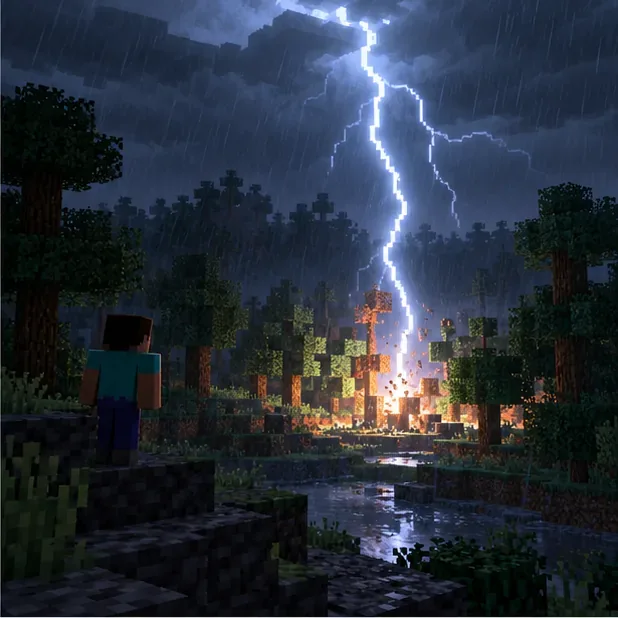
ERROR422’s anomalies are designed to undermine routine. The creator lists world names changing to hexadecimal, some item names becoming obfuscated, the F3 screen being mostly hidden, and the experience counter appearing in binary. Health and hunger indicators can be corrupted, stack limits are randomized between sessions, and placing a block can sometimes produce a different block. Other listed events include unexpected lightning or fire, sudden time changes, random pushes or status effects, and beds that may rarely explode.
Random lightning and fires are among the environmental anomalies listed for ERROR422; ordinary shelter and caution still matter.
Some creepers can explode almost immediately, so leave room to retreat and do not approach one as if its fuse were guaranteed to follow vanilla timing. Static replaces the music, and the project does not describe a reliable incoming-attack sound cue. Keep your plan simple: carry basic supplies, avoid exposing valuable gear, and pause to inspect the actual world after an unexpected change.
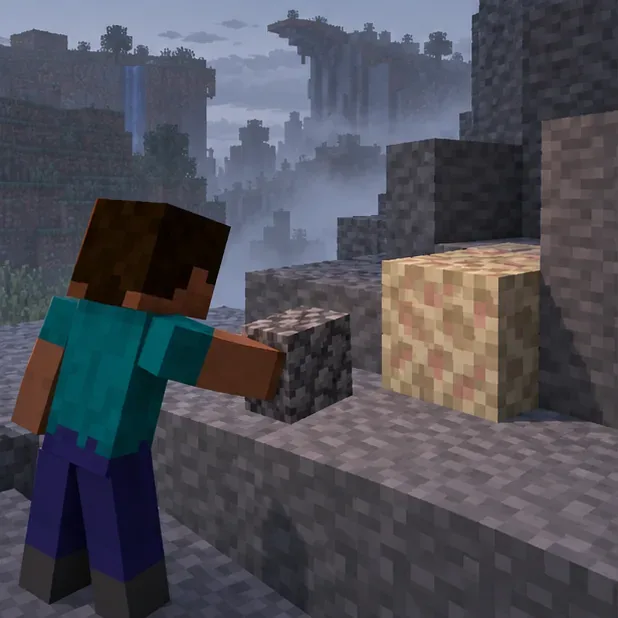
The mod can replace a placed block with another random block, so check what appeared before building around it.
4. Recognize the intended finale and recover carefully
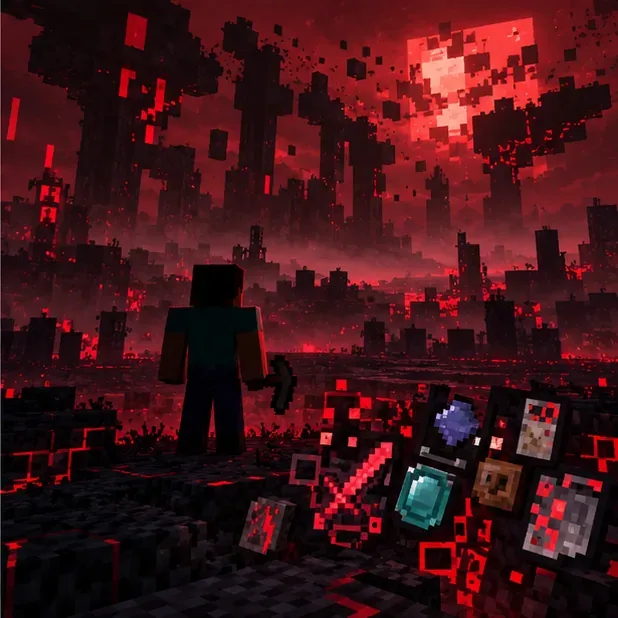
The creator’s spoiler list says the final phase can fill the screen with red error messages and scramble the inventory. It then describes ERR422 appearing, glitching the renderer, playing distorted noise, and crashing the game. That crash is part of the described ending; it does not mean the mod is a conventional endless survival challenge. Because the game may terminate abruptly, do not use a world whose loss would matter.
The creator describes red errors, a scrambled inventory, and a renderer glitch during the final phase before the game crashes.
If a crash occurs before the expected finale, first test with only the required NeoForge version and ERROR422 in the isolated profile. The creator warns about incompatibilities and does not promise fixes for them. Keep the crash report and launcher log if you need help diagnosing a problem; restore your backup rather than experimenting on the original save. An optional boss fight is controlled by the enableBossFight setting in .minecraft/config/error422-common.toml, and the author says it replaces the usual game ending. Leave the setting alone for the standard experience.
Common Questions About ERROR422 Gameplay
Is Minecraft Error 422 a datapack?
No. The creator’s current project is a NeoForge mod distributed as a .jar file. The old article’s datapack installation command and /function error422:start are not the installation method described by the project.
Does it have a sanity system or a 10-minute event timer?
The creator’s project page does not list a sanity meter, phantom schedule, or recurring event timer. Its documented horror comes from disruptions to the game, world, interface, and item behavior.
Can I play ERROR422 with friends?
The mod’s author says multiplayer is disabled by default and unsupported. For a predictable first run, use single-player.
Why can the game crash?
The listed finale intentionally ends in a crash after ERR422 appears. Cheats or Creative mode can also trigger the built-in anti-cheat, and other mods may conflict because ERROR422 changes vanilla code. A clean, backed-up profile helps separate those cases.
Bottom Line
The best way to approach Minecraft Error 422 survival horror gameplay is to treat it as a short, scripted-feeling experiment in distrust: verify the exact NeoForge file, protect a disposable world, and do not assume every familiar bar, label, block, or sound is behaving normally. That is the real challenge of ERROR422—not farming a fictional sanity meter or surviving an invented wave timer.