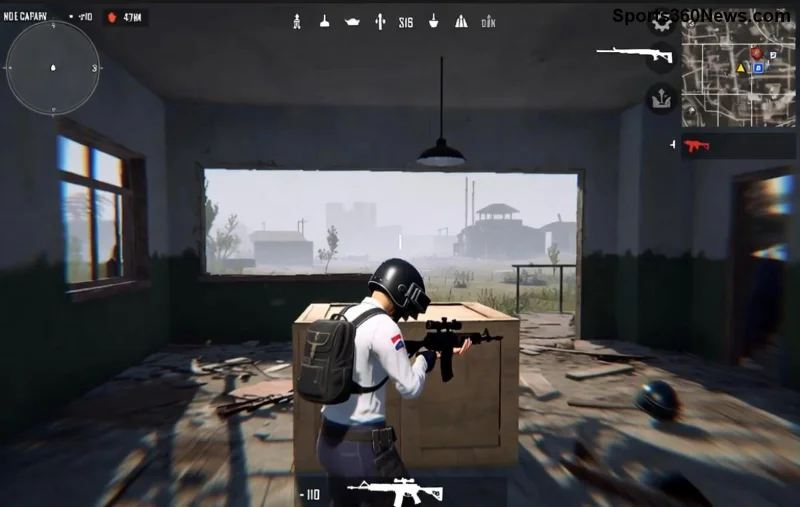
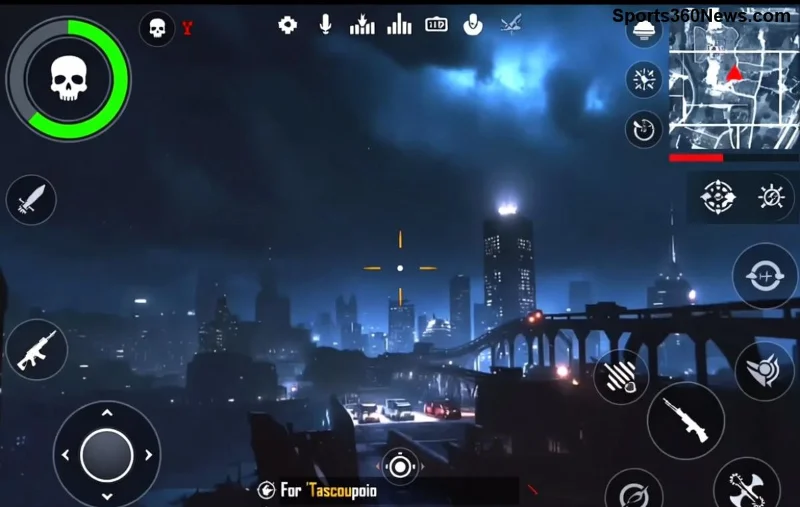
Master PUBG Mobile on PC: Ultimate Download & Install Guide with Gameloop

🚀 Imagine dropping into intense PUBG Mobile battles with pinpoint accuracy, larger screen immersion, and keyboard-mouse precision—all on your PC. That's the power of Gameloop, the official emulator from Tencent. Whether you're a battle royale newbie or a seasoned chicken dinner hunter, this guide delivers everything you need to download and install PUBG Mobile on PC using Gameloop. Get ready to dominate Erangel and beyond! Let's dive in.
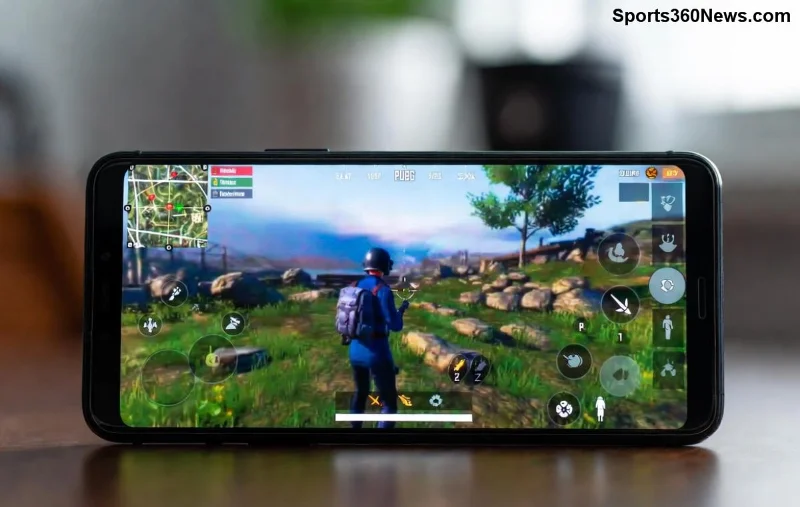
PUBG Mobile running smoothly on PC via Gameloop emulator

What is Gameloop? Your Gateway to Mobile Gaming on PC

Gameloop (formerly Tencent Gaming Buddy) is the go-to emulator for running PUBG Mobile on Windows PCs. Optimized for battle royales like PUBG, it offers buttery-smooth performance, customizable controls, and official support. No more squinting at tiny screens—enjoy 90 FPS glory and squad up with friends effortlessly.

System Requirements for PUBG Mobile on PC via Gameloop

Before starting, check if your rig is ready. Gameloop is lightweight, but here's what you need for optimal play:

Component Minimum Recommended
OS Windows 7/8/10/11 (64-bit) Windows 10/11 (64-bit)
CPU Intel Core i3 or AMD equivalent Intel Core i5/i7 or better
RAM 4 GB 8 GB+
GPU Intel HD 4000 or better NVIDIA GTX 1050 or equivalent
Storage 5 GB free 10 GB+ free

💡 Pro tip: Update your graphics drivers for peak performance. Ready? Let's download PUBG Mobile on PC!

Step-by-Step: How to Download and Install PUBG Mobile on PC Using Gameloop

Follow these simple steps for a hassle-free setup. We've tested the latest version for flawless results.

  1. Download Gameloop from the official site. Head to Gameloop.com and grab the installer. Avoid third-party sites to dodge malware. File size: ~2GB. 👍
  2. Run the installer. Double-click the .exe file. Follow the on-screen prompts—accept terms, choose install path (default is fine), and hit Install. It auto-detects your hardware for best settings.
  3. Launch Gameloop. A sleek interface pops up with game recommendations. Log in with your Google, Facebook, or guest account for seamless progress sync.
  4. Gameloop interface showing PUBG Mobile installation screen
  5. Search for PUBG Mobile. Use the search bar at the top: type "PUBG Mobile". It appears first—official and updated.
  6. Hit Install. The game (~2-3GB) downloads automatically. Grab a snack; high-speed internet speeds this up to minutes. Progress bar keeps you updated! ⭐
  7. Customize controls. Once installed, click the game icon. In settings, tweak keybinds for pro-level aiming. Enable high FPS and graphics for that edge.
  8. Launch and play! Log into your PUBG Mobile account. Drop hot and claim those victories. Squad up—PC players welcome everywhere!

🎮 That's it! You're now running PUBG Mobile on PC like a boss. But what if issues arise? Keep reading for fixes.

Troubleshooting Common Gameloop PUBG Mobile Issues

Even pros hit snags. Here's how to fix them quick:

  • Black screen on launch? Update your GPU drivers via NVIDIA/AMD tools. Restart Gameloop.
  • Lag or low FPS? Close background apps, set Gameloop to High Performance in Windows Power Plan, and lower in-game graphics.
  • Download stuck? Clear Gameloop cache (Settings > Engine > Clear) or use a VPN if region-blocked.
  • Login errors? Verify account on mobile first, then sync. Guest mode for testing.

Still stuck? Gameloop's support forums have your back—search your error code.

PUBG Mobile PC gameplay with Gameloop key mappings

Pro Tips to Dominate PUBG Mobile on PC with Gameloop

Elevate your game beyond installation:

  • Map keys intuitively: WASD movement, mouse aim, space jump. Practice in training mode.
  • Enable Multi-Instance for alt accounts or grinding. Run two PUBG Mobile sessions side-by-side!
  • Update regularly: Gameloop pushes patches for new PUBG seasons—stay ahead.
  • Record clutches with built-in tools. Share your highlights and climb ranks. 🔥
  • Pair with Discord for squad comms. PC audio rocks!

These tweaks turn casual drops into winner-winner-chicken-dinners. Feeling the hype? Jump in now!

Why Choose Gameloop for PUBG Mobile on PC?

Unlike generic emulators, Gameloop is PUBG-tuned: anti-cheat safe, low latency, and free. No ads interrupting your zone. Thousands of gamers swear by it for that competitive edge.

Ready to level up? Download Gameloop today and transform your PUBG Mobile experience. Drop your best PC tips in the comments—let's build a pro community! 👇


Leave a Comment

🚀 Why Free Fire Ping High ONLY in Solo Mode? 7 Proven Fixes to Dominate!

🚀 Why Free Fire Ping High ONLY in Solo Mode? 7 Proven Fixes to Dominate!

Frustrated with high ping in Free Fire solo mode? Uncover why your Free Fire ping is high only in solo mode and get instant fixes for buttery-smooth gameplay. Boost your rank today!

Ultimate Guide: Master Bridge Camp Strategies in PUBG Mobile Erangel & Win More Chicken Dinners!

Ultimate Guide: Master Bridge Camp Strategies in PUBG Mobile Erangel & Win More Chicken Dinners!

Discover proven bridge camp strategies in PUBG Mobile Erangel to control key chokepoints, snipe enemies effortlessly, and secure victories. Essential tips, gear, and tactics for dominating bridges like a pro.

Master PUBG Mobile on PC: Ultimate Download & Install Guide with Gameloop

Master PUBG Mobile on PC: Ultimate Download & Install Guide with Gameloop

Discover the easiest way to download and install PUBG Mobile on PC using Gameloop. Step-by-step guide, tips, and troubleshooting for seamless gaming. Play like a pro today!

Xbox Store Downloads Stuck or Failing? Ultimate Fix Guide to Resume Gaming Instantly!

Xbox Store Downloads Stuck or Failing? Ultimate Fix Guide to Resume Gaming Instantly!

Struggling with Xbox Store download failures? Discover proven troubleshooting steps for Xbox download failed errors, clear cache, network fixes, and more to get your games downloading fast. Quick, easy solutions for Xbox Series X|S, Xbox One, and PC.

Ultimate Pro Guide: How to Create a Custom Avatar Rig for GFX in Minutes!

Ultimate Pro Guide: How to Create a Custom Avatar Rig for GFX in Minutes!

Dive into this step-by-step tutorial on how to create a custom avatar rig for GFX. Perfect for game devs and GFX artists seeking pro-level results with Blender and Unity. Boost your creations today!

From DynaBlocks to Billions: The Ultimate History of Roblox Every Gamer Needs

From DynaBlocks to Billions: The Ultimate History of Roblox Every Gamer Needs

Dive into the captivating History of Roblox from its DynaBlocks origins to today's massive platform. Discover key milestones, innovations, and why it captivates millions of gamers worldwide. Perfect for Roblox fans!

10 Catastrophic Minecraft Errors: Conquer the Decimal Disasters Now!

10 Catastrophic Minecraft Errors: Conquer the Decimal Disasters Now!

Dive into the 10 most frustrating Minecraft errors caused by Decimal Disasters. Get expert fixes, prevention tips, and latest 1.21 updates to save your worlds from floating point chaos. Essential guide for every player!

Minecraft Error 404 Skins: Fix Creepy Custom Looks Haunting Your Game!

Minecraft Error 404 Skins: Fix Creepy Custom Looks Haunting Your Game!

Discover what Skinning Minecraft Error 404 means for your creepy custom looks. Learn causes, step-by-step fixes, and prevention tips to restore perfect skins in Minecraft 1.21+. Essential guide for gamers.

🚀 Fix Streaming End Minecraft Error: Flow Fails in 2026 – Proven Solutions for Epic End Runs!

🚀 Fix Streaming End Minecraft Error: Flow Fails in 2026 – Proven Solutions for Epic End Runs!

Struggling with Streaming End Minecraft Error: Flow Fails? Discover exact causes, step-by-step fixes, and pro tips to get back to dominating the End dimension in Minecraft 1.21+. Quick, reliable solutions for Java & Bedrock players.

Fix Error Version Class Unsupported Minecraft: Legacy Lapses Exposed & Crushed!

Fix Error Version Class Unsupported Minecraft: Legacy Lapses Exposed & Crushed!

Tired of Error Version Class Unsupported Minecraft: Legacy Lapses crashing your game? Get step-by-step fixes, root causes, and latest 1.21+ tips to restore epic builds and survival adventures instantly. No more frustration!






