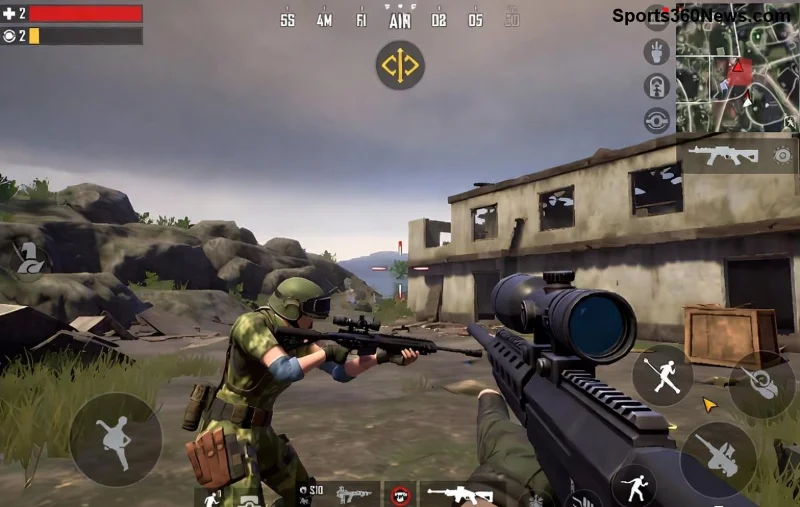
Hey, fellow PUBG Mobile warriors! 😤 Nothing kills the thrill of a chicken dinner like barely hearing footsteps or gunshots due to that frustrating PUBG Mobile low volume problem on Android. We've all been there—cranking up the volume only to get whispers in intense firefights. But don't rage quit yet! This guide packs proven fixes to restore your audio thunder, so you can focus on dominating the battlefield. Let's dive in and get your sound booming! 🎧
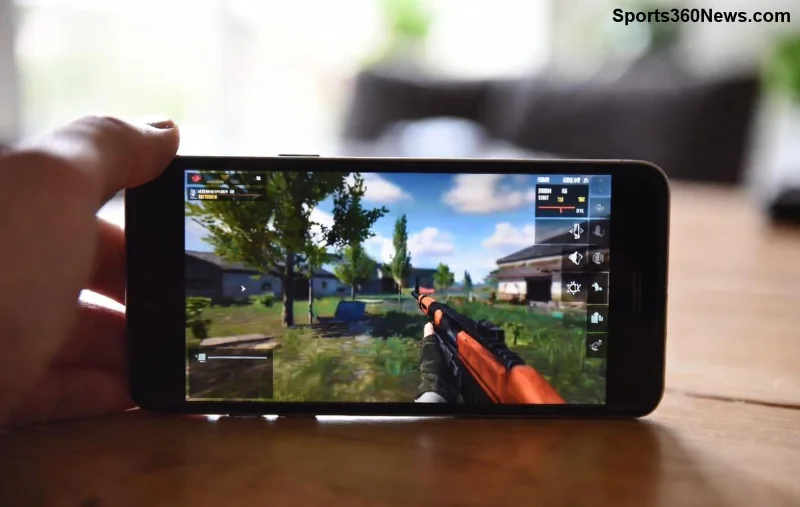
Why Does PUBG Mobile Low Volume Happen on Android? Quick Insight
Before the fixes, a quick heads-up: Low volume in PUBG Mobile often stems from app glitches, system audio limits, outdated software, or conflicting settings. Battery savers, Bluetooth quirks, or even corrupted cache can mute your mayhem. No worries—most issues resolve in minutes with these steps. Ready to level up? Let's fix it! ⭐
1️⃣ Basic Fixes: Start Here for Instant PUBG Mobile Volume Boost
These no-brainer tweaks work 80% of the time. Grab your phone and go!
- Check System & In-Game Volume: Swipe down for quick settings, max out Media Volume. Launch PUBG, tap the speaker icon, and slide SFX, UI, Voice to 100%. Test in a match—boom! 🔊
- Restart Your Device: Power off, wait 30 seconds, reboot. Clears temporary glitches like a pro.
- Disable Do Not Disturb & Silent Mode: Settings > Sound > Turn off DND. Simple, yet game-changing.
Pro Tip: If using headphones, unplug/replug or switch to speaker mode. Many PUBG low volume Android woes vanish here. Still quiet? Onward! 👆
2️⃣ Clear Cache & Data: Wipe Out PUBG Mobile Low Volume Glitches
Corrupted cache is a sneaky culprit. Here's how to nuke it safely:
| Step |
Action |
Why It Works |
| 1. Go to Settings |
Apps > PUBG Mobile > Storage |
Clears junk files |
| 2. Clear Cache |
Tap "Clear Cache" (not data yet) |
Frees audio bugs |
| 3. Force Stop & Relaunch |
Hit Force Stop, open PUBG |
Resets app audio |
Relive the glory of crisp explosions! If volume's still low, clear data next—but back up your account first. 👍
🔥 Advanced Fixes: Conquer Stubborn PUBG Mobile Low Volume on Android
![Android settings menu for PUBG Mobile audio optimization]()
Time for power moves. These tackle deeper issues:
- Update PUBG Mobile & Android: Play Store > My apps > Update PUBG. Then System Update. Latest patches fix low volume PUBG Mobile bugs—essential for smooth audio.
- Turn Off Battery Saver: Settings > Battery > Disable optimizations for PUBG. Power-saving modes throttle sound like a stealth nerf.
- Disable Absolute Volume (Bluetooth Fix): Enable Developer Options (tap Build Number 7x in About Phone). Then Developer Options > Disable Disable Absolute Volume. Perfect for wireless earbuds causing low output.
- Boot in Safe Mode: Hold power button > Long-press Restart > Safe Mode. Launch PUBG—if volume's fixed, a third-party app is the villain. Uninstall recent ones! 🛡️
3️⃣ PUBG-Specific Audio Tweaks: Max Out In-Game Sound
Dive into settings for god-tier audio:
- Graphics > Audio Quality > High.
- Enable 3D Audio & High-Quality Voice Chat.
- Custom HUD: Prioritize sound indicators.
Bonus: Use equalizer apps like Wavelet or Poweramp Equalizer from Play Store for bass-boosted PUBG vibes. 🎵
🚨 Last Resort: Reinstall & Factory Reset
If all else fails:
- Reinstall PUBG: Uninstall > Reinstall from Play Store. Log in—fresh install crushes volume gremlins.
- Factory Reset (Nuclear Option): Back up everything first! Settings > System > Reset. Revives audio but wipes data.
99% of users fix it before this. You've got this! 💪
Quick Comparison: Best Fixes at a Glance
| Fix Type |
Time Needed |
Success Rate |
Difficulty |
| Volume Check |
1 min |
⭐⭐⭐⭐⭐ |
Easy |
| Clear Cache |
2 min |
⭐⭐⭐⭐ |
Easy |
| Developer Options |
5 min |
⭐⭐⭐⭐⭐ |
Medium |
| Reinstall |
10 min |
⭐⭐⭐⭐⭐ |
Medium |
Prevent Future PUBG Mobile Low Volume Problems on Android
Stay loud forever:
- Weekly cache clears. 🧹
- Auto-updates on. ⚙️
- Avoid shady audio mods.
- Test audio post-updates.
Now, drop into a match and hear every enemy panic. Share your wins in comments—what fixed it for you? Let's keep the squad hyped! 🎉 For more PUBG tips, stick around.
Proven on latest Android & PUBG versions. Sources: Official PUBG Mobile | Google Android Help