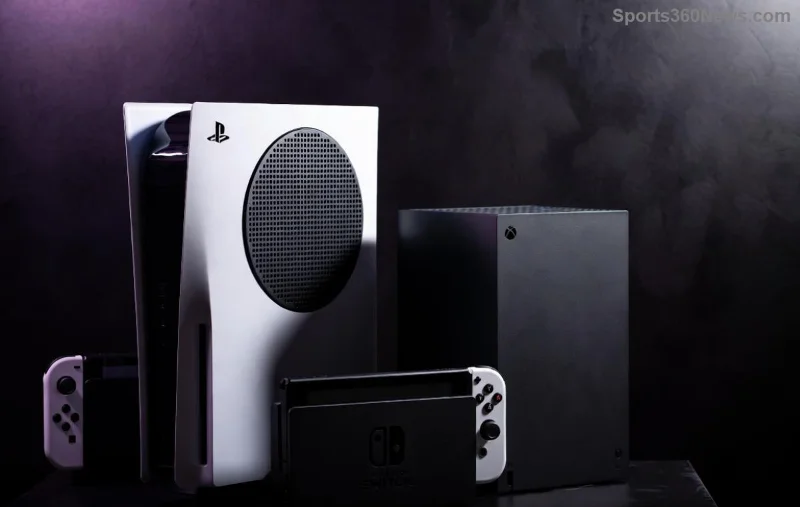
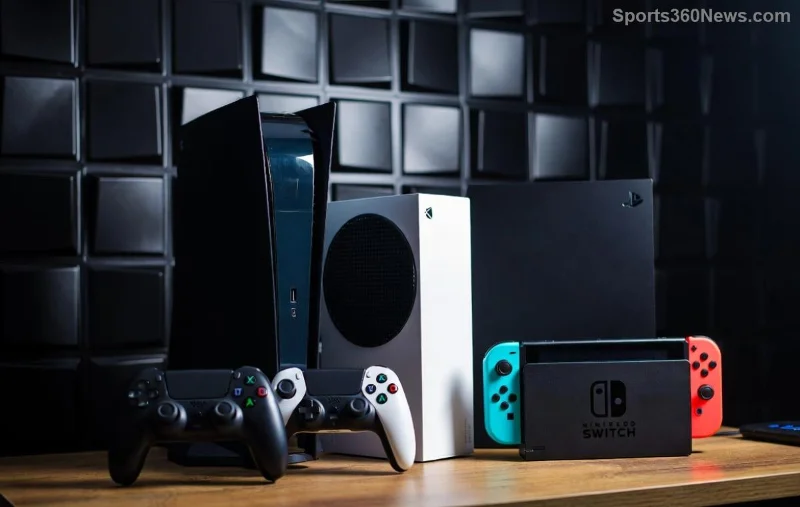
Ready to transform your gaming sessions into epic adventures? The newest Xbox console – powerhouse of next-gen gaming – deserves accessories that match its brilliance. Whether you're battling in Forza Horizon or exploring vast worlds in Starfield, the right gear amps up immersion, comfort, and performance. In this guide, we'll spotlight the best accessories for the newest Xbox console, handpicked for serious gamers. Let's dive in and level up! 🚀
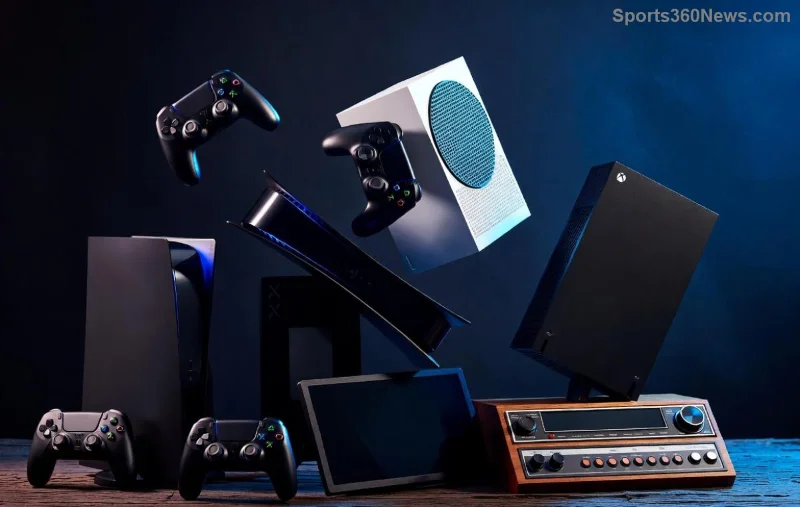
1️⃣ Elite Controllers: Precision in Your Hands
Nothing beats a top-tier controller for dominating multiplayer lobbies. The Xbox Elite Wireless Controller Series 2 Core reigns supreme with adjustable thumbsticks, hair-trigger locks, and swappable paddles. Priced around $130, it's customizable via the Xbox Accessories app – perfect for tweaking to your playstyle.
- ⭐ Pros: Premium build, 40-hour battery, rear paddles for pro moves.
- 👍 Cons: Higher price than standard.
For budget gamers, the Razer Wolverine V2 Chroma offers RGB lighting, mecha-tactile buttons, and Chroma app integration. It's wired for zero latency, ideal for competitive titles.
2️⃣ Immersive Headsets: Sound That Pulls You In
Audio is half the battle. The SteelSeries Arctis Nova Pro Wireless tops charts with active noise cancellation, 360° spatial audio, and swappable batteries for non-stop play. Dual USB-C docks mean Xbox + PC switching is seamless. Expect crystal-clear team chat and footsteps that save lives in Call of Duty.
| Headset |
Battery Life |
Key Feature |
Price Range |
| SteelSeries Arctis Nova Pro Wireless |
22+ hours (per battery) |
ANC + Sonar Software |
$350 |
| Xbox Wireless Headset |
20 hours |
Auto-mute + EQ presets |
$100 |
| Turtle Beach Stealth Pro |
12+12 hours |
Swappable batteries |
$330 |
Grab the official Xbox Wireless Headset for value – Dolby Atmos support turns every explosion into theater magic. Check Xbox's site for latest deals.
3️⃣ Storage Expansion: Never Run Out of Space
The newest Xbox console's 1TB SSD fills fast with 4K games. Enter the Seagate Storage Expansion Card (2TB) – official NVMe magic that plugs directly into the console's slot. No speed loss, just seamless Game Pass library access. At $400, it's an investment for hoarders.
Alternatives like WD Black C50 (NVMe SSD enclosure) work via USB but require transfers. Pro tip: Prioritize official cards for Quick Resume compatibility. 🛡️
![Close-up of Xbox Elite controller and storage card on gaming desk]()
4️⃣ Cooling Stands & Docks: Keep It Cool Under Pressure
Long sessions? Prevent throttling with the OIVO Xbox Series X Cooling Stand. It vents heat, charges controllers, and stores discs vertically. LED fans and RGB? Check. Under $50, it's a steal for vertical setups.
For multi-device warriors, the PowerA 4-Port Charger juices four controllers simultaneously. Say goodbye to dead batteries mid-raid! ⚡
5️⃣ Monitors & Capture Cards: Visual Domination
Pair your console with a 120Hz+ display. The Samsung Odyssey G8 OLED (4K, 240Hz) delivers buttery frames for Halo Infinite. Budget pick: Gigabyte M32UC at 1440p/165Hz.
Stream like a pro with Elgato HD60 X – 4K60 HDR passthrough, zero-lag capture to PC. Twitch stardom awaits! 📹
- 1️⃣ Match refresh rate to console's 120FPS output.
- 2️⃣ HDR10+ for vibrant colors.
6️⃣ Bonus Picks: Elevate Every Detail
🎮 KontrolFreek FPS Thumbsticks: Boost aim precision.
🖱️ Xbox Adaptive Controller: Accessibility king for all gamers.
📱 Xbox Mobile App: Remote play + cloud saves (free!).
![Full gaming rig with newest Xbox console, headset, and controller in action]()
Final Boss: Build Your Dream Setup
Start with an Elite controller and wireless headset – instant upgrade. Add storage next for endless gaming. These best accessories for the newest Xbox console aren't just add-ons; they're game-changers that make every victory sweeter. Which one are you grabbing first? Drop your setup in the comments and share the wins! 👇
Pro tip: Shop official Microsoft Store or Amazon Xbox hub for authenticity. Game on, legends! 🎮✨