Hey, Free Fire warriors! 💪 Nothing's more frustrating than lining up the perfect shot only to watch your auto-aim glitch out mid-battle. If you're screaming "Why is Auto-Aim not working in Free Fire?", you're not alone. This aim assist feature is a game-changer for landing those headshots, but glitches happen. Don't rage-quit yet—we've got your back with laser-focused fixes that'll have you back in the kill zone. Let's dive in and reclaim your throne!
Top Reasons Why Auto-Aim Fails in Free Fire
Understanding the "why" is your first step to victory. Auto-aim not working in Free Fire often stems from simple oversights or sneaky updates. Here's the breakdown:
- Disabled Settings: Aim assist might be toggled off accidentally during a heated custom match tweak.
- Device Overload: Low RAM, overheating, or background apps hogging resources kill smooth tracking.
- Network Hiccups: High ping or unstable Wi-Fi makes auto-aim lag behind enemies.
- Outdated App: Recent patches tweak aim mechanics—skipping updates breaks compatibility.
- Cache Buildup: Corrupted files from endless grinding sessions disrupt features.
- Permissions Denied: Free Fire needs storage and overlay access for precise aiming.
- Anti-Cheat Flags: Garena's systems sometimes misflag legit players, temporarily nerfing aids.
Spot your culprit? Great—now arm yourself with fixes that work like a charm. These are battle-tested by top squads and straight from the latest game tweaks.
Step-by-Step Fixes: Restore Auto-Aim in Free Fire Now
Roll up your sleeves, Booyah! Follow these numbered steps in order for maximum impact. Most players fix it in under 5 minutes. 👍
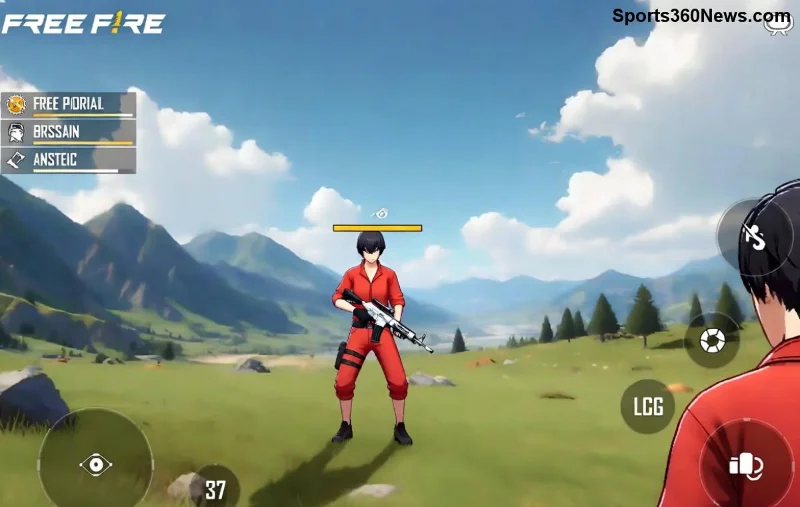
- Toggle Aim Assist in Settings
Open Free Fire > Gear icon > Sensitivity tab > Ensure Auto-Aim or Aim Assist is ON. Pro tip: Set General to 90-100, Red Dot to 80-90 for buttery tracking.
- Clear Cache and Data
Settings > Apps > Free Fire > Storage > Clear Cache (then Force Stop). Relaunch—your Free Fire auto aim fix starts here!
- Update to Latest Version
Head to Google Play/App Store. Garena rolls out aim optimizations in every patch—don't miss out on smoother aim assist.
- Optimize Device Performance
Close background apps, enable Game Mode, and cool your phone. Low-end devices? Lower graphics to Smooth + 60 FPS for stable auto-aim.
| Device Type |
Recommended Sensitivity for Auto-Aim |
Extra Tip |
| Low-End (2-4GB RAM) |
General: 85 | Red Dot: 75 | 2x: 70 |
Enable High FPS mode |
| Mid-Range (4-8GB) |
General: 95 | Red Dot: 85 | 2x: 80 |
Disable animations |
| High-End (8GB+) |
General: 100 | Red Dot: 90 | AWM: 60 |
Ultra graphics OK |
Stuck on step 4? Keep going—next fixes tackle network woes.
- Fix Network Lag
Switch to 4G/5G or wired Ethernet. Test ping in Training Grounds. Use a VPN like ExpressVPN for stable servers if regional issues hit.
- Grant Permissions
Device Settings > Apps > Free Fire > Permissions > Allow All. Overlay and storage are must-haves for aiming problems.
- Reinstall if Needed
Backup progress via Google/FB, uninstall, reinstall. This nukes deep glitches—your squad will thank you! 😍
![Free Fire settings menu showing auto-aim enabled for perfect shots]()
Advanced Tips to Prevent Auto-Aim Issues Forever
Want pro-level consistency? Level up with these gems:
- ⭐ Customize HUD: Resize aim button for thumb-friendly access—no more misfires.
- ⭐ Practice in Training Island: Hone auto-aim with bots before ranked chaos.
- ⭐ Monitor Server Status: Check Garena Free Fire Support for outages affecting aim.
- ⭐ Use Headphones: Audio cues pair perfectly with visual aim assist for 360° awareness.
If anti-cheat suspects you (rare for clean players), submit a ticket via in-game support. Appeals process is swift—stay legit and shine! 👏
![Pro Free Fire player landing headshots with flawless auto-aim]()
Still No Luck? Final Boosters for Unbreakable Aim
Persistent auto-aim not working in Free Fire? Test on another device or emulator like BlueStacks for PC play—many report flawless aim there. Join Free Fire Reddit or Discord for squad-shared configs. Remember, every legend faced glitches; persistence wins Booyahs!
Fixed it? Drop a comment below on your go-to fix—we're all in this battle together. Now gear up, drop hot, and show 'em why you're untouchable. Victory Royale awaits! 💪😀