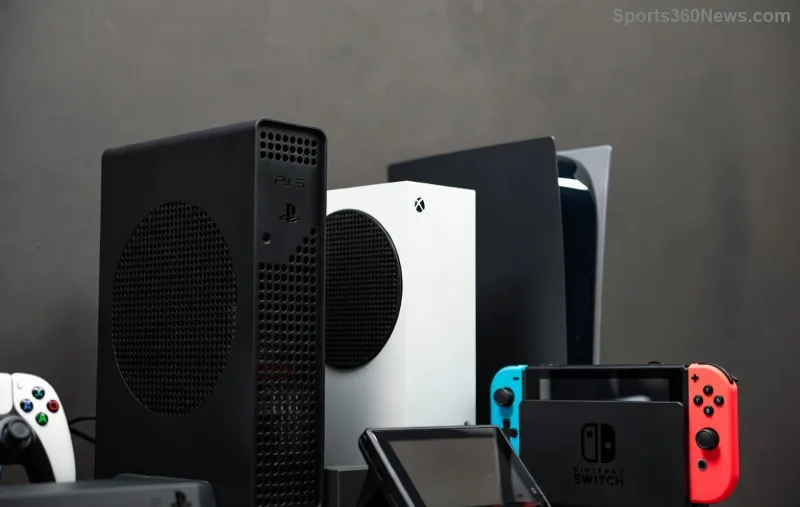
Imagine diving into your favorite PS5 or PS4 games from your laptop in bed, on your phone during lunch, or even on a tablet at a café—all without firing up your TV. That's the magic of PS Remote Play, Sony's powerhouse feature letting you stream console games over the internet. No TV? No problem! This guide delivers the straight-shot steps to set it up, troubleshoot hiccups, and level up your mobile gaming life. Ready to cut the cord and game anywhere? Let's jump in. 🚀
What is Remote Play Without a TV Connected and Why Gamers Love It
Remote Play streams your PlayStation console's power directly to another device like a PC, smartphone, or tablet. The killer feature? Your console can stay in rest mode or fully powered, handling games in the background without needing a TV plugged in or turned on. Perfect for space-saving setups, travel, or just cozy couch-free sessions.
Gamers rave about it: "Finally, my PS5 isn't hogging the living room!" says one enthusiast. With high-speed internet, expect crisp 1080p/60fps streams (up to 4K on PS5 Premium plans). Pro tip: It shines on stable Wi-Fi, turning any spot into your personal arcade. ✨
System Requirements for Seamless Remote Play
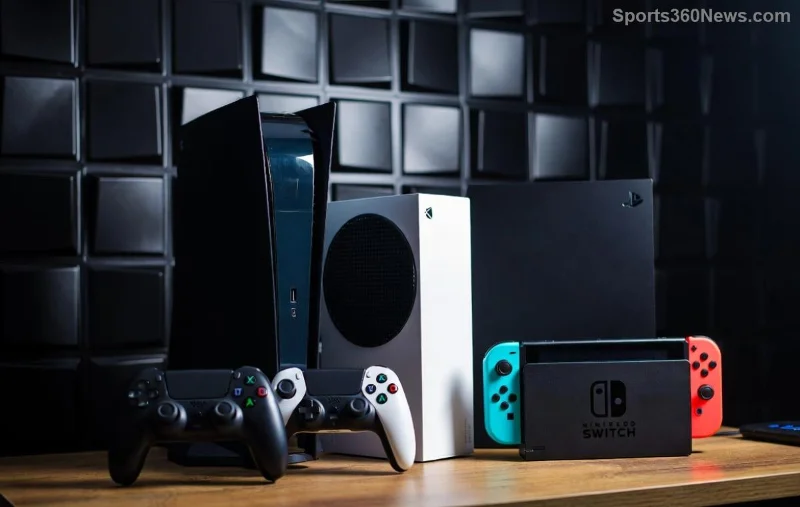
Before setup, check these essentials. Sony keeps it accessible, but solid hardware ensures buttery-smooth play.
| Device |
Minimum Specs |
Recommended for Best Experience |
| PS5 Console |
Latest system software; Enable Remote Play in Settings |
High-speed Ethernet; SSD for fast loading |
| PS4 Console |
Latest firmware; Rest Mode with Remote Play on |
Wired connection; External HDD supported |
| PC/Windows |
Windows 10+; Intel Core i3 4th Gen+; 2GB RAM; USB port |
Intel Core i5+; 4GB+ RAM; DualShock/DualSense controller |
| Mobile (iOS/Android) |
iOS 13+/Android 8+; Stable Wi-Fi |
High-end phone; 5GHz Wi-Fi; Controller support |
| Internet |
5Mbps+ upload/download (local); 15Mbps+ (remote) |
100Mbps+ for 1080p/60fps; Low latency <50ms |
✅ Quick check: Update your console via PlayStation's official support. No TV needed—console connects directly to your router.
Step-by-Step: How to Set Up Remote Play Without a TV Connected
Follow these numbered steps for PS5 or PS4. Takes under 10 minutes. Your console powers on remotely via internet—pure genius!
- Enable Remote Play on Console
Power on your PS (or from rest mode). Go to Settings > System > Remote Play > Enable Remote Play. Link to PSN account. Set to "Available in Rest Mode" under Power Save Settings. 💡 Console stays discoverable without TV.
- Download the App
Grab the free PS Remote Play app:
Install and sign in with your PSN account. 🎮
- Connect Devices
Ensure console and device on same network (or enable remote access via Settings > System > Remote Play > Link Device). App scans automatically. Wake console if off: Hold PS button on paired DualSense (or use app's wake feature).
- Pair Controller
Plug DualSense/DualShock into PC/mobile via USB or Bluetooth. App detects it instantly. No TV input lag—stream direct!
- Start Streaming
Select game from console library. Adjust quality: Low/Medium/High. Boom—play without a TV connected. 📱
![Mobile device streaming PS Remote Play setup screen no TV needed]()
Stuck? Use the app's QR code scan for instant pairing. Works flawlessly on latest updates.
Troubleshooting Common Issues in Remote Play Without TV
Even pros hit snags. Fix 'em fast:
- Console Not Found? Restart router; ensure rest mode settings. ✅ Test with Ethernet.
- Lag or Disconnects? Switch to 5GHz Wi-Fi; close background apps. Lower stream quality temporarily.
- No Wake from Rest Mode? Verify UPnP enabled in router; port forward 9295/9296/9297 if needed (advanced).
- Controller Unresponsive? Re-pair via Bluetooth settings. DualSense haptics work wirelessly!
- Remote Access Away from Home? Enable in console settings; strong mobile data helps. 🌐
For deep dives, Sony's Remote Play troubleshooting page has you covered.
Pro Tips to Maximize Your Remote Play Experience
Elevate from good to god-tier:
⭐ Best Networks: Use mesh Wi-Fi like Google Nest for whole-home coverage—no dead zones.
⭐ Controller Hacks: Backbone One or Razer Kishi for mobile—feels like handheld heaven.
⭐ Multi-Device: Stream to PC while phone mirrors trophies. Family sharing? Link accounts.
⭐ Battery Savers: Console sips power in rest mode; app optimizes streams.
⭐ Game Changers: Perfect for co-op—second player joins locally on TV if you want later.
![Gamer using Remote Play on laptop without PS TV connected]()
Bonus: Pair with PS Plus Cloud Saves for seamless switches between devices. Your progress travels with you! 😎
Why Remote Play Without a TV Connected is a Game-Changer for 2026 Gamers
It's not just convenient—it's liberating. Ditch TV clutter, game on the go, and reclaim your space. Whether grinding Elden Ring on a flight or FIFA with friends via Discord overlay, this setup delivers console fidelity anywhere. Thousands of gamers are already living it—join the revolution.
Got it running? Share your setup in comments below. What's your go-to Remote Play title? Drop tips, and let's build the ultimate guide together. Game on! 🎉