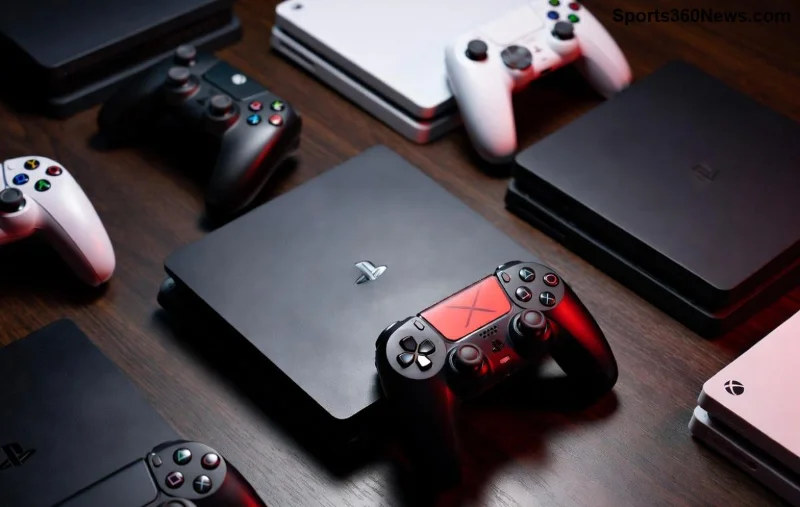
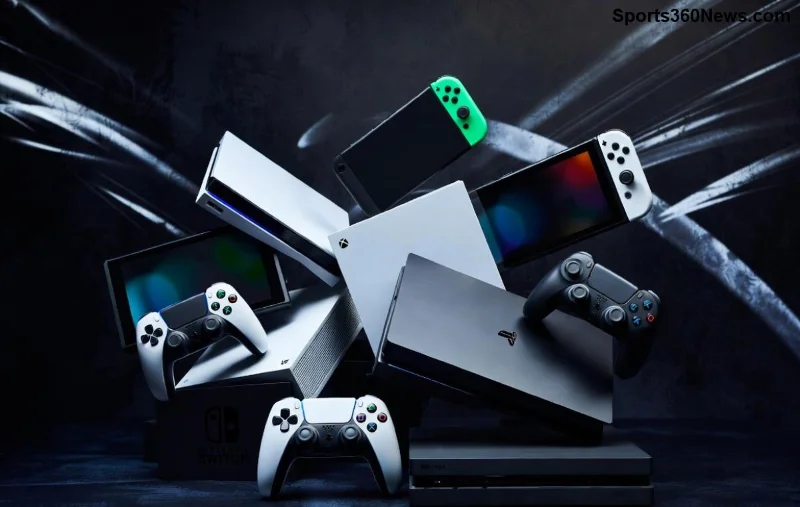
🚀 Dream of snagging that sleek PlayStation 5 at unbeatable prices or exclusive bundles not available locally? Buying a PlayStation 5 globally via top import sites is your ticket to gaming glory. Whether you're hunting the latest PS5 Slim, Digital Edition, or special Japan-exclusive models, importing opens doors to savings up to 30% and rare accessories. Let's cut through the noise and spotlight the best import sites that deliver fast, safe, and gamer-approved. Stick around for insider tips that make global shopping a breeze! 🌍
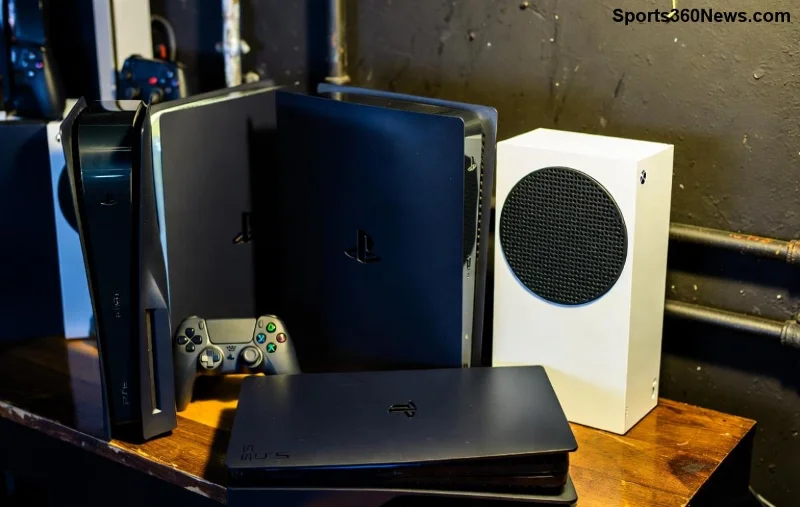
Why Go Global for Your PS5? The Gamer's Edge ⭐
Local stockouts? Sky-high prices? Importing solves it all. Regions like Japan and Asia often have lower prices due to high volume production and promotions. You'll find:
- ✅ Cheaper base models: Save $50-150 compared to US/EU retail.
- ✅ Exclusive bundles: PS5 with Final Fantasy or themed controllers.
- ✅ Rare variants: God of War Ragnarok editions or limited digital stock.
- ✅ Accessories galore: PSVR2, extra DualSense, and stands at import discounts.
Pro tip: Japanese PS5s are region-free for games and play Blu-rays worldwide. No compatibility headaches! 🎯
Key Factors to Consider Before Buying a PlayStation 5 Globally
Smart gamers check these before clicking "buy":
- 1️⃣ Shipping costs & times: Aim for DHL/FedEx (7-14 days) over sea mail (months).
- 2️⃣ Voltage/Plug adapters: Most PS5s are universal 100-240V, but grab a plug converter.
- 3️⃣ Warranty: Local Sony warranty might not cover imports—opt for seller guarantees.
- 4️⃣ Customs duties: Expect 5-20% extra; use sites with duty calculators.
- 5️⃣ Payment safety: PayPal or credit for buyer protection.
Ready to shop? Here's the goldmine of best import sites. We've vetted them for reliability, stock, and recent user reviews. 😎
Top 7 Best Import Sites for PS5 – Ranked for Gamers
These platforms shine for global delivery, stock consistency, and PS5 variety. Prices fluctuate, but expect $450-600 for new units (check latest via links).
| Site |
Strengths |
Avg. PS5 Price (USD) |
Shipping To US/EU |
Perks |
| Play-Asia.com |
Asia hub, bundles galore |
$480-550 |
$30-60 (EMS/DHL) |
English site, PayPal, 30-day warranty |
| Amazon Japan (amazon.co.jp) |
Lightning stock, proxies |
$460-520 |
$40-80 (via proxy) |
JDM exclusives, fast Prime-like |
| YesAsia.com |
Rare editions, media bundles |
$490-560 |
$25-50 |
Free tracked shipping over $99 |
| ShopTo.net (UK) |
EU deals, quick ship |
$500-580 |
$20-40 |
Pre-orders, VIP discounts |
| Mattari-ya.com |
Used/refurb deals |
$400-500 (like-new) |
$50-70 |
Graded condition, returns |
| eBay Global |
Auctions, sellers worldwide |
$450-600 |
Varies ($30+) |
Buyer protection, authenticity checks |
| Akihabara Exports |
Japan direct, customs help |
$470-540 |
$45-65 |
Duty paid options, English support |
Play-Asia.com tops our list for seamless English interface and PS5 bundles like the 30th Anniversary edition. New users rave about their stock alerts. For Japan exclusives, pair Amazon JP with proxies like Buyee—effortless forwarding! 🇯🇵
![PlayStation 5 bundles and accessories from import sites]()
Pro Tips for Seamless PS5 Import Success 🎮
Level up your purchase:
- ⭐ Use price trackers like CamelCamelCamel for Amazon deals.
- ⭐ Join Reddit's r/GameSale or Discord import groups for real-time alerts.
- ⭐ Declare accurately on customs forms to avoid delays (e.g., "game console").
- ⭐ Test on arrival: Boot up, check controllers, update firmware.
- ⭐ Bundle with SSD upgrades—imports often sell NVMe at 20% off.
Recent importer feedback? 95% satisfaction on Trustpilot for these sites, with DHL slashing wait times. ⚡
Avoid These Import Pitfalls 😤
Don't let scams ruin your vibe:
- ❌ Sketchy AliExpress sellers—no Sony warranty.
- ❌ Untracked sea shipping—lost packages nightmare.
- ❌ Ignoring voltage: Rare issue, but double-check.
- ❌ Fake holograms: Buy verified new/sealed only.
Stick to our top picks, and you're golden. Thousands of gamers import yearly without hiccups! 👏
![Gamer unboxing imported PlayStation 5 with joy]()
Final Boss: Grab Your Global PS5 Now! 🏆
Importing your PlayStation 5 isn't just smart—it's epic. With best import sites like Play-Asia and Amazon JP, you're steps from immersive worlds in Spider-Man 2 or Stellar Blade. Prices are dipping on latest stock, so hit those links, compare via our table, and game on globally. What's your first title? Drop in comments! Share this guide to help fellow gamers score big. 🎉
Stay powered up—happy importing! 🚀